

This plugin is outdated and might not be supported anymore
Back

Multilevel Navigation Menu
Details
View on WordPress
Back
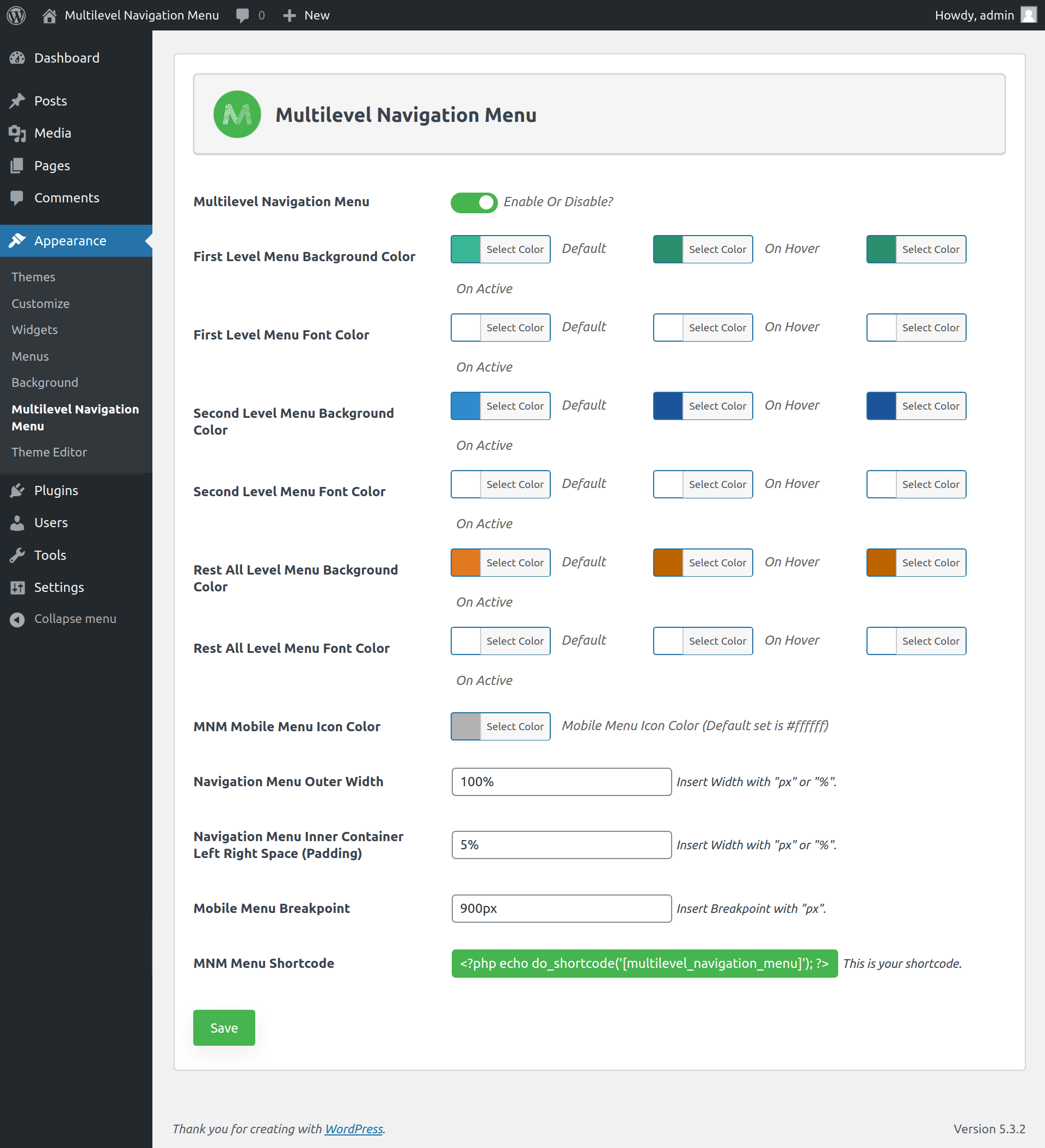
Multilevel Navigation Menu plugin ability to add a full-screen navigation menu to our website. An easy way to use the plugin on our website.
You can use the [multilevel_navigation_menu] shortcode in your header file and after that, the menu will be shown automatically on the front side.
Make sure you have hide your default navigation menu before adding a shortcode. From CSS, javascript or any other way.
Awesome features
- Display the menu with full-width or container width
- Set menu outer width as well as inner container left and right spacing of the menu
- Display the multi-level menu (Level 1, 2, 3, 4, 5)
- Set menu background and font color based on the menu level
- Set the responsive breakpoint of menu
Shortcodes
- [multilevel_navigation_menu] – Show the navigation menu in the header(front side).
Details
Plugin code:
multilevel-navigation-menu
Plugin version:
1.0.8
Author:
Outdated:
Yes
WP version:
4.7 or higher
PHP version:
5.6 or higher
Test up to WP version:
6.1.7
Total installations:
500
Last updated:
2023-01-29
Rating:
Times rated:
3
full-screen-menu
menus
nav-menu
navigation-menu
navmenu



About
Plugin for that tries to help you find the WordPress plugin you are looking for.
| Please enjoy an image of Crush (this awesome turtle) and have a lovely day! |  |
We do not own any plugin listed on this site and do not work for or work with WordPress.com or it's associated companies. We simply provide a searchable list of the available WordPress plugins.