

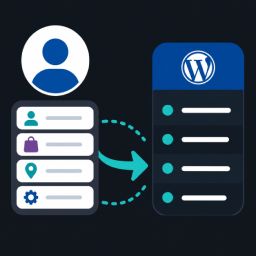
My Account navigation to menu
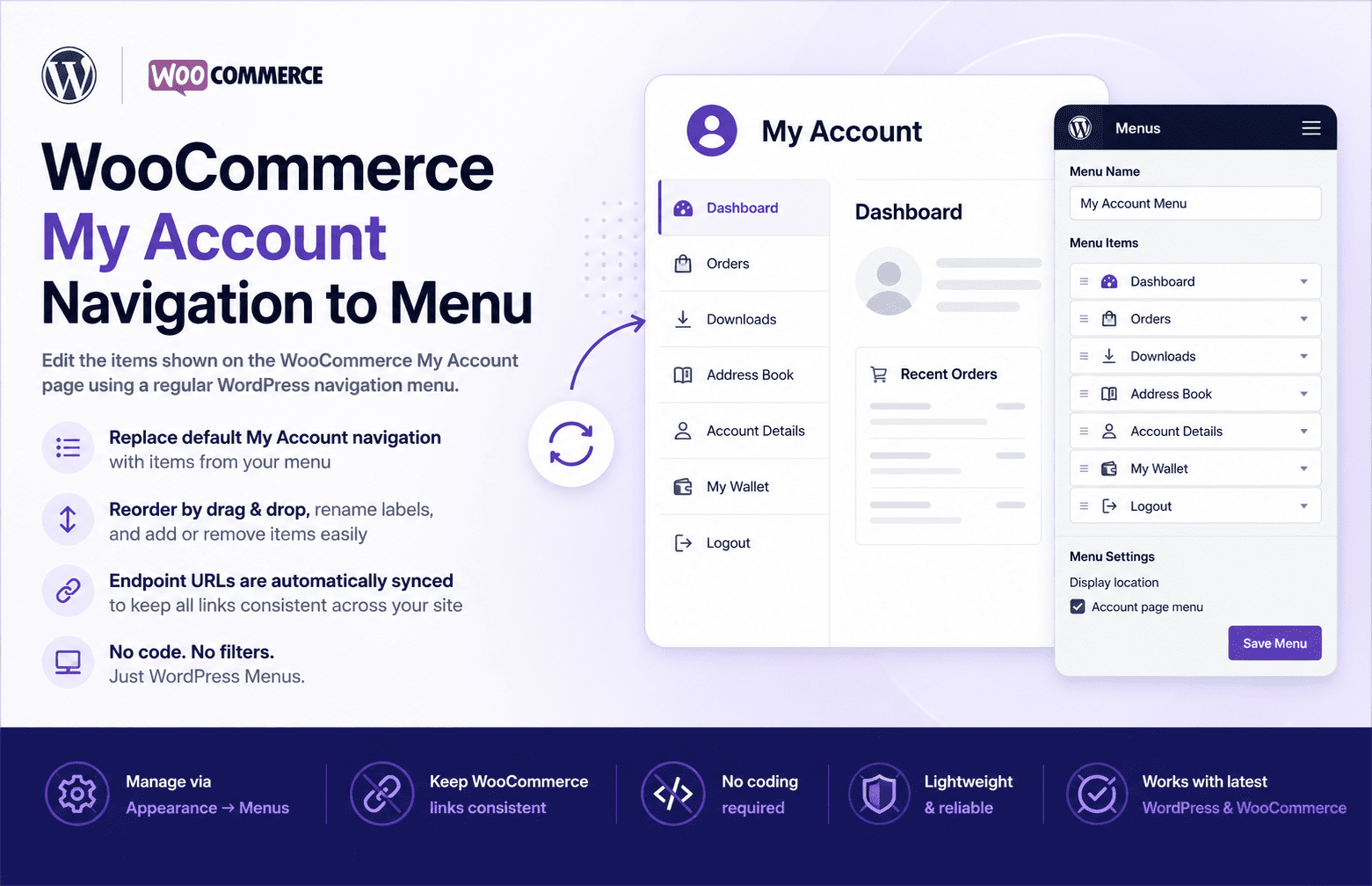
By default, WooCommerce builds the My Account page navigation (Orders, Downloads, Addresses, Account details, Logout, etc.) from its own internal list, and customizing it normally means writing PHP filters.
This plugin registers a dedicated WordPress menu location called Account page menu. Once you assign a menu to that location, the plugin:
- Replaces the default My Account navigation items with the items from your menu (using the menu item’s title and URL).
- Rewrites WooCommerce’s internal endpoint URLs so they match the URLs defined in your menu.
This means you can manage the My Account navigation the same way you manage any other menu on your site — via Appearance Menus — including reordering items by drag-and-drop, renaming labels, and adding or removing entries.
If no menu is assigned to the Account page menu location, the plugin has no effect and WooCommerce’s default My Account navigation is used as-is.
Requirements
- WordPress 5.8 or later
- PHP 7.4 or later
- WooCommerce (active)
Details
Related plugins
Plugins that also contain the tag endpoints
SysBasics Customize My Account for WooCommerce

SMNTCS Disable REST API User Endpoints

Customize My Account Page For WooCommerce

REST API Custom Fields

Better Rest Endpoints
Ajax Load More: REST API


About
Plugin for that tries to help you find the WordPress plugin you are looking for.
| Please enjoy an image of Crush (this awesome turtle) and have a lovely day! |  |
We do not own any plugin listed on this site and do not work for or work with WordPress.com or it's associated companies. We simply provide a searchable list of the available WordPress plugins.