


Nest Frontend Editor for H5P
Nest Frontend Editor for H5P lets your users view, create, and edit H5P content without ever leaving the front end of your WordPress site.
Place the shortcodes on any pages you choose, configure permissions per role, and let the plugin handle the rest. Works seamlessly with Remix Manager for H5P when its Library Link Behavior settings point to Nest front-end pages.
Shortcodes:
[nest_h5p_editor_view]– Displays an H5P content item. Reads the item ID from the URL (?h5p_id=X).[nest_h5p_editor_create]– Displays the H5P content creation editor.[nest_h5p_editor_edit]– Displays the H5P content editor for an existing item. Reads the item ID from the URL (?h5p_id=X). Users may only edit content they own.[nest_h5p_editor_results]– Displays the H5P results page for an existing item. Reads the item ID from the URL (?h5p_id=X).[nest_h5p_editor_link_view]– Outputs a link to the front-end view page for the current H5P item. Acceptstextandclassattributes.[nest_h5p_editor_link_edit]– Outputs a link to the front-end edit page for the current H5P item. Only renders if the current user owns the content. Acceptstextandclassattributes.[nest_h5p_editor_link_results]– Outputs a link to the front-end results page for the current H5P item. Acceptstextandclassattributes.
Features:
- Role-based permissions – all roles registered on the site are listed, including custom roles like Teacher or Instructor.
- Configurable unauthorized redirect behavior per action – redirect to home, login, or a custom URL.
- Logged-out users are always redirected to the login page.
- Auto-resizing iframes that adjust to content height on load, on user interaction, and after content type selection on the create page.
- Admin menu, admin bar, and footer are automatically hidden inside the iframe so users see a clean, focused experience with no WordPress admin UI visible.
- Ownership enforcement for the Edit shortcode – users can only edit H5P content they own.
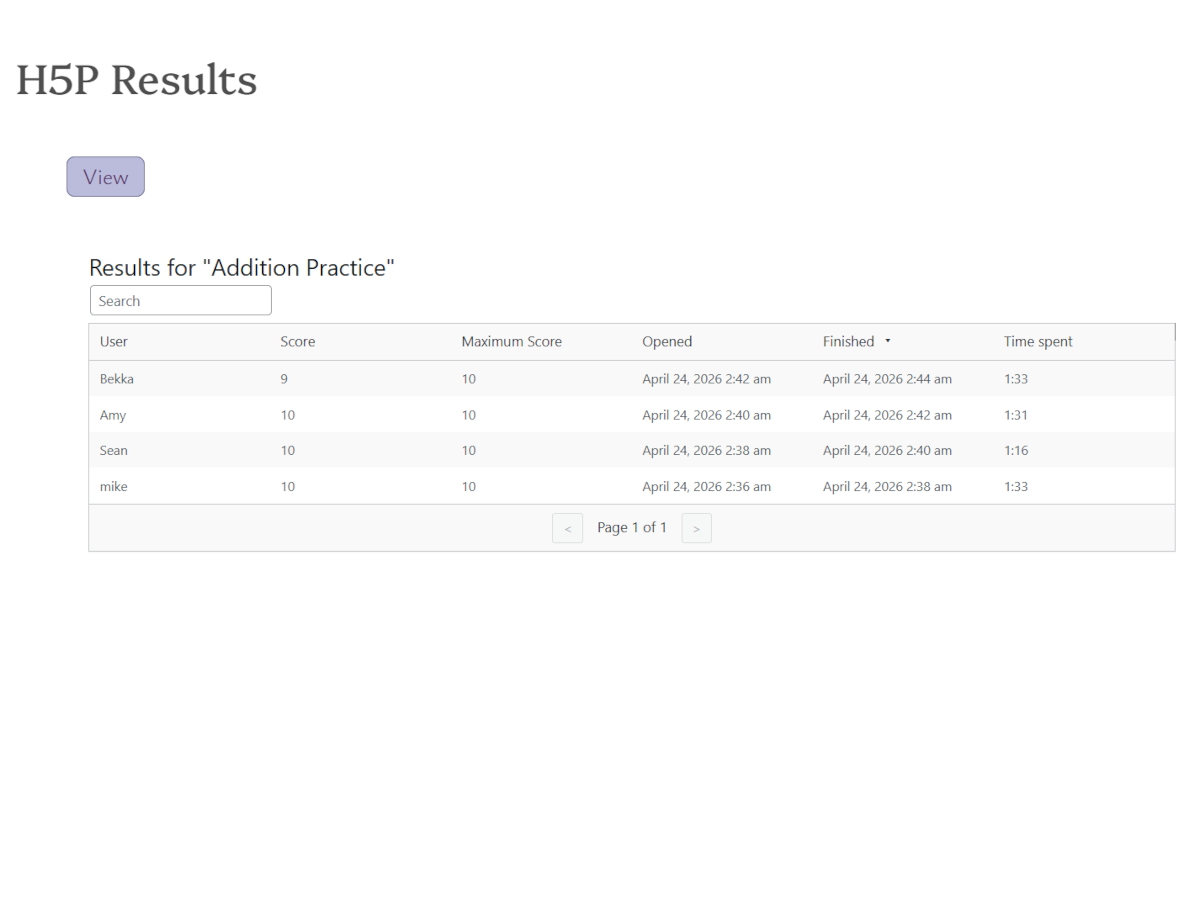
- Results shortcode – display H5P results on the front end with role-based permission control.
- Link shortcodes – generate styled links between view, edit, and results pages for the current H5P item.
- Filter hooks (
rmh5p_view_url,rmh5p_edit_url,rmh5p_create_url,rmh5p_results_url) integrate with Remix Manager for H5P when its Library Link Behavior settings point to Nest front-end pages.
For full documentation visit indiegg.com/nest-frontend-editor-for-h5p/documentation.
Disclaimer:
Nest Frontend Editor for H5P is an independent plugin and is not affiliated with, endorsed by, or sponsored by H5P or its developer, Joubel. H5P is a trademark of its respective owner.
Usage
Setting up pages
Create one page per action. Add the shortcode to each:
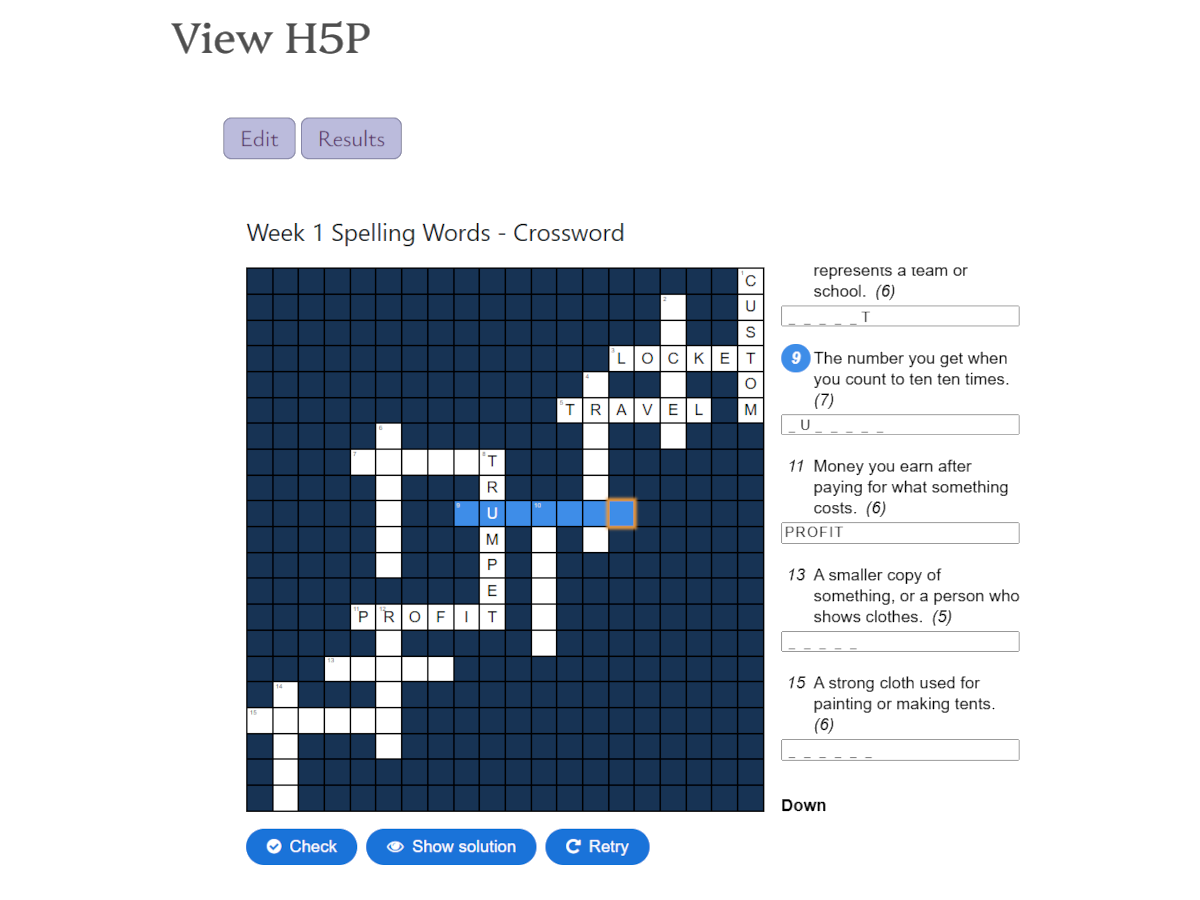
- View page:
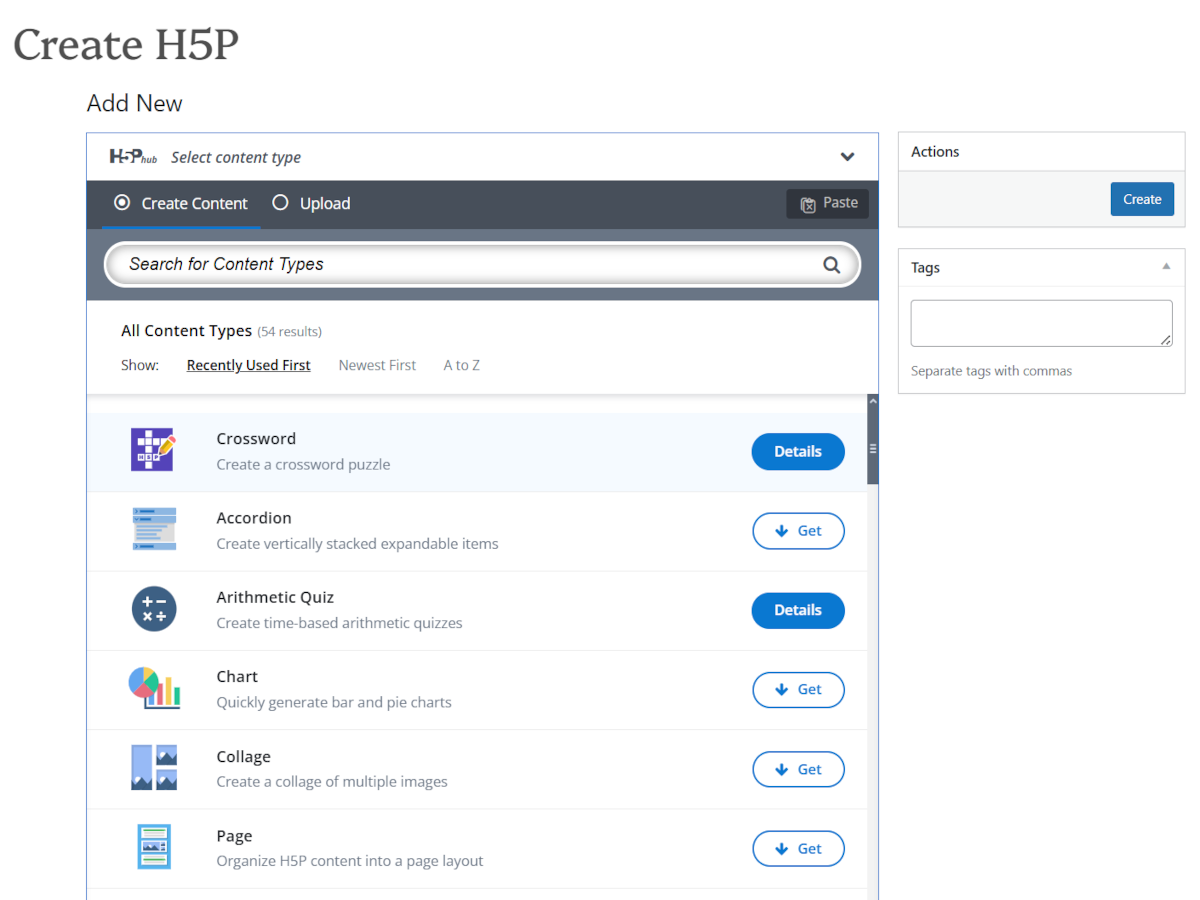
[nest_h5p_editor_view] - Create page:
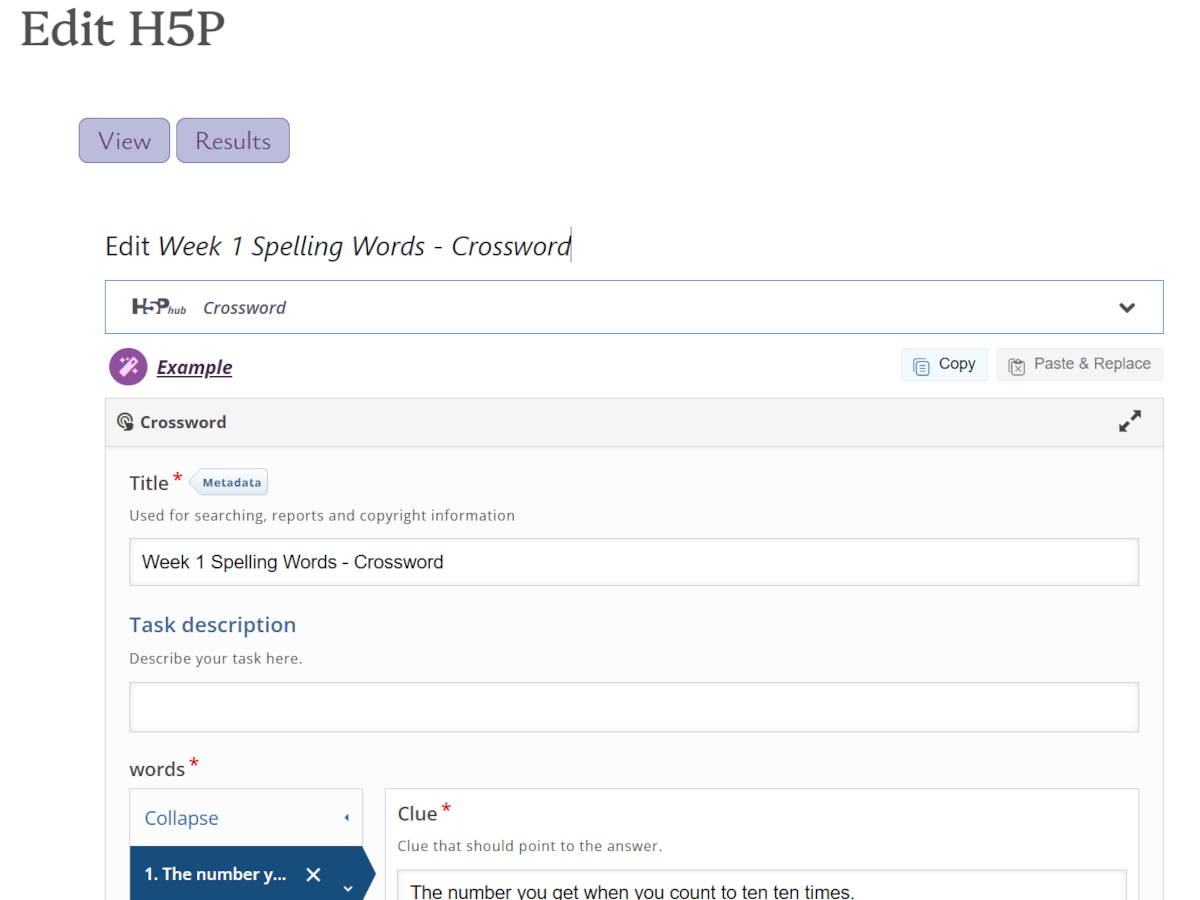
[nest_h5p_editor_create] - Edit page:
[nest_h5p_editor_edit] - Results page:
[nest_h5p_editor_results]
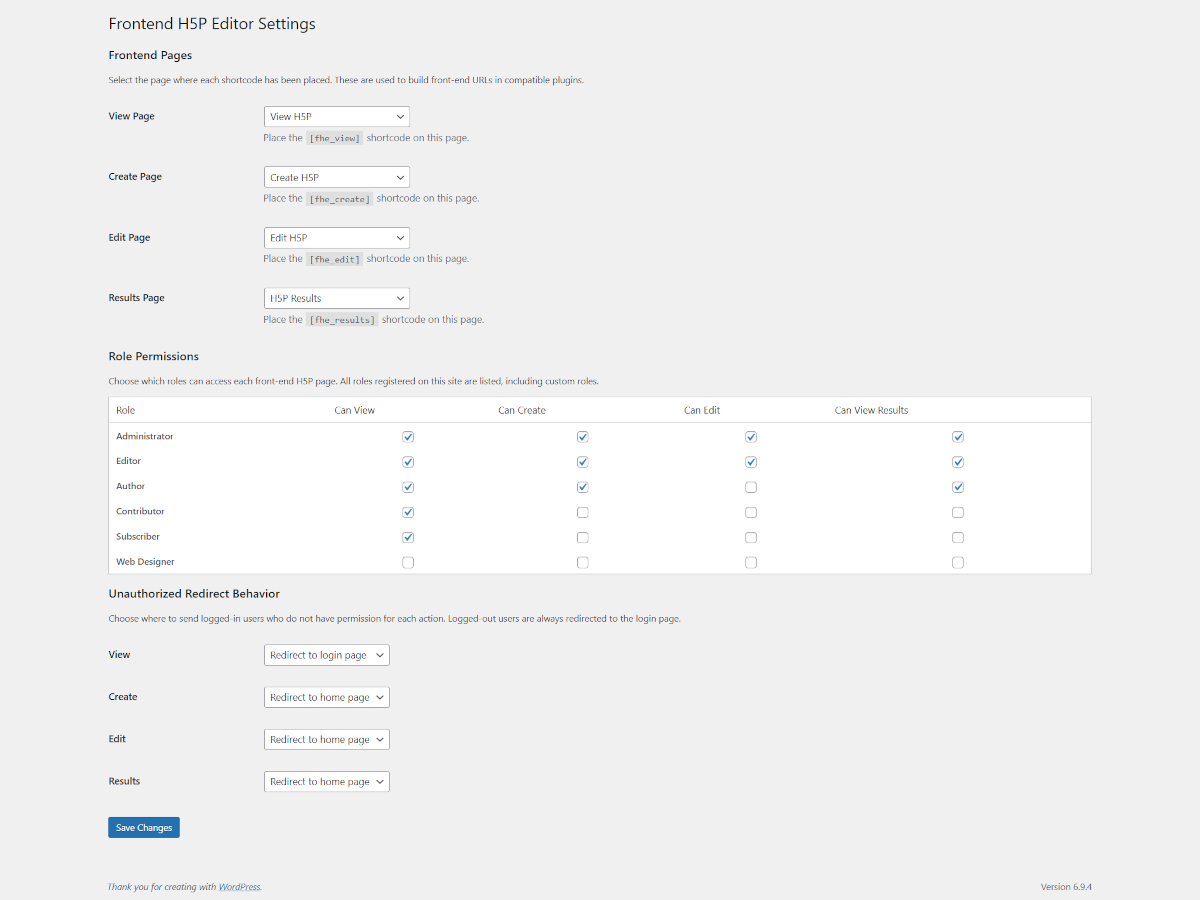
Then go to Settings -> Nest Frontend Editor for H5P and select each page from the dropdowns.
Permissions
Under Role Permissions, check which roles can access each action. All roles on the site are listed automatically, including custom roles.
Redirect behavior
Under Unauthorized Redirect Behavior, choose what happens when a logged-in user without permission tries to access each page. Options are:
- Redirect to home page
- Redirect to login page
- Redirect to a custom URL
Logged-out users are always sent to the login page regardless of this setting.
Integration with Remix Manager for H5P
When both plugins are active and pages are configured, the Remix Manager Library Link Behavior settings can point View, Edit, and Results links to the matching Nest Frontend Editor for H5P pages.
Link shortcodes
Place these shortcodes on your view, edit, or results pages to generate navigation links between pages for the same H5P item. All three read the current h5p_id from the URL automatically.
[nest_h5p_editor_link_view]– link to the view page[nest_h5p_editor_link_edit]– link to the edit page (only renders if the current user owns the content)[nest_h5p_editor_link_results]– link to the results page
All three accept optional attributes:
text– the link label. Example:[nest_h5p_editor_link_view text="Watch this activity"]class– additional CSS classes. Example:[nest_h5p_editor_link_edit class="button button-primary"]
Each link always includes the classes nfeh5p-link and a type-specific class (nfeh5p-link-view, nfeh5p-link-edit, nfeh5p-link-results) for styling in your theme CSS.
Details
Related plugins
Plugins that also contain the tag content-management
Real Category Management: Content Management in Category Folders

Spots

Docswrite – Export Google Docs to Your Site ✨

MEGA AI

CM Curated List Manager – Effortless tool for link management

Connect to GPT


About
Plugin for that tries to help you find the WordPress plugin you are looking for.
| Please enjoy an image of Crush (this awesome turtle) and have a lovely day! |  |
We do not own any plugin listed on this site and do not work for or work with WordPress.com or it's associated companies. We simply provide a searchable list of the available WordPress plugins.