

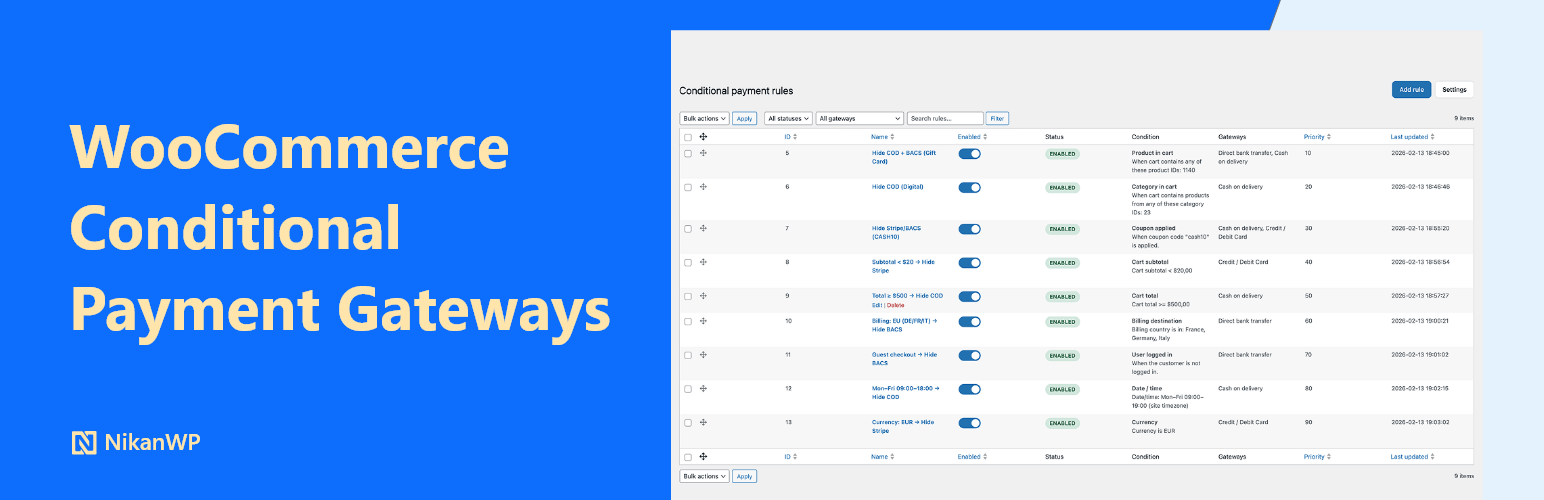

Conditional Payment Gateways for WooCommerce – Hide Payment Methods by Rules
Conditional Payment Gateways for WooCommerce gives you full control over which payment methods appear at checkout. Create unlimited rules and decide exactly when to hide a gateway — based on cart conditions, shipping destination, customer status, or products in the cart.
No PHP. No hooks. No developer needed.
Works seamlessly with the classic checkout and the WooCommerce Blocks checkout. HPOS compatible. Tested with the latest WordPress and WooCommerce versions.
Why hide payment gateways conditionally?
Not all payment gateways make sense for every order. A few common reasons store owners use this plugin:
- Reduce transaction fees — hide expensive gateways for low-margin products
- Prevent fraud — restrict Cash on Delivery for high-value orders
- Improve checkout UX — fewer irrelevant options means fewer abandoned carts
- Meet local requirements — show only gateways available in specific countries
- Coupon restrictions — block gateways incompatible with specific promotions
Free features
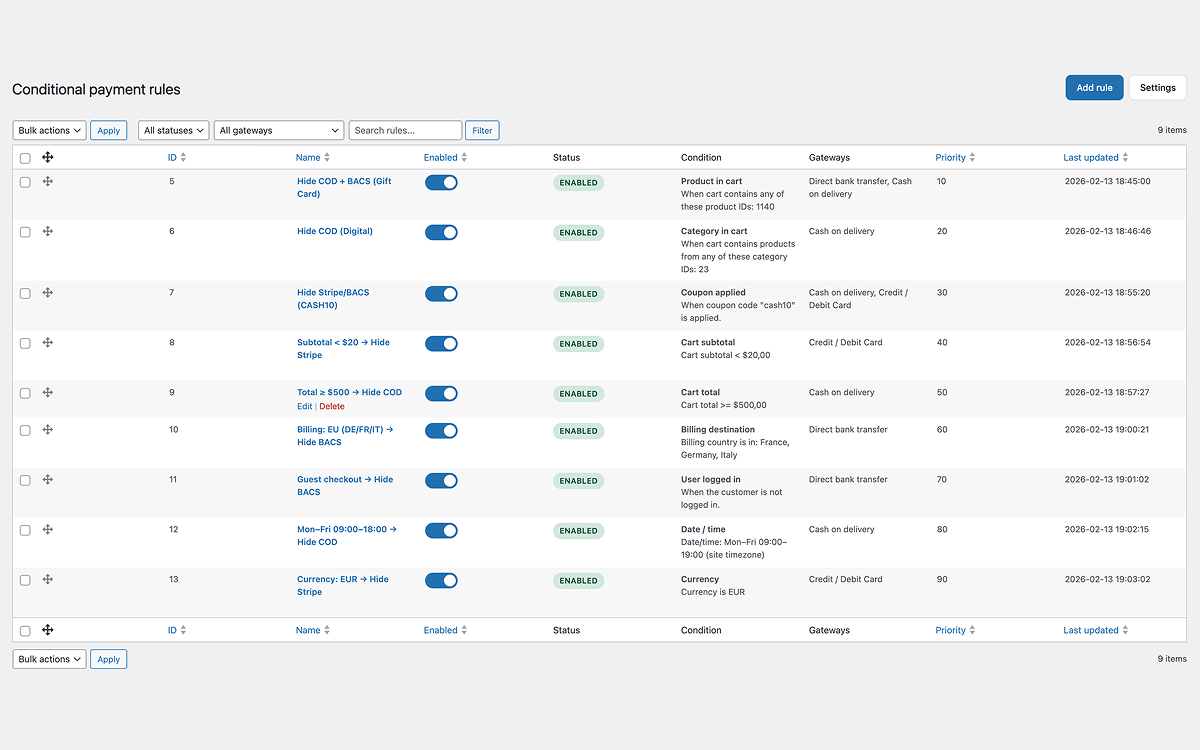
- Cart total – Hide gateways when the order total is above, below, or between values
- Shipping destination – Hide by shipping country and state/province
- Coupon applied – Hide when any coupon or a specific coupon code is used
- User logged in – Hide for guests or for logged-in users
- Product in cart – Hide when specific products are in the cart
- Unlimited rules – Create as many rules as your store needs
- Classic + Blocks checkout – Full support for both checkout types
- Rule priority and enable/disable – Fine-grained control over rule order
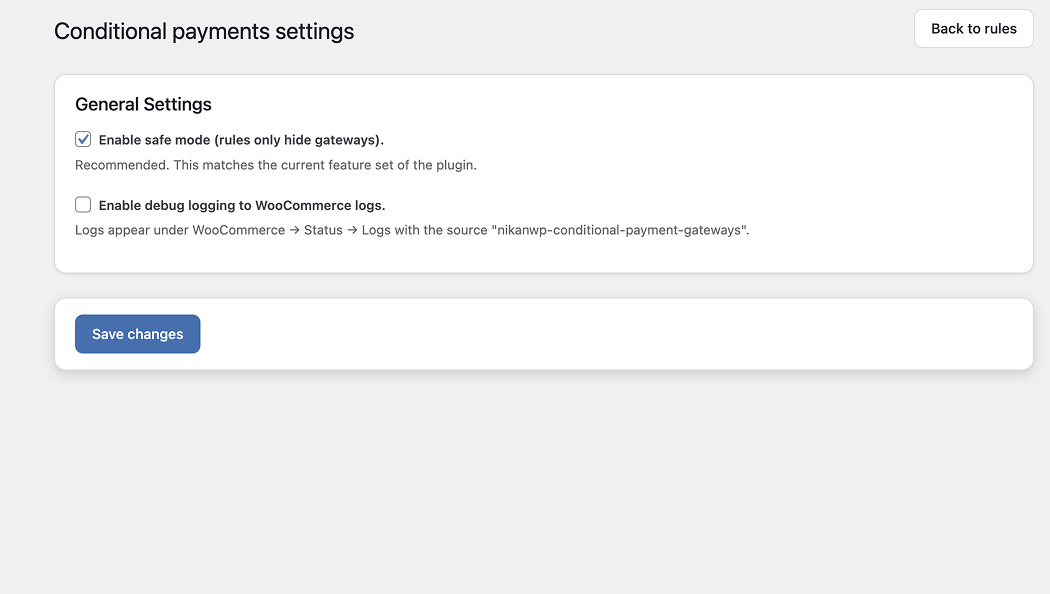
- Safe mode – Rules only hide gateways, never reveal hidden ones
- HPOS compatible – Works with WooCommerce High-Performance Order Storage
Upgrade to Pro
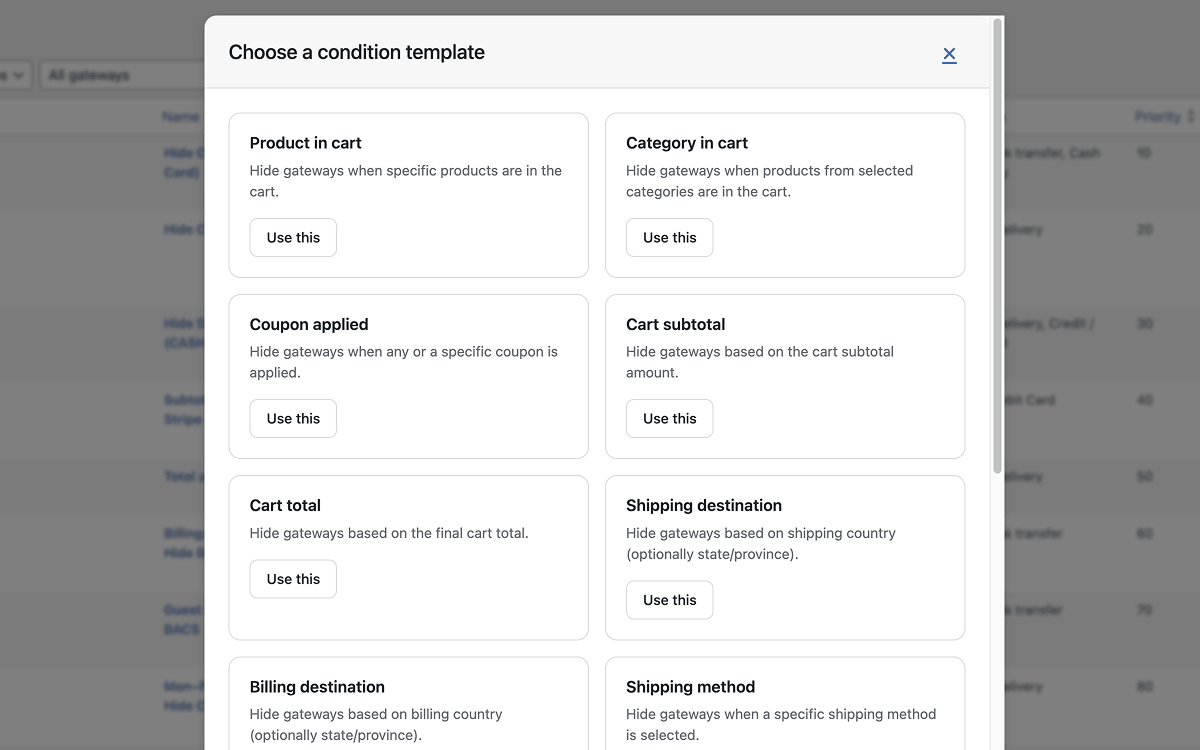
The WooCommerce Conditional Payment Gateways Pro plugin unlocks 8 additional condition types for advanced checkout control:
- Category in cart – Hide when products from selected categories are in the cart
- Cart subtotal – Hide based on subtotal before shipping and taxes
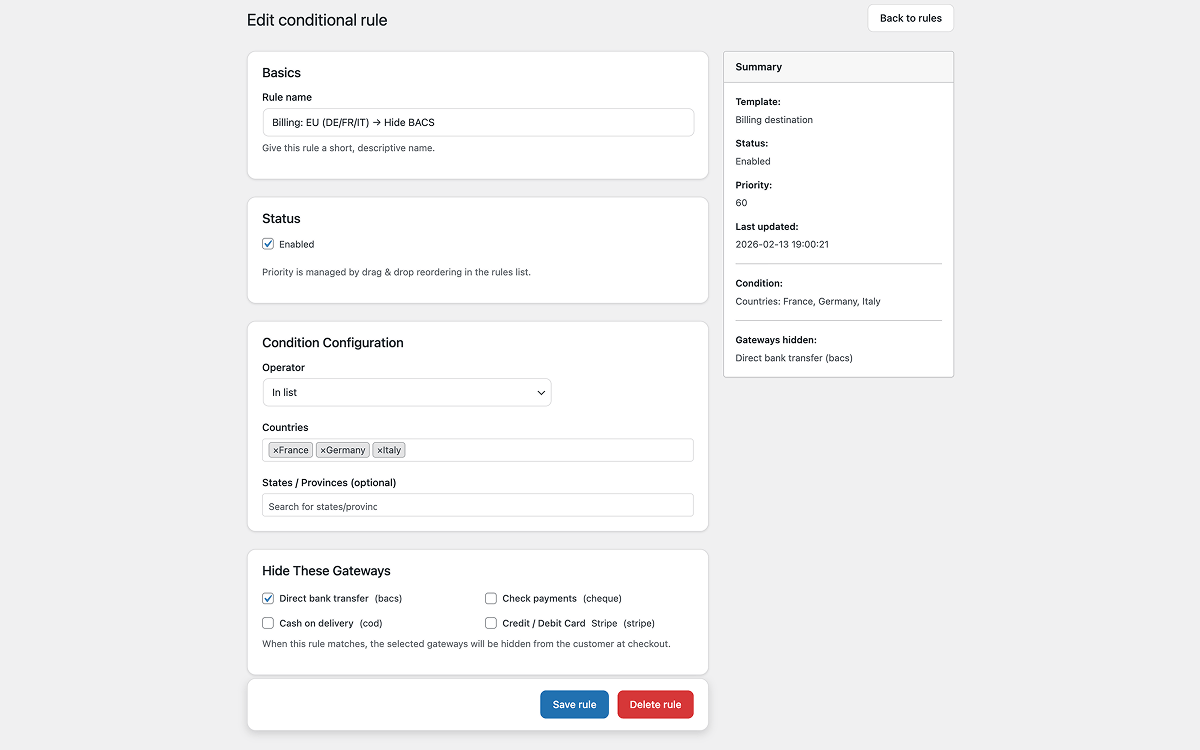
- Billing destination – Hide by billing country and state/province
- Shipping method – Hide when a specific shipping method is selected
- User role – Hide for selected WordPress user roles (wholesale, subscriber, etc.)
- Product quantity in cart – Hide based on quantity of specific products
- Date / time – Hide on selected days and/or within a time window
- Currency – Hide when the store currency matches selected currencies
- Debug logging – Log rule evaluation to WooCommerce logs for troubleshooting
- Priority support – Get help directly from the developer
Upgrade to WooCommerce Conditional Payment Gateways Pro
How it works
- Go to WooCommerce Conditional Payments
- Click Add rule and choose a condition type (e.g. “Cart total”)
- Set which payment gateways to hide when the condition matches
- Save and test at checkout — no caching issues, no code changes needed
Example use cases
- Hide PayPal for orders over $500 — encourage bank transfer for large purchases
- Hide Cash on Delivery when the cart contains digital products
- Hide all gateways except Stripe for customers outside your country
- Show only local payment methods when a specific coupon is applied
Documentation
Details
Related plugins
Plugins that also contain the tag checkout
Brazilian Market on WooCommerce
reCAPTCHA for WooCommerce

Fluid Checkout for WooCommerce – Lite

Amazon Pay for WooCommerce

PayTR Sanal POS WooCommerce – iFrame API

Kustom Checkout for WooCommerce


About
Plugin for that tries to help you find the WordPress plugin you are looking for.
| Please enjoy an image of Crush (this awesome turtle) and have a lovely day! |  |
We do not own any plugin listed on this site and do not work for or work with WordPress.com or it's associated companies. We simply provide a searchable list of the available WordPress plugins.