

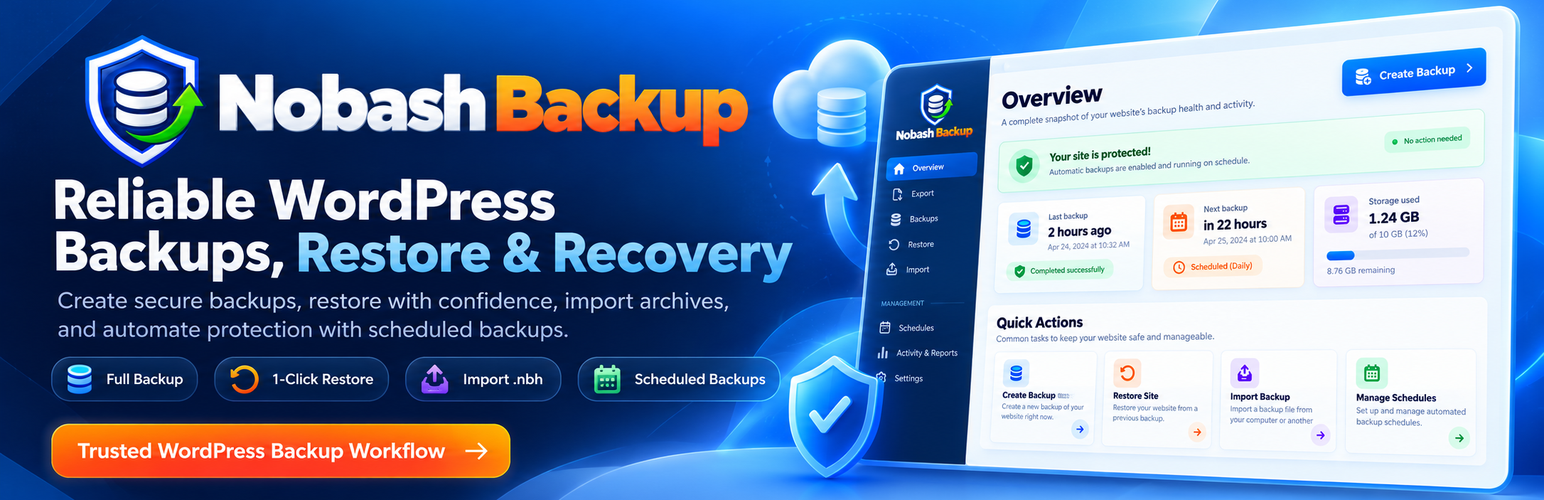

Nobash Backup
It is designed around durable jobs, bounded memory, checkpoints, verification, and safe recovery instead of one long-running request.
Core capabilities
- Full-site, database-only, files-only, plugin, theme, uploads, and WordPress-core backup profiles
- Native
.nbhstreaming archives with record checksums and final archive verification - Native archive v3 record-chain and per-file chunk-chain integrity without mandatory whole-archive rescans
- Durable jobs with leases, heartbeats, retries, stale-worker recovery, pause, resume, and cancel
- Disk-backed resumable file discovery and bounded archive writing
- Keyset-cursor database export and statement-boundary resumable import
- Adaptive large-SQL processing, durable
DELIMITERsupport, bounded multi-row insert splitting, and separate view/trigger/routine/event export - Transactional quarantine-first restore with shadow database publication, durable filesystem journal, pre-restore safety backup, automatic rollback, and post-restore verification
- Native export/import, SHA-256 verified resumable browser upload, URL import, and range download
- Native
.nbhimport with archive readiness details, restore planning, quarantine verification, safety backup, and resumable rollback-protected restore - Scheduled local backups, retention, low-disk protection, and missed-run recovery
- Incremental and differential file backup chains with chain verification
- Provider-neutral extension points for separately installed add-ons
Important release notes
- Keep an independent secondary backup until a restore has been tested on your own hosting environment.
- Active WooCommerce stores should use a maintenance window or another tested consistency strategy to avoid missing writes during a destructive restore or migration cutover.
- Very large-site support depends on available disk throughput, database throughput, network throughput, PHP limits, and hosting restrictions. No exact completion time is guaranteed.
- Local archives use an installation-specific directory beneath the WordPress uploads root. Nobash Backup writes Apache/IIS hardening files, an optional Nginx deny snippet, uses non-predictable per-install storage, and serves archive downloads only through authenticated WordPress actions.
- Server owners may define
NOBASH_BACKUP_STORAGE_DIRinwp-config.phpwhen they prefer an explicitly managed local storage path. - Core import supports native
.nbhbackup archives only.
Open source
- Website: https://backup.nobash.com/
- Security policy: see
SECURITY.mdincluded with the plugin - The human-readable JavaScript and CSS shipped in
assets/dist/are the editable source files; no minification or build tool is required to modify these assets.
External Services
Nobash Backup works locally without connecting to a Nobash account. The following connections happen only in the circumstances described below.
Support email
The in-plugin support form sends an email through your WordPress site’s configured mail service only after an administrator presses Send support request. It sends the entered name, reply email, subject and message, plus the site URL and WordPress, PHP, and Nobash Backup versions, to support@nobash.com. Do not include passwords, access tokens, private backup files, or backup contents.
Service: https://nobash.com/contact/
Terms: https://nobash.com/terms/
Privacy: https://nobash.com/privacy/
Administrator-configured destinations
Webhook notifications, URL imports connect only to endpoints selected or configured by an administrator. Data sent to those endpoints is governed by the destination provider and the site’s own privacy policy.
Local storage protection checks make requests to random, non-sensitive test files on this site’s own URL before writing sensitive archive data. They do not send backup contents to Nobash or another third party.
Privacy
Backup archives can contain the same personal data and private content stored by the WordPress site. Local archives remain on infrastructure controlled by the site administrator unless an administrator downloads, migrates, or sends them to a configured destination. Archives are immutable recovery snapshots and are not modified by WordPress personal-data erasure requests; administrators should apply an appropriate retention policy and remove obsolete archives when required. Plugin settings and metadata are preserved on uninstall by default and are removed only when Delete data on uninstall was explicitly enabled beforehand. Administrative backup actions may store the acting WordPress user ID and request IP address locally in the site’s audit log for security accountability; this audit data is not transmitted to Nobash.
Which files are excluded?
Export skips host configuration such as .user.ini, user.ini, php.ini, nginx.conf, httpd.conf, web.config, .htpasswd, and known server error/access logs, including nested copies and log rotations. Existing cache, temporary and backup-directory exclusions still apply. Custom site files, robots.txt, favicons, verification HTML, application files and WordPress .htaccess rules remain eligible for backup.
Import/restore applies the host-file exclusion policy even to older archives. It verifies excluded payloads without extracting or deploying them, and does not delete host files through incremental restore. The uploaded archive itself is preserved unchanged. Backup-folder access protection remains enabled.
Details


About
Plugin for that tries to help you find the WordPress plugin you are looking for.
| Please enjoy an image of Crush (this awesome turtle) and have a lovely day! |  |
We do not own any plugin listed on this site and do not work for or work with WordPress.com or it's associated companies. We simply provide a searchable list of the available WordPress plugins.