



Open Source Event Calendar
The Open Source Event Calendar is based on the Timely All-in-one-event-calendar version v2.3.4. by Timely. The calendar system combines clean visual design with a basic set of features to create share and aggregate Events in WordPress. Ical import is possible.
This Plugin is open source software in traditional sense. I pledge this plugin will not urge you to connect to any proprietary/payed service to use described features.
Osec calendar is most likely not compatible with any previous All-in-one-event-calendar release, but with some effort you might get it working.
Import and Export Events
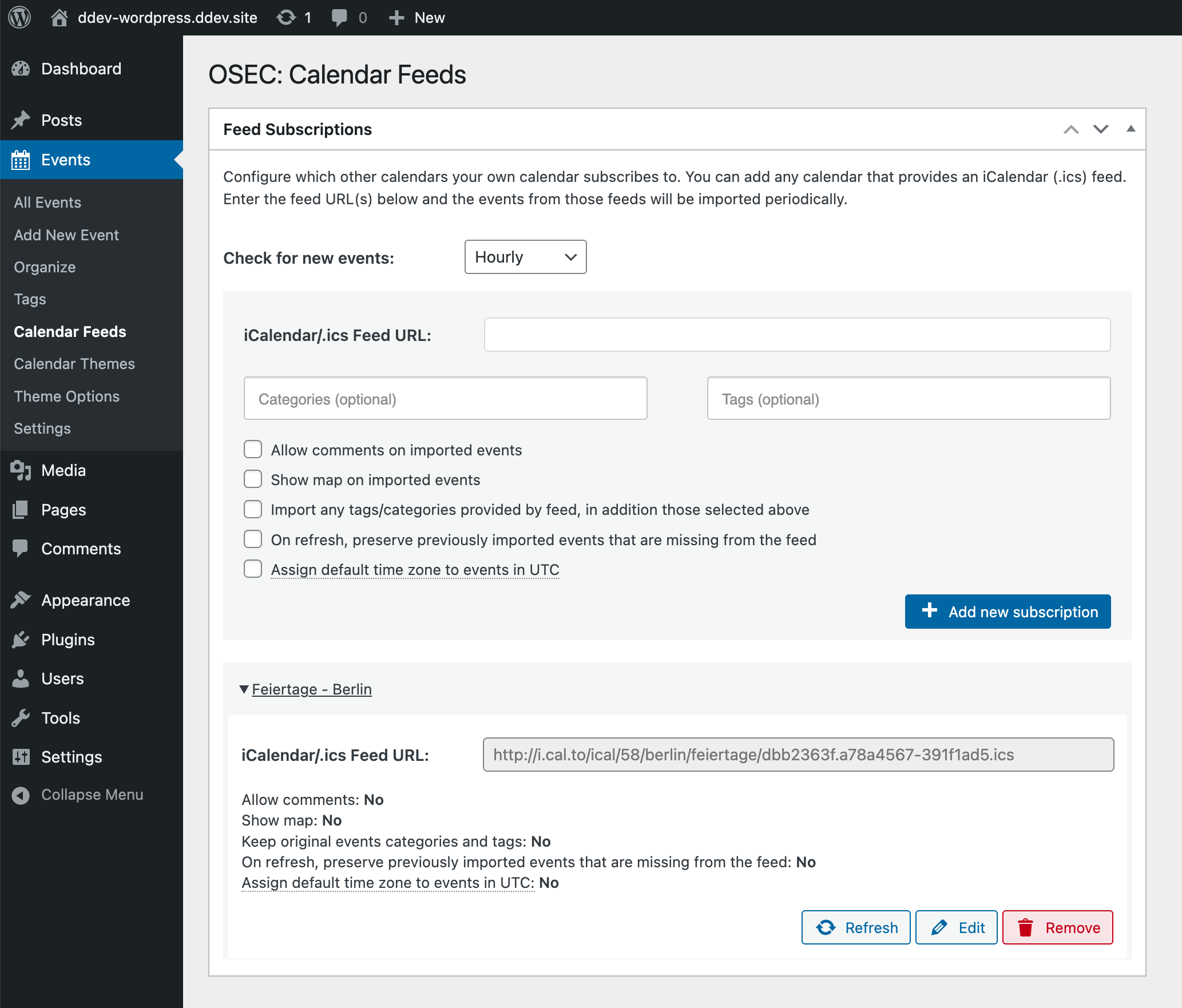
Osec offers full ics/ical support. You can import events from other calendars and offer users the ability to subscribe to your calendar.
Importing and exporting iCalendar (.ics) feeds is one of the strongest features of the Event Calendar system. This allows you to manage your websites calendar by providing a public calendar from your Google, Apple or other calendar management software.
You can even send events from a specific category or tag (or combination of categories and tags).
This is a fork
This is a fork of the GPL licensed plugin All-in-on-Event-Calendar by Timely.
At it’s time a great plugin with a solid but unmaintainable codebase (not all required developer tools where opensourced).
In later releases of the original softeware was deprived of core feature: Importing iCal feeds in favor of a service provided by Timely.
If you need a professionally supported plugin you should consider using the original all in one event calendar
If you love truly open source software and don’t mind to get your hands dirty you should join here. Free people need free software to manage and share events in a selfhosted manner.
Please do not ask for support at Time.ly for this Plugin.
Source and developer support you can find at Plugin’s github page. There is also a public CircleCI build pipeline
Features
- Import and Exportof Ical feeds without additional addons.
- Import other calendars automatically to display in your calendar.
- Categorize and tag imported calendar feeds automatically.
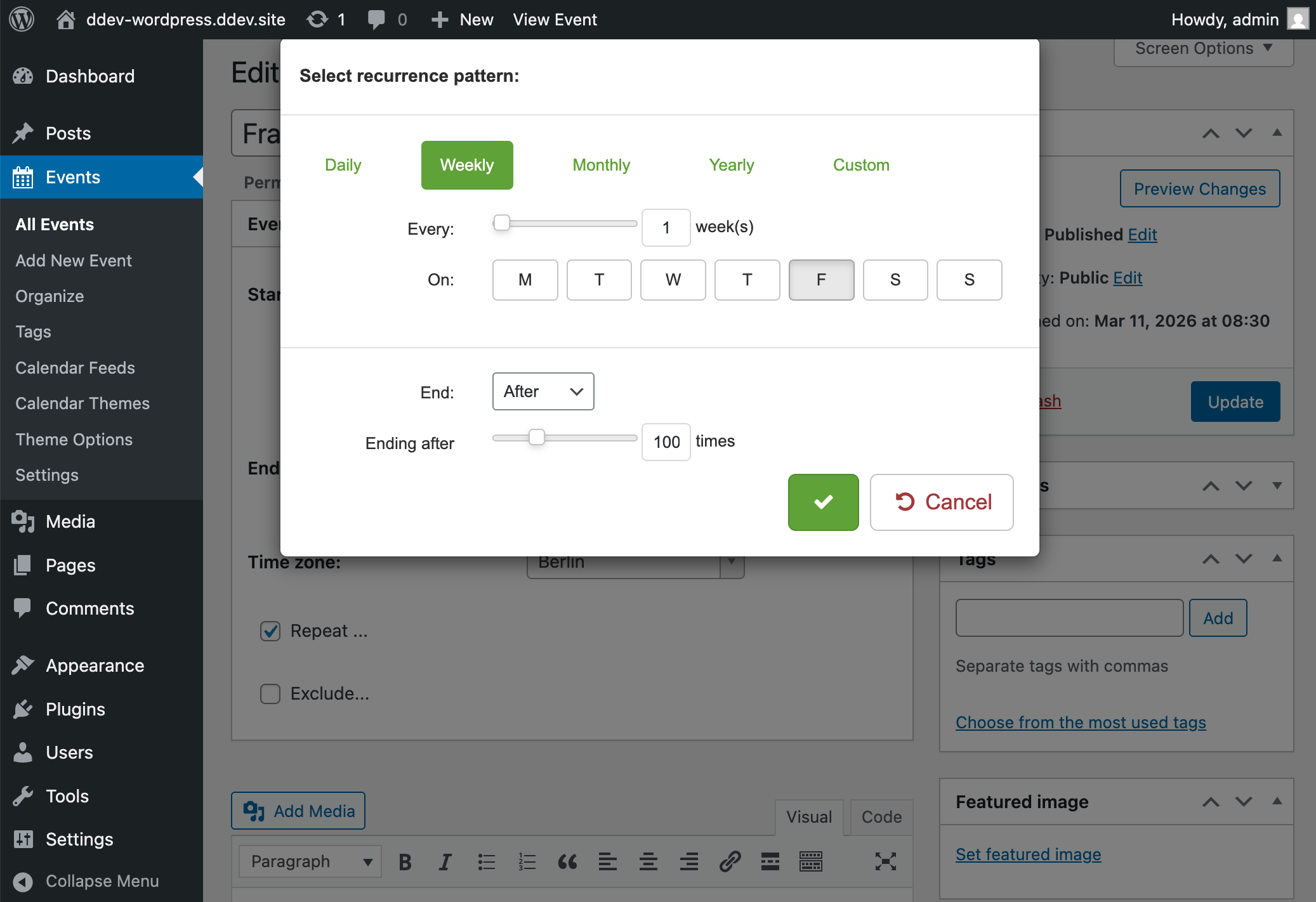
- Recurring events including complex patterns.
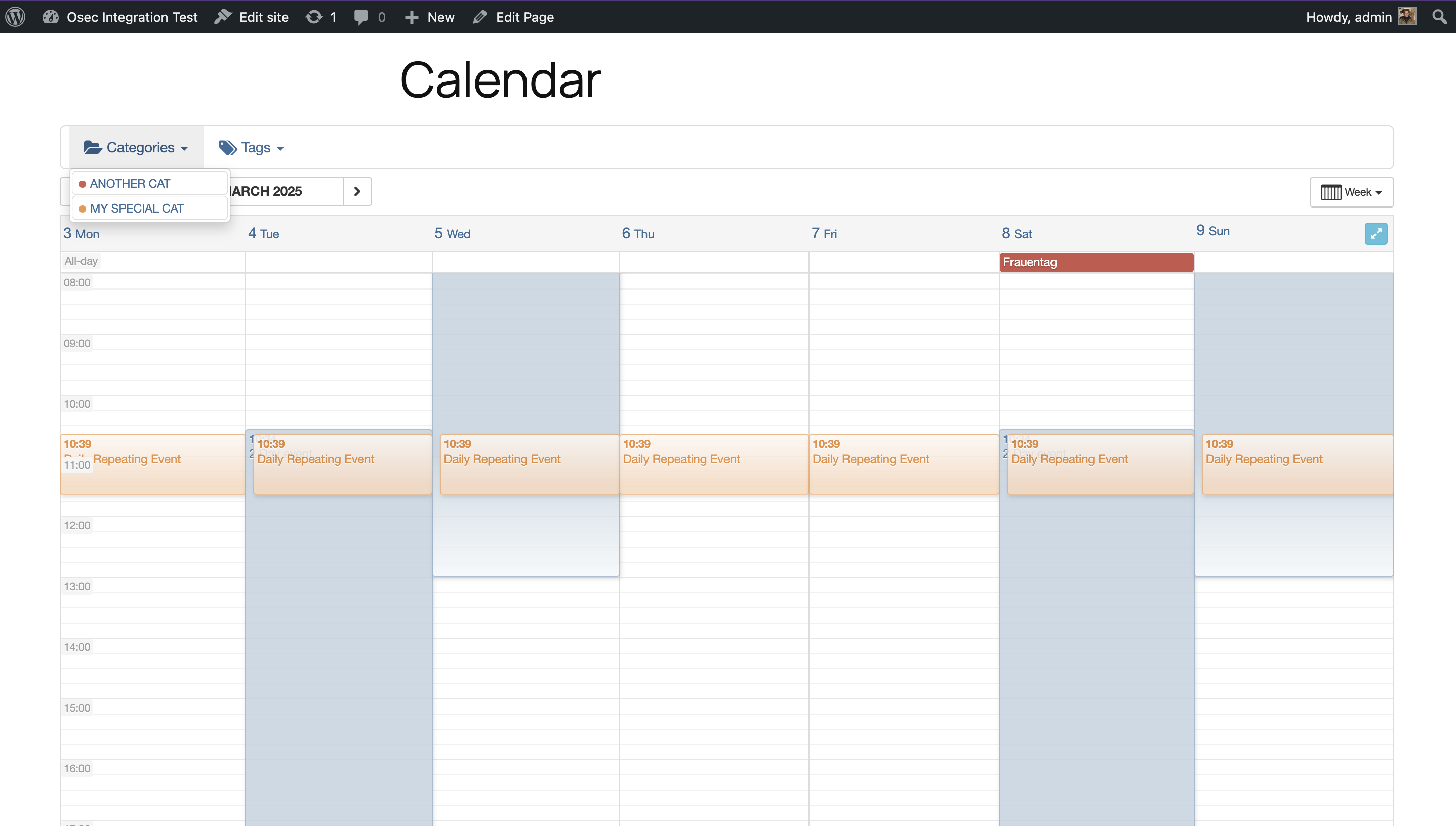
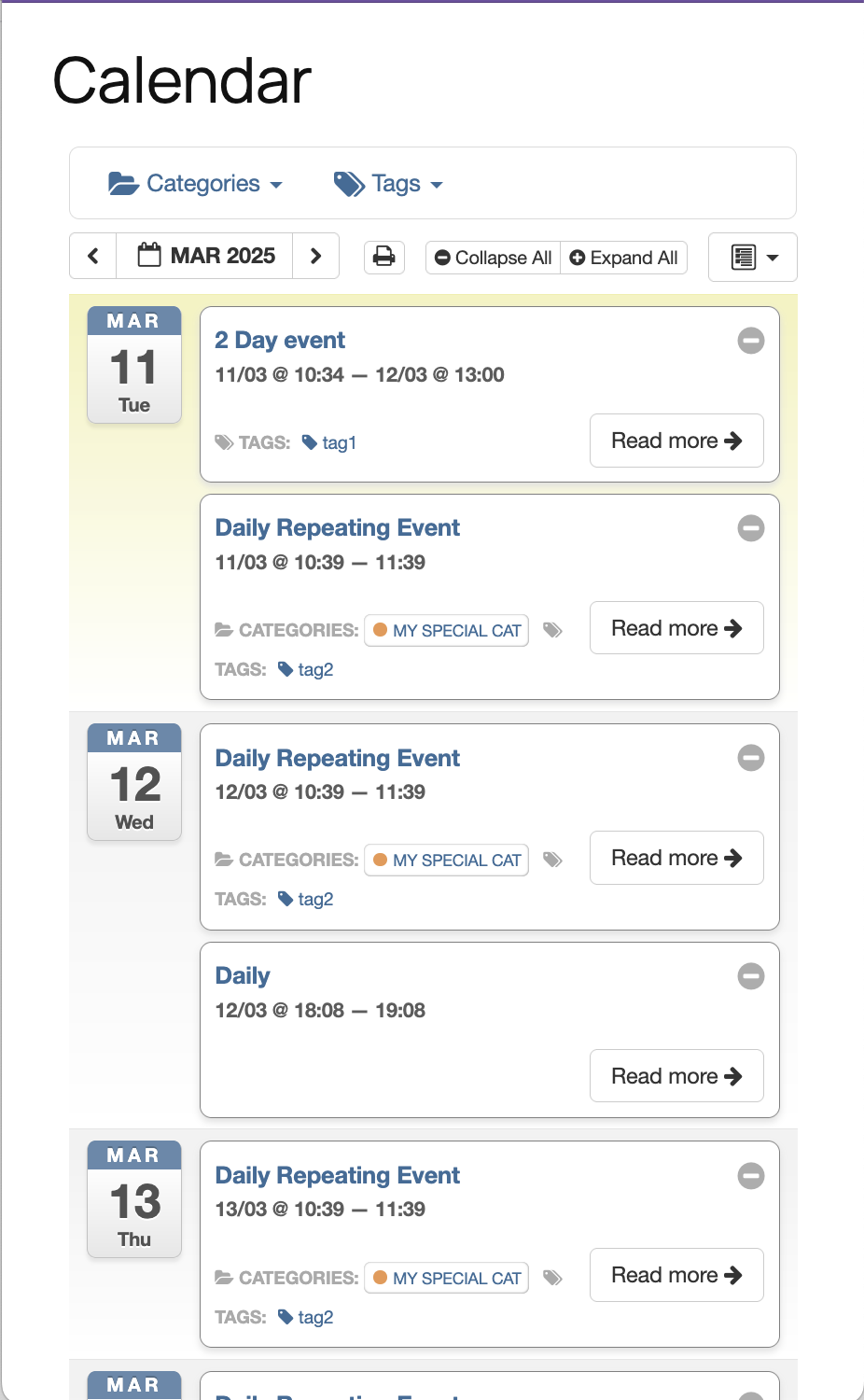
- Filtering by event category or tag.
- Easy sharing with Google Calendar, Apple iCal, MS Outlook and
any other system that accepts iCalendar (.ics) feeds. - Embedded Google Maps (may be outdated)
- Color-coded events based on category.
- Featured event images and category images.
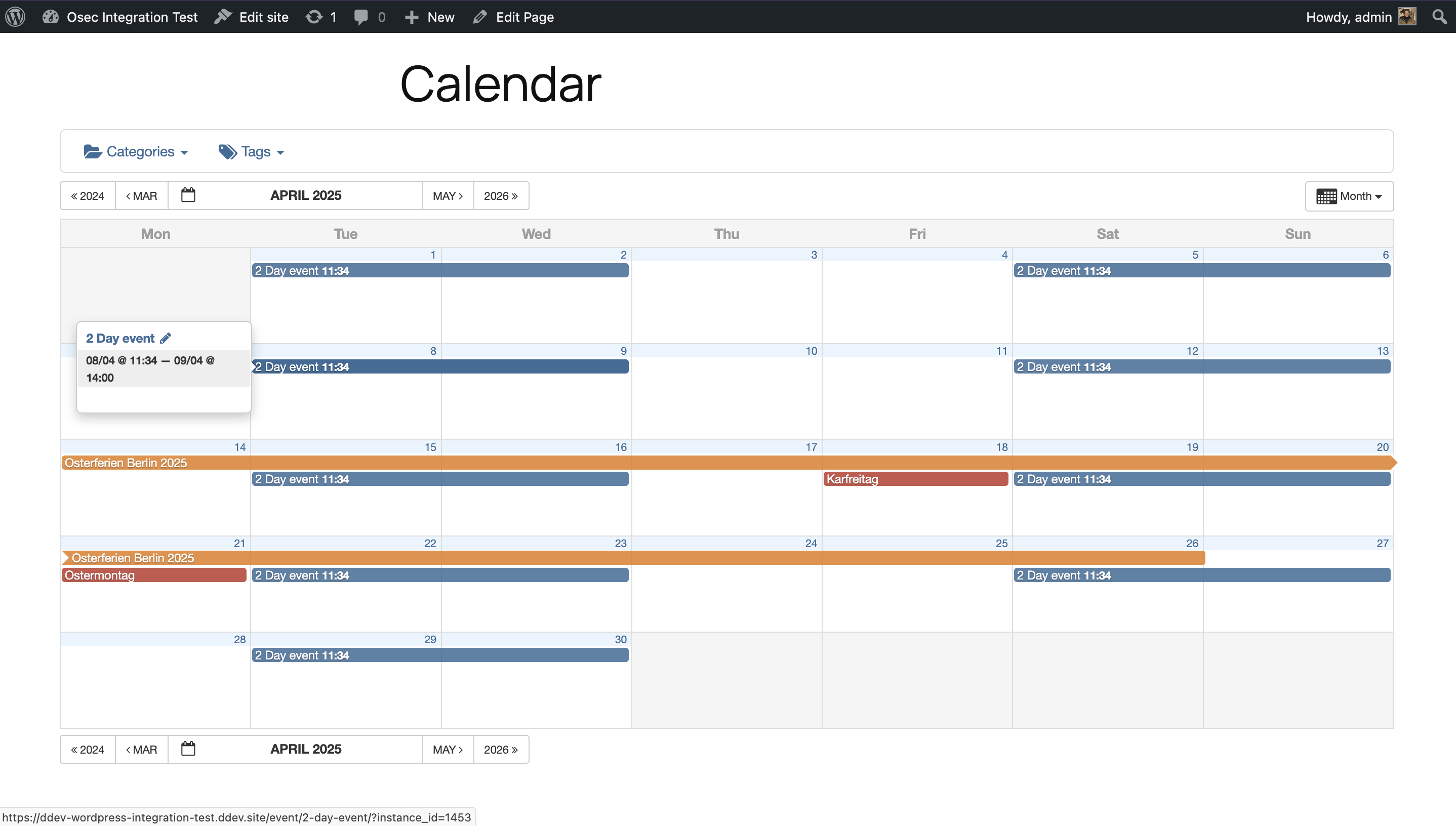
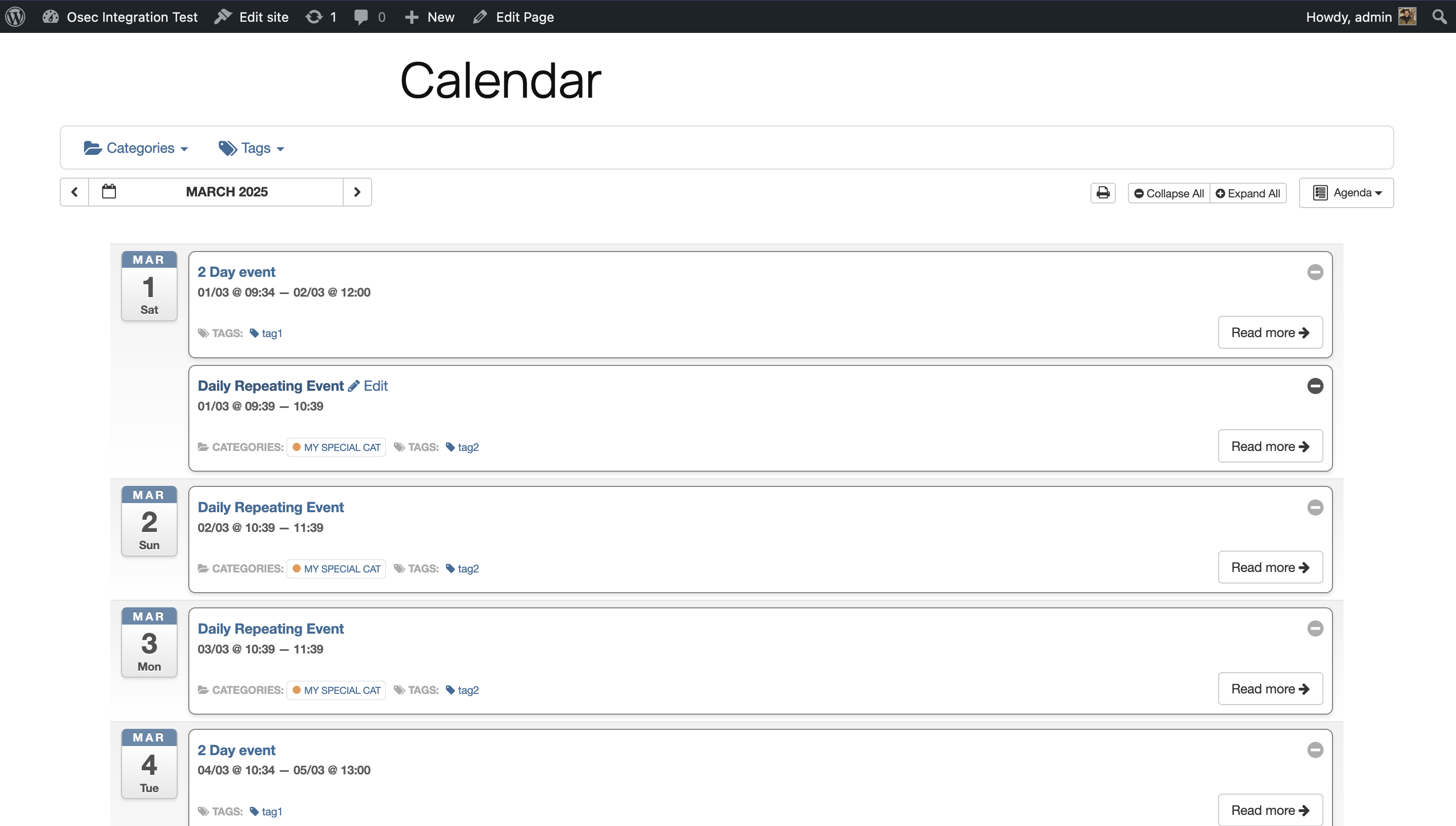
- Month, week, day, agenda views.
- Upcoming Events block.
- Direct links to filtered calendar views.
- Theme options to customize your calendar appearence (based on bootstrap 3)
- Each event is SEO-optimized.
- Each event links to the original calendar.
- Your calendar can be embedded into a WordPress page without needing
to create template files or modify the theme.
Requirements
- PHP >= 8.2 is currently required at least for development. PHP 8.1 may work too with release version (using
composer install --no-dev).
Languages
This Plugin supports multiple languages.
Blocks
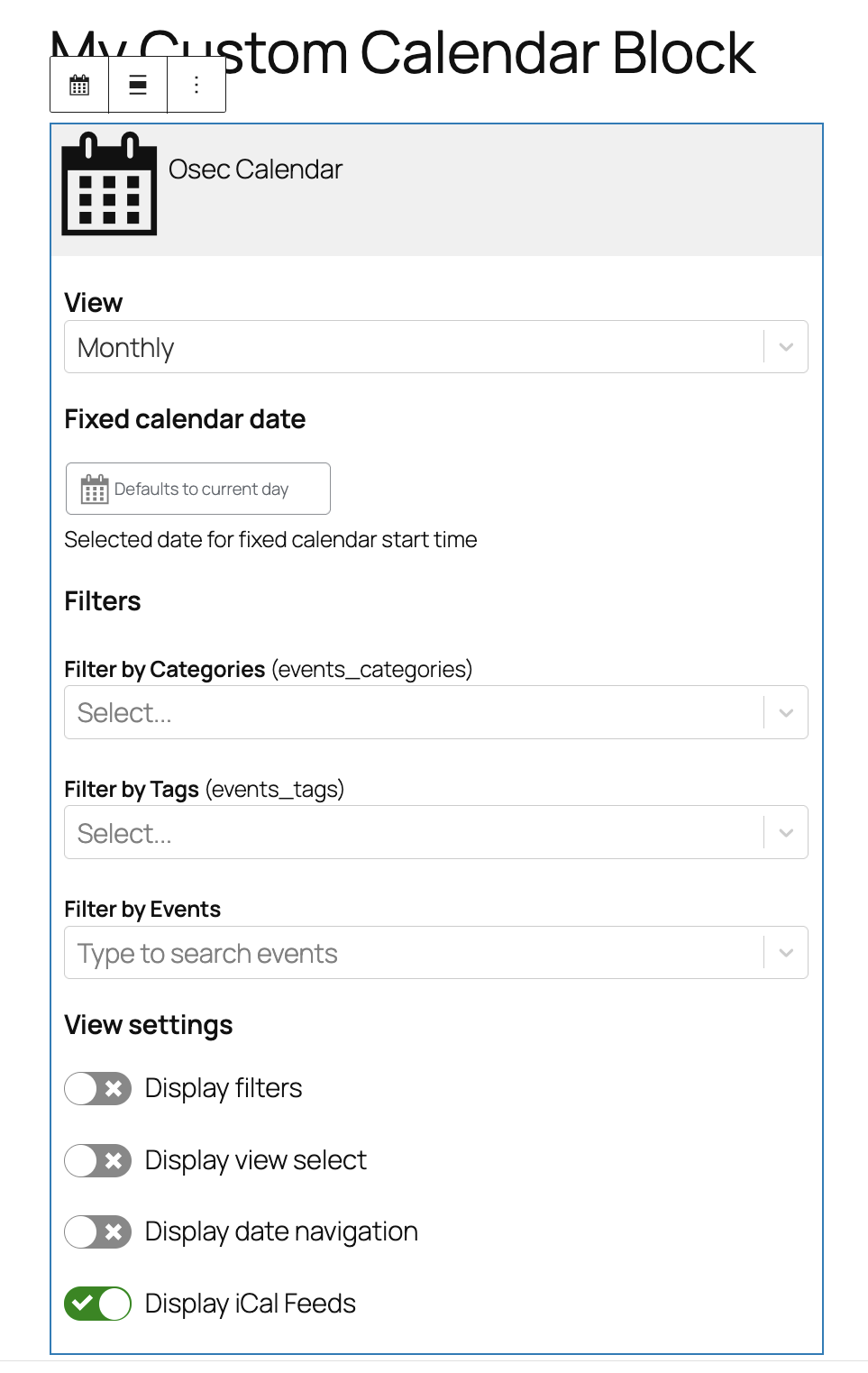
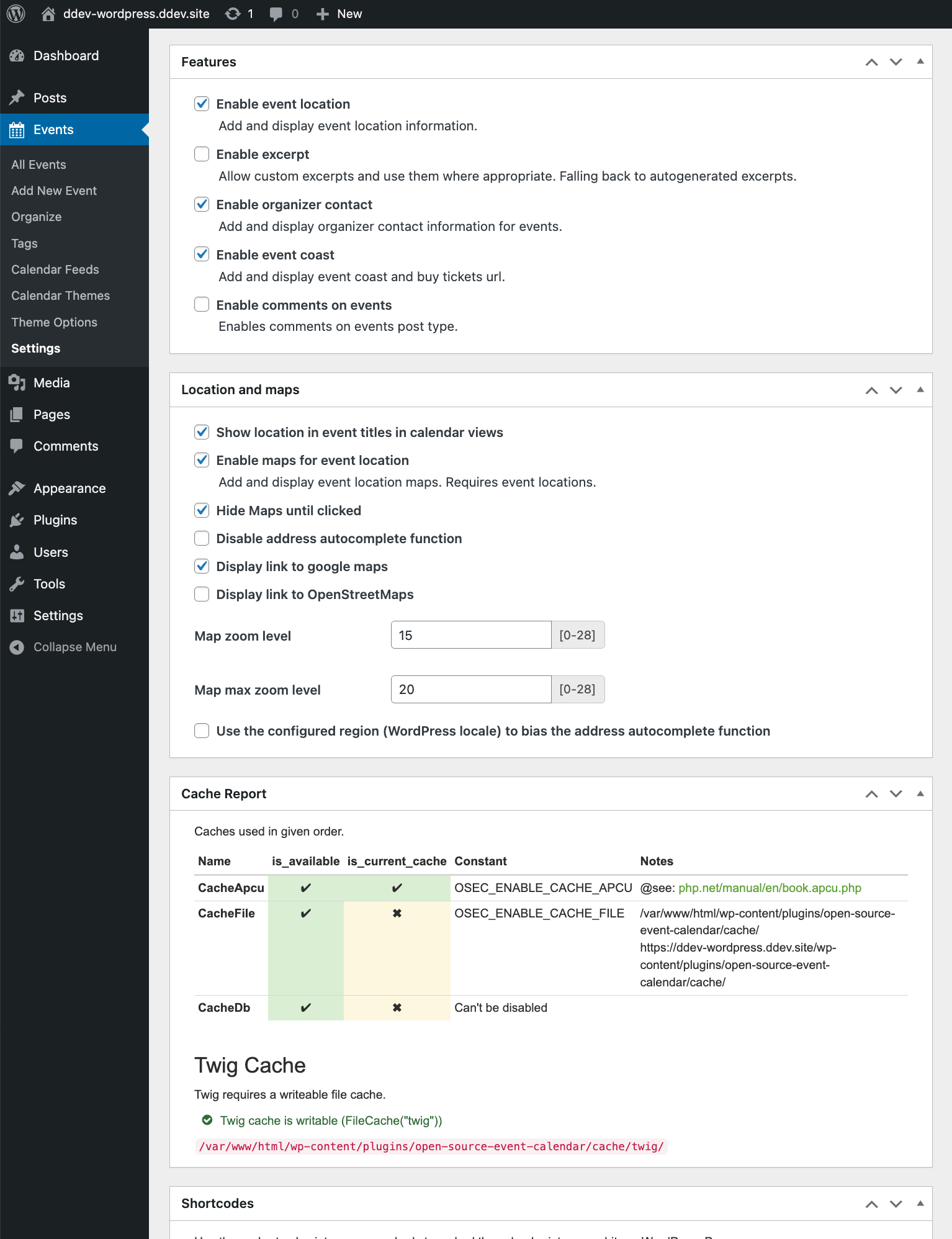
You can embed the calendar by adding a Osec Calendar Block to any page or post. Alternatively there is a schortcode available.
Please note that by this time (most likely) only one Calendar per page/post-List will work
On the long run its planed to have a Rest API to allow the calendar being rendered with more modern frontend tools than the current, outdated, but nice old Bootstrap 3 stuff.
Shortcodes
- Monthly view: [osec view=”monthly”]
- Weekly view: [osec view=”weekly”]
- Agenda view: [osec view=”agenda”]
- Posterboard view: [osec view=”dayly”]
-
Default view as per settings: [osec]
-
Filter by event category name: [osec cat_name=”Holidays”]
- Filter by event category names (separate names by comma):
[osec cat_name=”Lunar Cycles,zodia-date-ranges”] - Filter by event category id: [osec cat_id=”1″]
-
Filter by event category ids (separate IDs by comma):
[osec cat_id=”1, 2″] -
Filter by event tag name: [osec tag_name=”tips-and-tricks”]
- Filter by event tag names (separate names by comma):
[osec tag_name=”creative writing,performing arts”] - Filter by event tag id: [osec tag_id=”1″]
-
Filter by event tag ids (separate IDs by comma):
[osec tag_id=”1, 2″] -
Filter by post id: [osec post_id=”1″]
- Filter by post ids (separate IDs by comma):
[osec post_id=”1, 2″]
External services
This plugin connects may connect to Google maps API render event locations.
(Terms of Service)[https://cloud.google.com/maps-platform/terms] (Privacy statements)[https://policies.google.com/privacy].
Details
Related plugins
Plugins that also contain the tag calendar
The Events Calendar

LatePoint – Calendar Booking Plugin for Appointments and Events

Woo Store Vacation
SimplyBook.me – Booking and reservations calendar

The Events Calendar Shortcode & Block

WP Simple Booking Calendar

About
Plugin for that tries to help you find the WordPress plugin you are looking for.
| Please enjoy an image of Crush (this awesome turtle) and have a lovely day! |  |
We do not own any plugin listed on this site and do not work for or work with WordPress.com or it's associated companies. We simply provide a searchable list of the available WordPress plugins.