


OpptiAI Internal Linking
OpptiAI Internal Linking helps you strengthen the internal link structure of your WordPress site.
- Site scan — parses your published posts and pages (and any post types you enable, including WooCommerce products) and reports how they link to each other. Links inside blocks and shortcodes are counted, and pages reachable from a navigation menu are not treated as orphans.
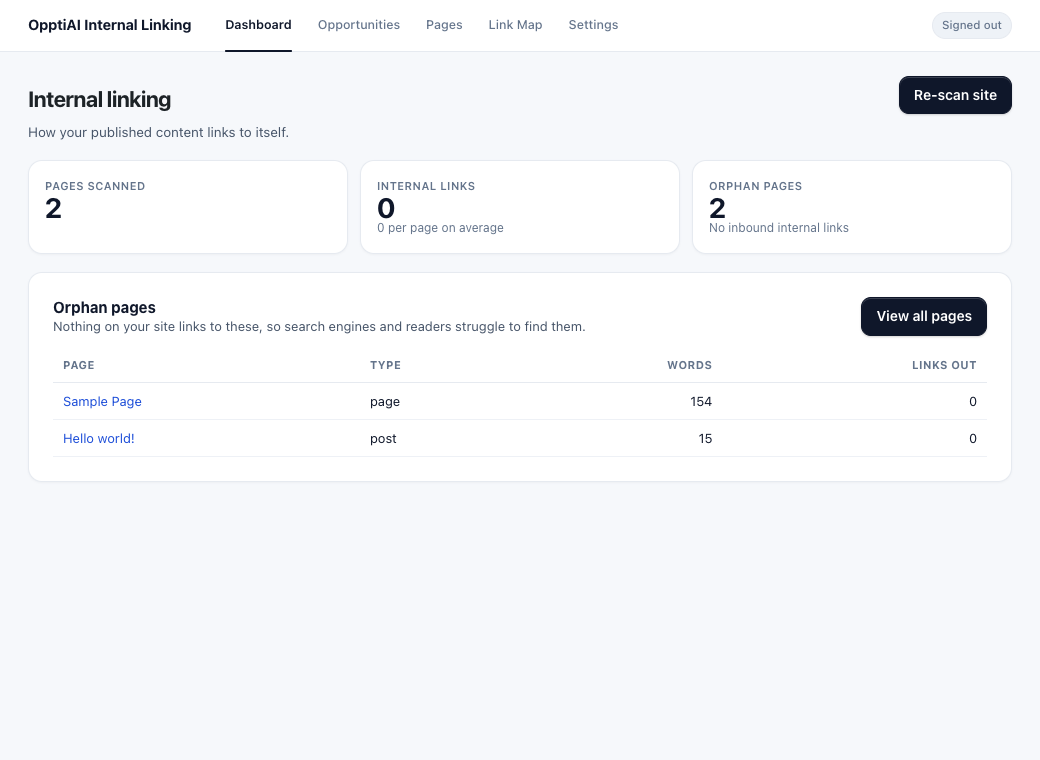
- Orphan detection — surfaces pages with no inbound internal links, so readers and search engines can find them. This runs entirely in WordPress and costs no credits.
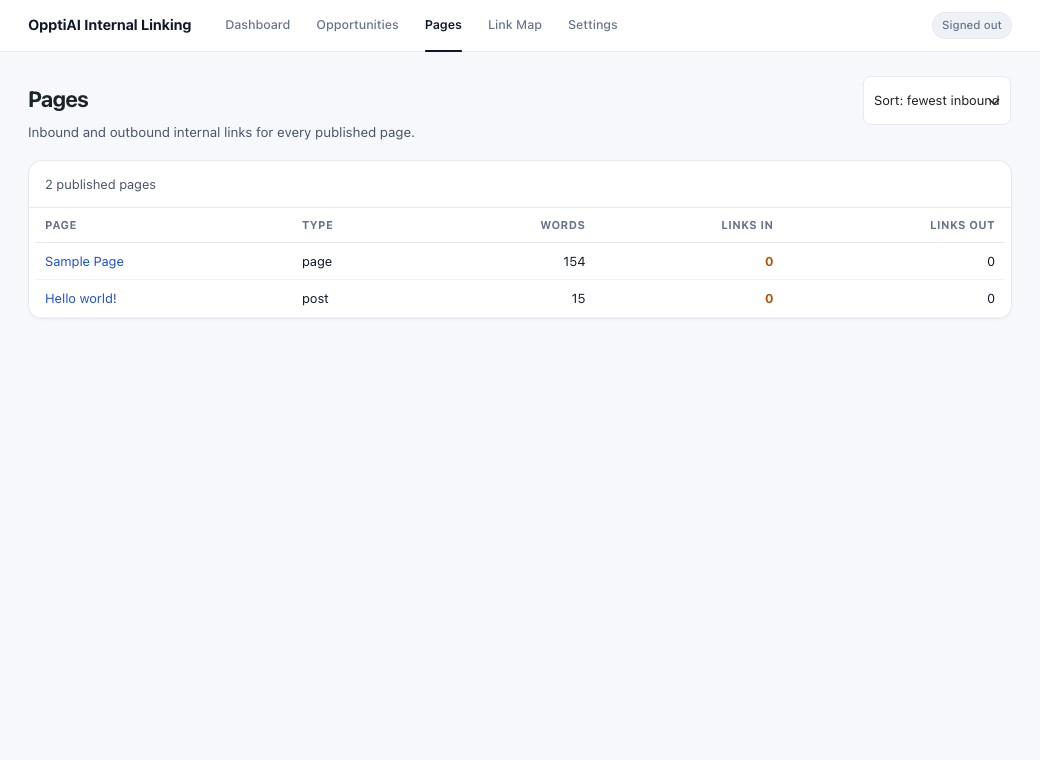
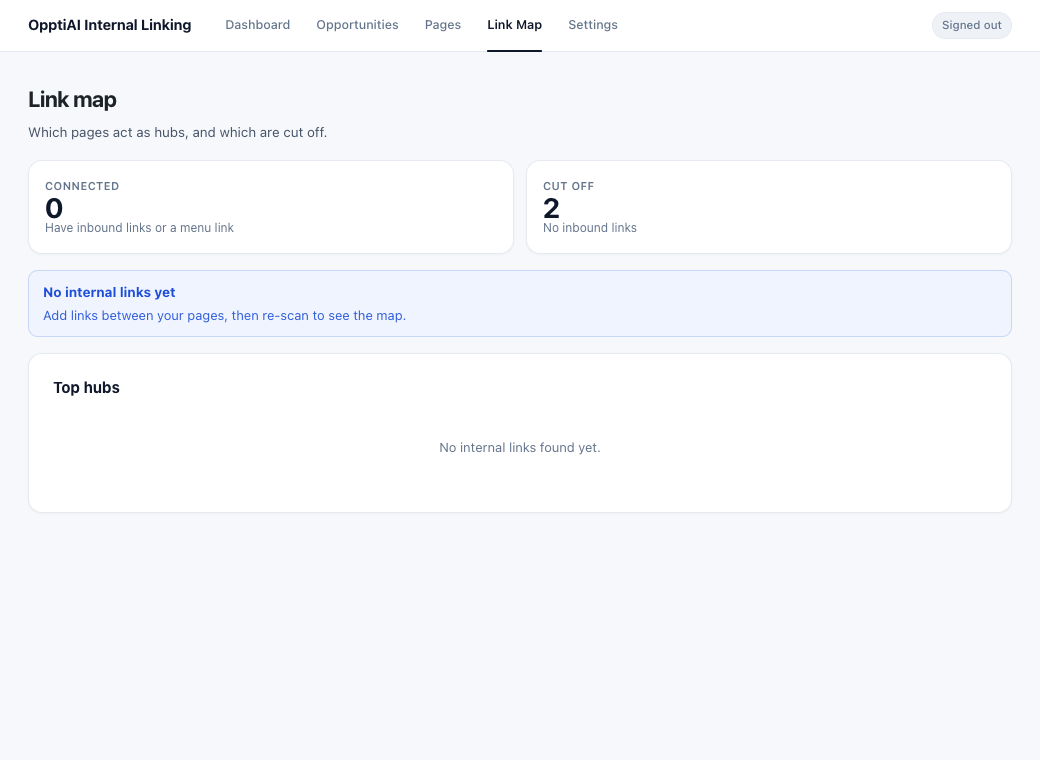
- Pages & Link Map — per-page inbound/outbound counts and a hub/orphan overview.
- Apply approved links — insert an approved internal link into a post safely: it never self-links, never nests inside an existing link, records a revision, and respects your per-page link cap, minimum word count, and excluded pages.
- Shared OpptiAI wallet — when a sibling OpptiAI plugin (Alt Text, Titles) is present and an administrator opts in, the site can share one credit pool.
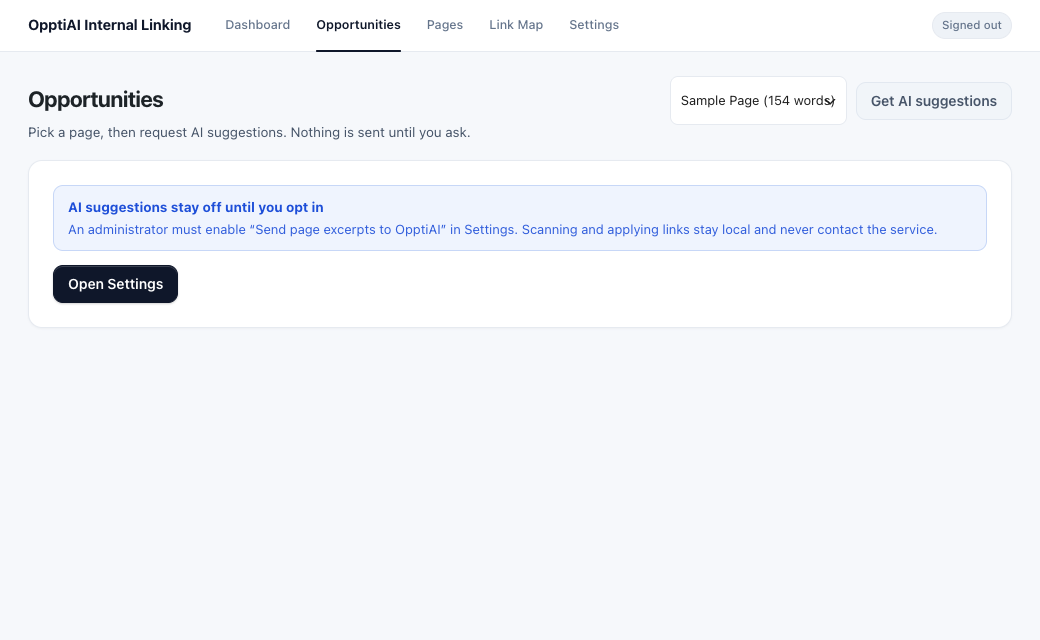
AI-suggested internal links (the Opportunities screen) require an OpptiAI account, an administrator opt-in, and an explicit request. Scanning, orphan detection, the link map, and applying an approved link all run locally.
Privacy
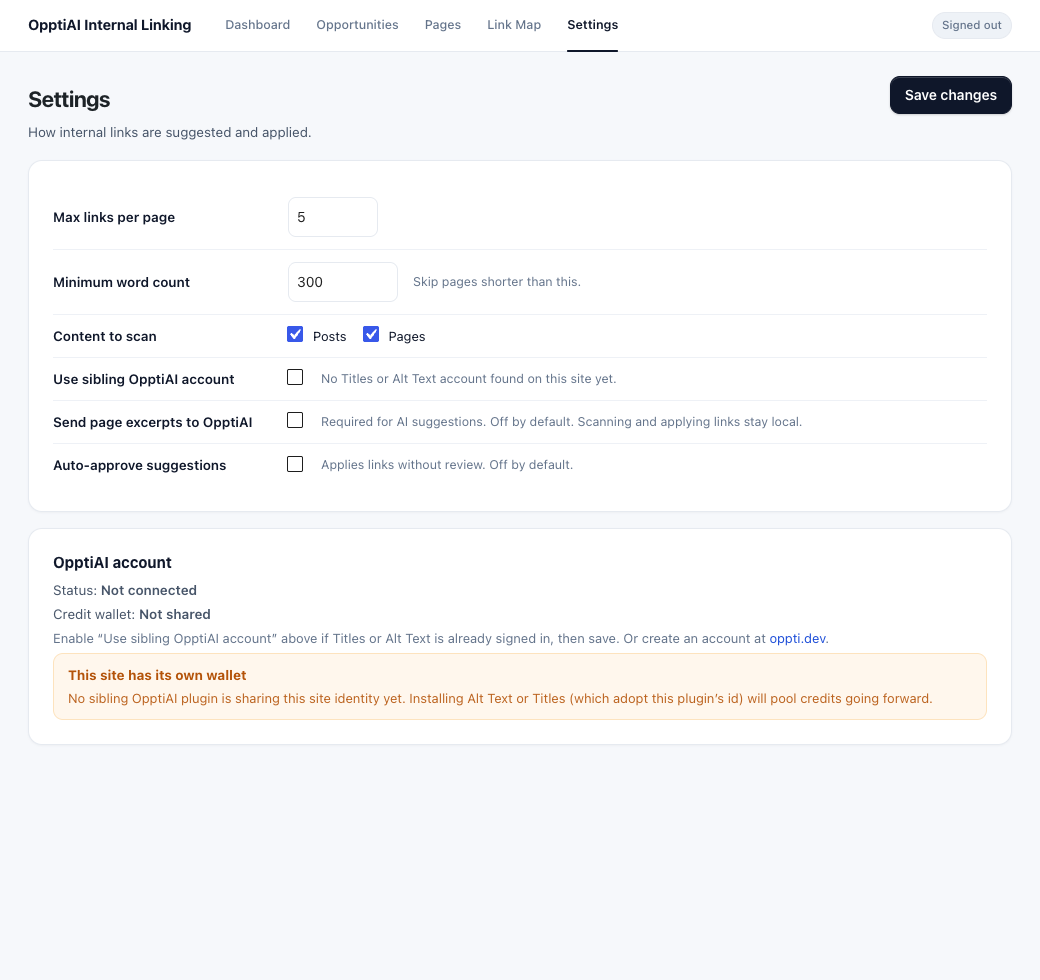
This plugin does not contact OpptiAI until an administrator enables “Send page excerpts to OpptiAI” and someone requests suggestions. It does not adopt credentials from Titles or Alt Text unless an administrator enables that in Settings. No personal visitor information is collected. See the External Services section for details.
External Services
This plugin connects to the OpptiAI API to generate internal-link suggestions and to report remaining service credits. AI generation is performed by the external service and is not performed locally by this plugin.
Service: OpptiAI API
Service URL: https://alttext-ai-backend.onrender.com
Website: https://oppti.dev
Purpose: Generate internal-link suggestions between related pages, connect an OpptiAI account, and report available service credits.
When data is sent: Only after an administrator enables “Send page excerpts to OpptiAI” in Settings, and only when an Editor or Administrator then requests AI suggestions for a page they can edit, or an administrator views remaining credits. Opening the plugin, scanning, viewing Pages or the Link Map, and applying an approved link do not contact the service.
Data sent: Site URL; plugin version; a pseudonymous installation and site identifier; a site fingerprint; the connected account license key (and an optional sibling JWT when the administrator has opted in to reuse a sibling account); and, for suggestions, the source page title, URL, a content excerpt, and candidate destination page titles, URLs, and IDs.
Privacy Policy: https://oppti.dev/privacy
Terms of Use: https://oppti.dev/terms
Development
Human-readable source for the compiled admin app is included as prototype/*.jsx. Build tools live with the plugin (package.json, build.js). To rebuild the admin bundle:
npm install && npm run build
Details
Related plugins
Plugins that also contain the tag content
One Click Demo Import

Advanced Excerpt

Rara One Click Demo Import

TutorMate

WP-ShowHide

WP Subtitle


About
Plugin for that tries to help you find the WordPress plugin you are looking for.
| Please enjoy an image of Crush (this awesome turtle) and have a lovely day! |  |
We do not own any plugin listed on this site and do not work for or work with WordPress.com or it's associated companies. We simply provide a searchable list of the available WordPress plugins.