

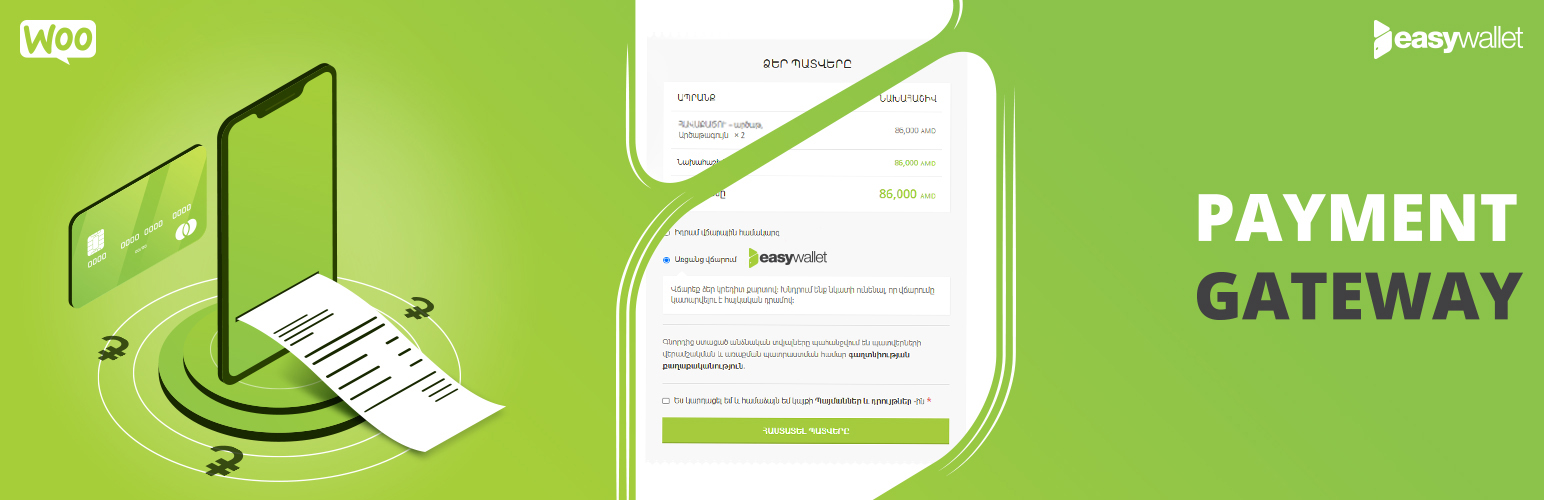

Payment Gateway for EasyPay
Payment Gateway for EasyPay seamlessly integrates EasyPay LLC’s payment system into your WooCommerce store, enabling secure online payments for Armenian businesses.
Key Features
- AMD Payments – Accept payments in Armenian Dram (AMD)
- Easy Wallet Integration – Full integration with EasyPay’s Easy Wallet system
- WooCommerce Blocks – Compatible with new WooCommerce block-based checkout
- HPOS Compatible – Works with WooCommerce High-Performance Order Storage
- Auto Logs Cleanup – Automatic cleanup of old API request logs (configurable retention)
- Secure Logging – Sensitive data is masked in logs for security
- Rate Limiting – Built-in protection against callback abuse
- Multilingual – Available in Armenian, Russian, and English
- WPML Compatible – Works seamlessly with multilingual websites
- Test Mode – Sandbox environment for testing before going live
- Automatic Updates – Keep the plugin up-to-date automatically
Who Is This For?
This plugin is designed for Armenian businesses who:
* Use WooCommerce for e-commerce
* Have a merchant account with EasyPay
* Need to accept online payments in AMD
* Want secure, reliable payment processing
Requirements
- WordPress 5.0 or higher
- WooCommerce 5.0 or higher
- PHP 8.0 or higher (PHP 8.2+ fully supported)
- Active merchant account with EasyPay
- SSL certificate (required for production)
Getting Started
Step 1: Contact EasyPay
* Phone: 044 261 210
* Email: b2b@easypay.am
* Request merchant credentials and payment gateway access
Step 2: Plugin Identification
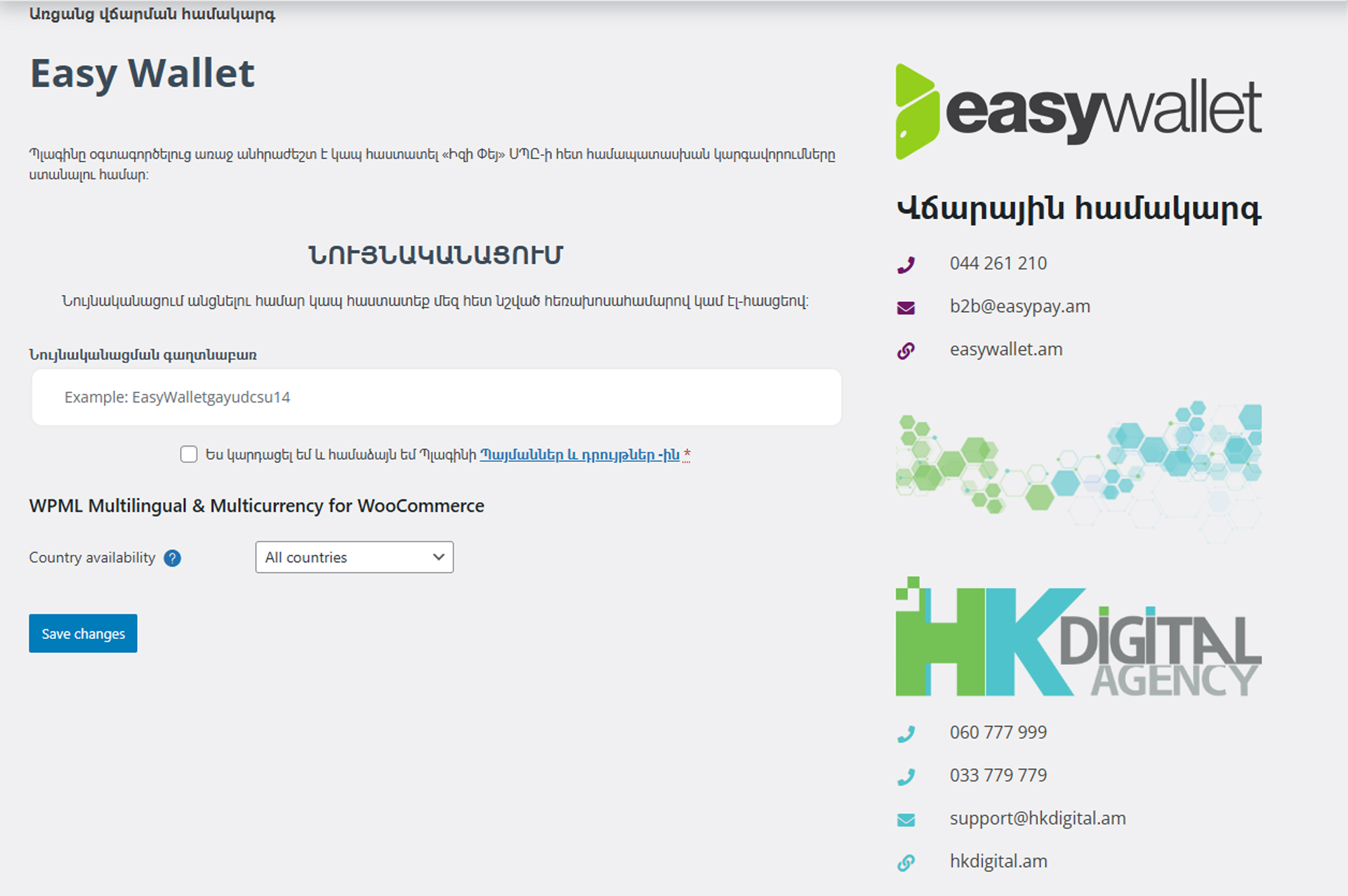
Before using this plugin, you must complete identification:
* Visit: hkdigital.am
* Call: 033 779-779
* Email: support@hkdigital.am
Note: Identification service is paid. Contact us for pricing.
Step 3: Configuration
1. Install and activate the plugin
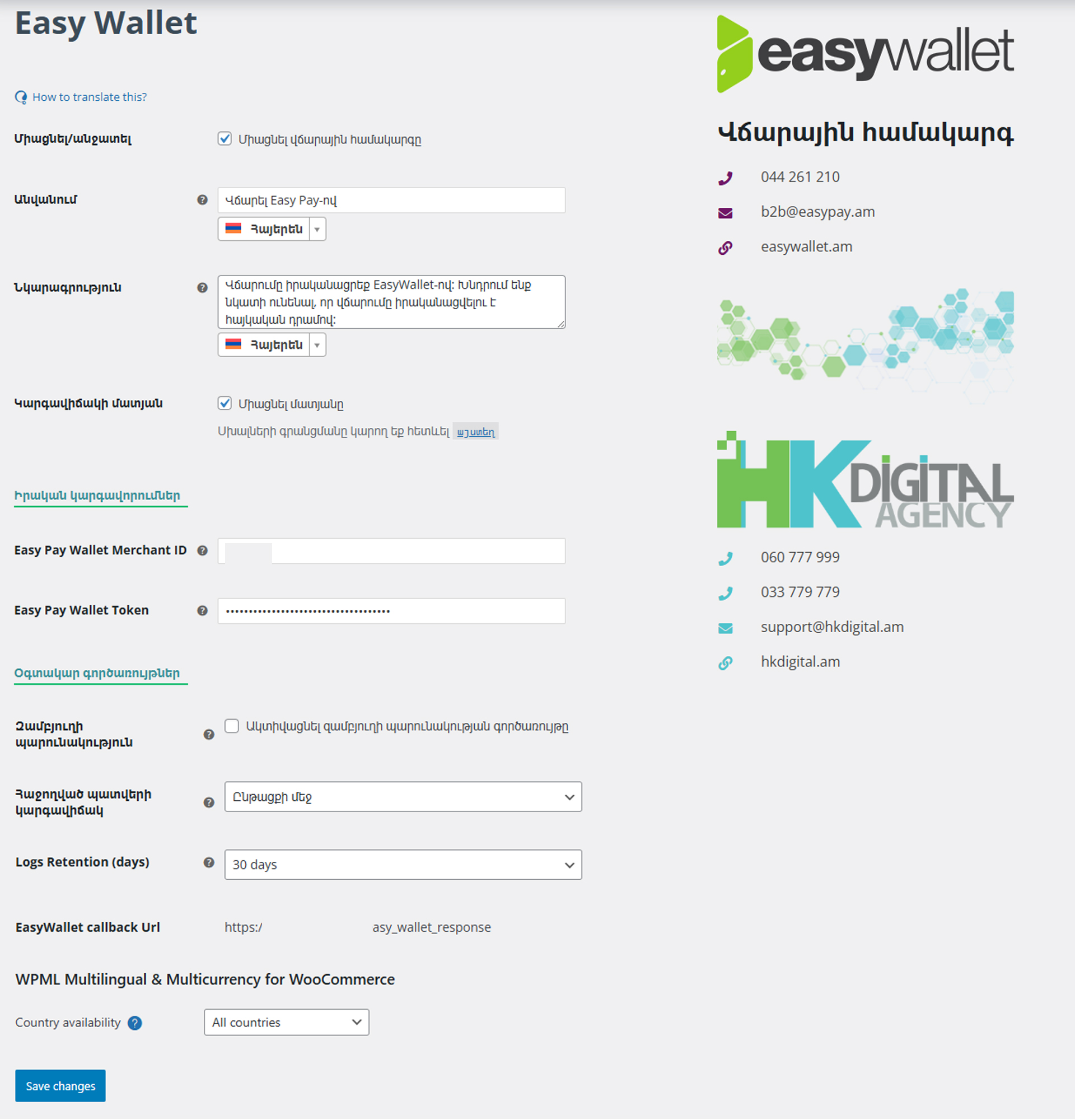
2. Go to WooCommerce Settings Payments EasyPay
3. Enter your Bearer Token from EasyPay
4. Configure settings as needed
5. Enable test mode for testing
6. Go live when ready
Payment Flow
- Customer selects EasyPay as payment method at checkout
- Customer is redirected to secure EasyPay payment page
- Customer completes payment via Easy Wallet
- Payment is processed
- Customer is redirected back to your store
- Order status is updated automatically
Documentation & Support
HK Digital Agency Support:
* Email: support@hkdigital.am
* Phone: 033 779-779
* Website: hkdigital.am
EasyPay Support:
* Email: b2b@easypay.am
* Phone: 044 261 210
Languages
- Armenian (hy) – Native
- English (en)
- Russian (ru)
Privacy Policy
This plugin:
* Does not collect personal data from visitors
* Processes order and payment data as required for transaction processing
* Communicates with EasyPay servers for payment processing
* Stores merchant credentials locally in WordPress database
* Logs API requests for debugging (with sensitive data masked)
* Does not share data with third parties except as required for payment processing
Data Shared with EasyPay:
* Order amount
* Order ID and reference
* Return URLs for payment completion
API Request Logs:
* Logs are stored locally in your WordPress database
* Sensitive data (tokens, checksums) is automatically masked
* Logs are automatically cleaned up based on your retention settings
* You can export or manually delete logs at any time
Additional Information
System Requirements
Minimum:
* WordPress 5.0+
* WooCommerce 5.0+
* PHP 8.0+
* MySQL 5.6+ or MariaDB 10.0+
* SSL Certificate (required for production)
* cURL PHP extension
Recommended:
* WordPress 6.9+
* WooCommerce 9.0+
* PHP 8.2+
* MySQL 8.0+ or MariaDB 10.6+
* SSL Certificate (required)
Automatic Updates
The plugin includes automatic update notifications. Updates are released to:
* Maintain compatibility with WordPress and WooCommerce
* Add new features and improvements
* Fix bugs and improve performance
* Ensure security compliance
Update service terms available on our website.
Merchant Fees
Payment processing fees are determined by EasyPay. Contact them for current rates:
* Email: b2b@easypay.am
* Phone: 044 261 210
Copyright & Licensing
Copyright © 2025 HK Digital Agency LLC (Էdelays DELAYS DELAYS ՍՊԸ)
This plugin and its contents are protected by copyright law.
Restrictions:
* Distribution, modification, or adaptation without permission is prohibited
* Use of trademarks and branding materials is restricted
* Licensed for use, not for resale or redistribution
License Grant:
* Users receive a paid license to use the plugin on their WordPress/WooCommerce site
* License is non-transferable and site-specific
* Pricing available at hkdigital.am or call 033 779-779
Data Collection Notice:
For copyright protection purposes, the plugin collects:
* Domain name
* Site URL
* IP address
This data is transmitted to HK Digital Agency for license verification.
Disclaimer:
HK Digital Agency LLC is not responsible for:
* Services provided by EasyPay or other third parties
* Payment processing fees or merchant account issues
* Technical issues from WordPress, WooCommerce, or other plugin updates
* Partial or complete plugin malfunction due to third-party updates
* Website uptime, security, or data integrity
* Chargebacks or disputed transactions
Support:
* Email: support@hkdigital.am
* Phone: 033 779-779
* Website: hkdigital.am
Credits
Developed by HK Digital Agency LLC
* Website: hkdigital.am
* Email: support@hkdigital.am
* Phone: 033 779-779
Payment Processing by EasyPay LLC
* Email: b2b@easypay.am
* Phone: 044 261 210
Special thanks to all merchants using our plugin and providing valuable feedback.
External Services
This plugin communicates with the following external services:
EasyPay Payment Gateway
* Purpose: Process online payments via Easy Wallet
* API Endpoint: https://merchantapi.easypay.am:3003/
* Data Sent: Order amount, order reference, merchant credentials
* Data Received: Payment status, transaction GUID, authorization codes
* Privacy Policy: Contact EasyPay
* Terms of Service: Merchant agreement with EasyPay
* Secure: All communication over HTTPS with SSL encryption
HK Digital Agency License Server
* Purpose: Plugin activation and license verification
* Data Sent: Domain name, site URL, IP address, plugin version
* Privacy Policy: hkdigital.am
* Website: hkdigital.am
Note: Use of this plugin requires:
* Active merchant account with EasyPay
* Valid SSL certificate on your website
* Acceptance of terms of service from both HK Digital Agency and EasyPay
Troubleshooting
Payment redirect not working
Solution:
1. Verify SSL certificate is active and valid
2. Check that callback URLs are correctly configured
3. Ensure no firewall or security plugin is blocking redirects
4. Enable debug logging and check logs for errors
Callback URL issues
Note: EasyPay sends callbacks with path parameters instead of query parameters. This plugin includes an automatic interceptor to handle this. If you are having issues:
1. Check that pretty permalinks are enabled
2. Verify .htaccess file is correctly configured
3. Check server logs for 404 errors on callback URLs
Order status not updating
Solution:
1. Check API request logs at Tools Easy Pay Request Logs
2. Verify your Bearer Token is correct
3. Enable debug mode and check WooCommerce logs
4. Contact EasyPay support to verify merchant account status
Test mode not working
Solution:
1. Verify test mode is enabled in plugin settings
2. Ensure you are using test Bearer Token provided by EasyPay
3. Confirm test environment is accessible from your server
Translation not loading
Solution:
1. Verify WPML or Polylang is properly configured
2. Check that language files exist in /languages/ folder
3. Clear all caches and refresh
4. Update to latest plugin version
Logs taking too much space
Solution:
1. Go to WooCommerce Settings Payments EasyPay
2. Set “Logs Retention” to a shorter period (7 or 14 days)
3. Go to Tools Easy Pay Request Logs
4. Click “Cleanup Now” to manually delete old logs
For additional support, contact:
* HK Digital: support@hkdigital.am / 033 779-779
* EasyPay: b2b@easypay.am / 044 261 210
Details

About
Plugin for that tries to help you find the WordPress plugin you are looking for.
| Please enjoy an image of Crush (this awesome turtle) and have a lovely day! |  |
We do not own any plugin listed on this site and do not work for or work with WordPress.com or it's associated companies. We simply provide a searchable list of the available WordPress plugins.