

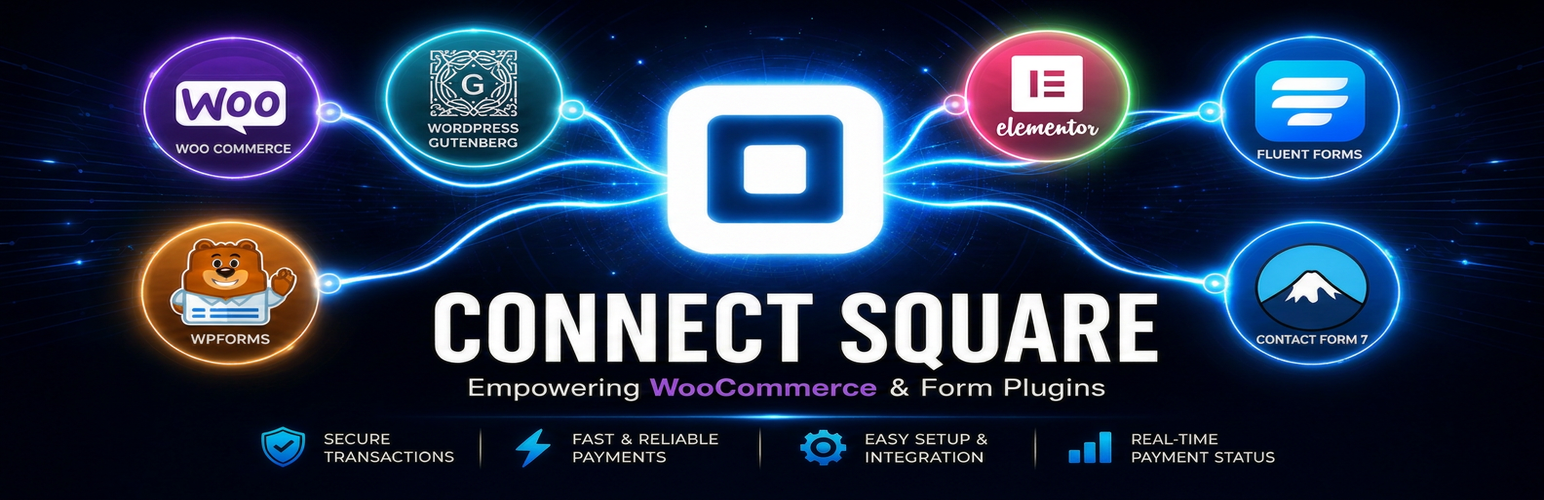

Payments Square Connect
This plugin redirects customers to Square Hosted Checkout. Connect Square once under Settings Payments Square Connect; WooCommerce checkout and Contact Form 7 forms share the same connection.
When you enable Payments Square Connect, the site exchanges data with Square for payments, OAuth, and webhooks.
WooCommerce: enable the gateway under WooCommerce Settings Payments and customize the checkout title and description.
Contact Form 7: add the [square_pay] form tag to accept fixed or field-based amounts. Example: [square_pay amount:25.00] or [square_pay amount-field:your-amount] with a matching number field.
External services
This plugin is a client for third-party services. By using it you direct WordPress to contact those services.
- Square (required for payments and connection)
- What: OAuth, REST API calls (e.g. locations, payment links), and hosted checkout pages.
- When: When a store admin uses “Connect with Square”, when checkout or a Contact Form 7 payment creates a payment link, and when Square sends webhooks to your site.
- Endpoints (summary):
https://connect.squareup.comorhttps://connect.squareupsandbox.com(OAuth and API), plus Square’s hosted checkout URLs returned in API responses. - Data sent: API requests include OAuth tokens after connection, order or form-derived totals and references needed to create checkout, and webhook payloads as defined by Square.
- Terms: https://squareup.com/legal – review Square’s developer and seller terms for your region.
Store admins explicitly start OAuth by clicking Connect with Square; customers are sent to Square’s hosted pages only during checkout or after submitting a Contact Form 7 payment form.
Privacy
- Site owners: OAuth and API usage are initiated by an administrator with
manage_options. Tokens are stored in the WordPress database (options) like other payment settings. - Customers: Personal and payment data on hosted checkout is processed by Square under Square’s policies, not by form fields added by this plugin on your site for card entry.
- Logging: Optional WooCommerce logs may record technical details when debug logging is enabled; disable debug in normal production.
- For compliance questions, consult Square’s documentation and your legal advisor; this readme is not legal advice.
Details


Related plugins
Plugins that also contain the tag checkout
Brazilian Market on WooCommerce
reCAPTCHA for WooCommerce

Fluid Checkout for WooCommerce – Lite

Amazon Pay for WooCommerce

PayTR Sanal POS WooCommerce – iFrame API

Kustom Checkout for WooCommerce


About
Plugin for that tries to help you find the WordPress plugin you are looking for.
| Please enjoy an image of Crush (this awesome turtle) and have a lovely day! |  |
We do not own any plugin listed on this site and do not work for or work with WordPress.com or it's associated companies. We simply provide a searchable list of the available WordPress plugins.