

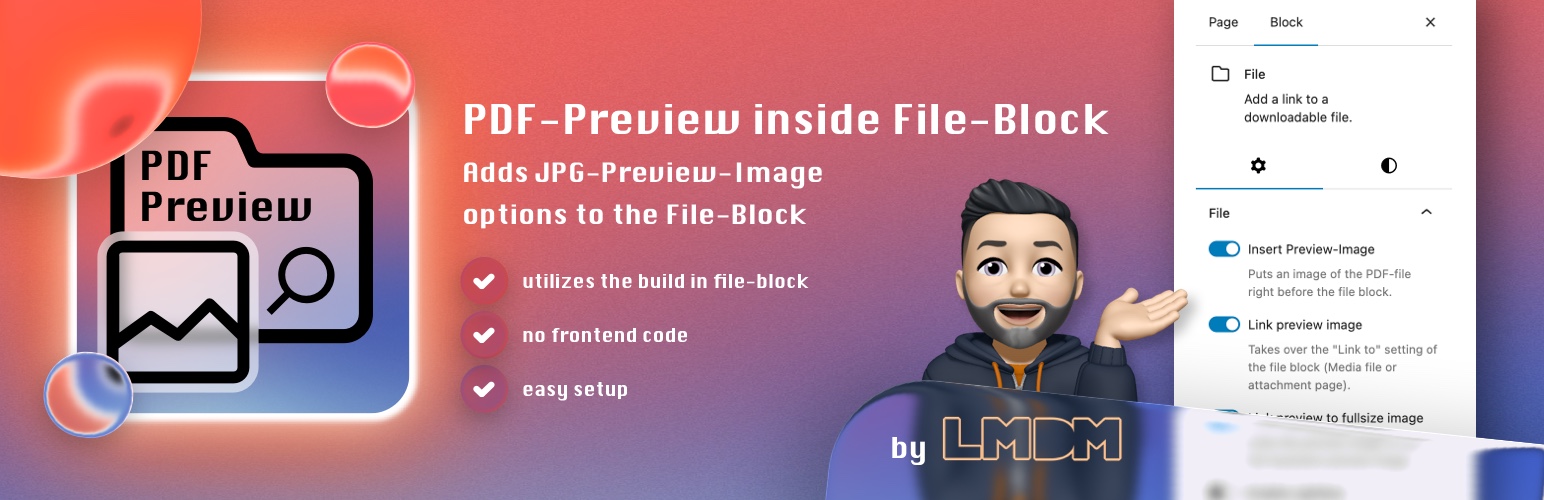

PDF-Preview inside File-Block
Did you know that WordPress generates a thumbnail image file when uploading a PDF-file? This works when the PHP Extension imagick and Ghostscript is available! It won’t work with GD library! You know they are present and it’s working, when you upload a PDF-file in the media library and you immediately see a thumbnail of the file. Now that thumbnails are available my plugin hooks into the Gutenberg file-block to automagically inserting that thumbnail right before the file block. Besides that it also provides some more options:
Plugin Features
- a toggle to insert an preview image before the file block
- a toggle to link the preview image with the “link to” settings value of the file block
- a toggle to link the preview image with itself to the full-size image
- a toggle to enable the Lightbox-Effect on the preview image (enable in settings)
- a setting to choose the size of the preview image: thumbnail, medium, large
- a settings page to define default for image size and
show inline embeddefault value and aheight in pixelsdefault value - when activating the plugin, the
show inline embedoption of the file block gets disabled by default - the preview image link target is based on setting of file-block (
open in new tab) - adds new block styles to file block with just a few inline css code
- this plugins main goal is to be very lightweight and avoid loading any additional assets and saving DOM performance. It just uses 3 files.
This plugin requires imagick and Ghostscript! A good WordPress web hosting has it installed by default.
Details


Related plugins
Plugins that also contain the tag blocks
Spectra Gutenberg Blocks – Website Builder for the Block Editor

Kadence Blocks — Page Builder Toolkit for Gutenberg Editor

Extendify

Otter Blocks – Gutenberg Blocks, Page Builder for Gutenberg Editor & FSE

Page Builder Gutenberg Blocks – CoBlocks

GenerateBlocks


About
Plugin for that tries to help you find the WordPress plugin you are looking for.
| Please enjoy an image of Crush (this awesome turtle) and have a lovely day! |  |
We do not own any plugin listed on this site and do not work for or work with WordPress.com or it's associated companies. We simply provide a searchable list of the available WordPress plugins.