



Pendid AI Studio
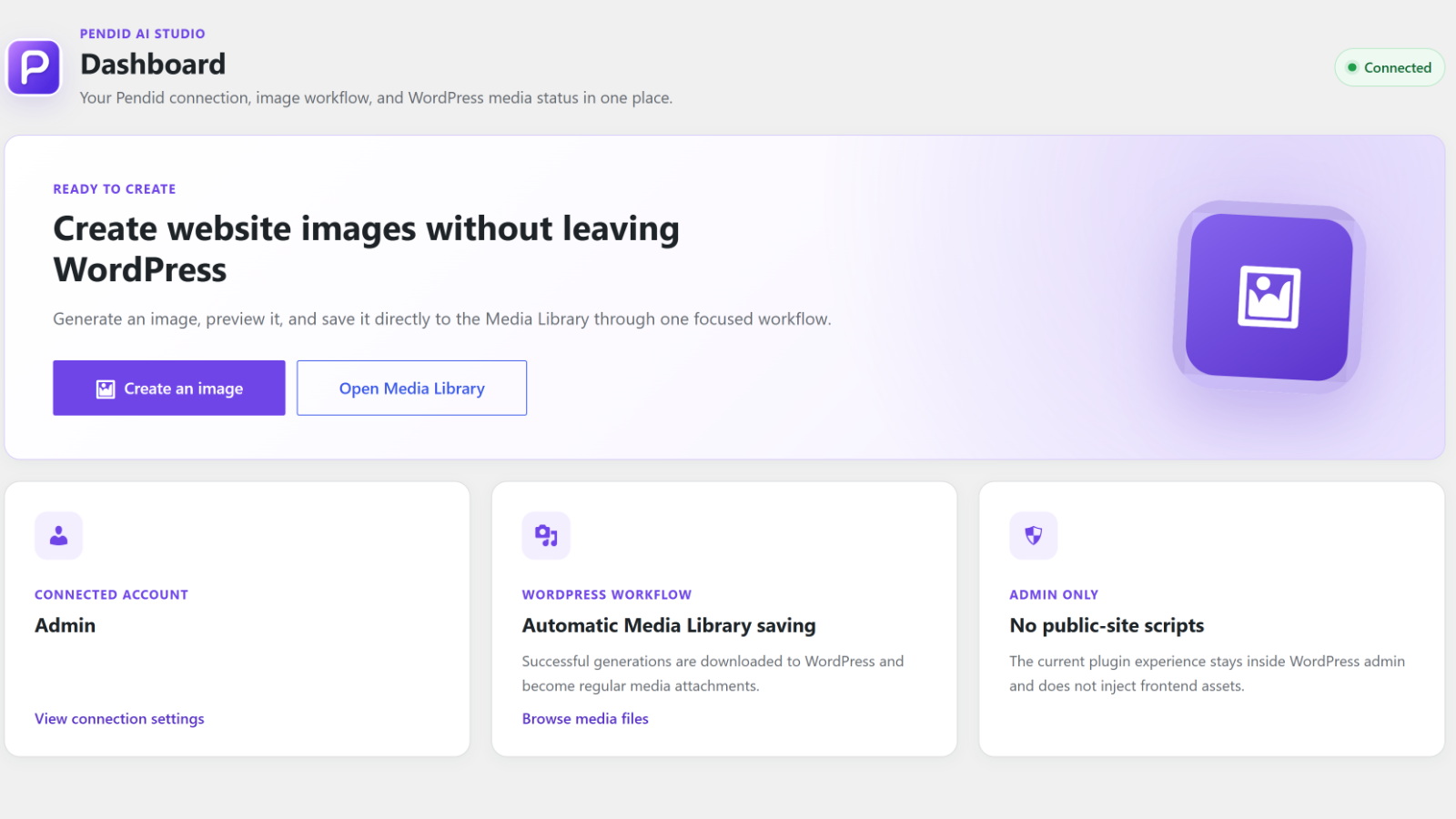
Pendid AI Studio is an admin-only WordPress client for the Pendid AI Studio service. It lets an administrator connect a WordPress site to a Pendid account and create website-ready images from the dashboard.
Generation and editing run on https://studio.pendid.com, and generated files are delivered from https://media.pendid.com. A Pendid account with available image-generation allowance is required. Plans and allowances are managed in the Pendid account. AI-generated results may vary and are not guaranteed.
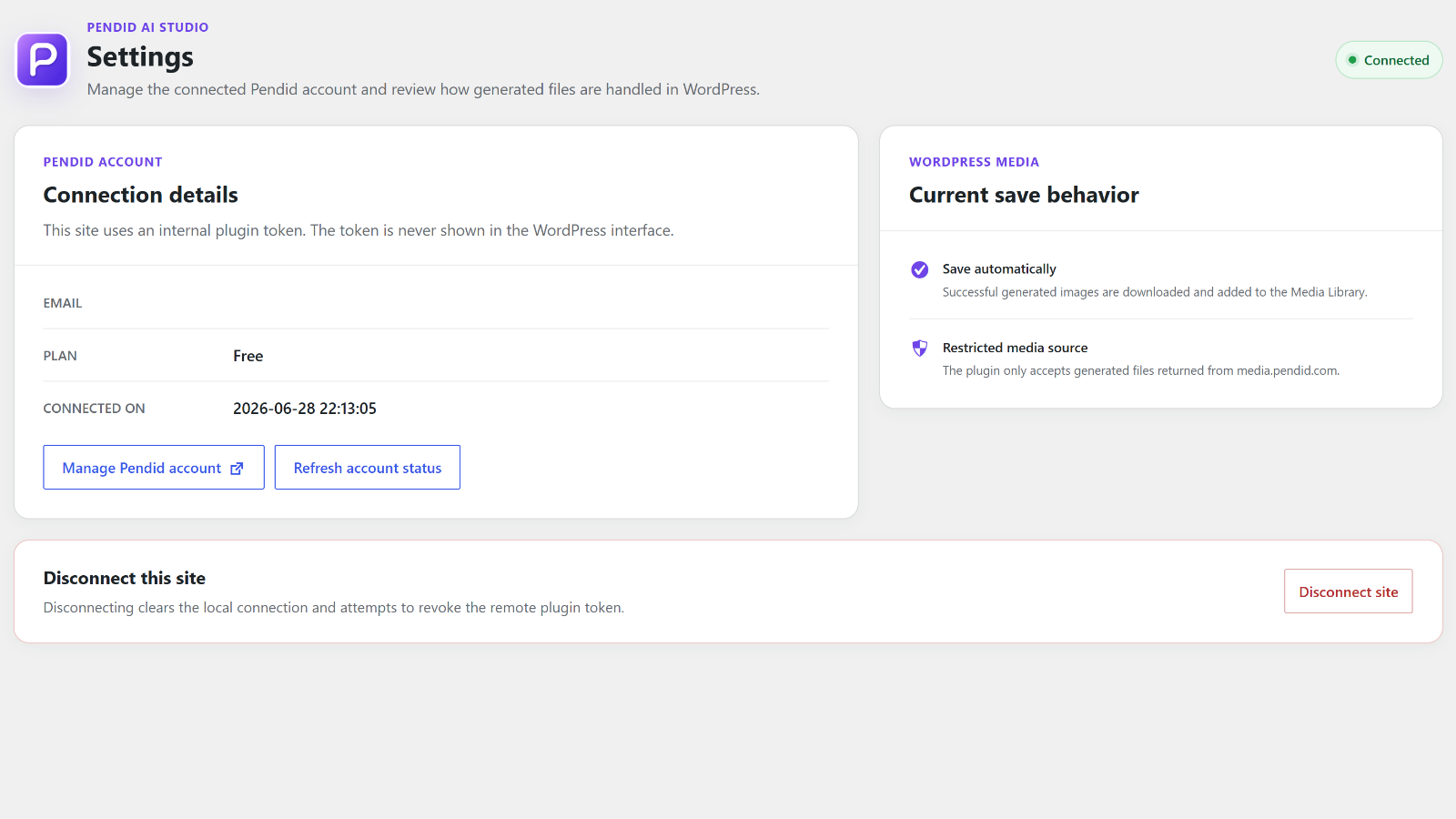
Connection is completed through Pendid Studio in the browser. You do not copy or paste an access token. WordPress stores an internal plugin token for later requests, and the token is never displayed.
Features
- Guided connection approval with a local disclosure and a second approval screen in Pendid Studio.
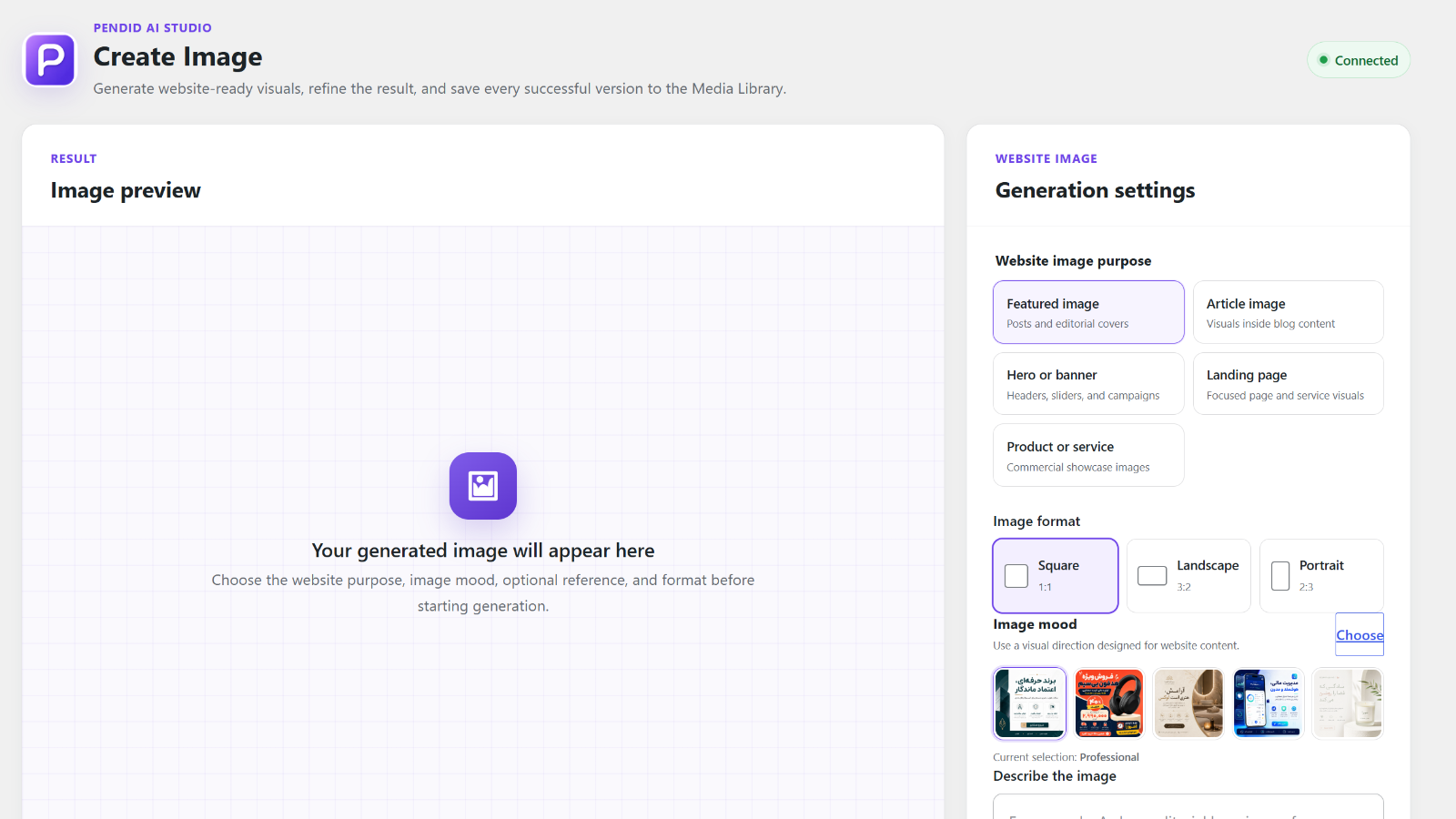
- Website purposes for featured images, article images, banners, landing pages, and products or services.
- Square (1:1), landscape (3:2), and portrait (2:3) formats.
- Seven visual moods with preview images.
- One optional JPG, PNG, or WebP reference image up to 8 MB, subject to the WordPress upload limit.
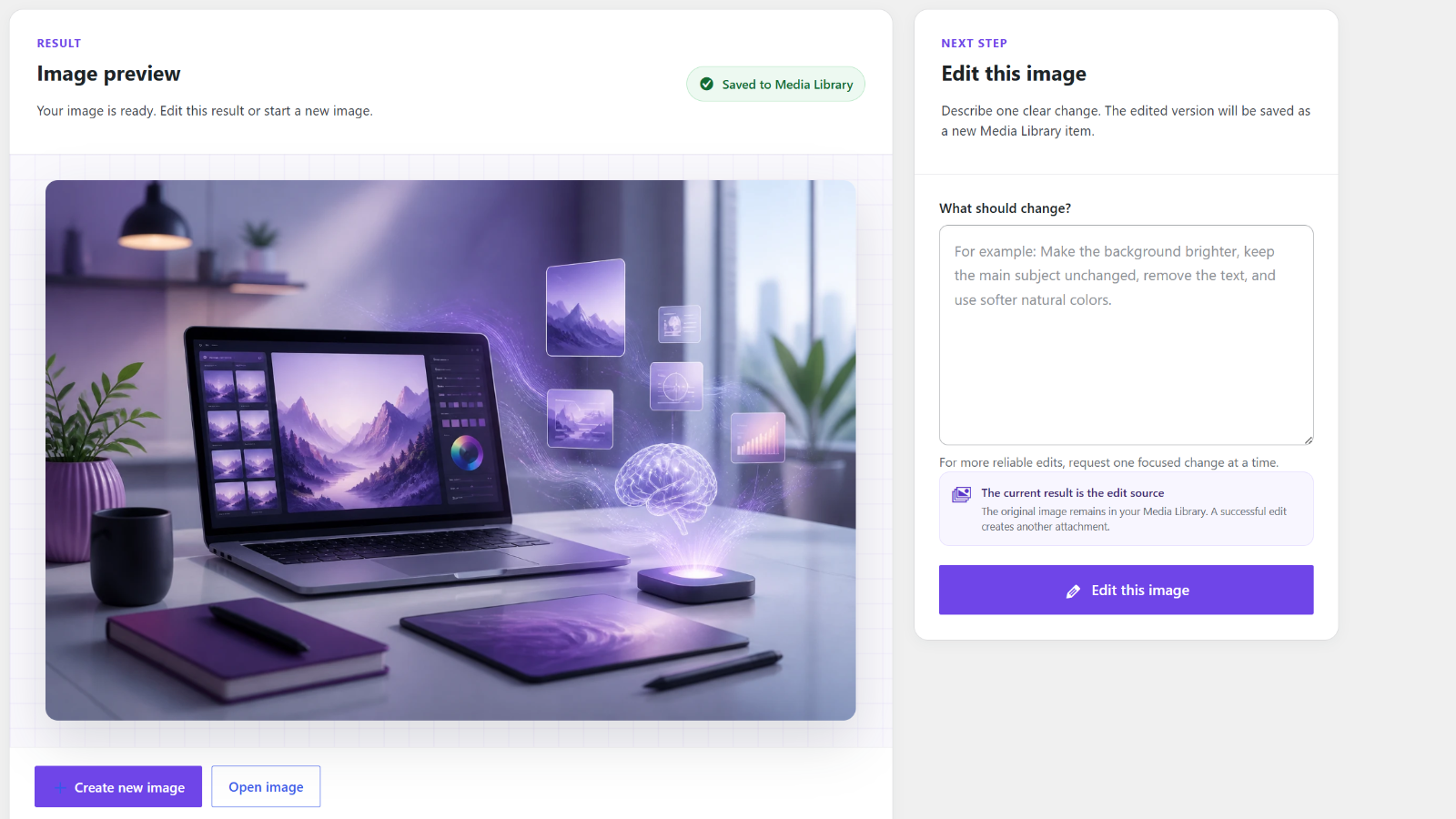
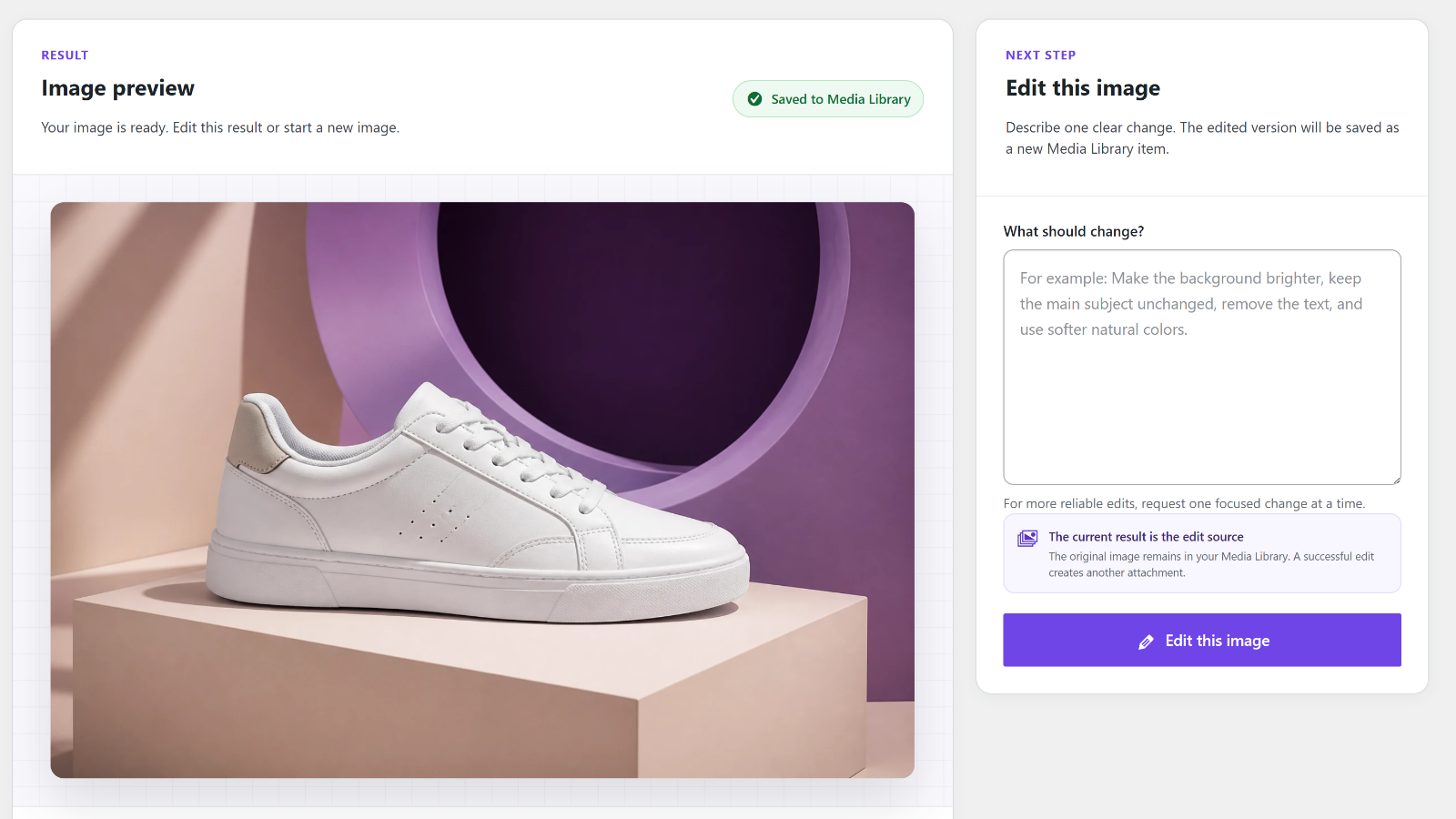
- Editing of the latest result; every successful edit becomes a new Media Library attachment.
- Automatic Media Library saving with a prompt-based filename, title, and alternative text.
- A Pendid-side copy of generated images as a backup.
- Contextual account guidance when a plan or allowance cannot process another request.
- Account refresh, account-management link, local disconnect, and remote token-revocation attempt.
- English source strings, bundled Persian (fa_IR), and RTL administration support.
- No frontend scripts, styles, markup, analytics, or tracking.
Requirements
- WordPress 6.4 or later.
- PHP 7.4 or later.
- A Pendid account with available image-generation allowance.
- Outbound access to https://studio.pendid.com and https://media.pendid.com.
Getting Started
- Open Pendid in WordPress admin and connect your Pendid account.
- Open Create Image.
- Choose a purpose, format, and visual mood.
- Describe the image and optionally add a reference image.
- Generate the image. A successful result is displayed and saved to the Media Library.
- Edit the result if needed, or start a new image.
- Use Settings to refresh account status, manage the account, or disconnect.
External services
This plugin relies on Pendid services for account connection, authentication, account status, plan and allowance validation, generation, editing, reference-image processing, generated-media delivery, and token revocation. No external request is made until an administrator explicitly connects the site or starts an action.
Pendid Studio — https://studio.pendid.com
Used for connection and approval, authentication, account status, plan and allowance validation, generation and editing, reference-image processing, generated-asset storage, and token revocation.
Data sent may include:
- Site URL, WordPress admin URL, site label, administrator locale, and a one-time connection state.
- Prompt, website purpose, internal format, visual mood, and aspect ratio.
- One optional reference image selected by the administrator.
- Edit instruction, Pendid source-image URL, and source key.
- Internal plugin token in the Authorization header.
Reference images and generated images may be processed or retained according to the Pendid Privacy Policy and Terms.
Pendid Media — https://media.pendid.com
Used to deliver generated files and edit-source images. The plugin only accepts generated output from this host before saving it to the Media Library.
Privacy Policy: https://pendid.com/privacy-policy/
Terms: https://pendid.com/terms/
Privacy
Pendid AI Studio does not collect visitor analytics and does not add public-site tracking.
Data sent to Pendid may include site and admin URLs, site label, administrator locale, one-time state, prompts, purpose and format selections, mood, aspect ratio, an optional reference image, edit instructions, source-image information, and the internal token in the Authorization header.
The plugin does not send WordPress administrator passwords, visitor information, analytics, post contents, existing Media Library files, or public frontend activity.
WordPress stores the internal token, connected account information, connection date, short-lived administrator transients, and successful generated or edited images. The token is stored in a non-autoloaded option and is not displayed.
Details
Related plugins
Plugins that also contain the tag ai
SEOPress – On-site SEO & Analytics

AI Engine – The Chatbot, AI Framework & MCP for WordPress

GetGenie – AI Content Writer with Keyword Research & SEO Tracking Tools

SEO Plugin by Squirrly SEO

Website LLMs.txt

Smartsupp – live chat, AI shopping assistant and chatbots


About
Plugin for that tries to help you find the WordPress plugin you are looking for.
| Please enjoy an image of Crush (this awesome turtle) and have a lovely day! |  |
We do not own any plugin listed on this site and do not work for or work with WordPress.com or it's associated companies. We simply provide a searchable list of the available WordPress plugins.