

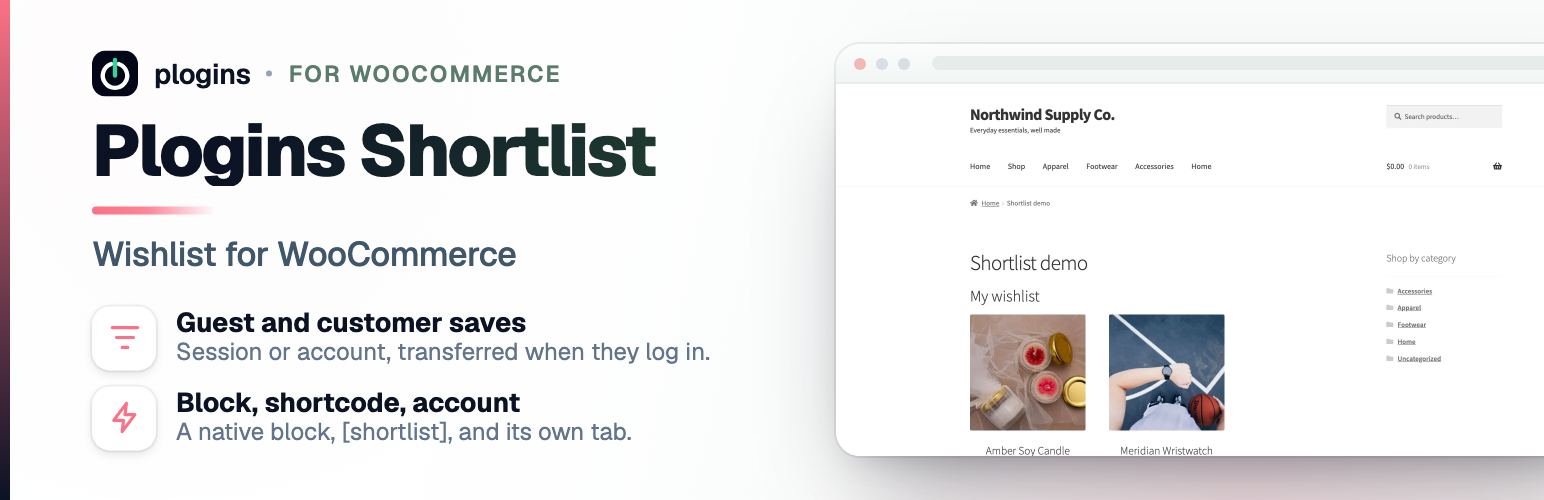

Plogins Shortlist – Wishlist for WooCommerce
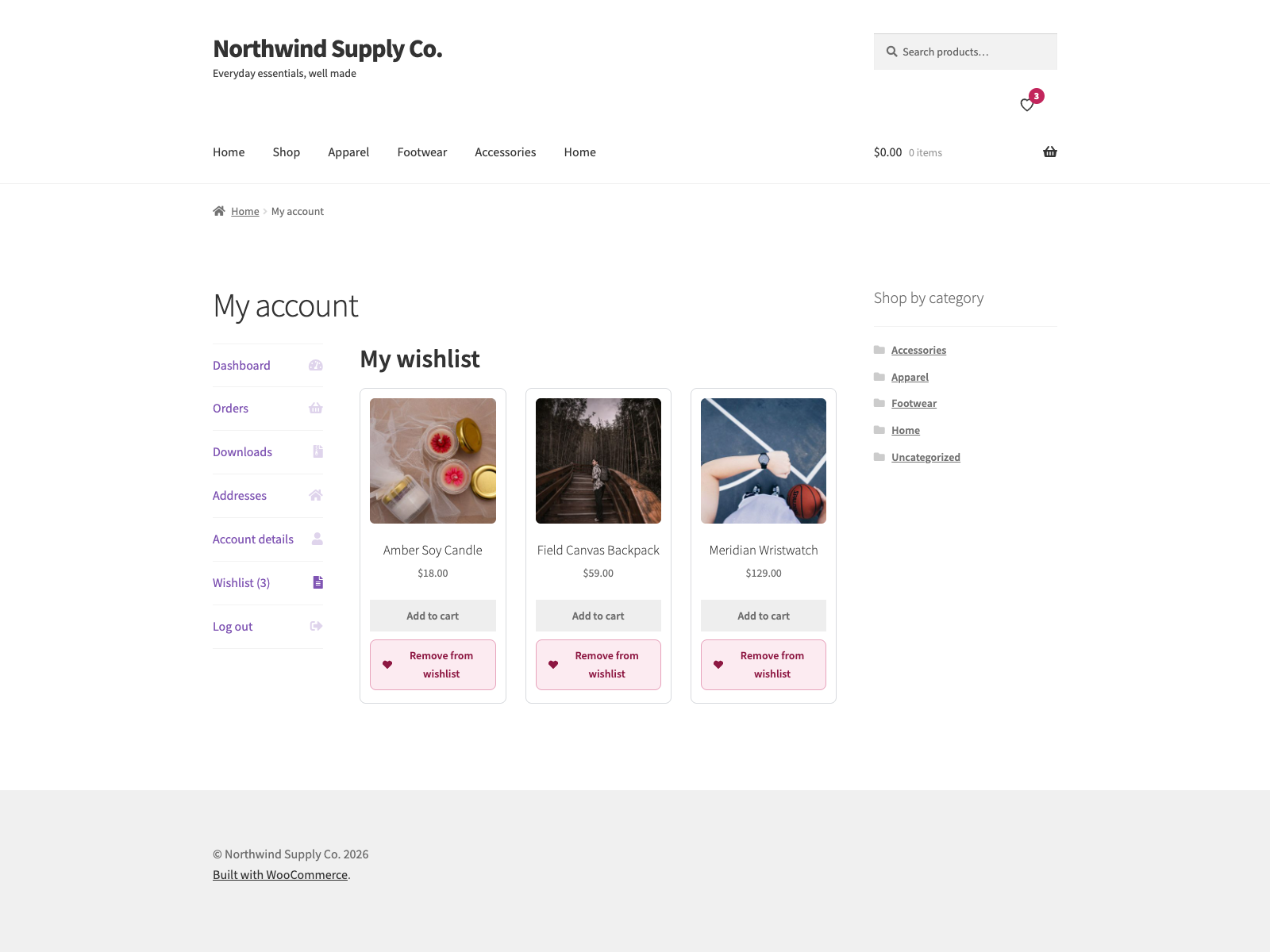
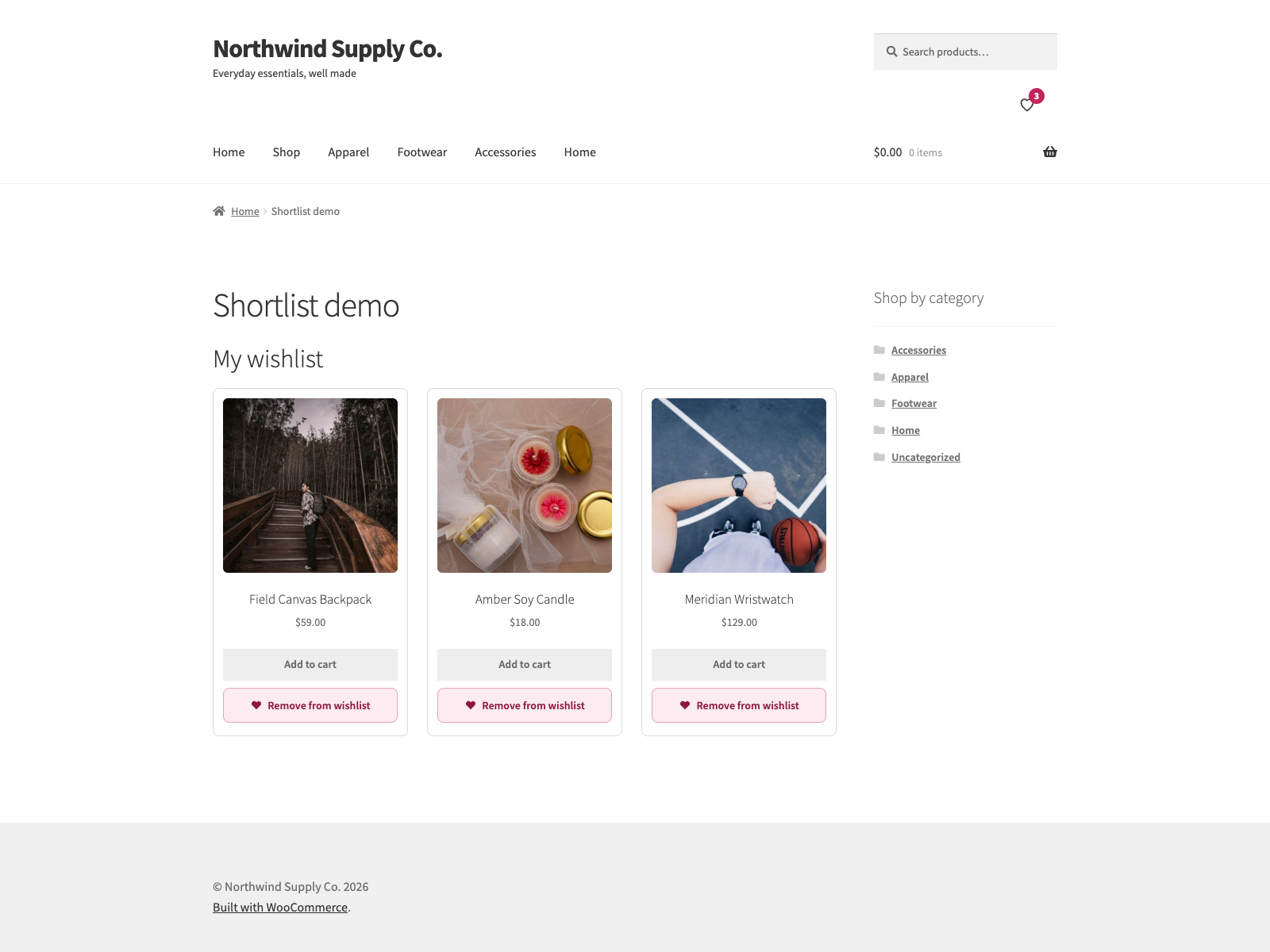
Shortlist adds an “Add to wishlist” button to your WooCommerce shop loop and product pages. Shoppers save products, favourites and save-for-later items, then come back from a “Wishlist” tab in My Account, a page of their own, or anywhere you drop the [shortlist] shortcode.
Guests can save products before they log in. A guest list lives in a cookie; the next time that visitor signs in, their saved items move onto their account, so nothing is lost at the login step. Logged-in customers’ lists are stored in a custom database table keyed to their user id.
The plugin is written for stores that care about front-end weight and accessibility:
- The front-end script is vanilla JavaScript with no jQuery dependency. It is deferred and loaded in the footer.
- The toggle button reserves its space, so switching between the add and remove states does not reflow the page (no CLS).
- The toggle is a real
<button>witharia-pressed. When a product appears more than once on a page, every button for it updates together after a save, and the change is announced to screen readers through a polite live region. - Saving and removing happen over admin-ajax with no page reload.
On variable products the button follows the selected variation, so a customer saves the exact size or colour they chose rather than the parent product. Until they pick options the button stays disabled, with a hint you can word yourself.
The source lives on GitHub at github.com/wppoland/plogins-shortlist, that’s the place for bug reports and patches.
Documentation and links
- Documentation: plogins.com/plogins-shortlist/docs/
- Plugin page: plogins.com/plogins-shortlist/
- Source code: github.com/wppoland/plogins-shortlist
- Bug reports and feature requests: github.com/wppoland/plogins-shortlist/issues
Where the button and list can appear
- The single product page, below the add-to-cart area.
- Product cards in the shop, category and tag loops.
- A “Wishlist” tab in WooCommerce My Account, optionally showing a saved-item count like “Wishlist (3)”.
- A dedicated page you pick or create from the settings screen.
- Any post or page, via the
[shortlist]shortcode. - The block editor, via the Shortlist Wishlist block (server-rendered, so the editor preview matches the front end).
- The Elementor editor, via the Wishlist widget (same list as the shortcode; loads only when Elementor is active).
Each placement is a separate switch on the settings screen.
Settings
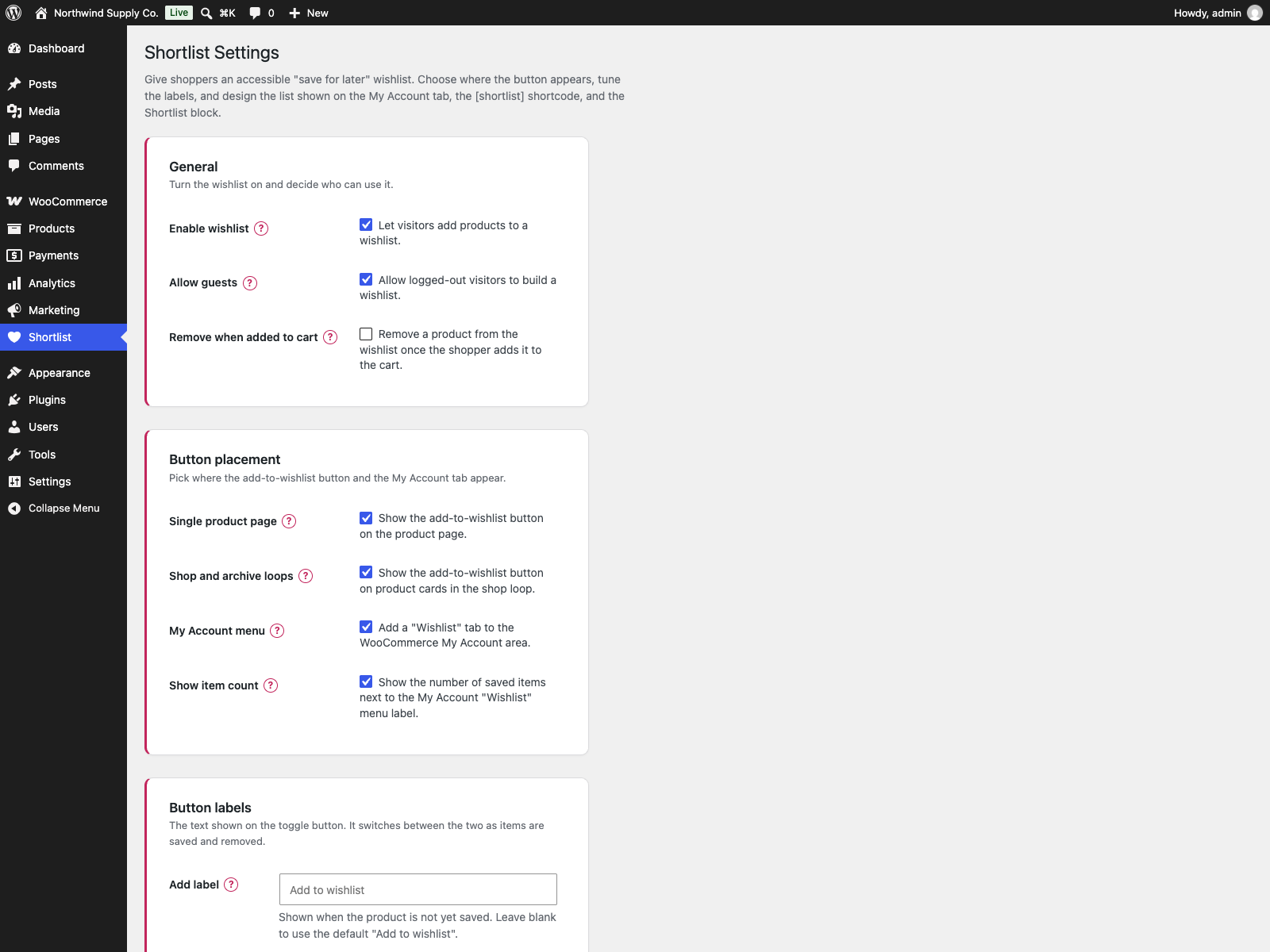
The Shortlist menu in wp-admin opens to shop managers (it uses the manage_woocommerce capability), not only administrators. From there you can:
- Turn the wishlist on or off, and decide whether guests may use it.
- Choose where the button shows up: single product, shop loop, My Account, and a dedicated page.
- Show or hide the saved-item count on the My Account menu.
- Set the add and remove button labels, and the variation hint.
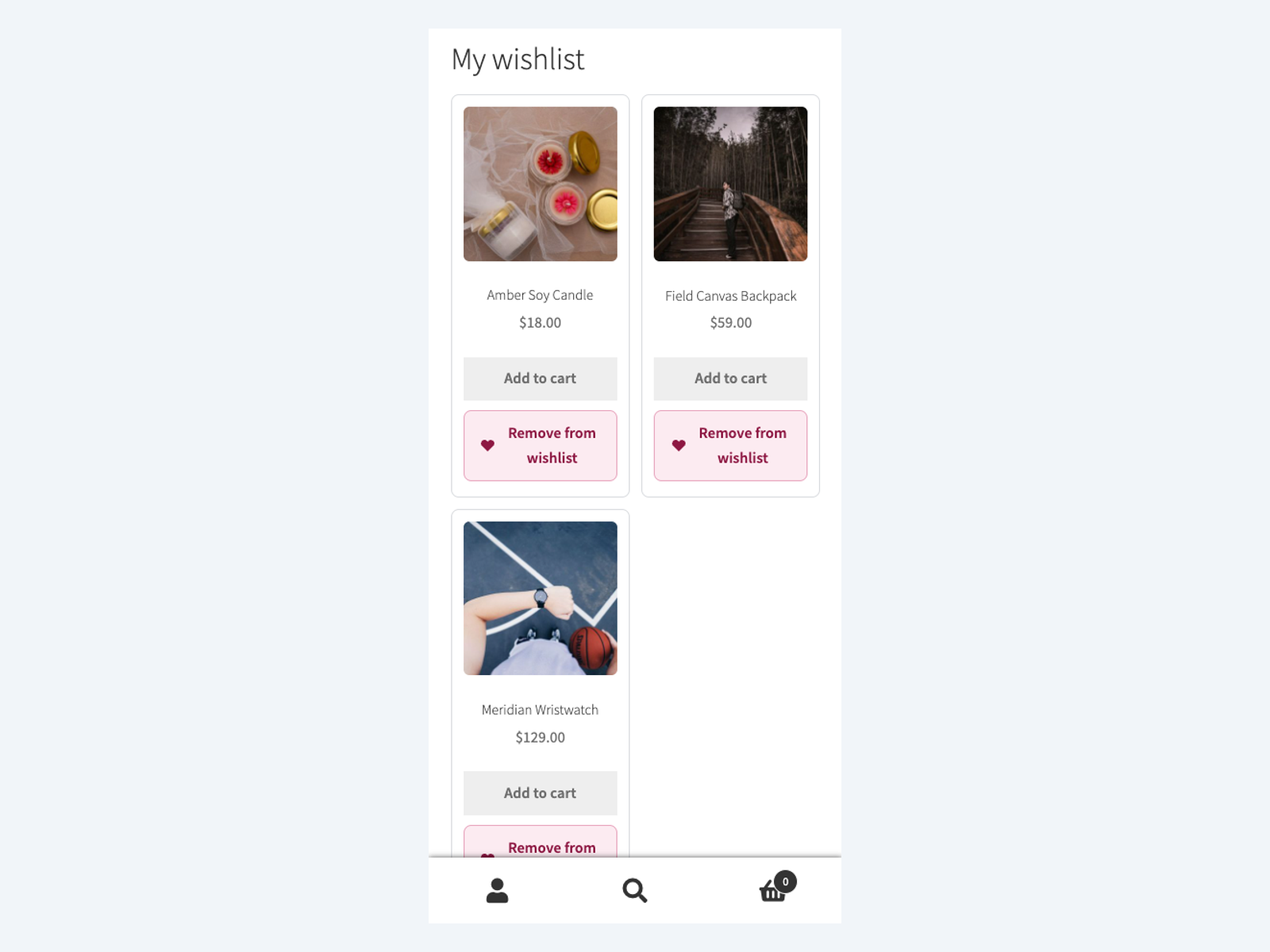
- Shape the list itself: heading, intro and empty-list text, how many columns the grid uses, and which details (image, name, price, add-to-cart, remove button) each saved product shows.
Every setting has a “?” next to it that opens a short explanation of what it does.
Shortlist only loads its stylesheet and script on the pages where the wishlist actually appears, so the rest of your store stays untouched.
External Services
Shortlist does not connect to any external service. Saving and removing items happens over your own site’s admin-ajax endpoint, and all wishlist data stays in your WordPress database: logged-in customers’ lists live in a custom shortlist_items table keyed to their user id, guest lists live in a cookie on the visitor’s own browser until they log in, and settings are stored in the shortlist_settings option. The plugin sends no email and loads no third-party fonts, scripts or trackers.
Translations
Plogins Shortlist is fully translatable and ships the plogins-shortlist.pot template. Translations are delivered by WordPress.org language packs from translate.wordpress.org, which is where Polish, German and Spanish are being contributed; the package itself carries no compiled translation files.
Details
Related plugins
Plugins that also contain the tag favourites
Heroic Favicon Generator

Simple Woocommerce Favourites

EFavourite Posts

WP My Favourites

Techvoot Favourites for WooCommerce


About
Plugin for that tries to help you find the WordPress plugin you are looking for.
| Please enjoy an image of Crush (this awesome turtle) and have a lovely day! |  |
We do not own any plugin listed on this site and do not work for or work with WordPress.com or it's associated companies. We simply provide a searchable list of the available WordPress plugins.