


Post Worktime Logger
Do you ever wanted to know, how long did you worked on this post?
Let Post Worktime Logger fill this gap!
Post Worktime Logger will tell you how much time did you spend in a WordPress post. It will only count the time if you are actively working in the post, so don’t worry if you have to leave the computer alone!
This project is actively maintained on Github.
German changelog and tutorials of ths plugin can be found on DerPade.
Usage
Post Worktime Logger will start to track the time you spend in each post automatically as soon as you install it. You’ll find the time in various places, such as the meta box when you’re editing a page, or the posts list.
In the plugin settings you can edit the title of the plugin, and enable or disable if you want to let non-logged users to see it.
Donation
You can donate to this project via PayPal by visiting this page: https://www.paypal.com/cgi-bin/webscr?cmd=_s-xclick&hosted_button_id=28WZAXQDXYZ5A
Details


Related plugins
Plugins that also contain the tag clock
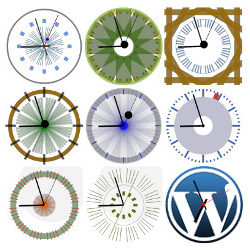
CoolClock – a Javascript Analog Clock
Local Time Clock
Easy Timer

WPC Countdown Timer for WooCommerce

MX Time Zone Clocks
Live Simple Clock


About
Plugin for that tries to help you find the WordPress plugin you are looking for.
| Please enjoy an image of Crush (this awesome turtle) and have a lovely day! |  |
We do not own any plugin listed on this site and do not work for or work with WordPress.com or it's associated companies. We simply provide a searchable list of the available WordPress plugins.