


ProductByte for WooCommerce
ProductByte for WooCommerce connects your store to ProductByte, a hosted service for working with your product catalog and marketing content.
Use it to:
- Send your WooCommerce product catalog to ProductByte
- Keep product data available in your ProductByte workspace
- Connect from WordPress without manually creating API keys
How it works
- Install and activate the plugin
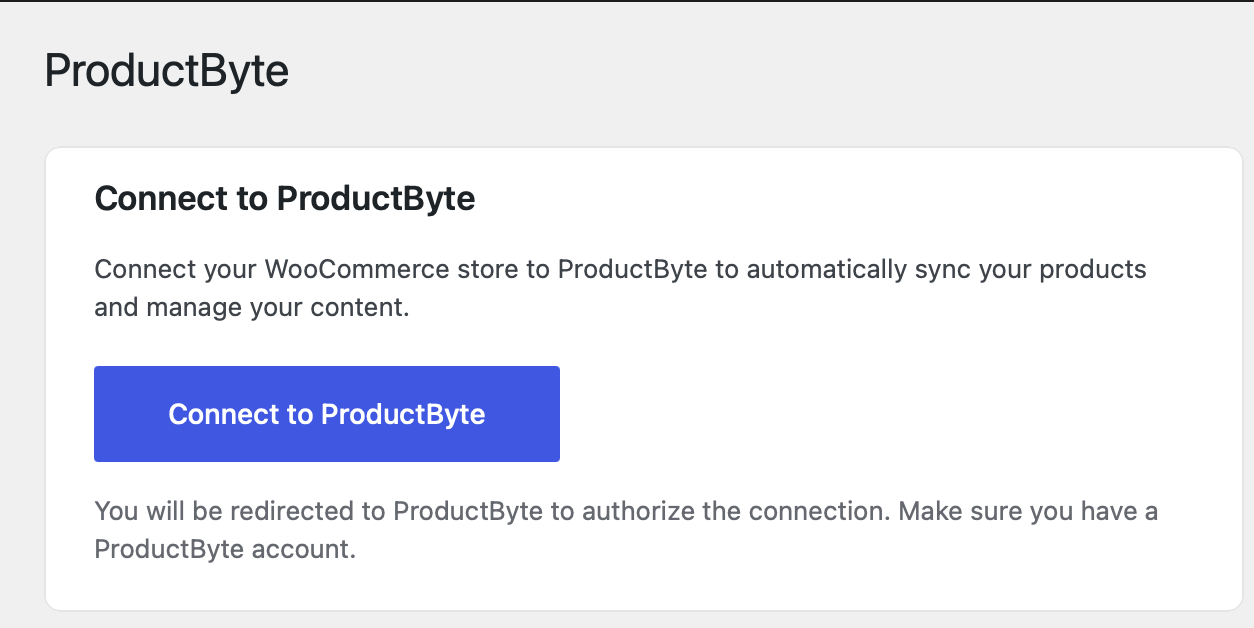
- Click “Connect to ProductByte”
- Log in to your ProductByte account and authorize the connection
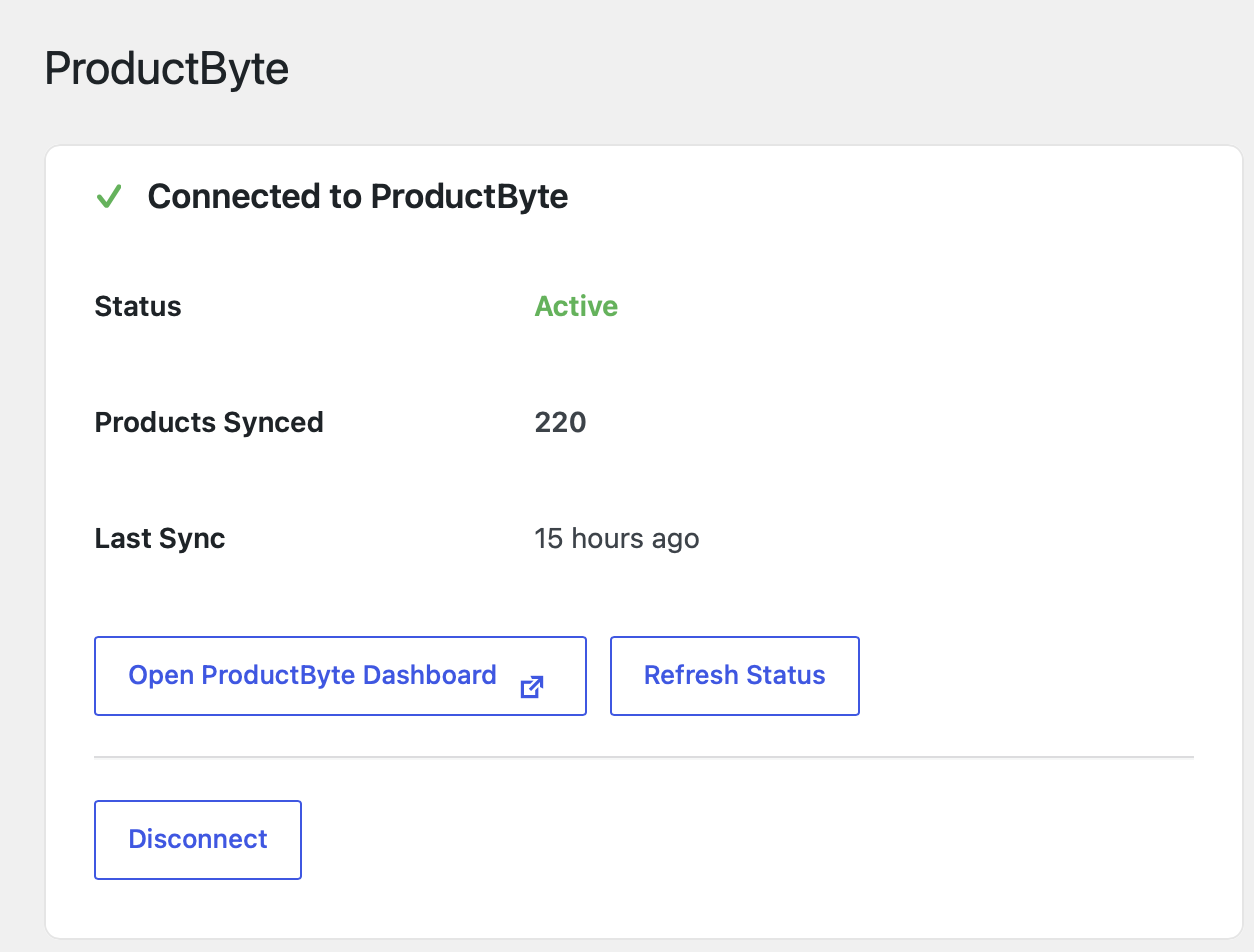
- Your products start syncing automatically
Requirements
- WordPress 5.3 or higher
- WooCommerce 5.0 or higher
- PHP 7.4 or higher
- A ProductByte account (sign up free)
External service and data
This plugin connects your WooCommerce store to ProductByte. ProductByte is an external service, so the plugin sends data to ProductByte servers when you connect the store, sync products, check connection status, or disconnect.
The data sent can include:
- Store URL and store name
- Product catalog data, such as product names, descriptions, prices, images, and related product fields
- WooCommerce REST API credentials generated for the connection
- Connection status and sync metadata, such as product counts and last sync time
You need a ProductByte account to use the service. ProductByte’s terms and privacy policy are available here:
- Terms of Service: https://productbyte.com/terms
- Privacy Policy: https://productbyte.com/privacy
Details


Related plugins
Plugins that also contain the tag content
One Click Demo Import

Advanced Excerpt

Rara One Click Demo Import

TutorMate

WP-ShowHide

WP Subtitle


About
Plugin for that tries to help you find the WordPress plugin you are looking for.
| Please enjoy an image of Crush (this awesome turtle) and have a lovely day! |  |
We do not own any plugin listed on this site and do not work for or work with WordPress.com or it's associated companies. We simply provide a searchable list of the available WordPress plugins.