



PufferPDF
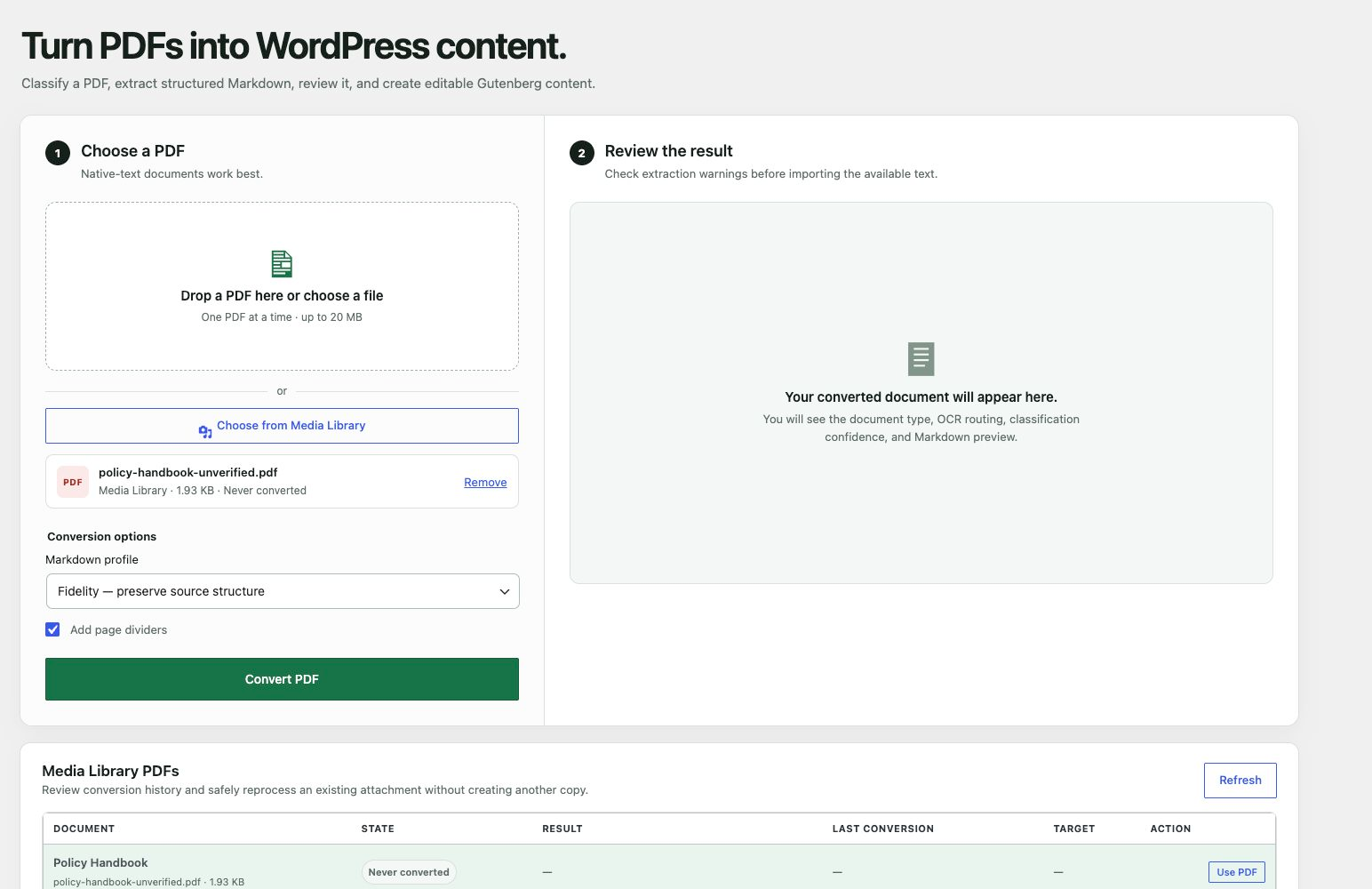
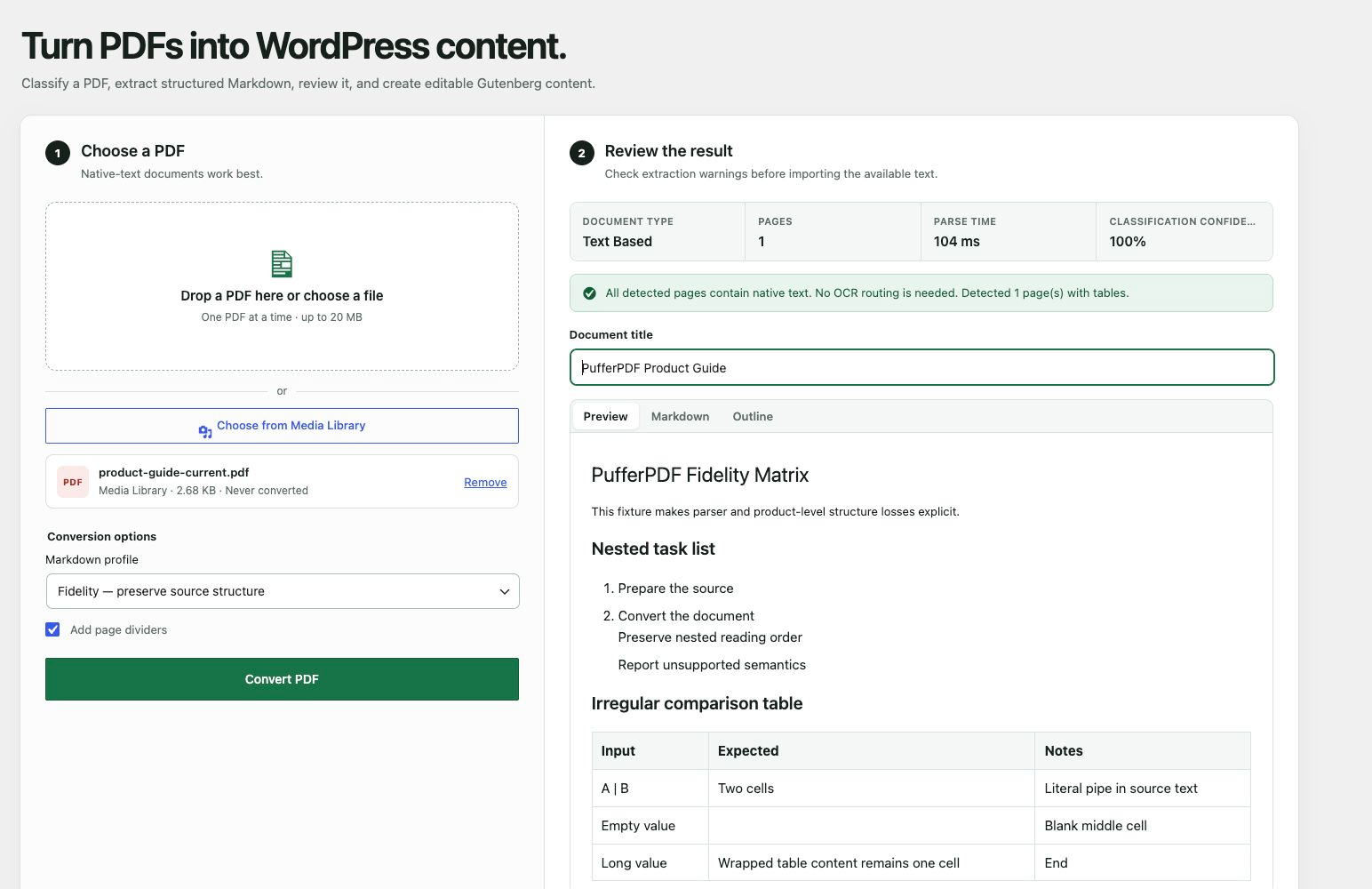
PufferPDF classifies and converts a PDF in your browser. It reports document type, page count, classification confidence, pages that need OCR, and encoding warnings before you decide whether to create a WordPress draft.
The current release supports one PDF at a time and focuses on native-text documents. It can:
- Extract structured Markdown in your browser with WebAssembly.
- Reconstruct headings, paragraphs, lists, tables, and page dividers.
- Preview, copy, or download the generated Markdown.
- Identify scanned, image-based, mixed, and encoding-problem documents.
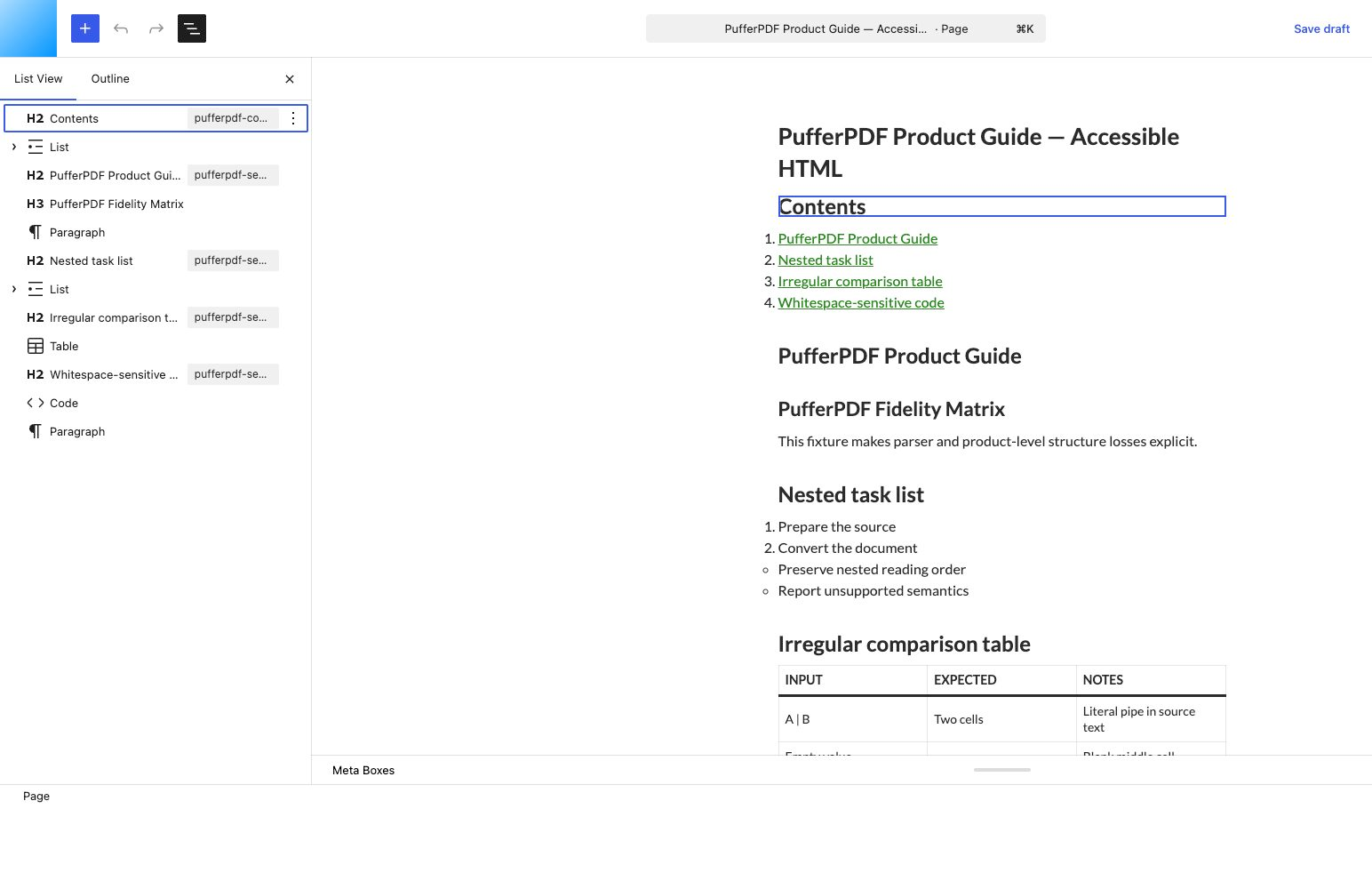
- Create a draft post made from native Gutenberg blocks.
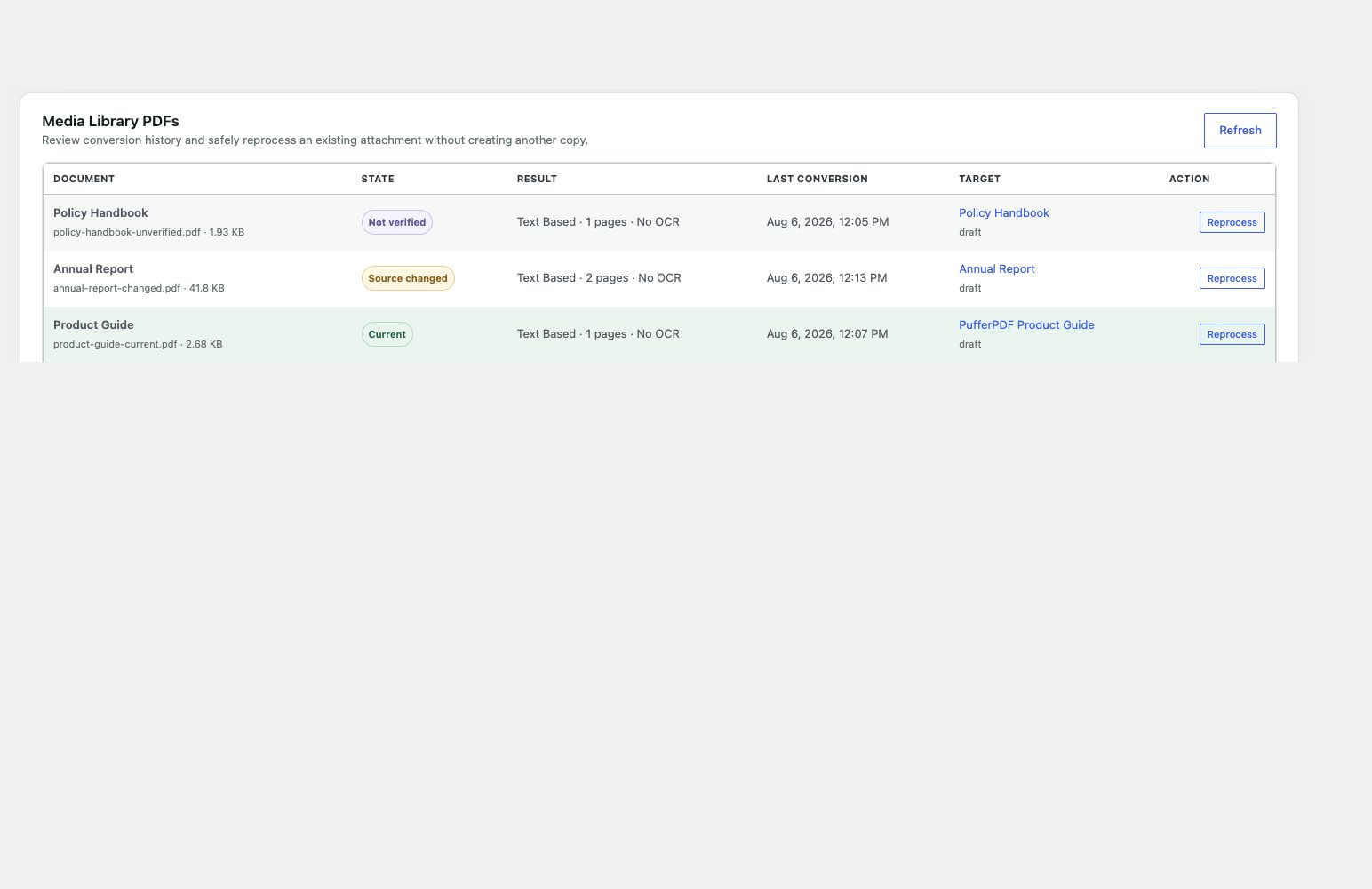
- Select an existing PDF from the Media Library without creating a duplicate.
- Detect current, changed, and unverified attachment sources with SHA-256 hashes.
- Store metadata-only conversion records linked to the target draft.
- Safely reprocess the same attachment while protecting revisions and editorial changes.
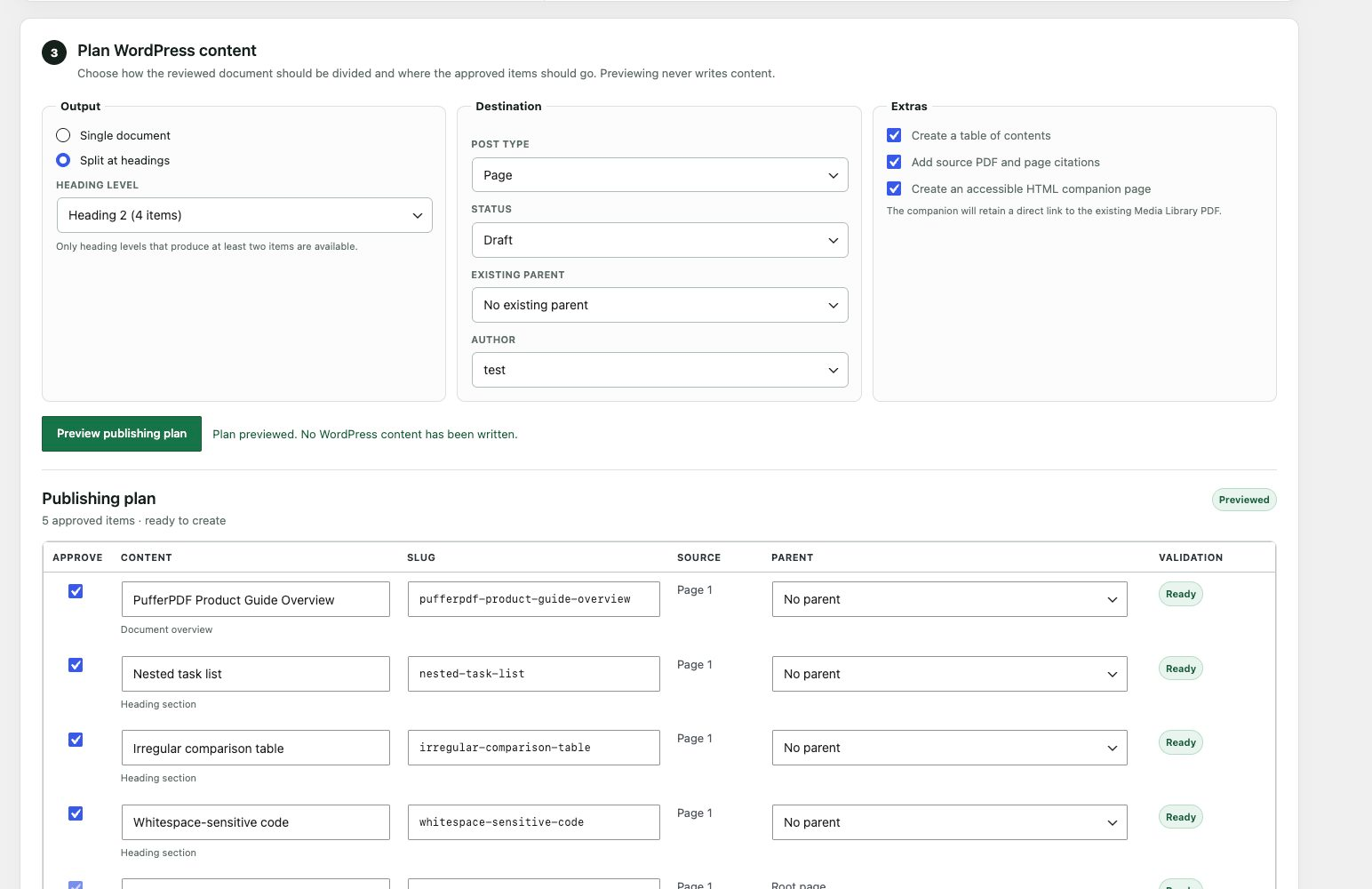
- Preview and split a reviewed document into multiple posts or pages by heading level.
- Map draft or pending output to capability-checked authors, parents, taxonomies, and terms.
- Add exact-page citations, stored table-of-contents data, and an accessible HTML companion.
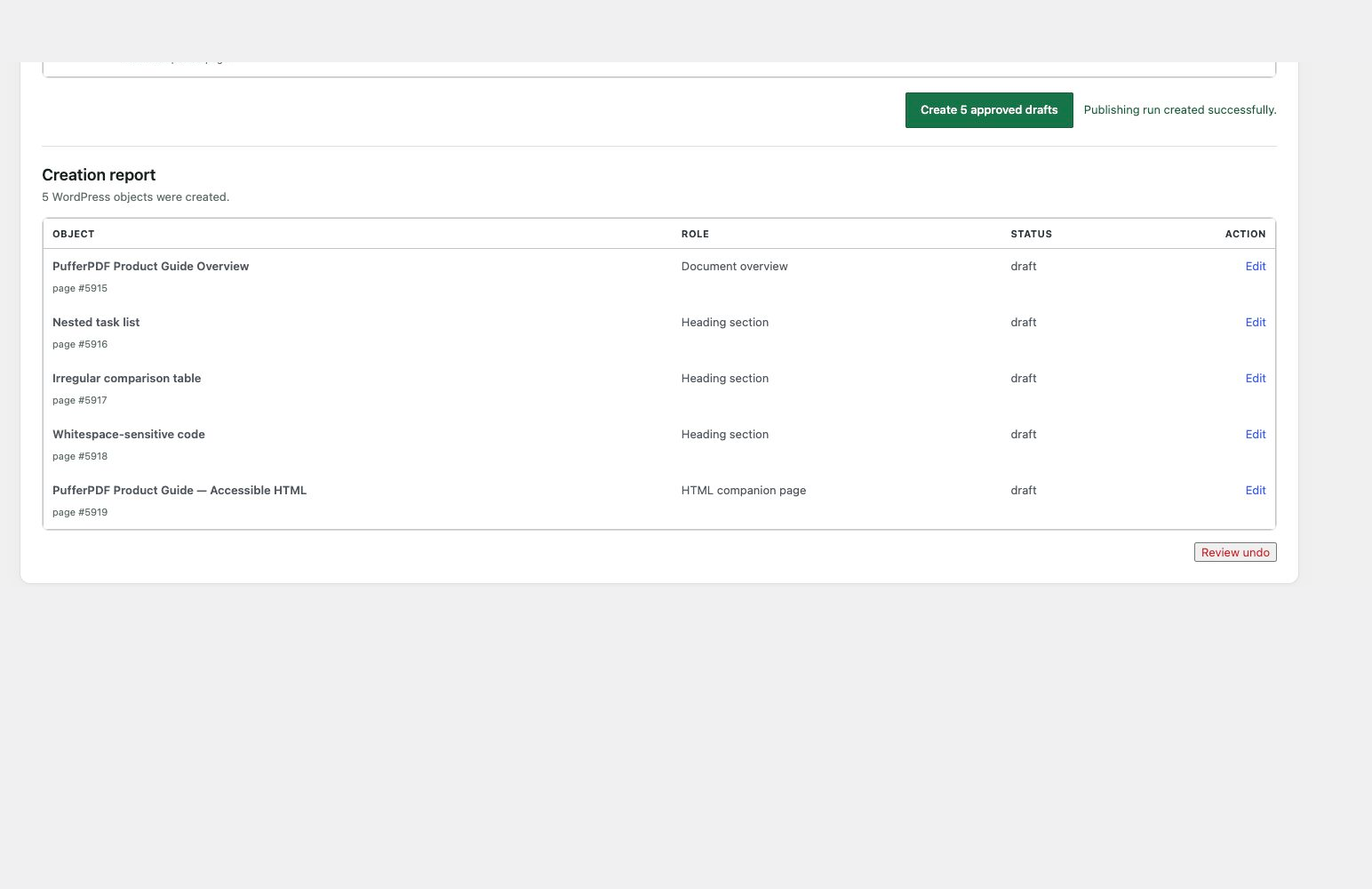
- Create an atomic publication report and safely undo an unchanged batch to Trash.
- Preserve nested lists, escaped and blank table cells, whitespace-sensitive code, hyperlinks, two-column reading order, and CJK/RTL text through the owned fidelity corpus.
- Retry encrypted PDFs with an ephemeral password that is never persisted or sent to WordPress.
PufferPDF does not perform OCR in this release. A mixed document may be imported only after acknowledging that pages requiring OCR may be absent. Fully scanned or image-based PDFs cannot be imported until an OCR workflow is available.
Privacy
The selected PDF is read by a Web Worker in the administrator’s browser. A PDF chosen with the file picker is not uploaded by this workflow. A Media Library selection fetches the existing attachment without creating another copy. When the user explicitly creates or updates a draft, the reviewed Gutenberg block content, title, source hash, and bounded inspection metadata are sent to their own WordPress site.
For Media Library files stored on the WordPress server, WordPress independently hashes the backing file to detect source changes. Offloaded files remain marked unverified when WordPress cannot read a server-readable copy. Conversion records never contain PDF bytes.
PufferPDF does not use an external service in this release.
Deactivating PufferPDF leaves generated posts, source PDFs, conversion records, publication manifests, and PufferPDF metadata in place so reactivation does not break provenance or safe undo checks. Deleting the plugin through WordPress removes only its hidden conversion records, hidden publication manifests, and _pufferpdf_* metadata. Generated posts, pages, revisions, taxonomy terms, and source PDF attachments remain under the site’s control.
Learn more about the workflow at pufferpdf.com.
Third-party software
PufferPDF includes a reviewed browser WebAssembly runtime. Third-party attribution, upstream source details, redistribution notices, license texts, provenance checksums, and exact rebuild instructions are consolidated in THIRD_PARTY_NOTICES.txt and the files it references.
Details
Related plugins
Plugins that also contain the tag markdown
Markup Markdown

Import Markdown – Versatile Markdown Importer
Ultimate Markdown – Markdown Editor, Importer, & Exporter

WP-Markdown

Markdown Comment Block

Todo List Block


About
Plugin for that tries to help you find the WordPress plugin you are looking for.
| Please enjoy an image of Crush (this awesome turtle) and have a lovely day! |  |
We do not own any plugin listed on this site and do not work for or work with WordPress.com or it's associated companies. We simply provide a searchable list of the available WordPress plugins.