



Purchase Redirect for WooCommerce
The Purchase Redirect for WooCommerce Plugin is a powerful tool that enables you to redirect users after they complete a purchase on your WooCommerce store. It also allows for the generation of temporary links, enhancing the user experience and providing additional functionality.
Purchase Redirect for WooCommerce Features
- Redirect users to a specified link after purchasing a particular WooCommerce product.
🚀 Redirect Pro for WooCommerce – Feature Comparison
✅ Free Version
Single Installation: Configure 1 product redirect per store.
Redirect Users: Send buyers to any custom link after purchase (including WhatsApp).
WhatsApp Redirect: Add a wa.me link with pre-filled message for instant chat.
Temporary Links: Generate one-time links for internal use.
Dashboard Customization: Manage product redirects directly from the WordPress dashboard.
Mobile-Friendly: Works seamlessly on all devices.
Community Support: Get help from community forums.
💎 Pro Version
Single Installation: Configure unlimited product redirects on the store.
Redirect Users: Send buyers to any custom link after purchase (including WhatsApp, external services, or affiliate pages).
WhatsApp Redirect: Add a wa.me link with pre-filled message for instant chat (works across unlimited products).
Temporary Links: Generate one-time internal links for secure redirection.
Dashboard Customization: Control all redirects and temporary links from the WordPress dashboard.
Advanced Management: Easily manage unlimited product settings and configurations.
Mobile-Friendly: Optimized for mobile devices.
Private Support: Access priority support for troubleshooting and updates.
Configuration
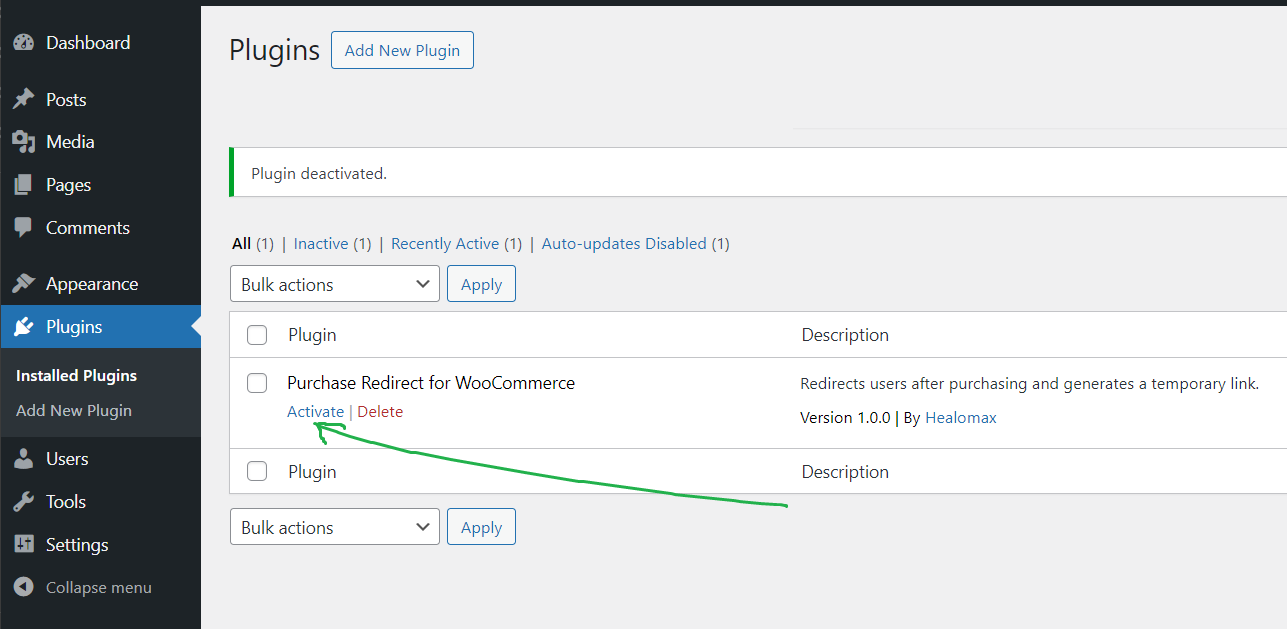
- After activating the plugin, you will see a new menu item in the WordPress dashboard called “Purchase Redirect for WooCommerce.”
- Click on this menu item to access the plugin settings.
- You will find options to configure redirection and temporary link generation for your WooCommerce products.
Usage
- If you’ve enabled temporary links, they will also receive a temporary link for added functionality.
- Configure the settings for each product in the WordPress dashboard.
- Specify the redirect link and whether you want to generate a temporary link for the product.
- Save your settings.
- After a customer purchases a product, they will be redirected to the specified link or a temporary link will be generated based on your settings.
Support
For support or assistance, at the forum.
Credits
- Author: HealoMax
– Website: Coupon Countdown Pro for WooCommerce with WhatsApp Chat Option
Thank you for using the Purchase Redirect for WooCommerce Plugin! We hope it enhances your WooCommerce store’s functionality.
Details




Related plugins
Plugins that also contain the tag order
Custom Taxonomy Order

Simple Taxonomy Ordering
ReOrder Posts within Categories

WP Term Order

Filter Orders by Product for WooCommerce

Order Export for WooCommerce


About
Plugin for that tries to help you find the WordPress plugin you are looking for.
| Please enjoy an image of Crush (this awesome turtle) and have a lovely day! |  |
We do not own any plugin listed on this site and do not work for or work with WordPress.com or it's associated companies. We simply provide a searchable list of the available WordPress plugins.