


Quick debug.log Viewer
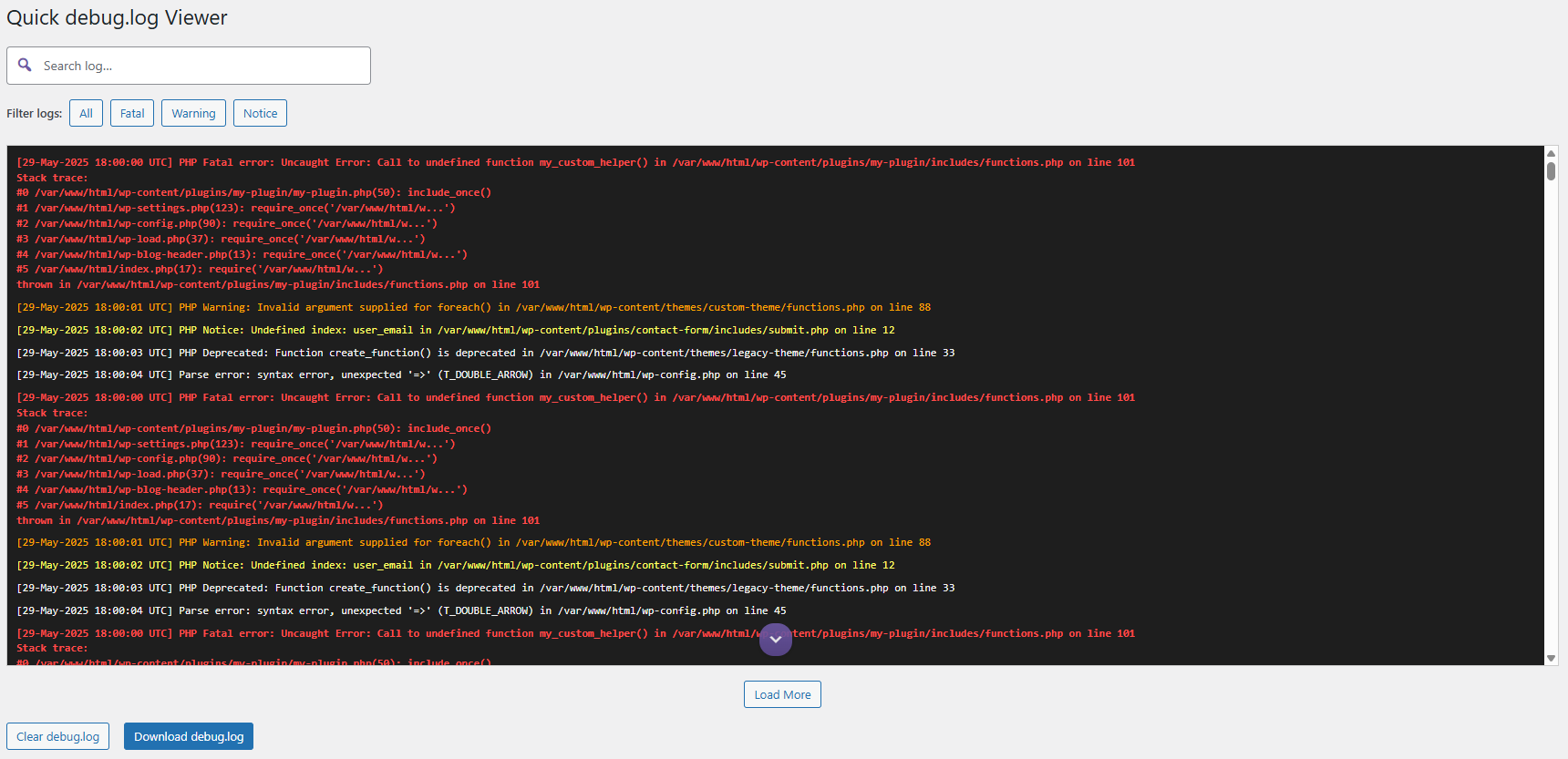
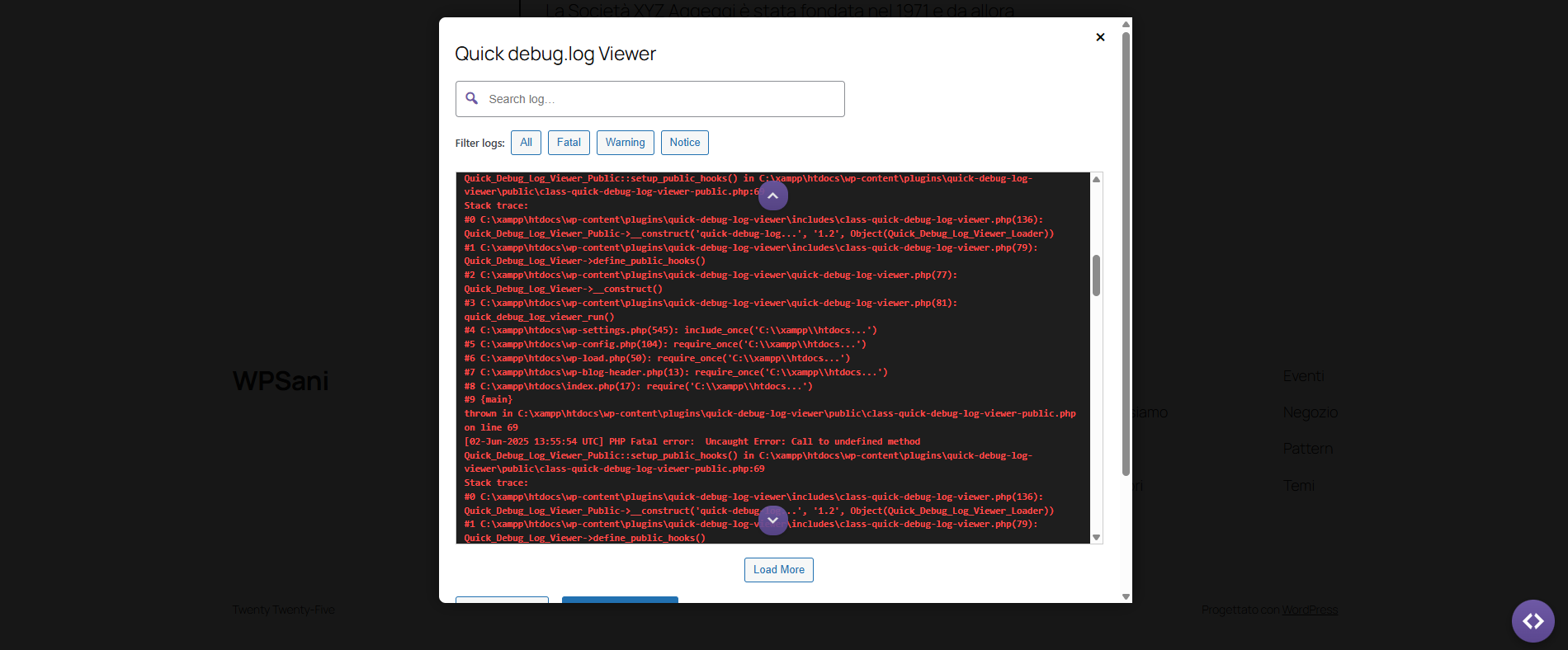
Quick debug.log Viewer lets you quickly inspect your site’s debug.log file without leaving the WordPress dashboard. Now with a floating action button (FAB) and modal for frontend viewing, searching, and filtering!
The FAB is now draggable and its position is remembered — with a right-click option to reset.
- Instantly view, scroll, search, and filter your
debug.logcontents - 🔍 Search and browse logs even from the frontend with a floating action button (FAB) and modal
- Filter logs by type: Fatal, Warning, Notice — or show all
- Clear the log with a single click (now via AJAX)
- Download the log for backups or support
- Load large logs in chunks with the Load More button
- Secure HTML output with escaping to prevent session theft
- Stack traces are shown in single blocks for better readability
- Works even if
WP_DEBUGis off — as long as the file exists
Ideal for developers, site managers, and anyone needing to troubleshoot WordPress issues fast.
👉 Learn more and download from: https://wpsani.store/downloads/quick-debug-log-viewer-free/
Details

Related plugins
Plugins that also contain the tag admin
Redux Framework

Loginizer

LightStart – Maintenance Mode, Coming Soon and Landing Page Builder

Admin Menu Editor

White Label CMS

InfiniteWP Client


About
Plugin for that tries to help you find the WordPress plugin you are looking for.
| Please enjoy an image of Crush (this awesome turtle) and have a lovely day! |  |
We do not own any plugin listed on this site and do not work for or work with WordPress.com or it's associated companies. We simply provide a searchable list of the available WordPress plugins.