


QuickSync for WooCommerce
Sell across more channels. Spend less time updating stock.
QuickSync connects WooCommerce with Shopify, Square, Amazon, Etsy, eBay and other supported sales channels. Manage your connected stores from QuickSync and keep inventory aligned as you sell online and in store.
Keep inventory in sync
When inventory syncing is enabled, stock changes in an aligned store flow to its connected counterparts. Keep matching products up to date across your channels, helping reduce overselling and manual stock adjustments.
Update products from one source
Choose a source store for product updates. With product syncing enabled, QuickSync copies supported product details, images and prices to your connected stores according to your settings.
Connect WooCommerce in a few steps
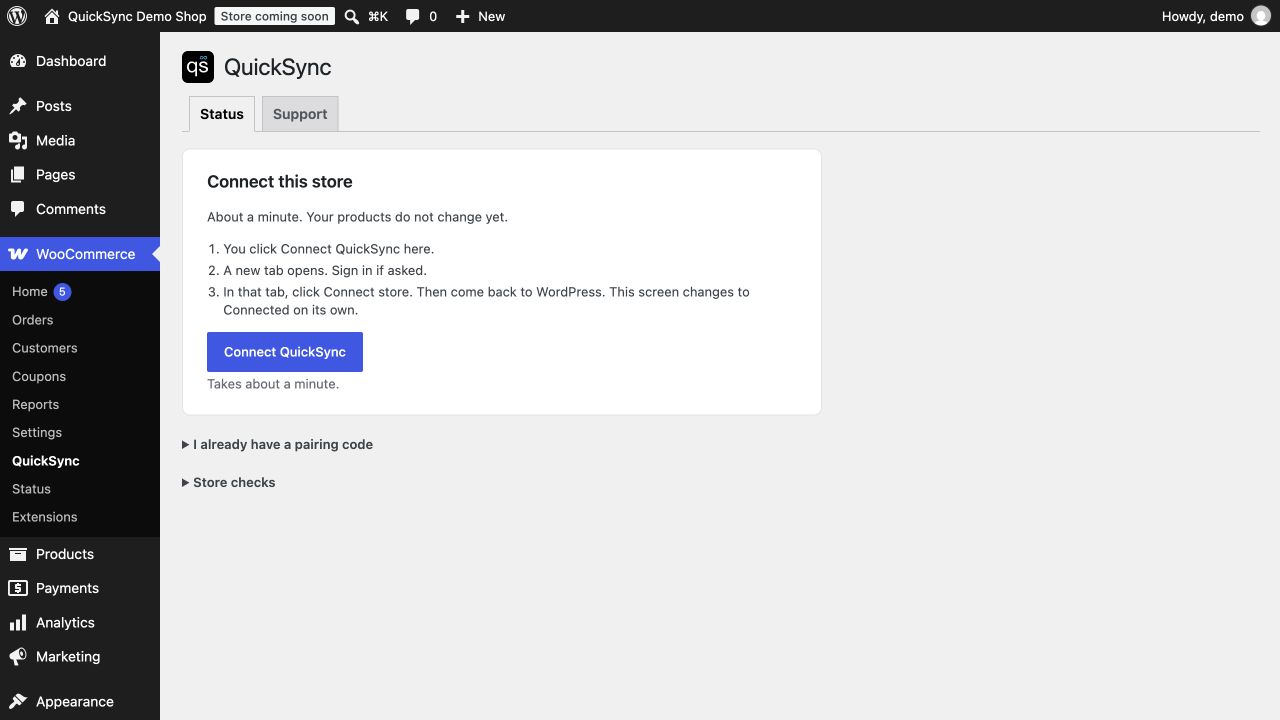
Install the plugin, open WooCommerce QuickSync, and connect your store. Sign in or create a QuickSync account, complete setup, and enable the syncs you need. Connecting the plugin does not automatically start syncing.
Stay informed from WordPress
- Connect without manually copying API keys.
- Check your store’s connection status.
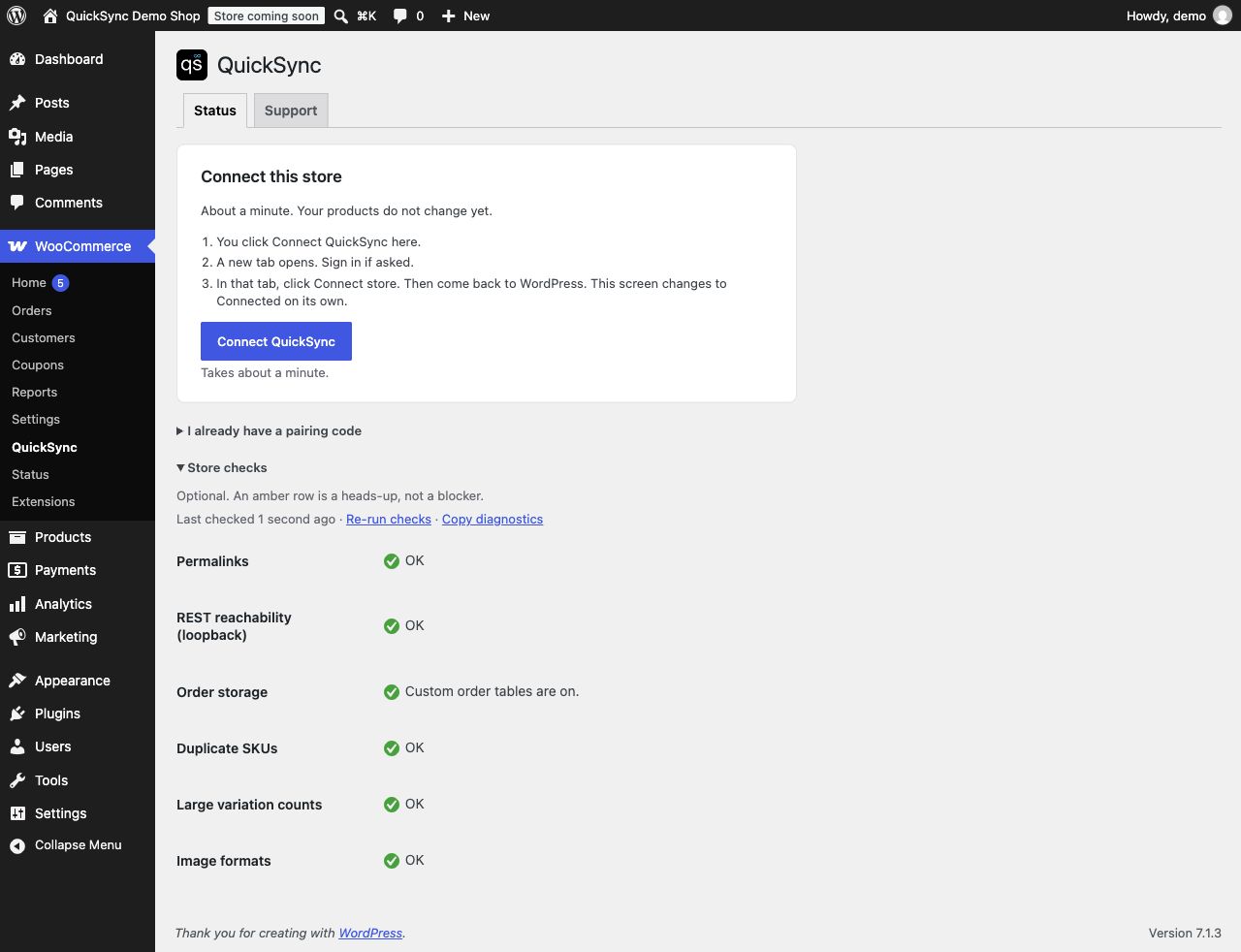
- Find common connection issues with built-in diagnostics.
- Access connection logs and support information.
A QuickSync account is required. Syncing is managed by the hosted QuickSync service. Available features depend on your plan, connected platforms and sync settings. Products are matched across stores by SKU.
External services
This plugin connects to QuickSync (https://app.quicksync.pro) so the store can be paired and managed.
POST /store/woocommerce/plugin/handoff/— sends the site URL and a WooCommerce REST key the plugin created locally, and receives a connect link.GET /store/woocommerce/plugin/handoff/{id}/— the plugin polls this after you finish sign-in, to store the connection token. The poll secret is sent only as theX-QuickSync-Handoff-Secretheader.POST /store/woocommerce/plugin/claim/— pairing-code fallback; same data as handoff.GET /store/woocommerce/plugin/status/— connection state, plan name, and whether the REST key still works.POST /store/woocommerce/plugin/status/— only if you tell the plugin this site is a copy or that the site moved.
Unconfirmed handoff rows and the WooCommerce REST keys they carry are hard-deleted after 15 minutes. A new Connect click revokes the previous unused key before creating another.
The connection token is stored in the WordPress options table (quicksync_connection). WordPress has no secret store. Status screens show only a masked token (qs_plugin_••••1234).
Terms of service: https://quicksync.pro/terms/
Privacy policy: https://quicksync.pro/privacy/
Details

About
Plugin for that tries to help you find the WordPress plugin you are looking for.
| Please enjoy an image of Crush (this awesome turtle) and have a lovely day! |  |
We do not own any plugin listed on this site and do not work for or work with WordPress.com or it's associated companies. We simply provide a searchable list of the available WordPress plugins.