

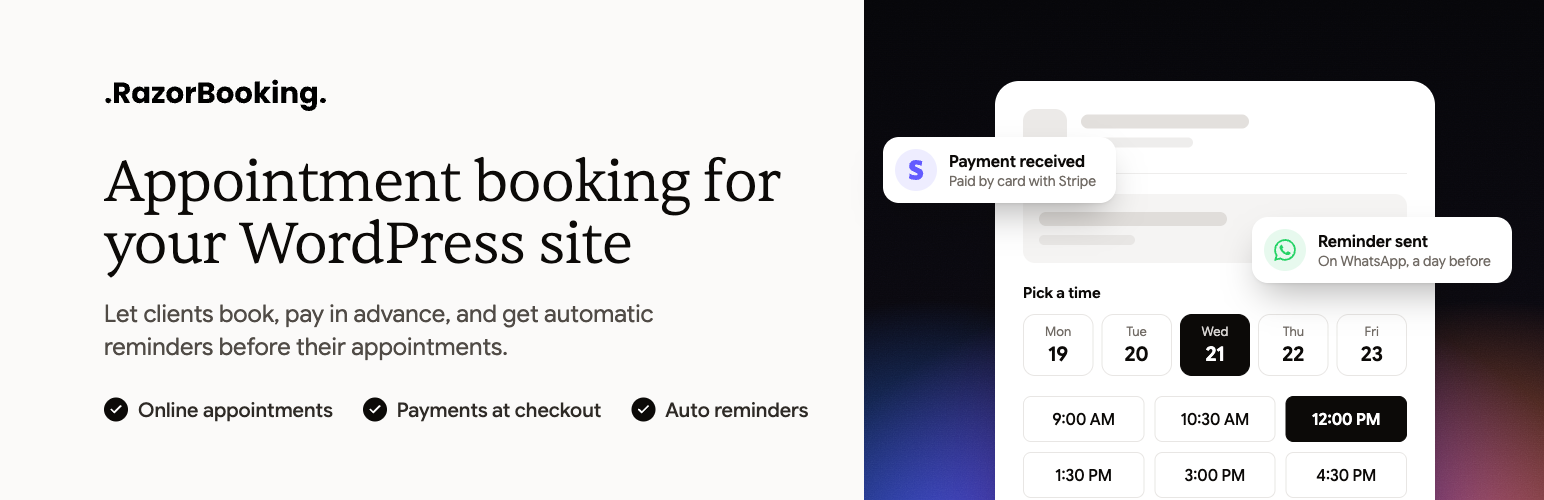

RazorBooking
RazorBooking for WordPress puts your RazorBooking account on your website.
Your services, team, availability, prices, and payments are managed in
RazorBooking. This plugin shows them on your site and lets visitors book.
It isn’t a second admin. There’s no calendar, customer list, or payment
history here. Those stay in RazorBooking, so there’s only one place to
check and nothing gets out of date.
The plugin is free. RazorBooking itself is a paid service: it starts with a
14-day free trial, no card needed, and has no free plan.
What you get
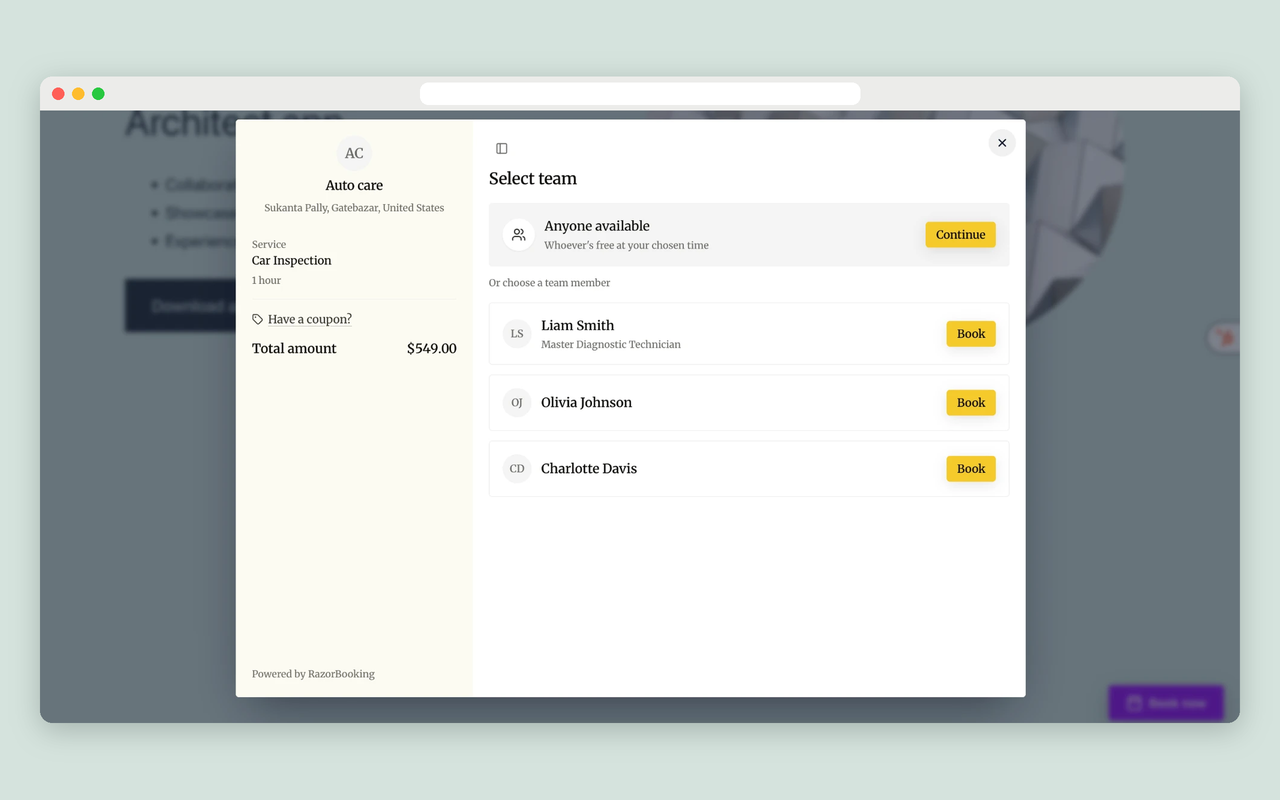
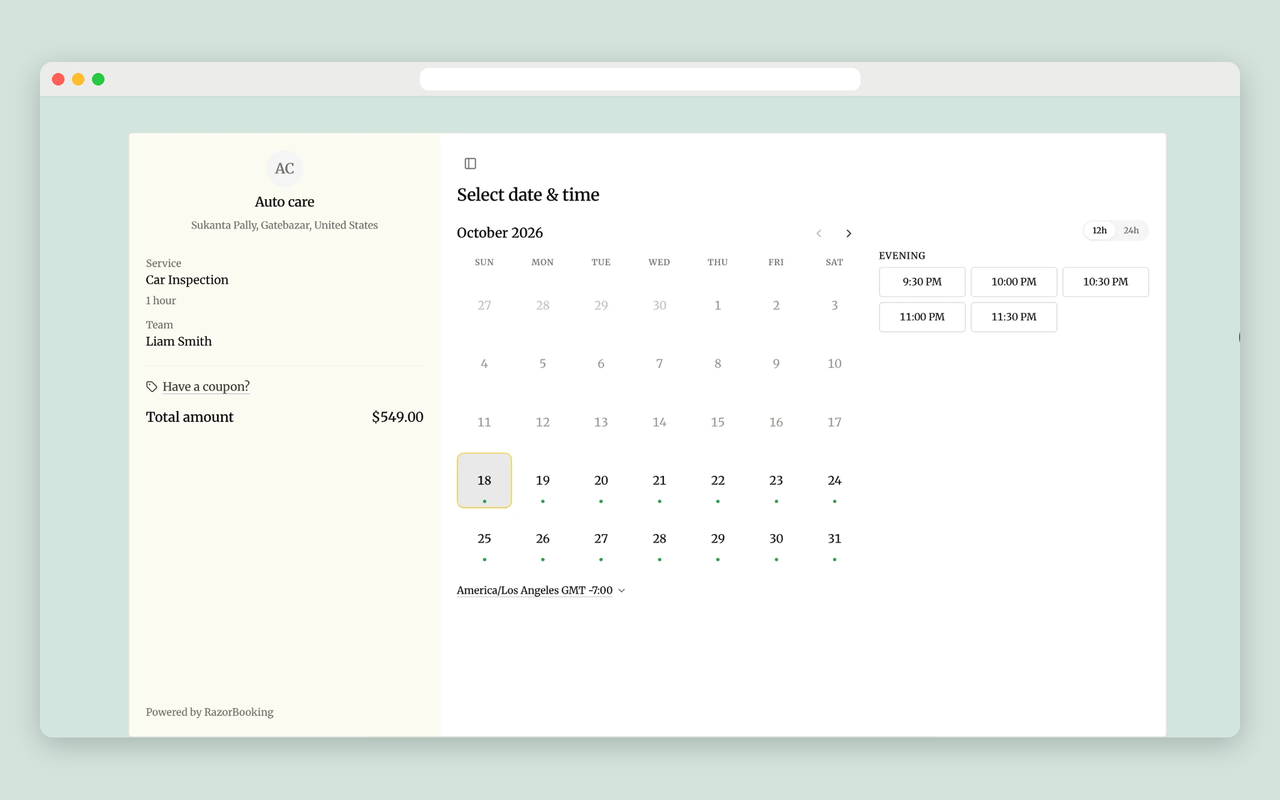
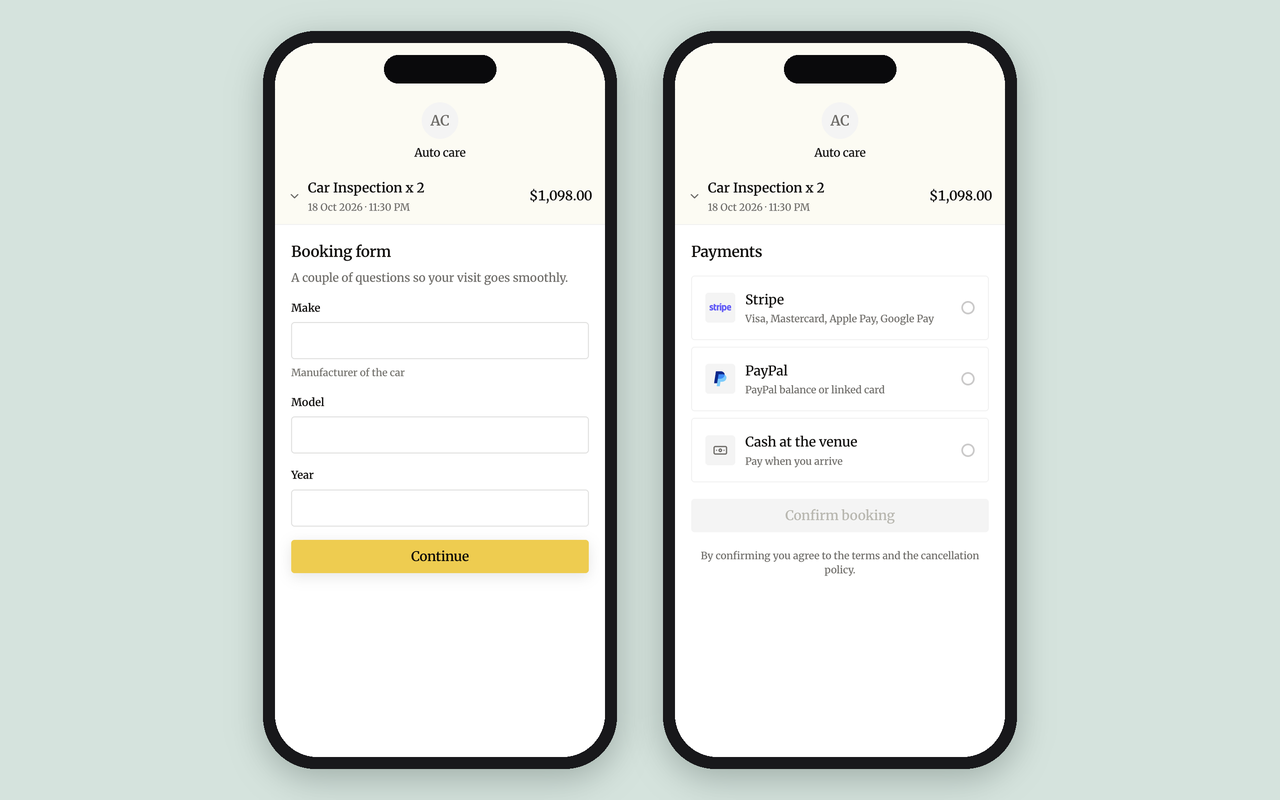
- Blocks: Booking form, My bookings, Reviews, Gallery, FAQ, and Booking
confirmation. The Booking
form can show all your services, one service (with a version, and a quantity
for services booked by quantity), or one category, with or without a specific
team member. It can appear on the page, as a button that opens a popup, as a
button that links to your booking site, or as a floating button, each with
its own options. Reviews, Gallery, and FAQ can use your booking site’s title,
your own title, or no title. You choose how many to show, and they can open
from a popup button. - The same set as Elementor widgets, in a “RazorBooking” section of the panel.
- Business info for search engines (structured data), served from your
domain: your business, address, hours, services and prices, FAQs, and team,
each on the page it’s about. A pasted booking snippet can’t do this for you,
because search engines credit that data to razorbooking.com, not your site. - Shortcodes for classic themes and page builders:
[razorbooking],
[razorbooking_my_bookings],[razorbooking_reviews],
[razorbooking_gallery],[razorbooking_faq], and
[razorbooking_confirmation]. Click Embed on any item to
build its shortcode as you choose options. Every option is listed under
RazorBooking Support Shortcodes. - Reviews, gallery, and FAQs look exactly like they do on your booking site,
on your page’s own background. - A floating “Book now” button with display rules, including hiding it on
pages that already have a booking form. - A thank-you page of your own, set up on Add to site. After booking,
customers go to it, whether they booked on your site or on your booking
site. Add the Booking confirmation block, widget, or shortcode to show their
booking reference. You can change its title (or hide it), the label before
the reference, and the “View your booking” button’s text (or hide the
button). - An Add to site screen with everything you can put on your pages: copy its
shortcode or embed code, preview it, and set up the thank-you page and the
floating button. - Your business’s own look. The Design screen sets your booking site’s colors,
font, and corner style, with a live preview. Buttons, popups, and
booking forms on your WordPress pages use the same colors and corners. - Site Health checks for the connection and for staging copies.
- A Support screen that works even when RazorBooking can’t be reached: checks,
common answers, and diagnostics you can paste into a message to us.
What happens when something goes wrong
Read this before you install.
If the connection breaks, visitors see nothing where booking would have
been, and only logged-in administrators see an explanation. The plugin never
shows a demo or sample booking form instead.
The worst thing that can happen to a business is a page that looks fine but
takes no bookings. Nobody notices until the money stops. A booking form that’s
visibly missing gets fixed the same day.
Your pages read the saved copy of your business information, so they don’t
wait on RazorBooking, and they keep working if RazorBooking can’t be reached
for a while.
External services
This plugin is the WordPress side of RazorBooking, a hosted booking service,
and doesn’t work without it. Nothing is sent to RazorBooking until you connect
your account. After that, it contacts RazorBooking in the ways below.
RazorBooking API (from your server). Used to connect your site and to show
and edit your RazorBooking business from these admin screens. Sent: your
site’s address and name when you connect, your site key and a random ID for
this installation (created when the plugin is activated) with every request,
and whatever you create or change on these screens (services, categories, team
members, the Design, your thank-you page’s address). Received: your business
information (services, team, reviews, gallery, FAQs, settings) and, on the
Home screen, today’s numbers and upcoming bookings. Requests go to
app.razorbooking.com only from your WordPress admin: to fetch the saved copy
of your business information the first time after you connect, when you click
Sync, and after you save a change on these screens; and to show Home’s
bookings and numbers and the reviews waiting for approval, which are never
saved. RazorBooking never contacts your site, and visitors’ page views never
make a request to it. If you delete the plugin, it sends one request asking RazorBooking to revoke the site key it
created when you connected.
Your booking site (from your visitors’ browsers). The booking form, popup,
reviews, gallery, and FAQ are pages of your RazorBooking booking site (for
example yourbusiness.razorbooking.com, or your own domain) shown inside your
pages, and the JavaScript file that displays them (widget.js) is loaded from
there too. By default, a visitor’s browser loads them when it opens a page that
shows one, and is told to connect to your booking site early (a “preconnect”
hint). In Settings Privacy you can make booking wait instead: until the
visitor accepts cookies in your cookie banner, or until they click a booking
button. The browser sends
what it sends with any web request (IP address, browser type, and language).
What a visitor types into the booking form goes to RazorBooking. Fonts come
from your booking site itself, not from a font service. If your gallery has
YouTube videos, their preview images come from YouTube (i.ytimg.com), and a
video plays from youtube-nocookie.com when the visitor starts it. If you take
payments online, your payment provider’s page or window opens at the payment
step.
Your booking site may show a small “Powered by RazorBooking” line inside the
booking form. It comes from RazorBooking, not from this plugin, and you can
turn it off in RazorBooking.
Your booking site (in these admin screens). The Design and Add to site
screens show a preview of your booking site, loaded from it.
Images. Service, team, and gallery images you uploaded to RazorBooking are
shown from RazorBooking’s file storage.
YouTube is provided by Google:
terms of service,
privacy policy.
RazorBooking is provided by RazorBooking:
terms of service,
privacy policy.
Details
Related plugins
Plugins that also contain the tag appointments
LatePoint – Calendar Booking Plugin for Appointments and Events

Booking for Appointments and Events Calendar – Amelia

Online Scheduling and Appointment Booking System – Bookly

Appointment Booking Calendar — Simply Schedule Appointments Booking Plugin

Fluent Booking – The Ultimate Appointments Scheduling, Events Booking, Events Calendar Solution

SimplyBook.me – Booking and reservations calendar


About
Plugin for that tries to help you find the WordPress plugin you are looking for.
| Please enjoy an image of Crush (this awesome turtle) and have a lovely day! |  |
We do not own any plugin listed on this site and do not work for or work with WordPress.com or it's associated companies. We simply provide a searchable list of the available WordPress plugins.