


Remove Add to Cart Button for WooCommerce
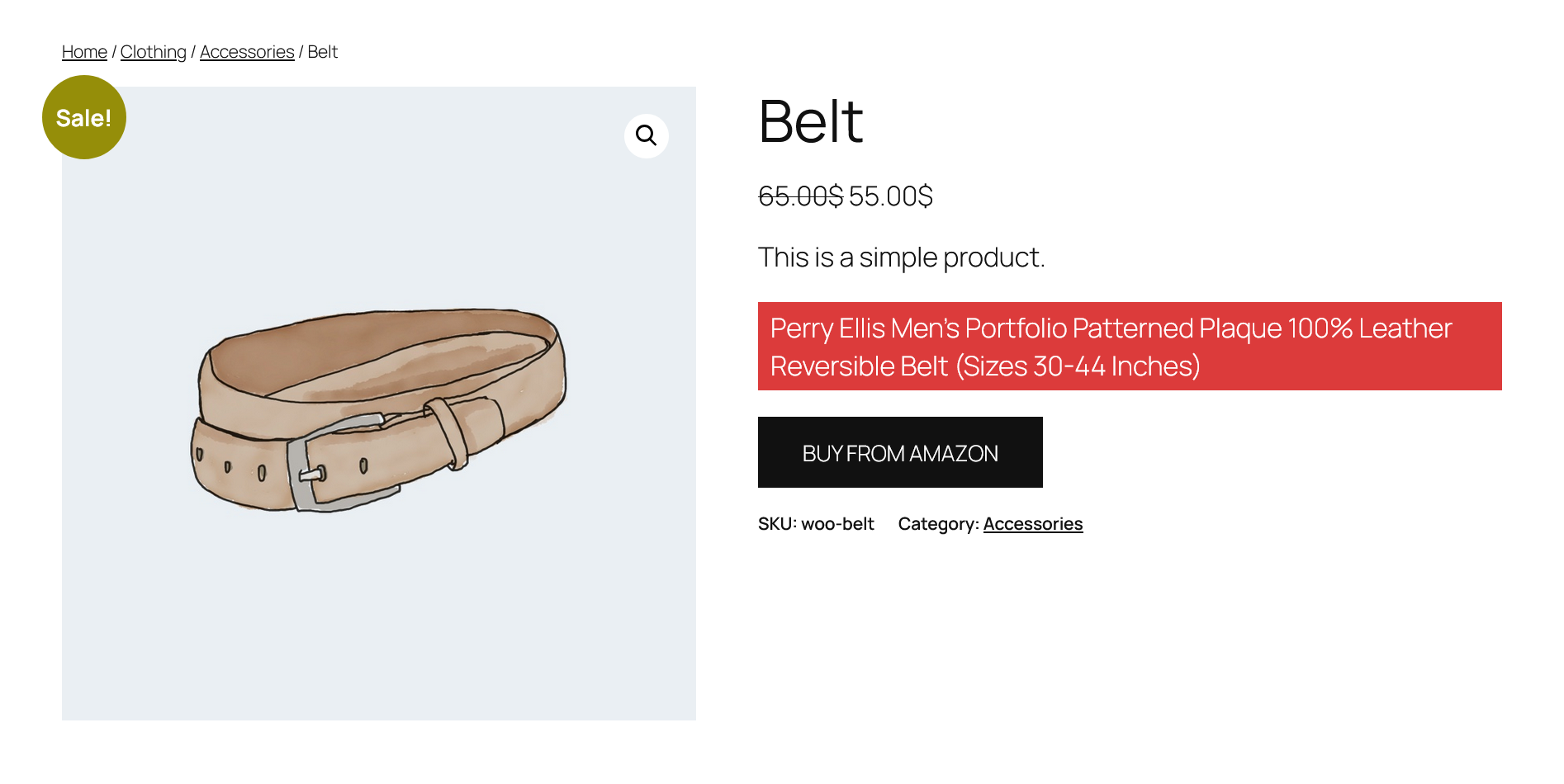
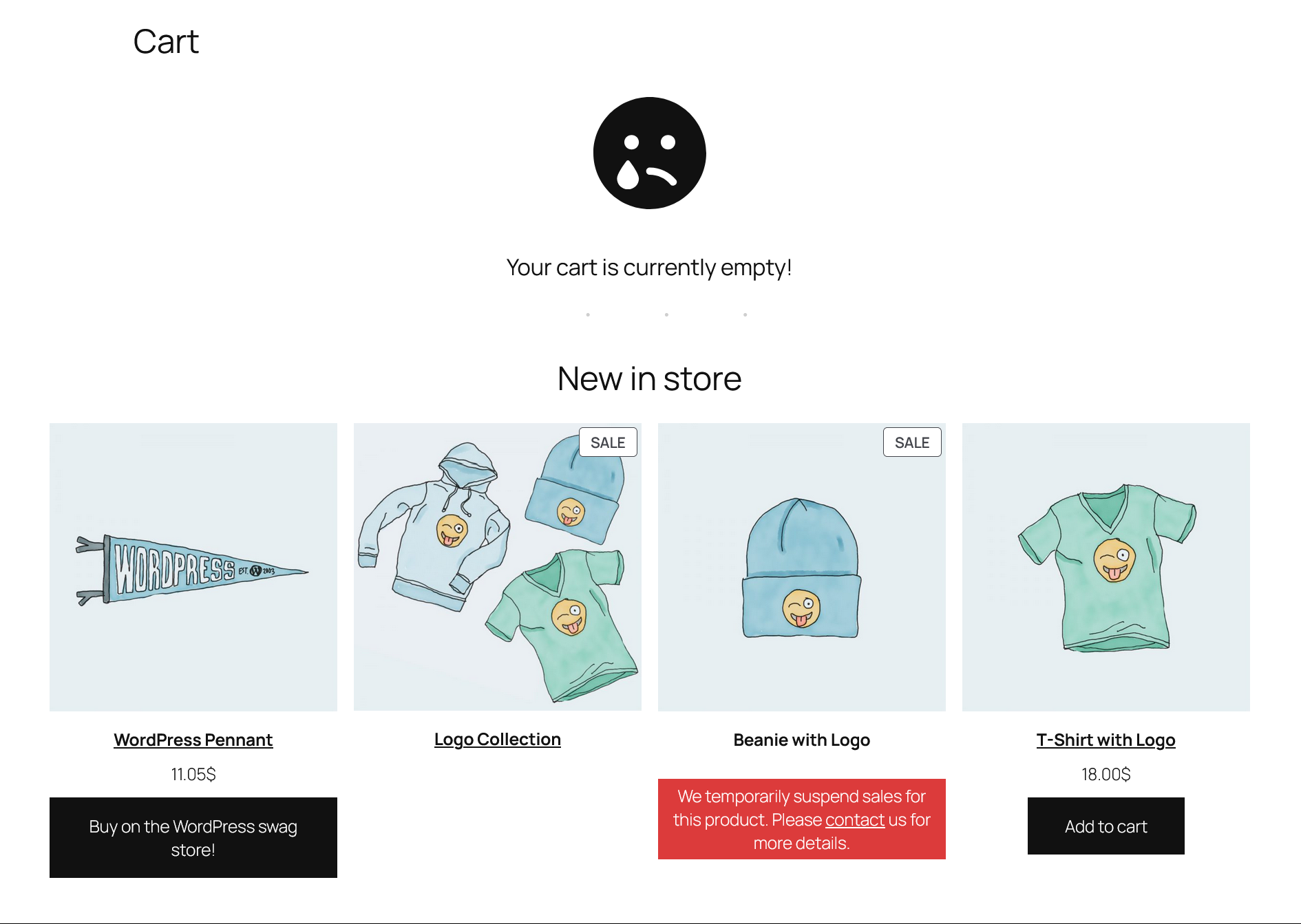
If you need to hide or remove the Add to Cart button from product listing pages, product detail pages, or WooCommerce block-based product grids, this plugin provides a simple and effective solution. It allows you to disable the Add to Cart button either for all users or exclusively for visitors. When configured for visitors, you can enable a checkbox option to display a Login button in place of the hidden Add to Cart button. Additionally, you can add a custom message that will appear whenever the button is hidden, with full control to customize the text and background color, set text alignment, padding, and font size for these messages.
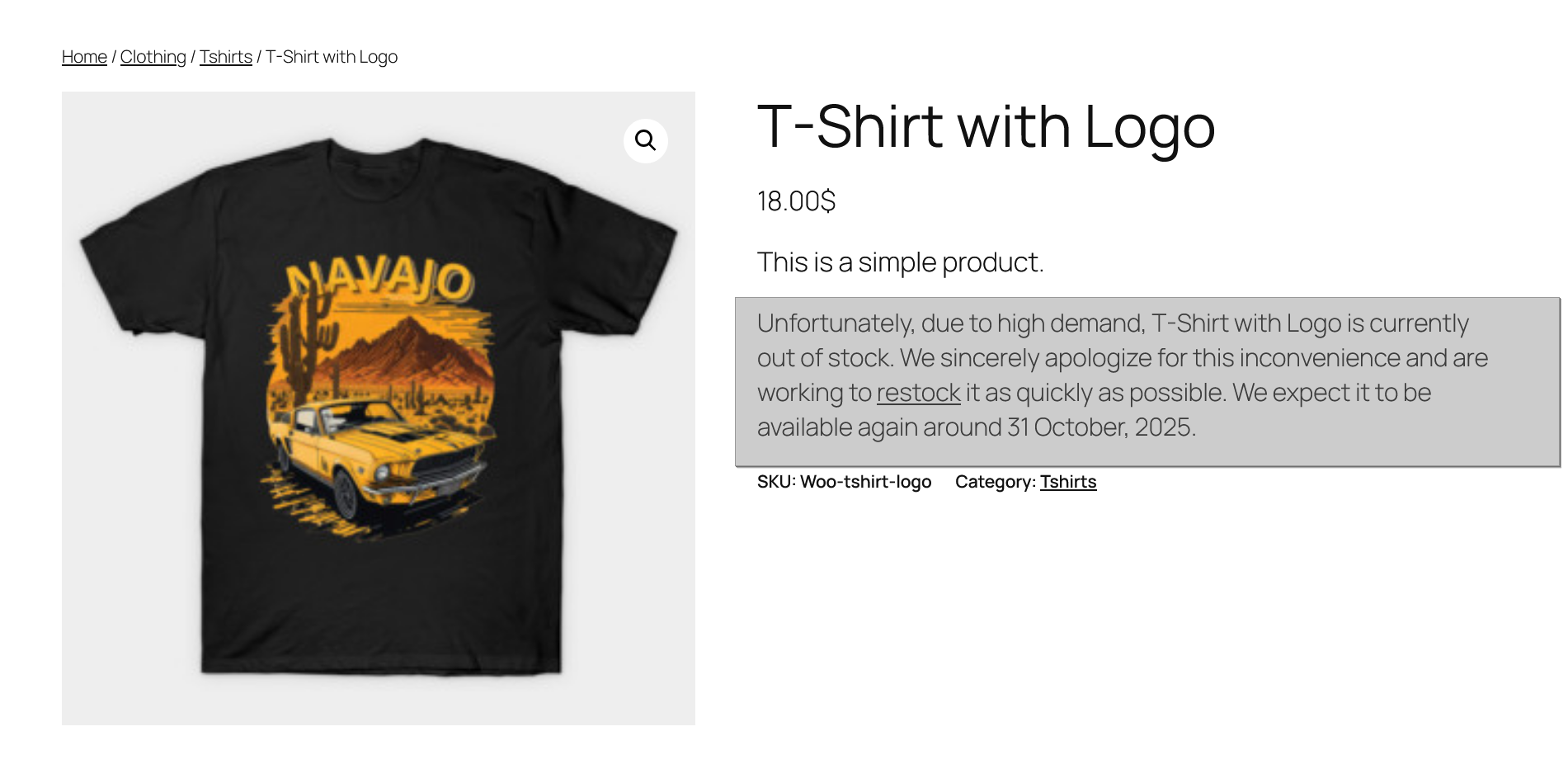
The plugin includes a dedicated settings section where you can specify your custom login page URL (if left blank, the default WooCommerce login/register page will be used) and customize the label of the login button. Advanced options are also available, such as hiding product prices, restricting access to the cart and checkout pages, and defining a redirect URL for unauthorized access attempts. Furthermore, the plugin enables you to personalize the default Out of Stock and Backorder messages, ensuring a more tailored shopping experience for your customers.
Free Features
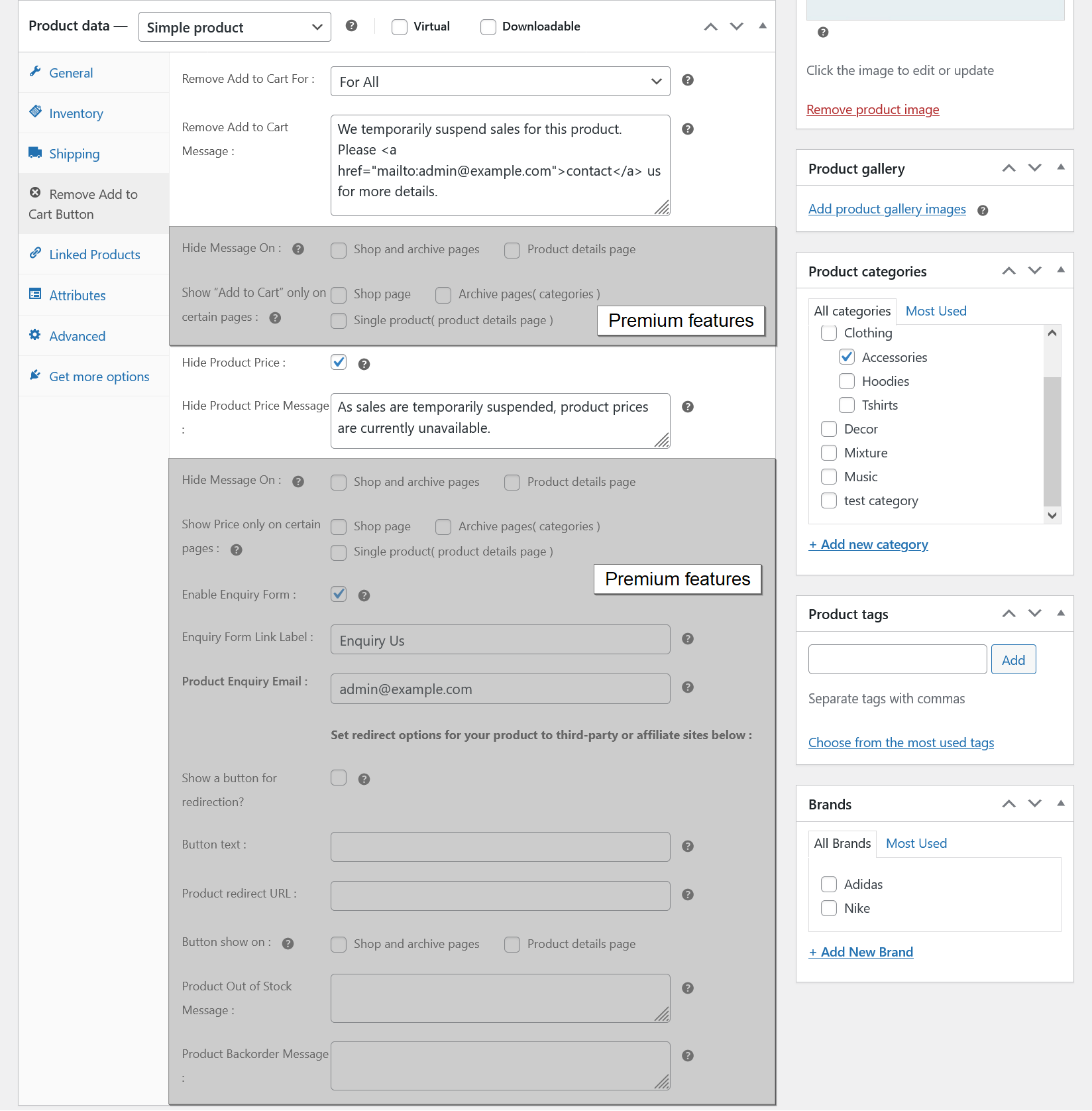
- Remove the Add to Cart button for all users.
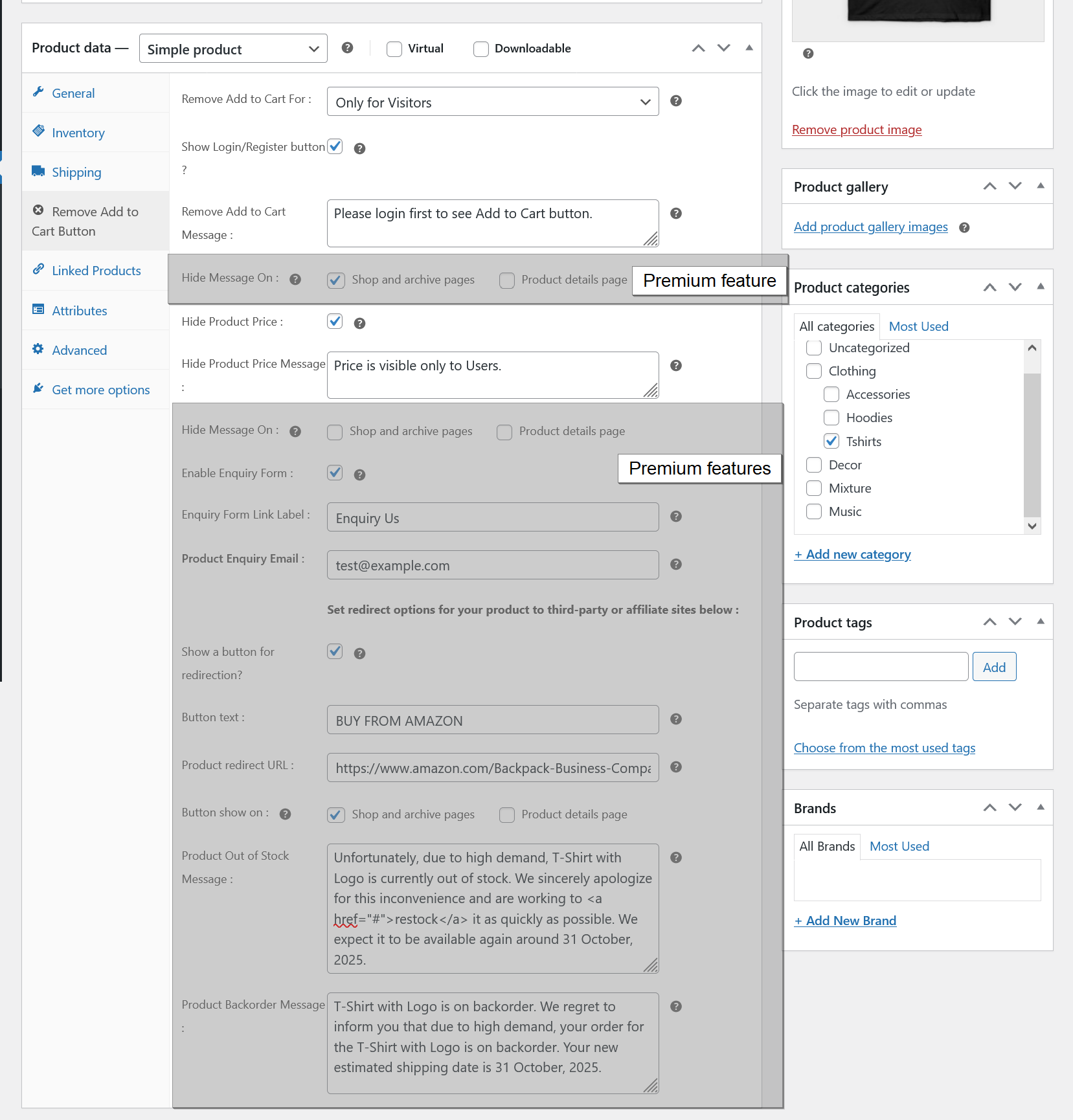
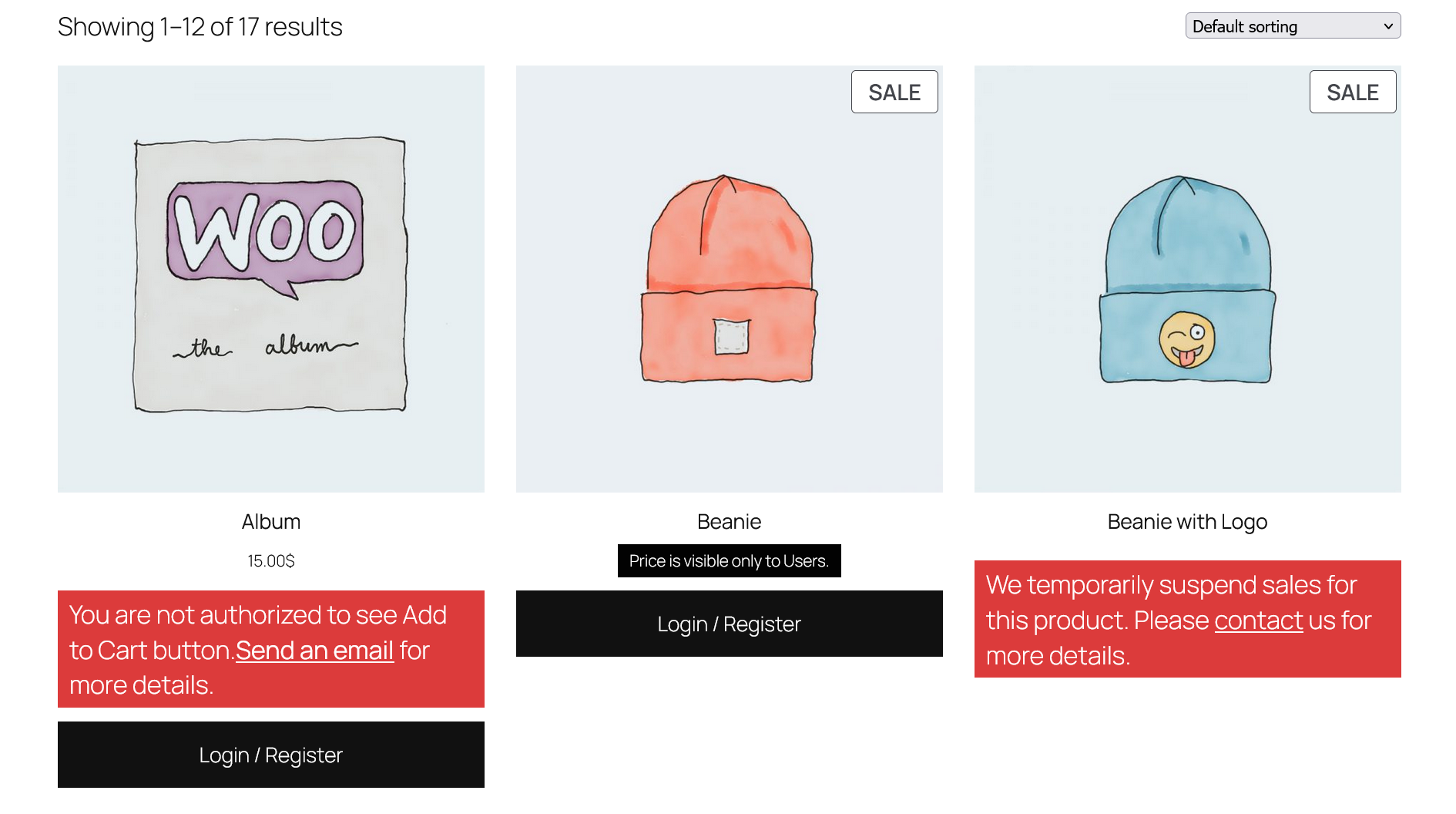
- Remove the Add to Cart button for visitors only.
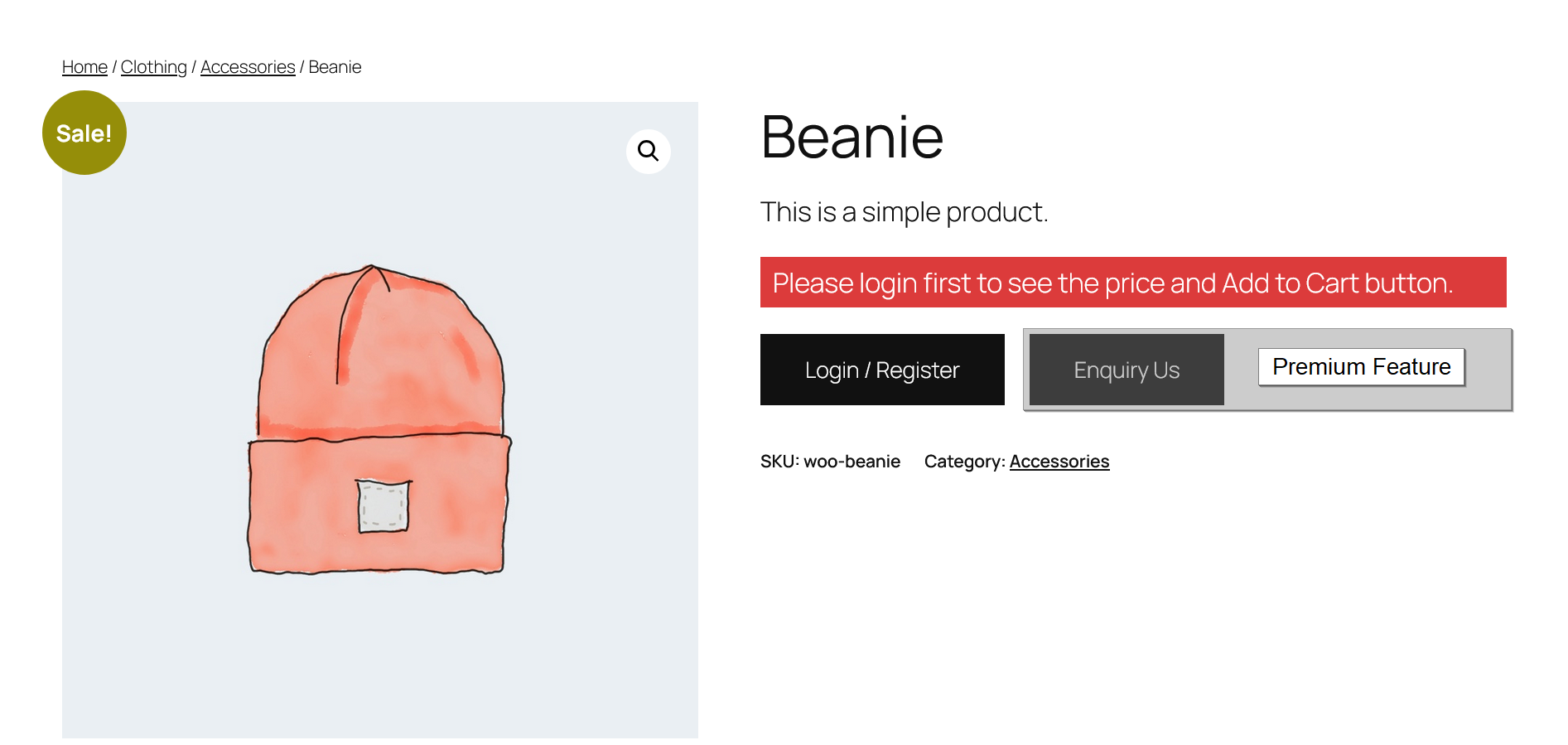
- Show a login/register button when “Add to Cart” is hidden for visitors.
- Set a custom login/register page URL.
- Customize the login/register button label.
- Display a custom message (text or HTML) when “Add to Cart” is hidden.
- Hide product prices.
- Display a custom message (text or HTML) when the product price is hidden.
- Prevent access to the cart and checkout pages.
- Set a redirect URL for the cart and checkout pages.
- Customize the text and background color, set text alignment, padding and font size for custom messages.
- Change the default Out of Stock and Backorder messages.
- Easy to use.
- Translation ready.
Premium Features
- All free features.
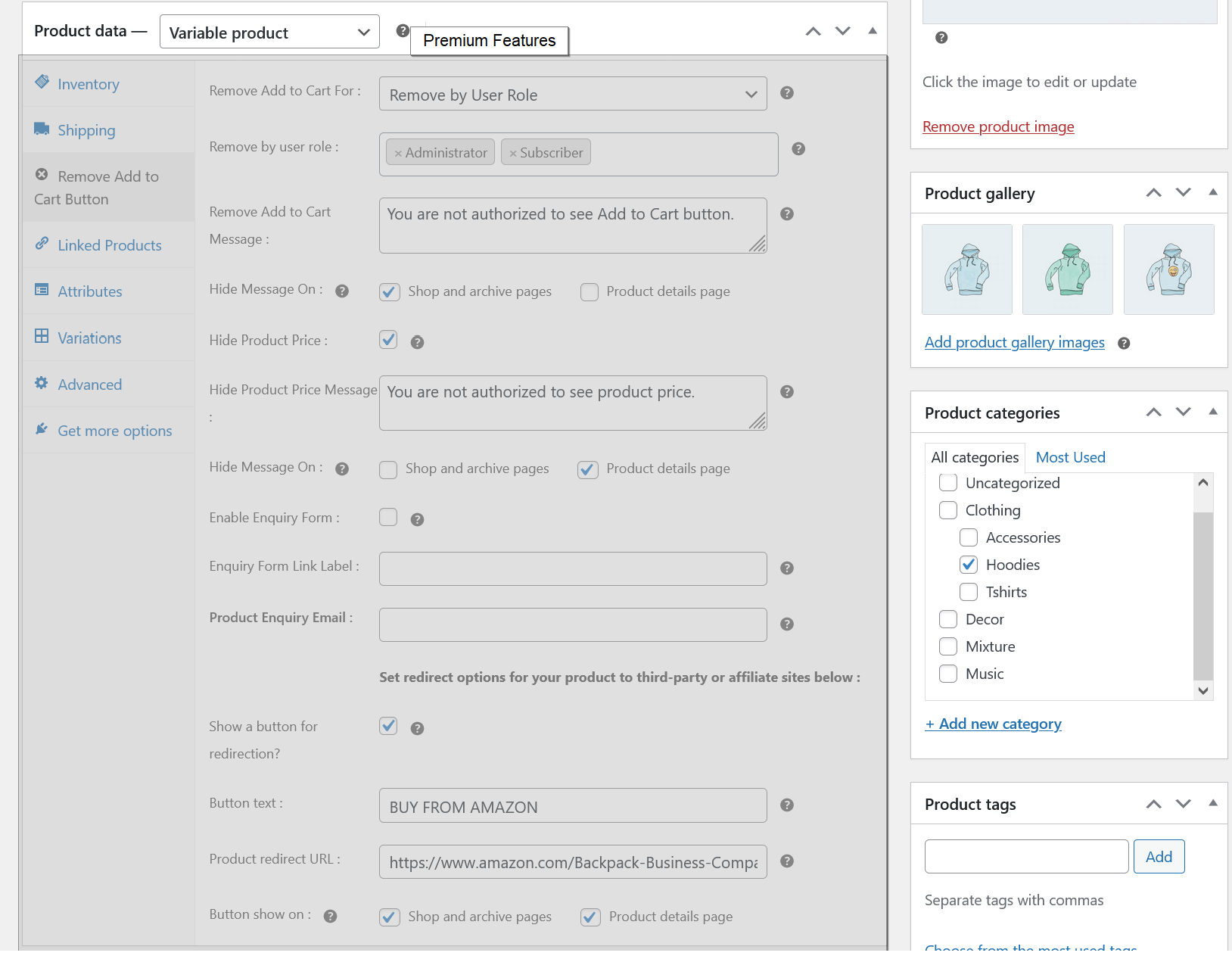
- Remove “Add to Cart” button based on user roles.
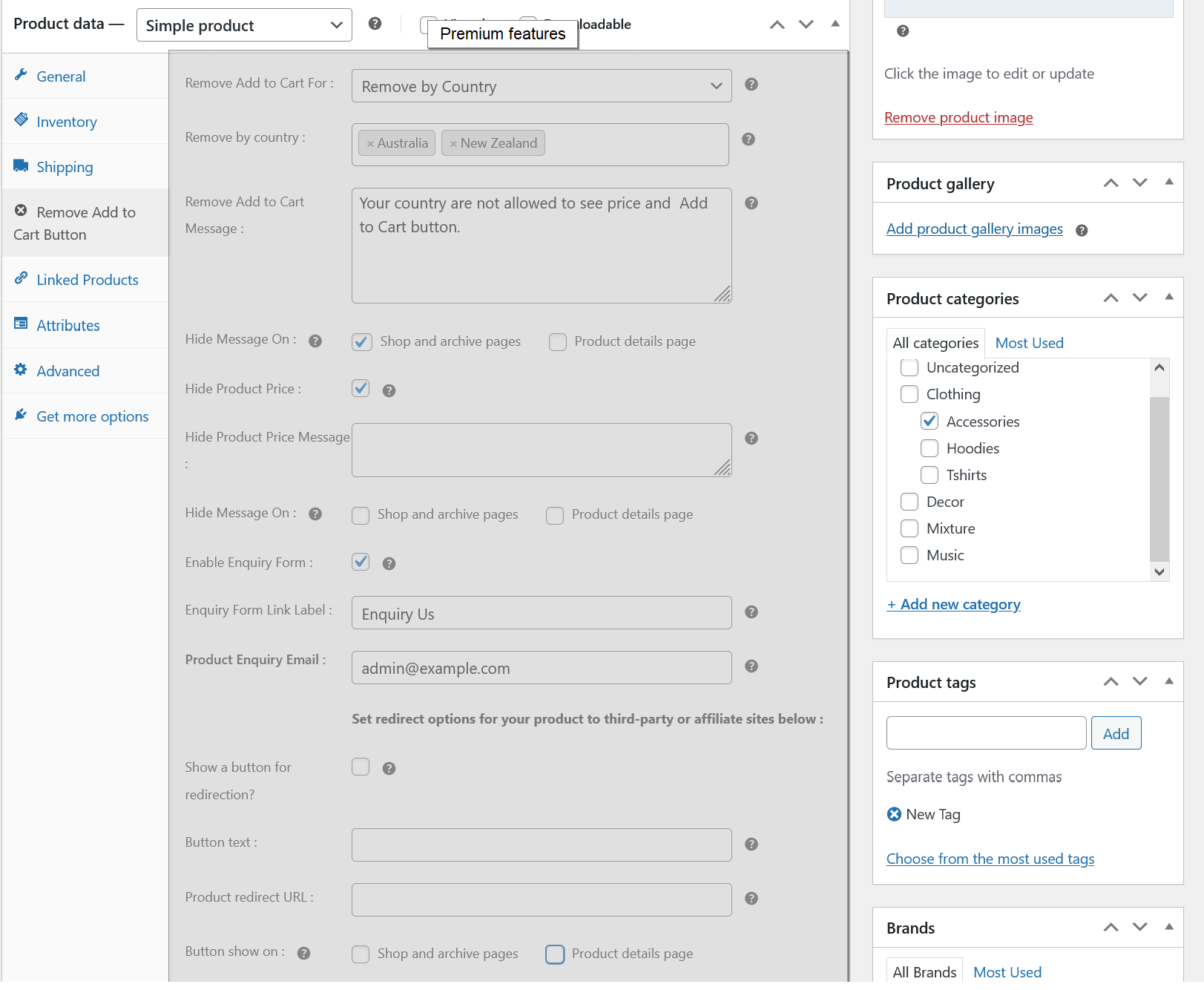
- Remove “Add to Cart” button based on country.
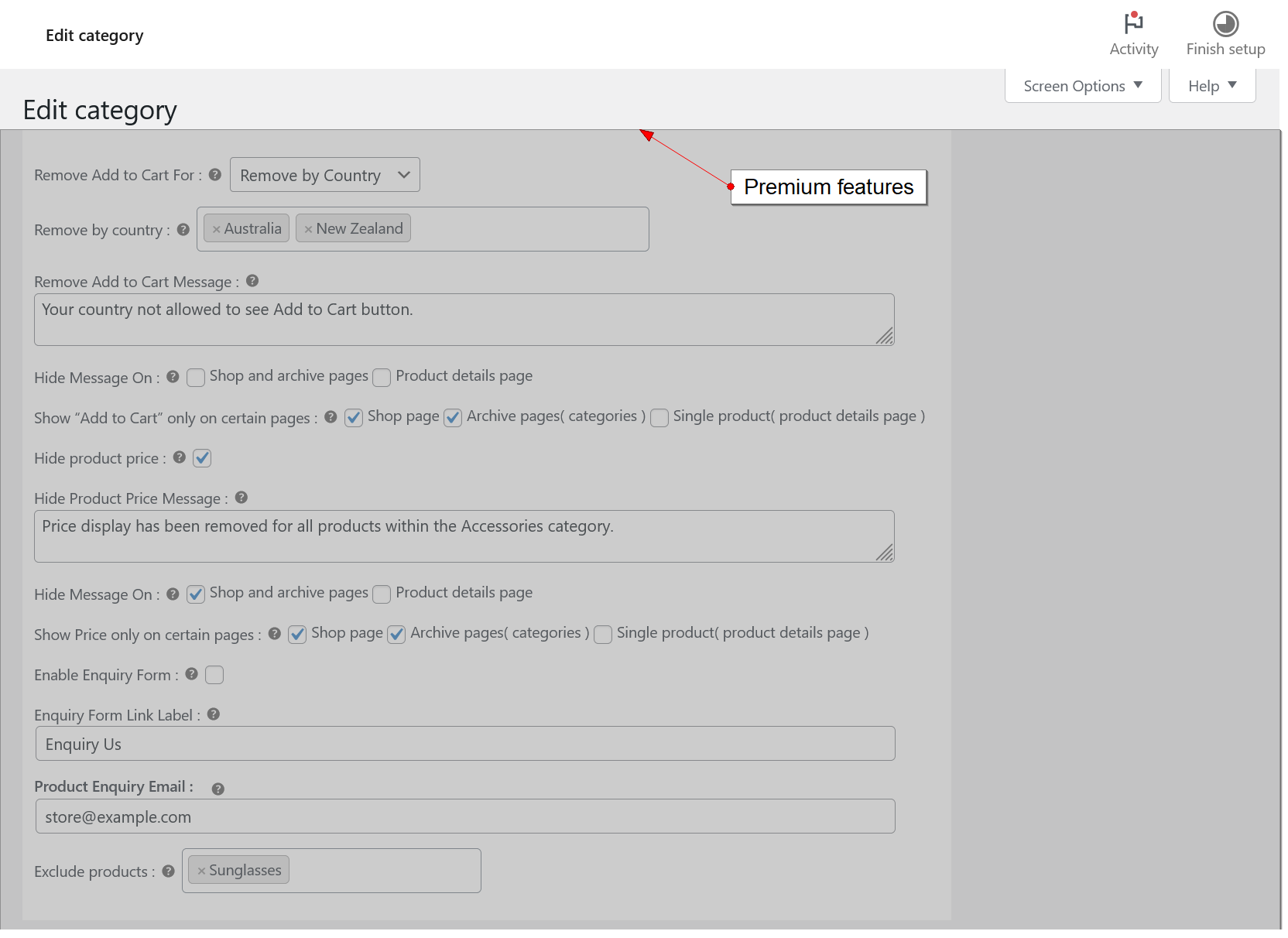
- Set category-wise conditions for removing the “Add to Cart” button.
- Exclude products from the “Add to Cart” and price removal rules within a category.
- Product enquiry form on product detail pages.
- Redirect products to third-party or affiliate sites with a custom URL.
- Show/hide custom messages on the shop, category, and product detail pages.
- Change the default Out of Stock and Backorder messages for individual products.
- Show “Add to Cart” and Price only on certain pages ( shop page, archive pages( categories ) and single product( product details page ) ).
- Priority email support.
Details




Related plugins
Plugins that also contain the tag hide-add-to-cart
Hide Cart Functions

CodeAtoZ Hide Prices for WooCommerce


About
Plugin for that tries to help you find the WordPress plugin you are looking for.
| Please enjoy an image of Crush (this awesome turtle) and have a lovely day! |  |
We do not own any plugin listed on this site and do not work for or work with WordPress.com or it's associated companies. We simply provide a searchable list of the available WordPress plugins.