

Back

Restrict for Elementor
Details
View on WordPress
Back
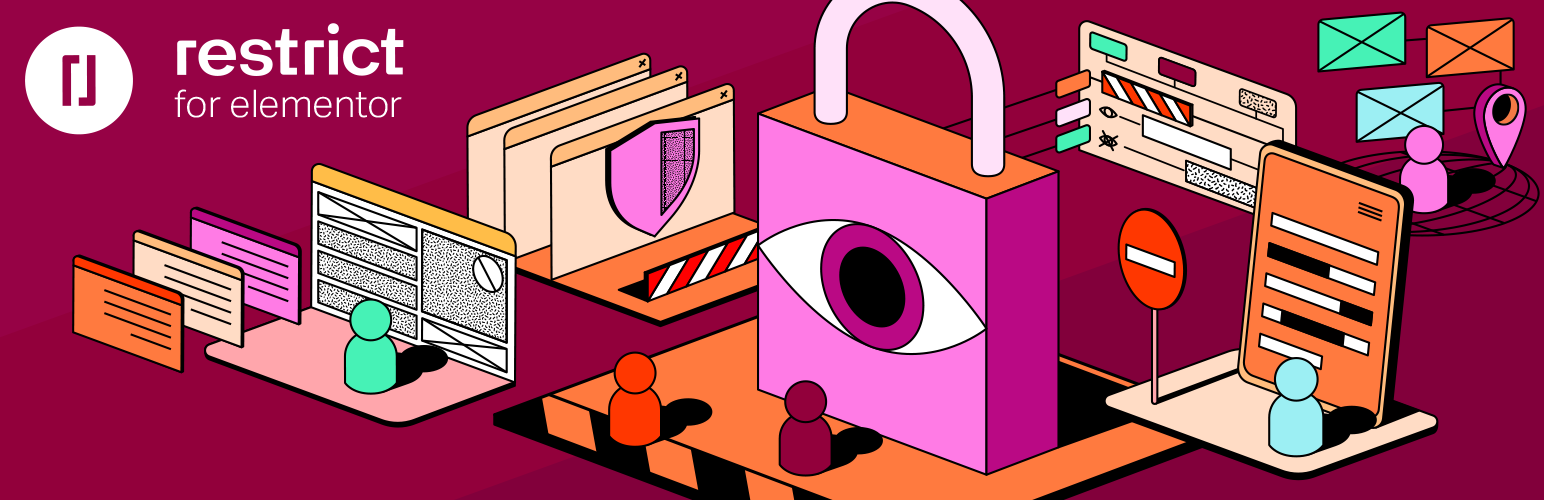
The Restrict for Elementor makes it easy for you to control and protect access to your Elementor-powered website.
You can restrict, show and hide widgets, sections and columns to:
- Logged in users and guests
- Users with a specific role (administrator, editor, author, subscriber, etc)
- Users with a specific meta key and value
- Users with a specific capability
- Author of a post / page
- Visitor’s country or continent – integration with Geolocation IP Detection
Premium version integrations and available criteria for content restrictions and other features
- Alternative Content – display Elementor template or HTML / formatted text in place of restricted section, column or a widget
- White Label – by adding just one line to your wp-config.php like this define(‘RSC_EL_PLUGIN_TITLE’, ‘My Restriction Plugin’); the whole plugin will become white labeled and ready for your clients.
- WooCommerce users – who made any purchase
- WooCommerce users – who purchased a specific product
- WooCommerce users – who purchased a specific product variation
- Restrict for Elementor also integrates with WooCommerce Subscription addon which allows you to show / hide content for clients with an active subscription.
- Easy Digital Downloads users – who purchased any Easy Digital Downloads product
- Easy Digital Downloads users – who purchased a specific Easy Digital Downloads product
- Tickera users – who purchased any ticket
- Tickera users – who purchased a specific ticket type
- Tickera users – who purchased a ticket for a specific event
Details
Plugin code:
restrict-for-elementor
Plugin version:
1.1.2
Author:
Outdated:
No
WP version:
4.3 or higher
PHP version:
or higher
Test up to WP version:
6.9.1
Total installations:
1,000
Last updated:
2026-02-14
Rating:
Times rated:
9
elementor
hide-content
restrict
restricted-content
woocommerce


Related plugins
Plugins that also contain the tag elementor
Elementor Website Builder – More Than Just a Page Builder

Starter Templates – AI-Powered Templates for Elementor & Gutenberg

Ultimate Addons for Elementor
Essential Addons for Elementor – Popular Elementor Templates & Widgets

Premium Addons for Elementor – Powerful Elementor Templates & Widgets

Royal Addons for Elementor – Addons and Templates Kit for Elementor


About
Plugin for that tries to help you find the WordPress plugin you are looking for.
| Please enjoy an image of Crush (this awesome turtle) and have a lovely day! |  |
We do not own any plugin listed on this site and do not work for or work with WordPress.com or it's associated companies. We simply provide a searchable list of the available WordPress plugins.