


Back
RIACO Size Guide for WooCommerce
Details
View on WordPress
Back
RIACO Size Guide for WooCommerce lets store owners create size guide templates with a visual table builder, assign them to product categories or individual products, and display them on product pages.
Key Features
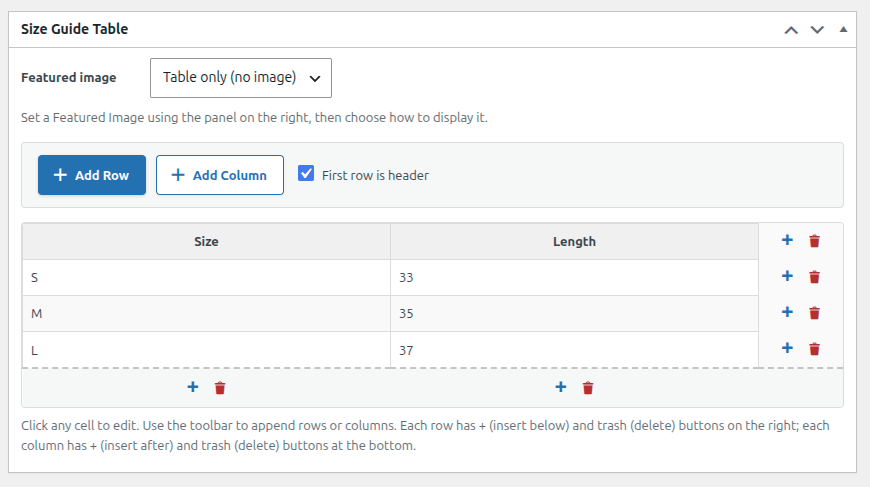
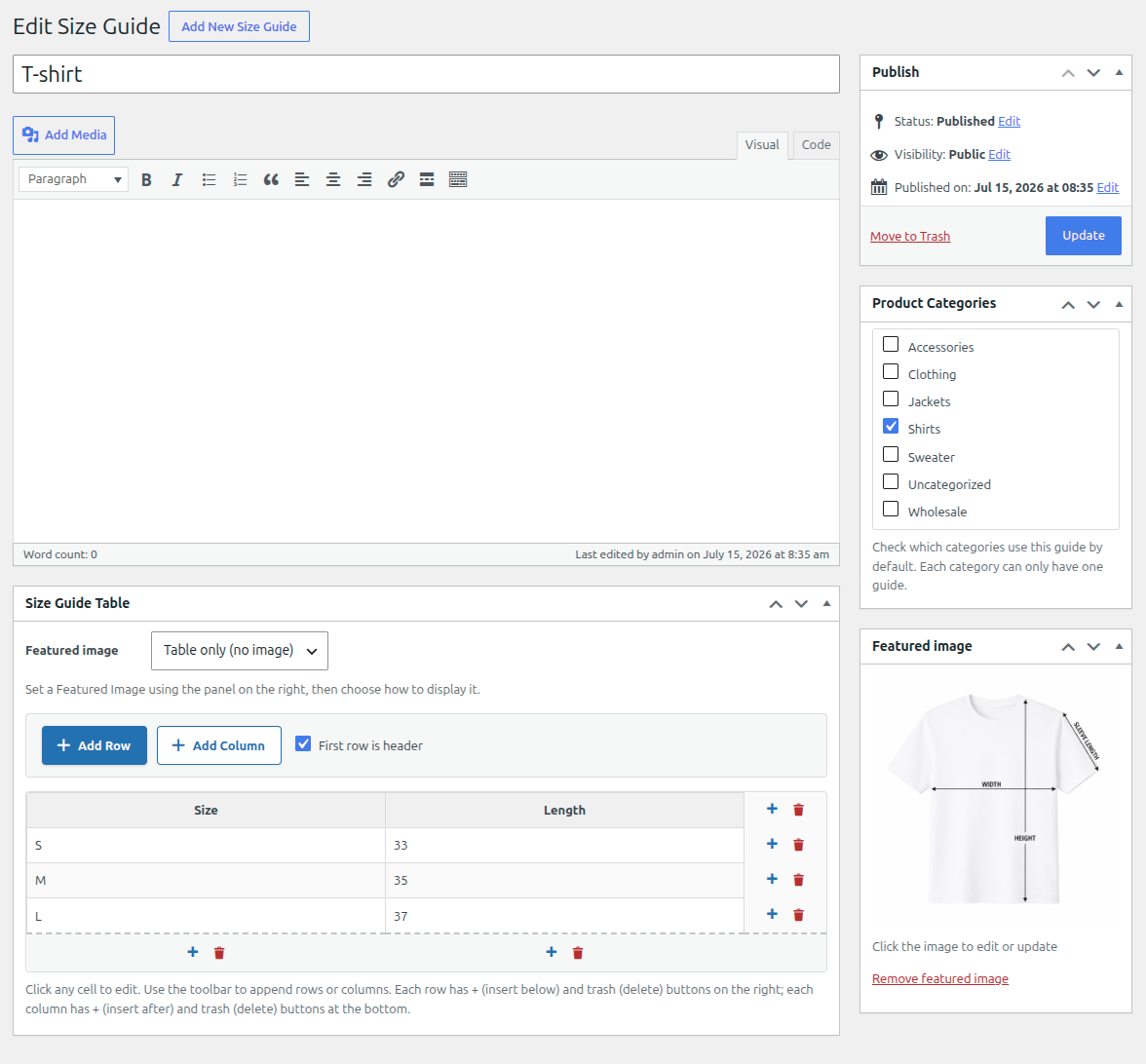
- Visual table builder — add, remove, and reorder rows and columns directly in the editor, no coding required.
- Featured image support — attach a size guide image and choose whether it appears above the table, below the table, or instead of it.
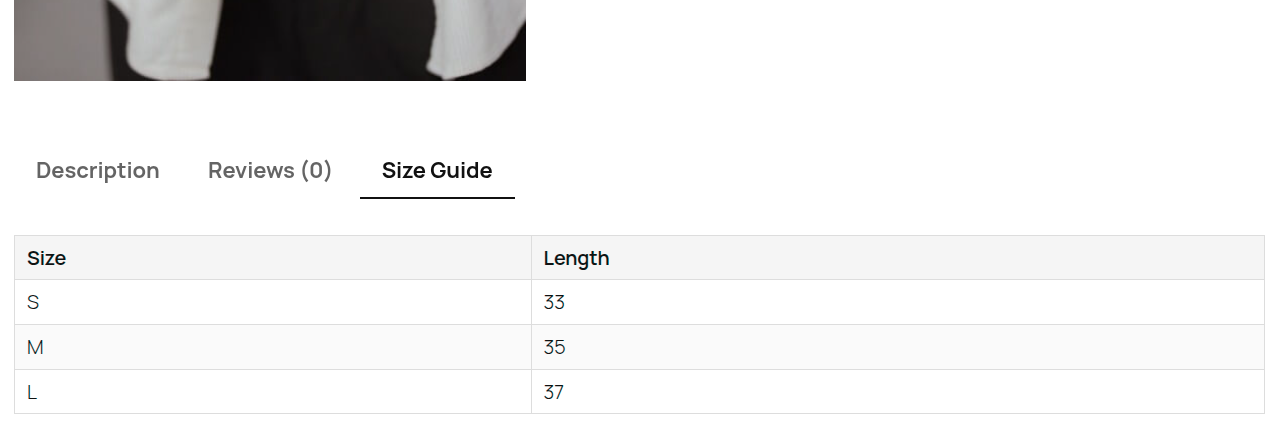
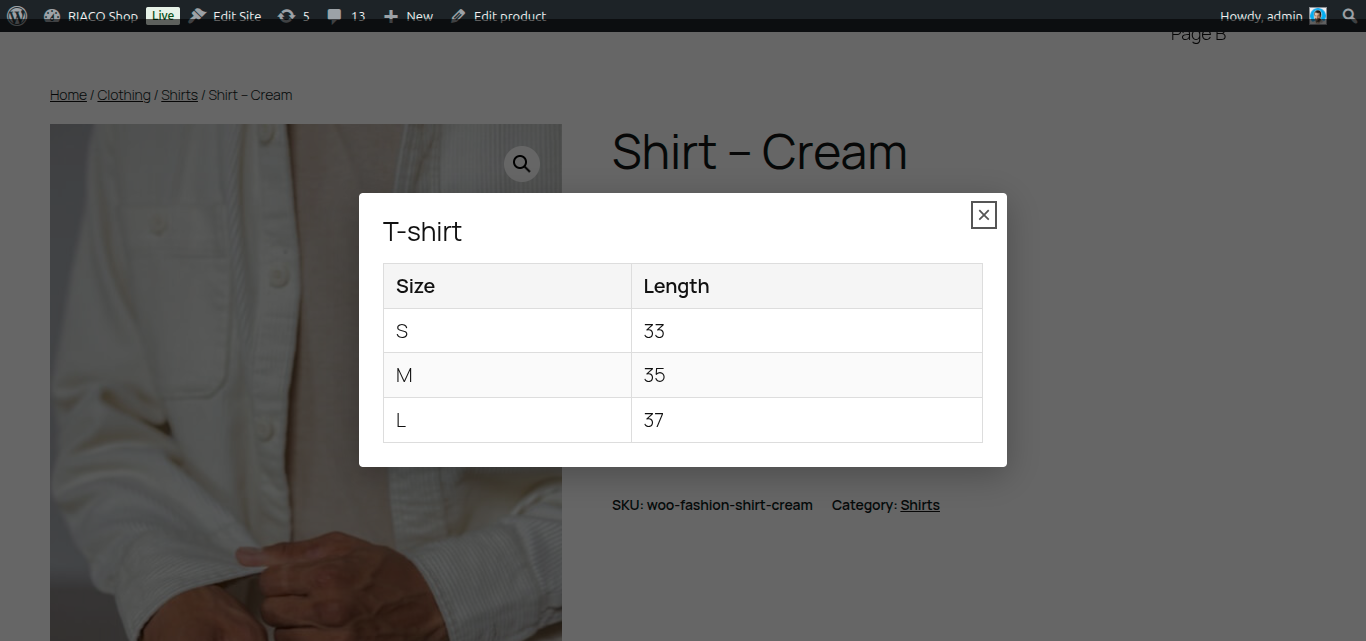
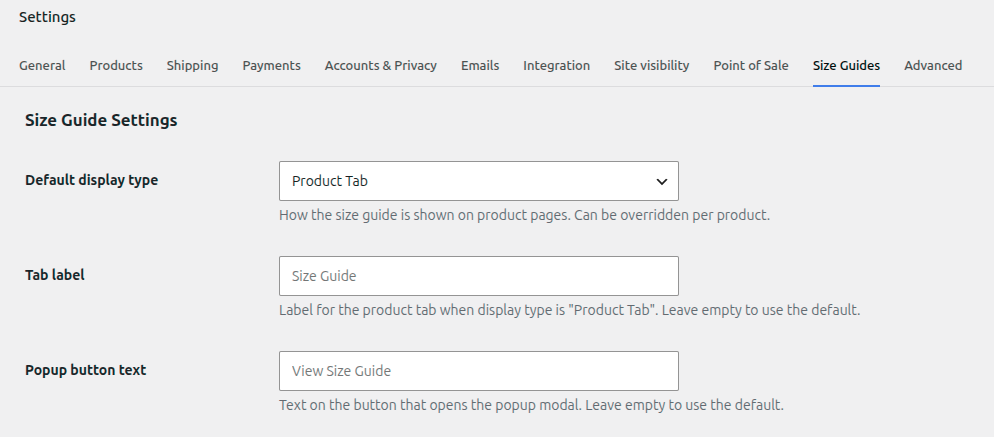
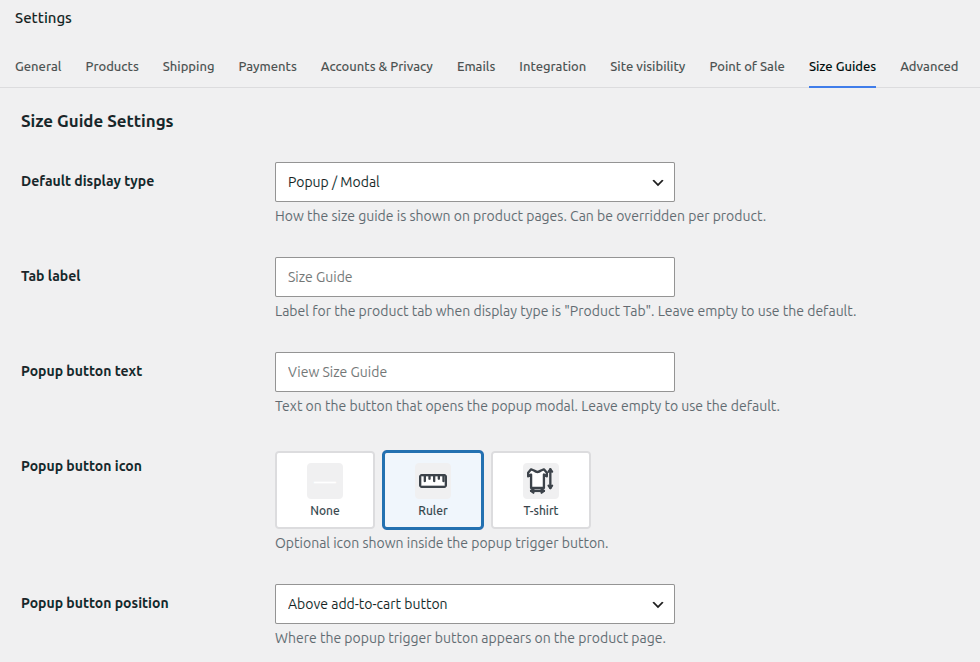
- Flexible display modes — show the guide as a product tab, a popup/modal triggered by a button, or inline above or below the add-to-cart button.
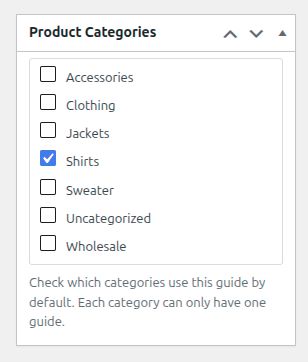
- Category assignment — assign a guide to one or more product categories from the guide edit screen; products inherit the guide automatically.
- Per-product override — override or disable the guide on any individual product from the WooCommerce product data panel.
- Accessible modal — the popup modal is keyboard-navigable and uses proper ARIA roles.
- Developer hooks — four filters let developers override guide resolution, display type, HTML output, and tab arguments.
- HPOS compatible — declared compatible with WooCommerce High-Performance Order Storage.
Developer Filters
riaco_sgfw_chart_for_product— swap or suppress the resolved guide for any product.riaco_sgfw_display_type_for_product— override the display type per product.riaco_sgfw_chart_html— modify the full guide HTML before output.riaco_sgfw_tab_args— change tab label, priority, or callback.
Details
Plugin code:
riaco-size-guide-for-woocommerce
Plugin version:
1.0.0
Author:
Outdated:
No
WP version:
6.0 or higher
PHP version:
7.4 or higher
Test up to WP version:
7.0.2
Total installations:
0
Last updated:
2026-07-18
Rating:
Times rated:
0
popup
product-tab
size-guide
table-builder
woocommerce
Related plugins
Plugins that also contain the tag popup
Popup Maker – Boost Sales, Conversions, Optins, Subscribers with the Ultimate WP Popups Builder

Popup Builder – Create highly converting, mobile friendly marketing popups.

Lightbox & Modal Popup WordPress Plugin – FooBox

Popups for Divi

Hustle – Email Marketing, Lead Generation, Optins, Popups

Advanced Popups


About
Plugin for that tries to help you find the WordPress plugin you are looking for.
| Please enjoy an image of Crush (this awesome turtle) and have a lovely day! |  |
We do not own any plugin listed on this site and do not work for or work with WordPress.com or it's associated companies. We simply provide a searchable list of the available WordPress plugins.