


RS Customer File Uploads for WooCommerce
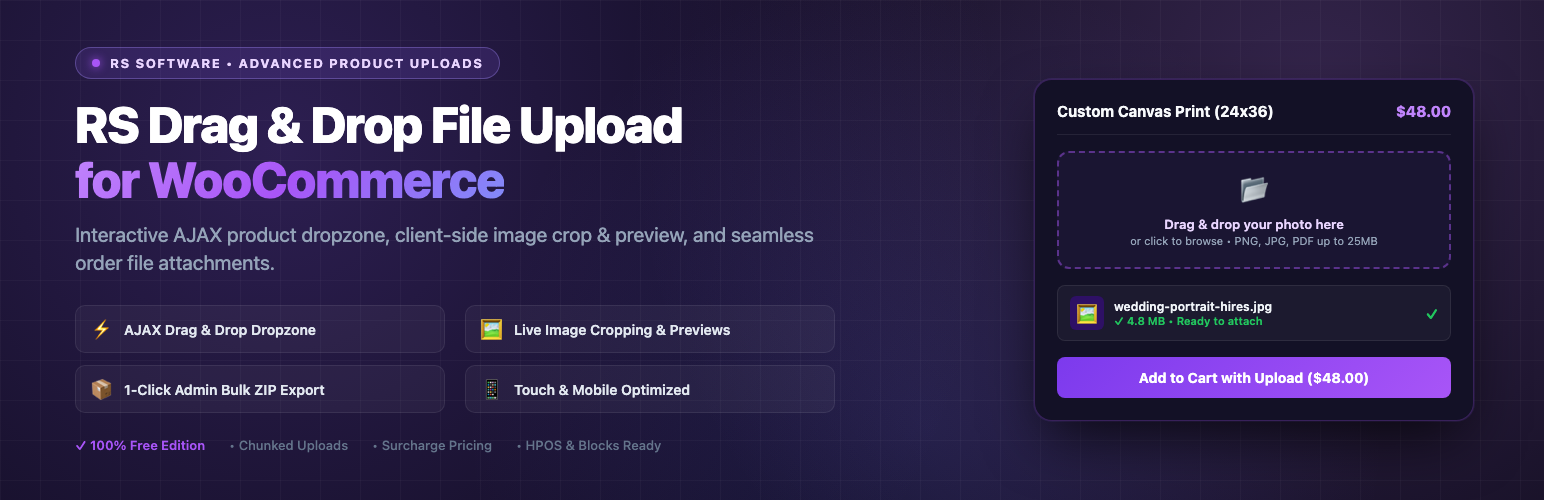
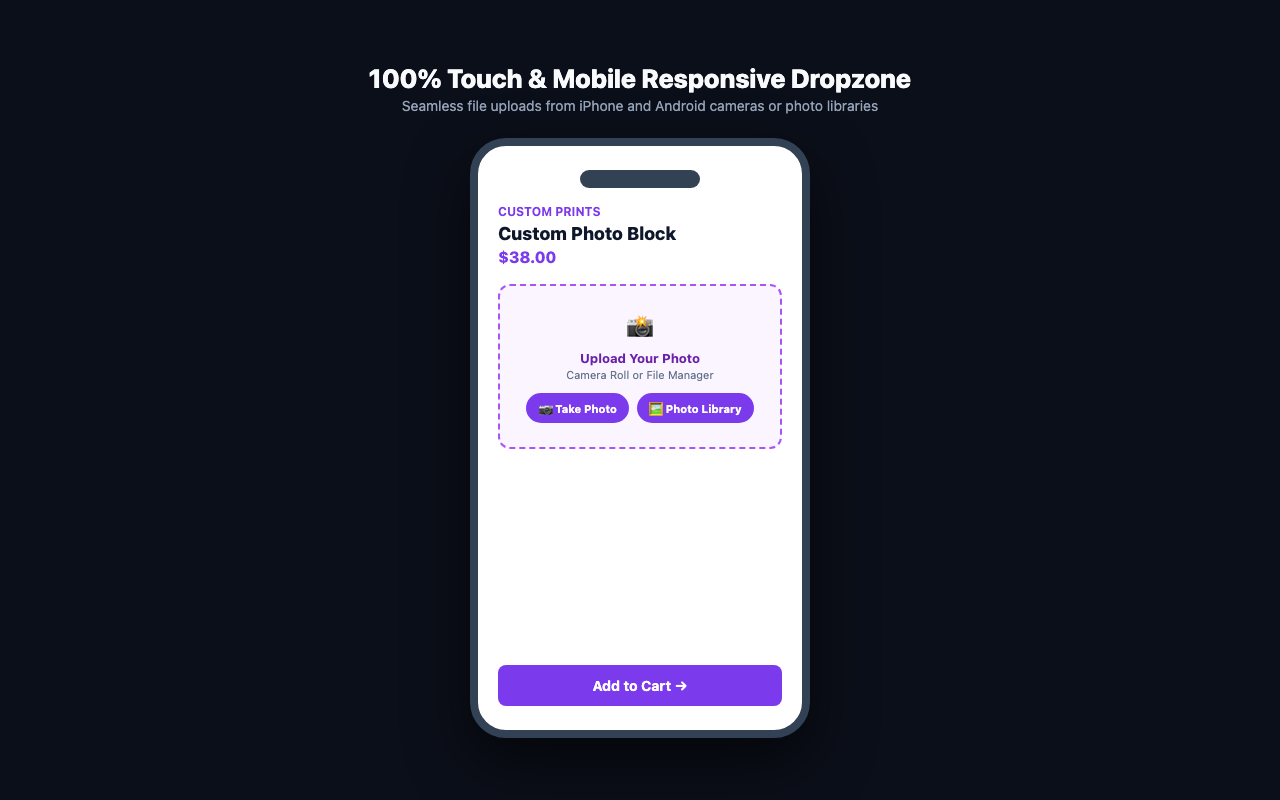
Selling custom t-shirts, personalized gifts, 3D printing services, engraved jewelry, or printed documents? RS Customer File Uploads for WooCommerce provides an effortless, high-performance file dropzone directly above or below the “Add to Cart” button.
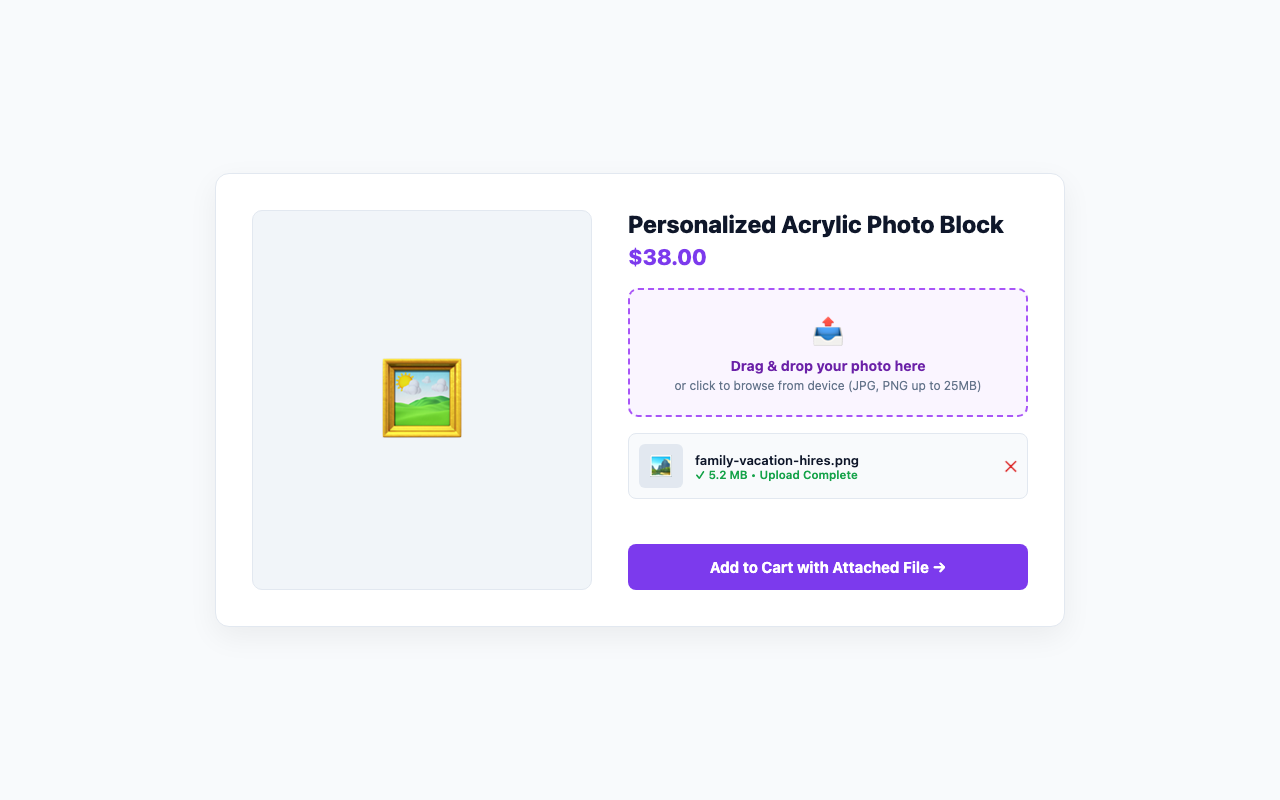
Customers simply drag and drop their files or browse from their device. Files upload instantly via AJAX with live progress bars, client-side validation, and thumbnail previews before checkout.
📂 Core Features:
- 📥 Intuitive Drag & Drop Dropzone: Sleek dropzone embedded right on the single product page with smooth hover animations.
- ⚡ Instant AJAX File Uploads: Asynchronous uploads with real-time percentage progress bar without freezing the page.
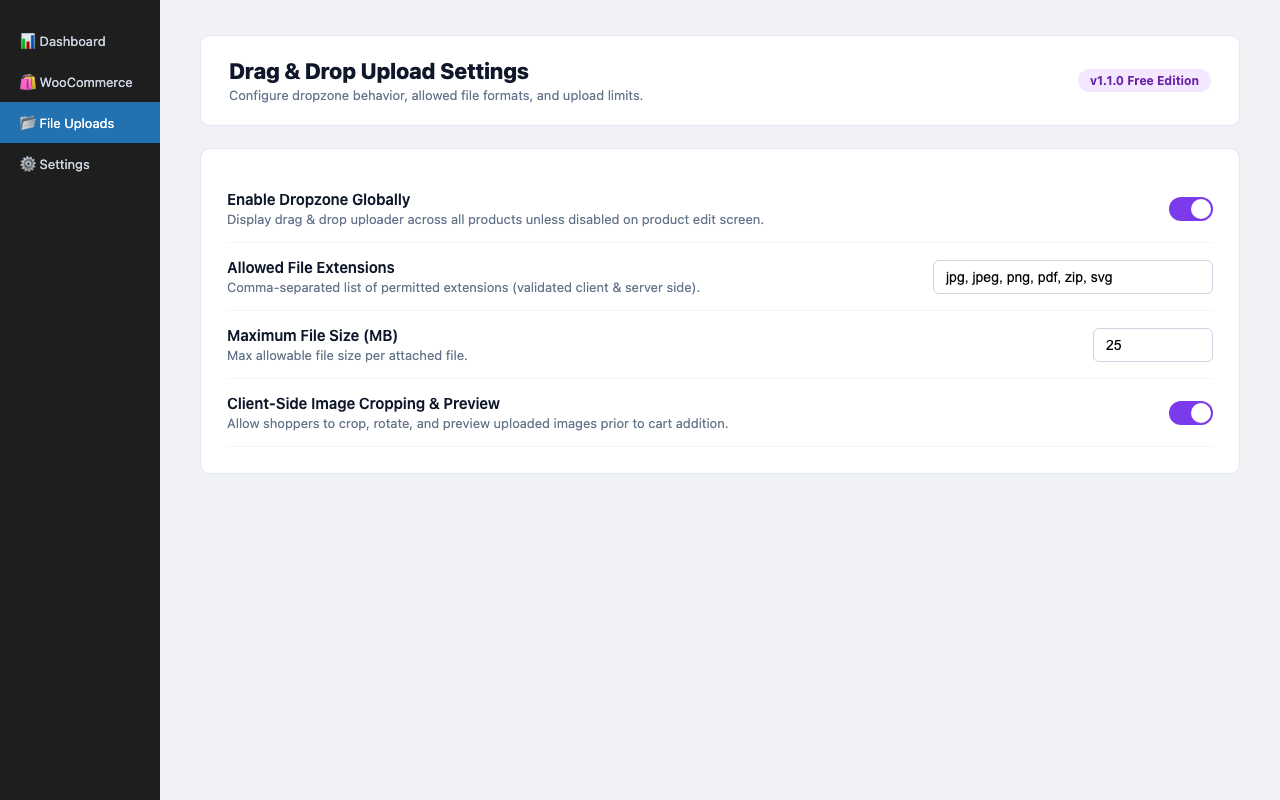
- ✂️ In-Browser Image Cropper & Rotator: Allow customers to crop their photos to aspect ratios (1:1 square, 4:3, 16:9, or free) and rotate images before uploading.
- 💵 Upload Surcharge Fee Engine: Automatically add a flat fee or percentage charge per uploaded file to monetize file preparation and artwork setup.
- 📁 Multi-File Uploads: Allow customers to upload multiple files per product with configurable limits.
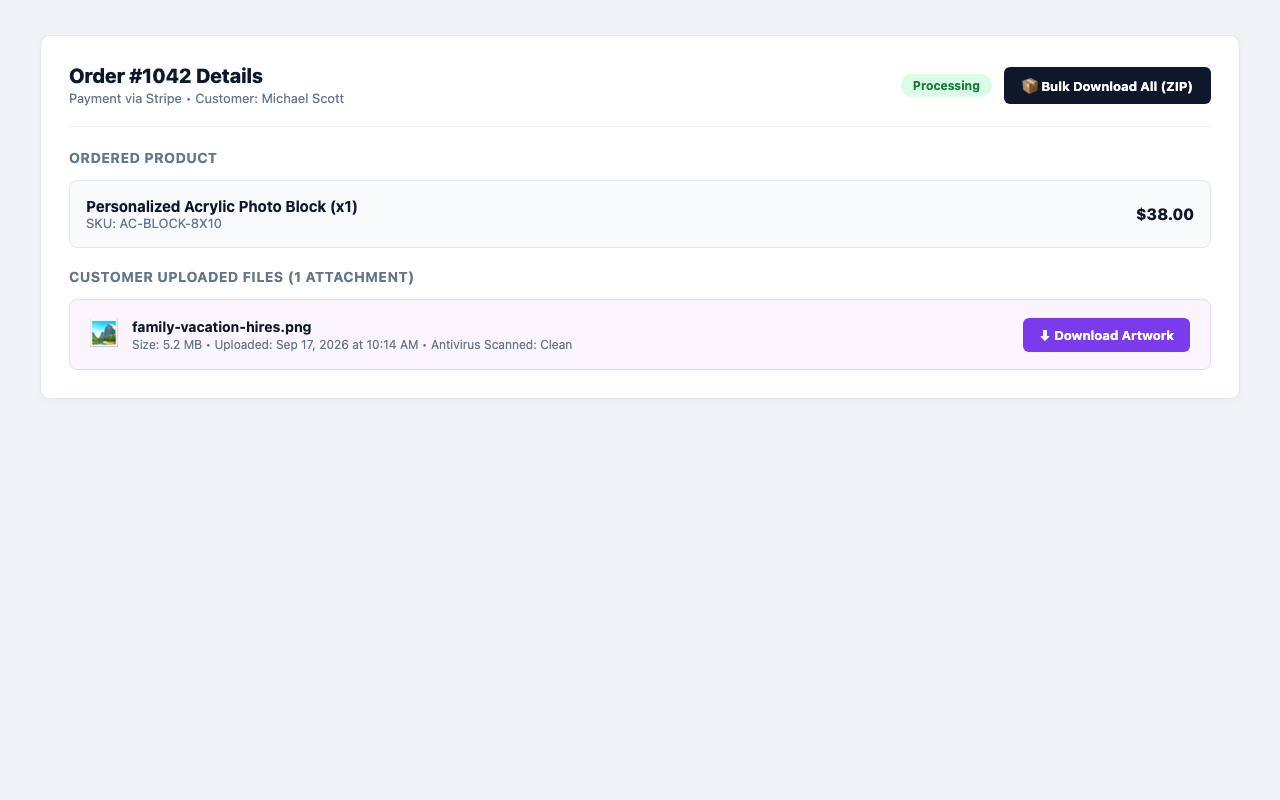
- 📦 1-Click Admin Bulk ZIP Download: Download all customer files for an entire order as a single organized ZIP archive from the order details screen.
- 🛡️ Comprehensive Extension Security: Restrict uploads by allowed MIME types and extensions (JPG, PNG, PDF, ZIP, DOCX, etc.) to prevent malicious files.
- 📏 File Size Limits & Chunking: Set maximum file size thresholds with friendly customer error messaging and large file chunking support.
- 🖼️ Client-Side Image Previews: Uploaded images immediately display thumbnail previews with file size badges and remove buttons.
- 🛒 Seamless Cart & Checkout Integration: Attached files are preserved in the WooCommerce cart session and visible on the checkout review table.
- 📋 Admin Order Management: Store managers can view, preview, approve, and download uploaded customer files directly inside the WooCommerce Order Edit screen.
- 🔒 Security Sanitization: Uploaded files are quarantined outside public directories with execution prevention and EXIF metadata stripping.
- 🚀 HPOS Compatible: Fully compliant with WooCommerce High-Performance Order Storage (custom order tables).
3rd Party Libraries
- Cropper.js (v2.3.0) – https://github.com/fengyuanchen/cropperjs
License: MIT (https://github.com/fengyuanchen/cropperjs/blob/main/LICENSE)
Author: Chen Fengyuan
Used for in-browser client-side image cropping and rotation before upload.
External Services
This plugin does not connect to any third-party services, external servers, or remote APIs. All file uploads, image cropping, and archive creation take place entirely on your local WordPress installation.
Details
Related plugins
Plugins that also contain the tag drag-and-drop
Elementor Website Builder – More Than Just a Page Builder

Page Builder by SiteOrigin

Page Builder: Pagelayer – Drag and Drop website builder

Colibri Page Builder

Post and Page Builder by BoldGrid – Visual Drag and Drop Editor

Drag and Drop Multiple File Upload for Contact Form 7


About
Plugin for that tries to help you find the WordPress plugin you are looking for.
| Please enjoy an image of Crush (this awesome turtle) and have a lovely day! |  |
We do not own any plugin listed on this site and do not work for or work with WordPress.com or it's associated companies. We simply provide a searchable list of the available WordPress plugins.