

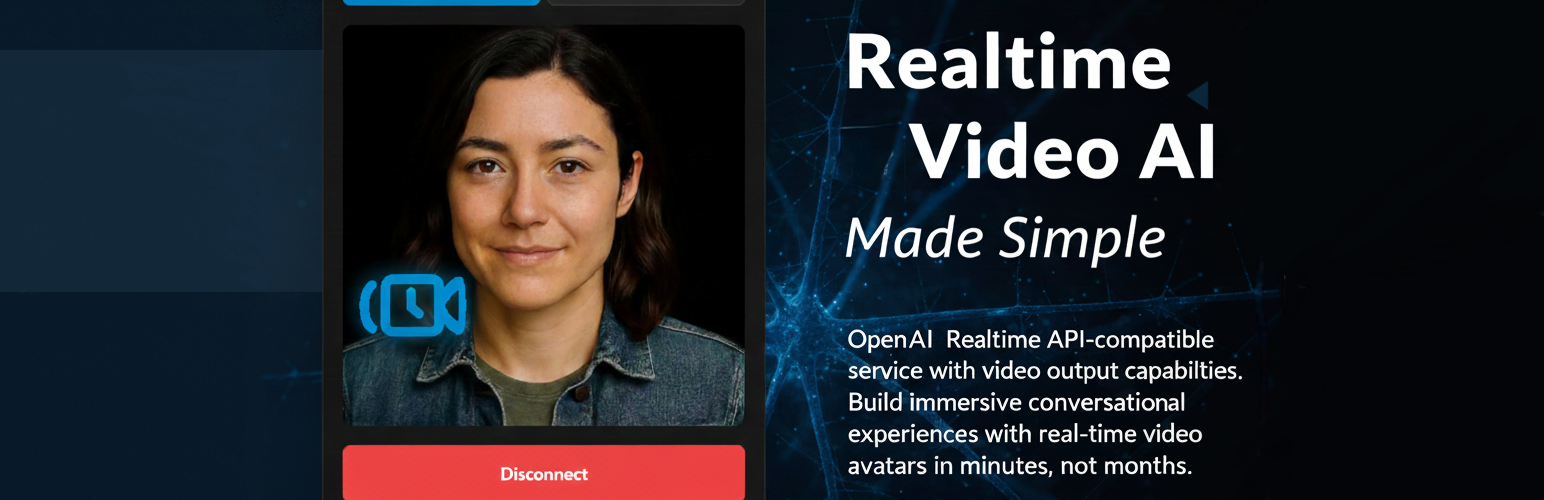

rtAV Video Chat Bot
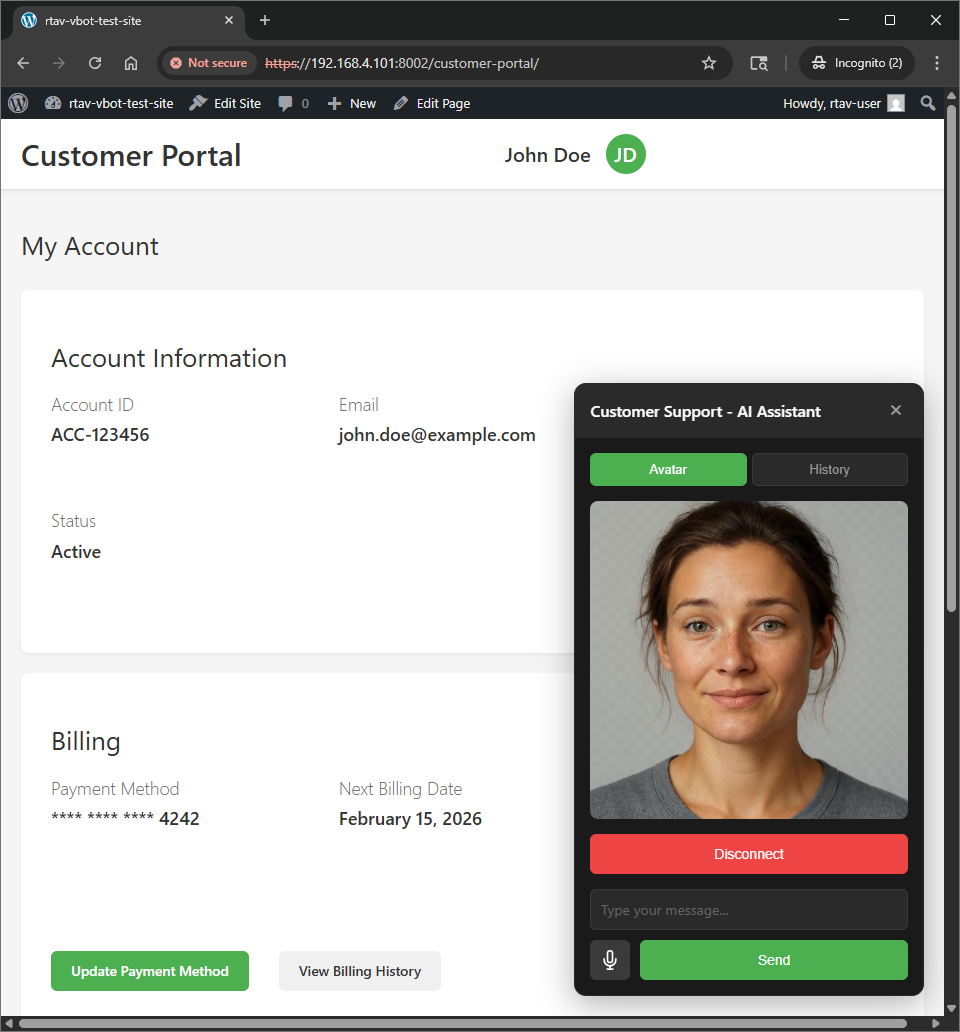
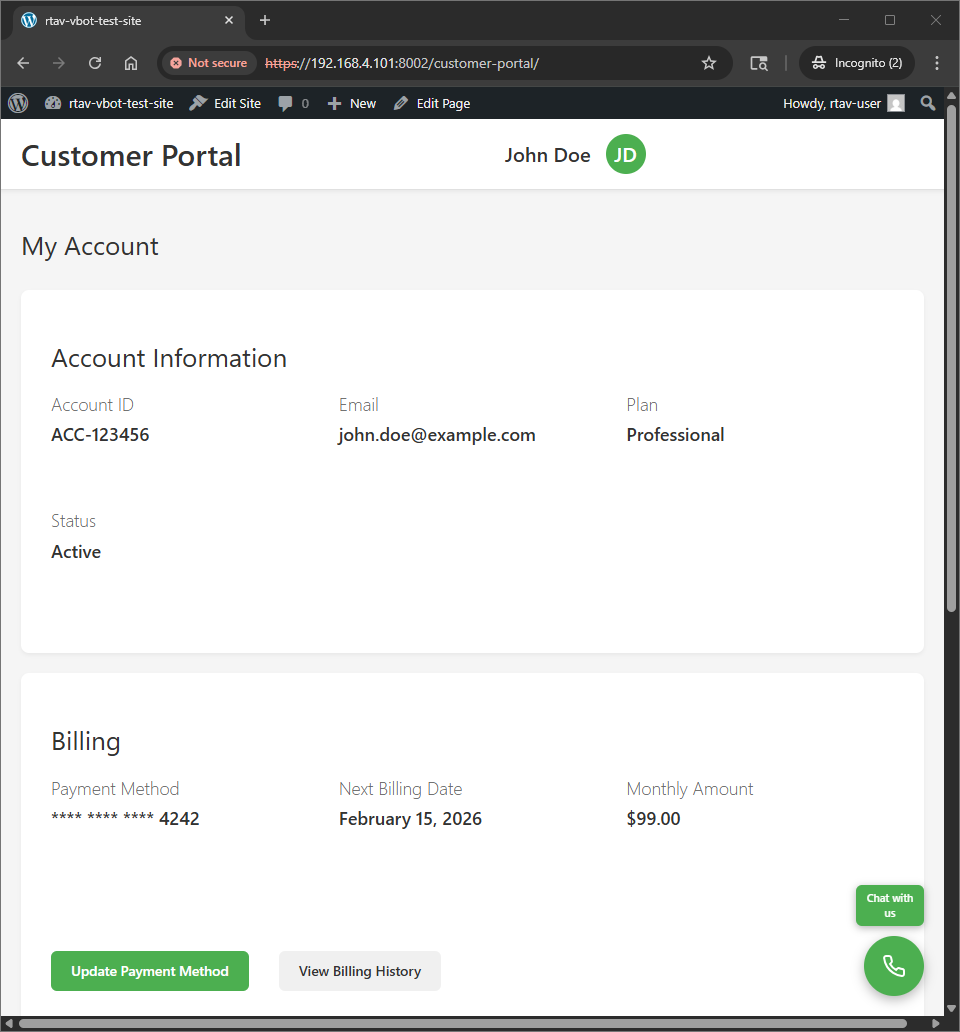
rtAV Video Chat Bot brings cutting-edge AI customer support to your WordPress site. Embed a customizable video chat bot widget that provides real-time AI-powered conversations with video avatars.
Features
- Real-time video avatars – See your AI assistant come to life
- AI-powered conversations – Natural language understanding
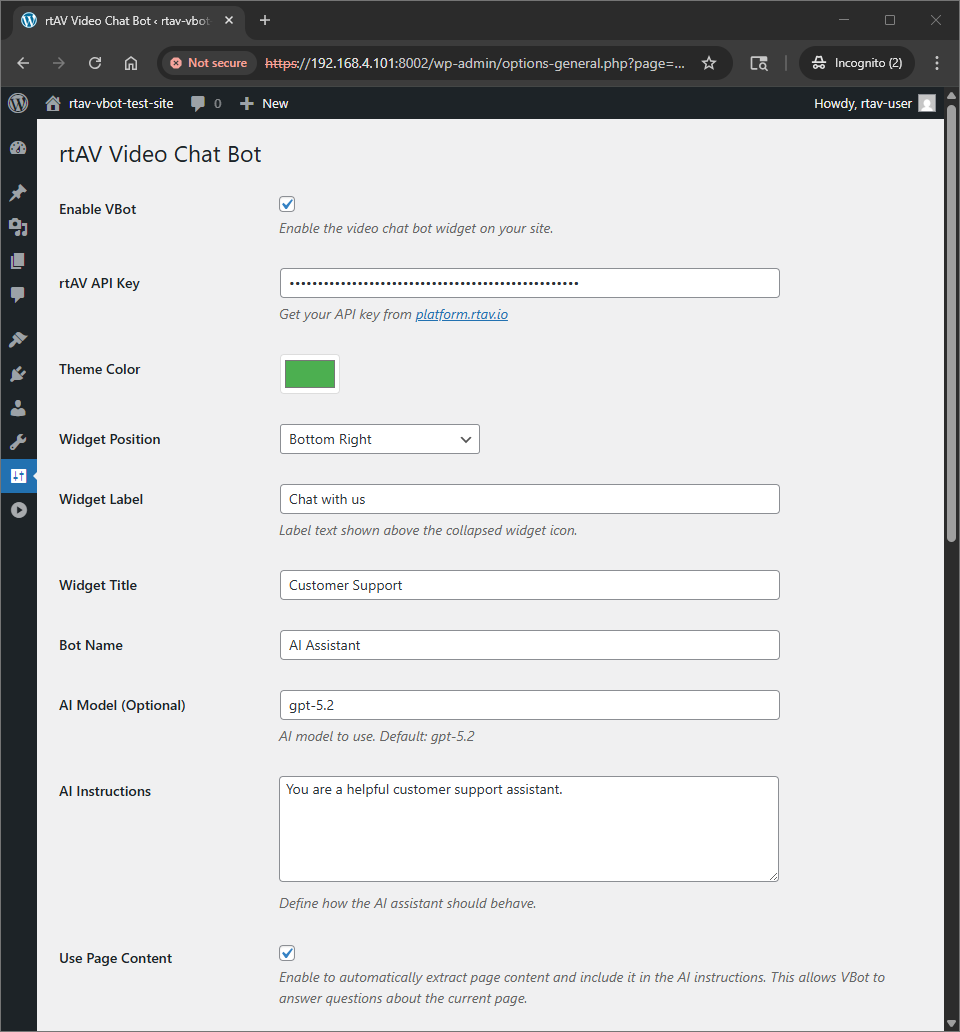
- Customizable appearance – Match your brand colors and style
- Easy setup – Configure in minutes
- Flexible positioning – Place widget where it works best
- Custom AI instructions – Define how your assistant behaves
- Shortcode support – Embed anywhere with [rtav_vbot]
Get Started
- Install and activate the plugin
- Get your API key from platform.rtav.io
- Configure in Settings > rtAV VBot
- Enable the widget and start chatting!
How It Works
The plugin integrates rtAV’s vBot widget into your WordPress site. The widget uses WebSocket connections to provide real-time AI conversations with synchronized video avatars. All configuration is done through the WordPress admin interface – no coding required.
External services
This plugin connects to external services provided by rtAV (rtav.io) to enable AI-powered video chat functionality.
What services are used and why
-
JavaScript Widget Service (https://platform.rtav.io/vbot.js): This external JavaScript file is loaded to display the video chat bot widget on your website. It is required for the widget to function.
-
API Service (https://api.rtav.io/v1/realtime/client_secrets): The plugin connects to this API endpoint to obtain temporary ephemeral keys (client secrets) that allow end users to establish secure chat sessions with the AI video avatar.
What data is sent and when
-
API Key: Your rtAV platform API key is sent to the API service each time a user opens the chat widget to authenticate and obtain a temporary session key. This happens automatically when the widget is initialized.
-
Session Configuration: When requesting a client secret, the plugin sends your configured session settings (AI model, instructions, avatar settings) to create a personalized chat session.
-
User Chat Data: Once a chat session is established, user messages and interactions are sent directly to rtAV’s service for AI processing and video avatar generation. This data is transmitted in real-time during active chat sessions.
Service Information
- Service Provider: rtAV (rtav.io)
- Terms of Service: https://rtav.io/terms
- Privacy Policy: https://rtav.io/privacy
- Account Management: https://platform.rtav.io
Important Notes
- Using this plugin requires an active rtAV account with a positive balance.
- The service uses GPU-powered infrastructure with hourly billing rates.
- All chat sessions are processed on rtAV’s servers.
- Review the privacy policy and terms of service before use.
Details
Related plugins
Plugins that also contain the tag ai
SEOPress – On-site SEO & Analytics

AI Engine – The Chatbot, AI Framework & MCP for WordPress

GetGenie – AI Content Writer with Keyword Research & SEO Tracking Tools

SEO Plugin by Squirrly SEO

Website LLMs.txt

Smartsupp – live chat, AI shopping assistant and chatbots


About
Plugin for that tries to help you find the WordPress plugin you are looking for.
| Please enjoy an image of Crush (this awesome turtle) and have a lovely day! |  |
We do not own any plugin listed on this site and do not work for or work with WordPress.com or it's associated companies. We simply provide a searchable list of the available WordPress plugins.