



Salsox
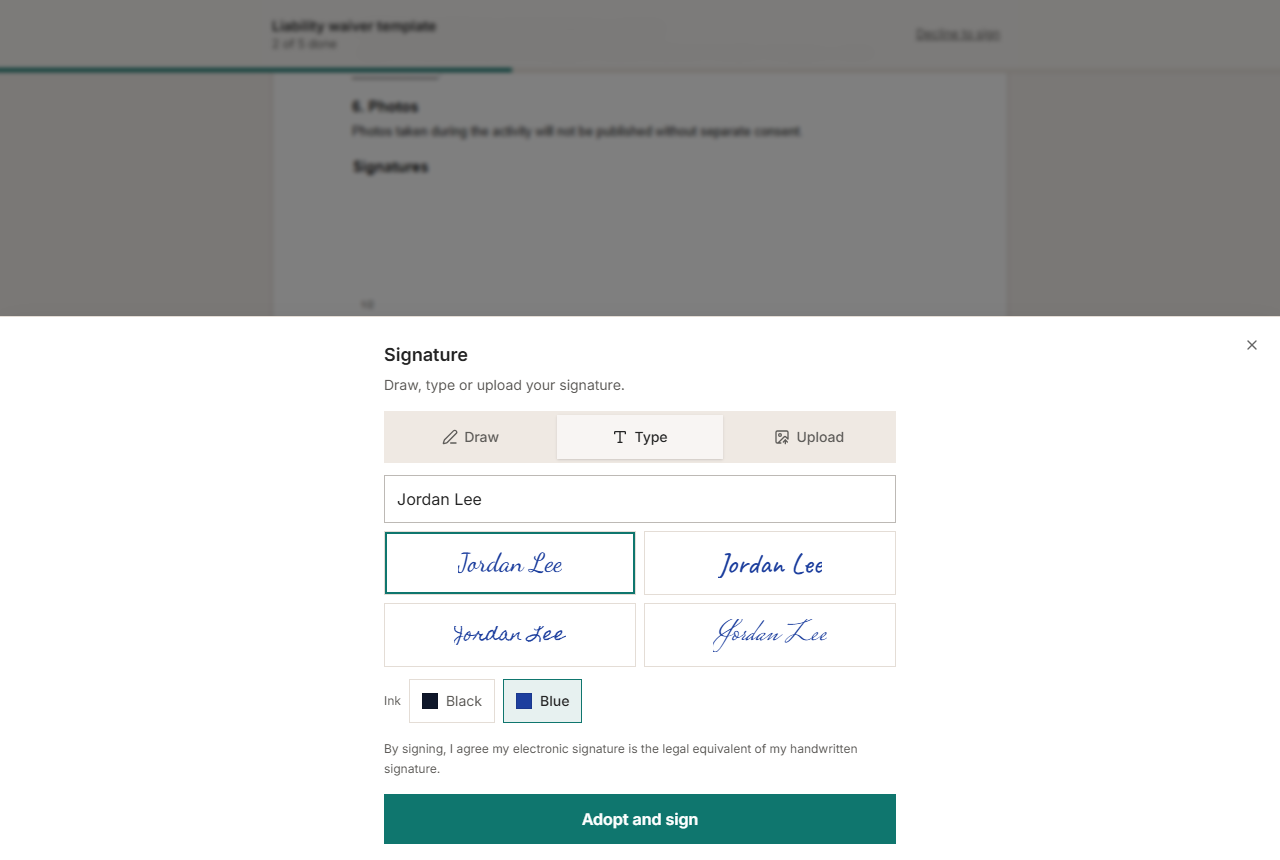
Salsox for WordPress connects your site to your Salsox account. Put a form on any page, and when a visitor enters their name and email, Salsox sends them your document to read and sign online. You follow every request in Salsox, and on Settings > Salsox in WordPress.
What a form can send
- A template from the Salsox library, such as a liability waiver, a photo release or a consent form, with your own details filled in.
- One of your saved templates in Salsox.
- A PDF from your Media Library. Salsox adds a signature and a date for the visitor.
The visitor is the signer; you are filled in as the sender.
Two ways to add the form
- The Request a signature block, in the block editor. Pick the document and the wording in the block’s sidebar; the editor shows the form as it will appear.
- The
[salsox_sign]shortcode, anywhere shortcodes work.
Built to be safe on a public page
Every request sends a real document from your account and counts toward your Salsox plan, so the plugin protects the form:
- The document a form sends is fixed by you and signed with your site’s keys. A visitor cannot change it.
- An hourly limit per visitor and per email address, and a daily limit for the whole site, both adjustable.
- An optional setting to accept requests only from logged-in visitors.
- A hidden field that catches automated submissions.
Your API key is stored on your server and used only from your server. It is never sent to a visitor’s browser, and it is not shown again once saved.
Responsive and accessible
The form fits phones from 320 pixels wide, works with the keyboard and screen readers, works without JavaScript, and respects reduced-motion settings.
External services
This plugin connects to the Salsox API (https://salsox.com/api/v1), which is needed to send documents for signature. It makes no other outgoing requests and includes no tracking or analytics.
It sends data to Salsox only in these cases:
- When you save an API key or click Test connection on Settings > Salsox: your API key, to check it and read your account’s name, email and plan.
- When you open Settings > Salsox or the block’s sidebar: your API key, to list your templates and, if there are requests in the log, the status of your recent documents.
- When a visitor submits a form: the visitor’s name and email address, and the document you chose (a template name, a saved template’s ID, or the public link to your PDF), so Salsox can send them the document.
- When you click Disconnect: your API key, so Salsox revokes it.
Salsox is provided by Salsox: Terms of service, Privacy policy.
Details




Related plugins
Plugins that also contain the tag contract
WP Forms Signature Contract Add-On
Sözleşmeler

Ninja Forms Signature Contract Add-On
Electronic Signature Add-on for Fluent Forms
Electronic Signature Add-on for Forminator
WOSSE WooCommerce Sözleşmeleri


About
Plugin for that tries to help you find the WordPress plugin you are looking for.
| Please enjoy an image of Crush (this awesome turtle) and have a lovely day! |  |
We do not own any plugin listed on this site and do not work for or work with WordPress.com or it's associated companies. We simply provide a searchable list of the available WordPress plugins.