


Sandya Copy Protection
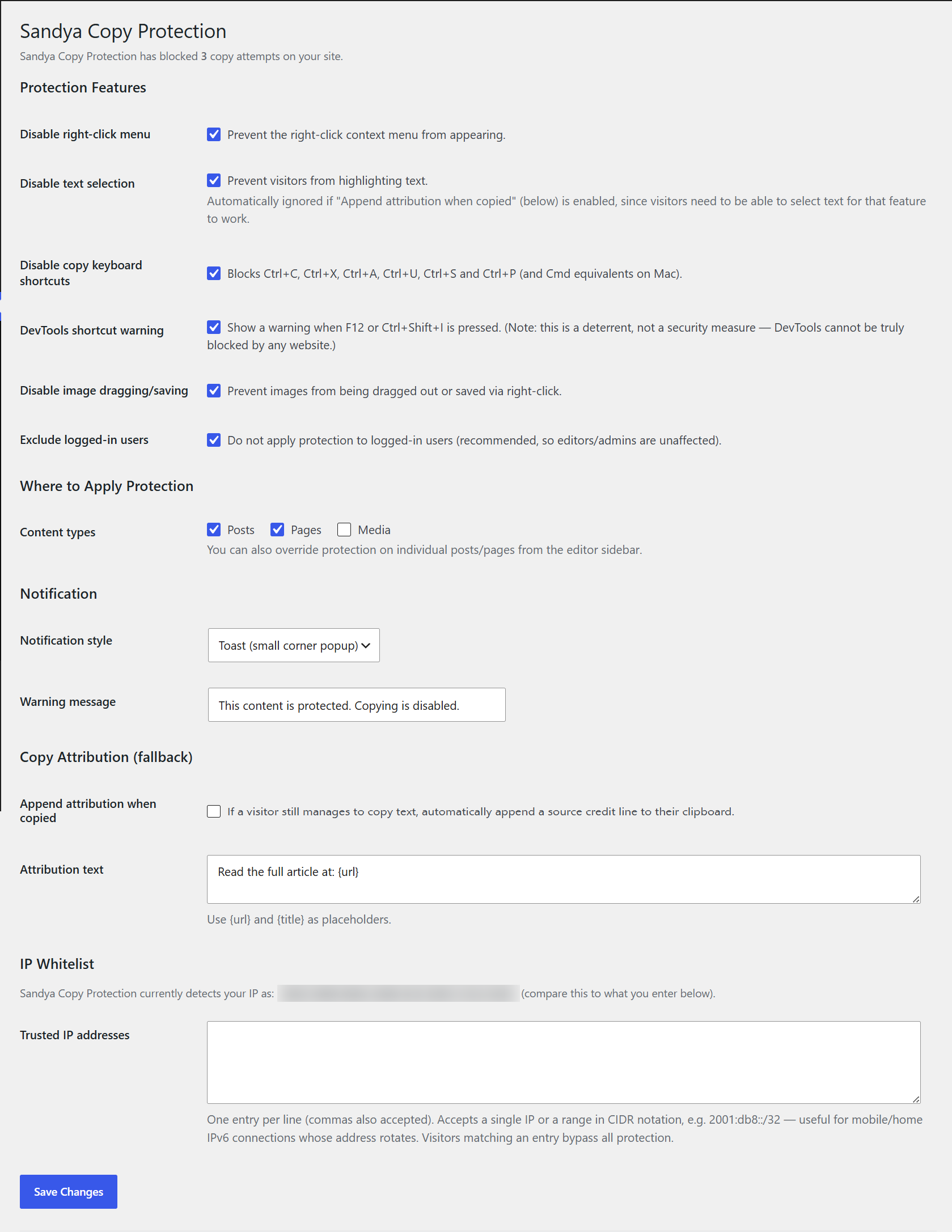
Sandya Copy Protection helps you discourage casual content theft on your WordPress site. It disables the right-click menu, blocks common copy keyboard shortcuts, prevents image dragging, and can show a custom warning message when someone tries to copy your content.
Important note on security expectations: this plugin is a deterrent, not a security guarantee. No plugin (on any platform) can make web content 100% impossible to copy — anyone can still view page source through other means, or take a screenshot. It’s designed to stop the casual copy-paste theft that makes up the vast majority of content scraping, and to make your intent clear to visitors.
Features
- Disable right-click context menu
- Disable text selection
- Disable copy/cut/paste/select-all/view-source/save/print keyboard shortcuts
- DevTools shortcut deterrent warning (F12, Ctrl+Shift+I)
- Disable image dragging and right-click image saving
- Choose which content types are protected (posts, pages, custom post types)
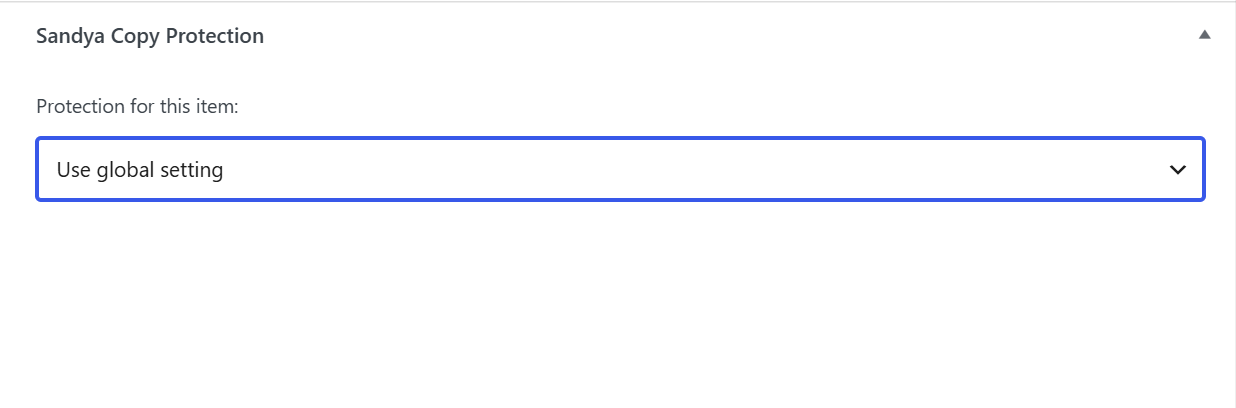
- Per-post/page override from the editor sidebar (force on, force off, or use global setting)
- Exclude logged-in users automatically
- IP whitelist so trusted visitors bypass protection — supports single IPs and CIDR ranges (IPv4 and IPv6)
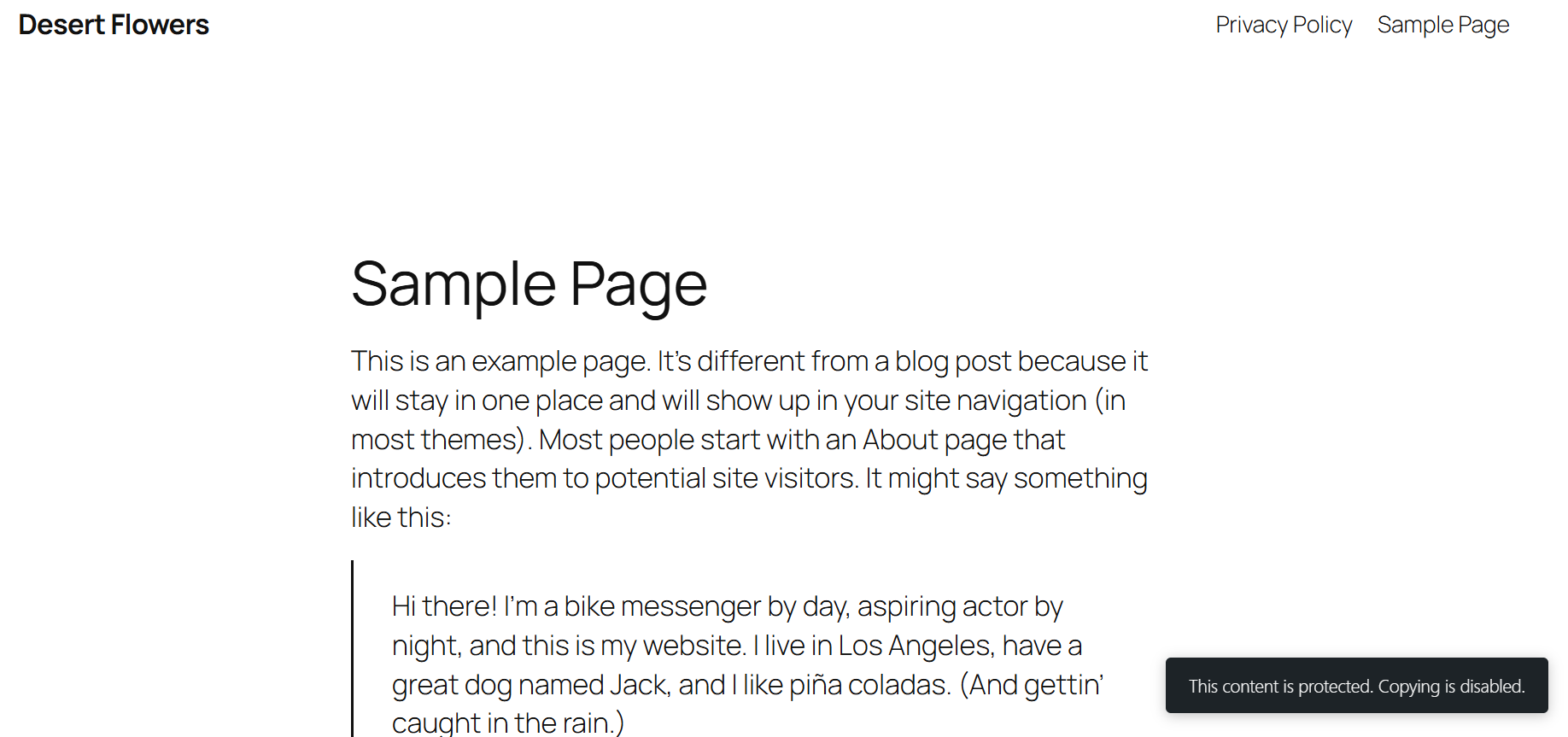
- Three notification styles: toast, banner, or modal
- Blocked-attempt counter shown right on the settings page
- Optional copy-attribution fallback: automatically appends a source credit line if content is copied anyway
- Lightweight: no jQuery dependency, minimal front-end footprint
- Works on desktop and mobile/touch devices
Details
Related plugins
Plugins that also contain the tag content-protection
WP Content Copy Protection & No Right Click

Secure Copy Content Protection and Content Locking

WP Content Copy Protection

Disabled Source, Disabled Right Click and Content Protection

WP-Copyright-Protection

ContentProtector – password protect your page, post or text


About
Plugin for that tries to help you find the WordPress plugin you are looking for.
| Please enjoy an image of Crush (this awesome turtle) and have a lovely day! |  |
We do not own any plugin listed on this site and do not work for or work with WordPress.com or it's associated companies. We simply provide a searchable list of the available WordPress plugins.