

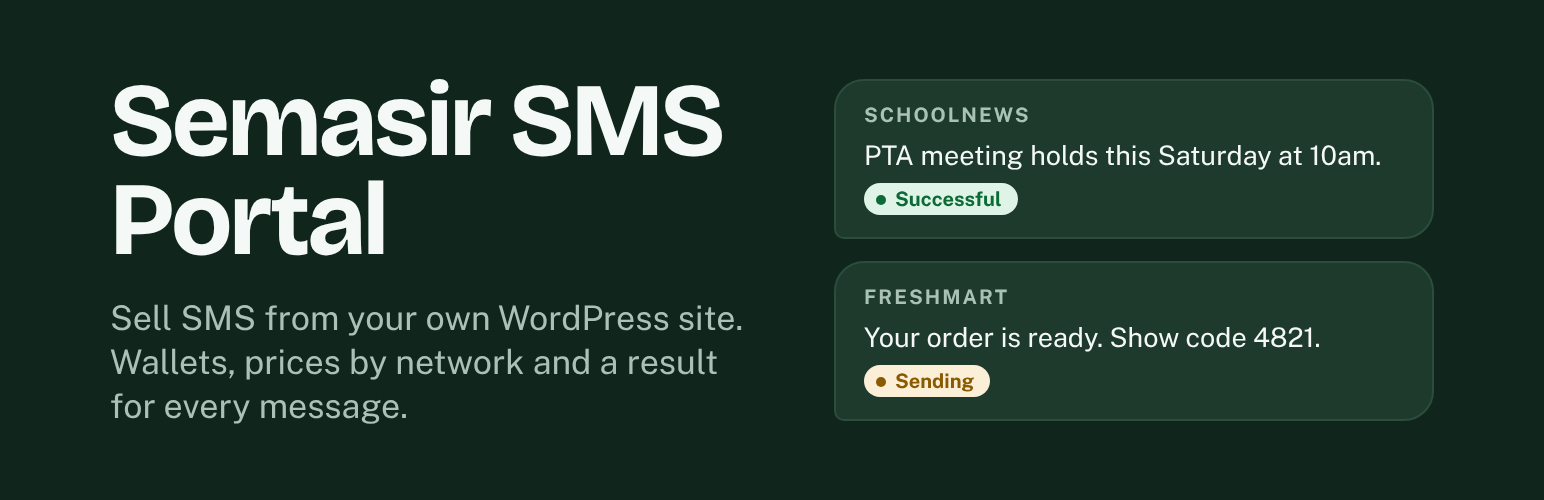

Semasir SMS Portal
Semasir SMS Portal turns a WordPress site into a bulk SMS business. Your customers sign up, add money to their wallet, and send SMS from a clean portal on your site. You connect the SMS service you already use, set your prices, and manage everything from one admin area.
For your customers
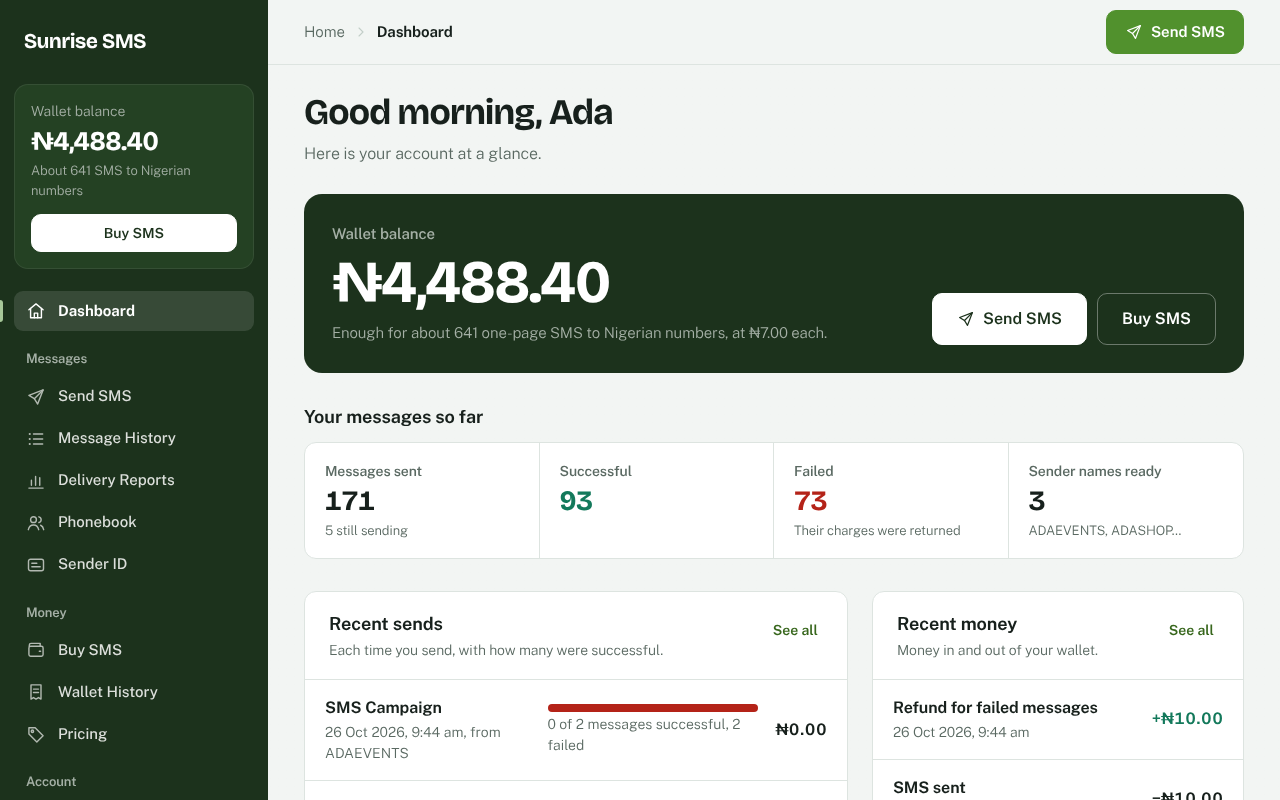
- Send SMS to many numbers at once, with the cost shown before sending.
- Paste numbers separated by commas, semicolons or new lines, or pick a saved group.
- Request a sender name and use it once it is approved.
- See every message with its result: Successful, Sending or Failed, with the reason.
- Add money to the wallet by card with Paystack, or by bank transfer with a payment proof.
- See transactions, prices and a simple dashboard.
- Use a revocable Bearer API key to send SMS from their own apps and websites.
For you, the site owner
- One price list: set a price per country, per network, or per number prefix. The longest matching prefix sets the price.
- Countries without a price are not sent and not charged.
- Connect NewBulkSMS in one step, or any other SMS service that has a web API (GET, form POST or JSON).
- Add as many SMS services as you like and choose which one sends standard, Do Not Disturb and international messages.
- Messages the service accepts count as Successful unless a failure is reported. Failed messages return the money to the customer’s wallet.
- Review sender names, payments and customers from one place.
- Reports for messages, payments and wallet changes, with CSV download.
- Branding: your name, colours and support details on every page.
- Optional Google reCAPTCHA on sign-in, sign-up and password reset.
Semasir SMS Portal Pro (optional)
Everything described above is free and complete, with no limits on customers, messages, SMS services or money. Nothing in this plugin is locked or needs a licence key. For businesses that resell SMS there is a separate paid plugin, Semasir SMS Portal Pro, sold on our website. It adds these extra tools, which are not part of this plugin:
- A separate SMS service for a single customer.
- Customer plans, per-customer features, limits and price changes, and reseller accounts.
- Scheduled wallet top-ups and a regular news email to customers who ask for it.
- Flutterwave and WooCommerce checkout, extra currencies and extra portal pages.
This plugin works fully without Pro.
Source code
Nothing in this plugin is minified or compiled. Every PHP, JavaScript and CSS file is the readable source.
assets/src/app/*.jsare the portal screens, one file per screen.assets/portal-app.jsis these files joined together in name order, inside one wrapper function.assets/src/portal-ui.cssis the portal design system.assets/portal-ui.cssis the same rules with!importantadded inside its layers, so themes cannot override the portal by accident.- All other files in
assets/are hand-written and used as they are.
To rebuild the two joined files after changing a source file, run node tools/build-ui.js from the plugin folder. The script is included, needs only Node.js, and installs nothing.
Pages and shortcodes
On activation the plugin creates the pages it needs (portal, sign in, sign up, forgot password, buy SMS, help, pricing and payment status). You can also place them yourself:
[bsms_portal]– the customer portal[bsms_login],[bsms_register],[bsms_forgot_password]– account pages[bsms_public_buy_sms],[bsms_public_pricing]– public pricing and buying[bsms_help_centre]– searchable help[bsms_payment_status]– the page customers return to after paying
External services
This plugin connects to the services below only when you set them up and switch them on. Nothing is sent to any of them by default.
NewBulkSMS
NewBulkSMS is a Nigerian SMS delivery service run by the author of this plugin. It is used only when you choose “Use NewBulkSMS” under SMS Services and save your NewBulkSMS API key. Each message you or your customers send goes to NewBulkSMS (https://newbulksms.com) with the phone number, the message text, the sender name and your API key. The plugin also asks NewBulkSMS for your account balance (https://newbulksms.com/api/balance) and for delivery results (https://newbulksms.com/api/status), using the same API key. Messages are sent to https://newbulksms.com/api/send. Terms: https://newbulksms.com/terms/ – Privacy: https://newbulksms.com/privacy-policy/
Your SMS service
The SMS service you add under SMS Services receives each message you or your customers send: the phone number, the message text and the sender name, along with the account details you enter for that service. The plugin may also ask it for delivery results and your account balance. Which company this is, and its terms and privacy policy, depends on the service you choose.
Paystack
Paystack (paystack.com) is a card payment service. It is used only when you switch on Paystack card payments and add your Paystack keys. When a customer adds money, the plugin sends the amount, the customer’s email address, a payment reference, the customer’s account number on your site and the addresses to return to after paying to Paystack (https://api.paystack.co/transaction/initialize) to start the payment. When the customer returns, or when Paystack sends a payment notice, the plugin sends the payment reference to Paystack (https://api.paystack.co/transaction/verify) to confirm the payment and its amount before adding money to the wallet. Terms: https://paystack.com/terms – Privacy: https://paystack.com/privacy/merchant
Google reCAPTCHA
Used when you switch on reCAPTCHA. The sign-in, sign-up, password reset and comment forms load the reCAPTCHA script from google.com, and the plugin sends the check result and the visitor’s IP address to Google to confirm the visitor is not a robot. Terms: https://policies.google.com/terms – Privacy: https://policies.google.com/privacy
Details


Related plugins
Plugins that also contain the tag bulk-sms
SMS for WooCommerce

Branded SMS Pakistan

SMS Gateway Center – Bulk SMS Sender

Turbo SMS

Bulk SMS Notification

sms2everywhere


About
Plugin for that tries to help you find the WordPress plugin you are looking for.
| Please enjoy an image of Crush (this awesome turtle) and have a lovely day! |  |
We do not own any plugin listed on this site and do not work for or work with WordPress.com or it's associated companies. We simply provide a searchable list of the available WordPress plugins.