


This plugin is outdated and might not be supported anymore
Back

Send message to Google Chat for CF7
Details
View on WordPress
Back
This plugin allows you to send messages from Contact Form 7 submissions to Google Chat.
How to find Google Chat Webhook
- Google Chat webhooks are available only if you use google workspace
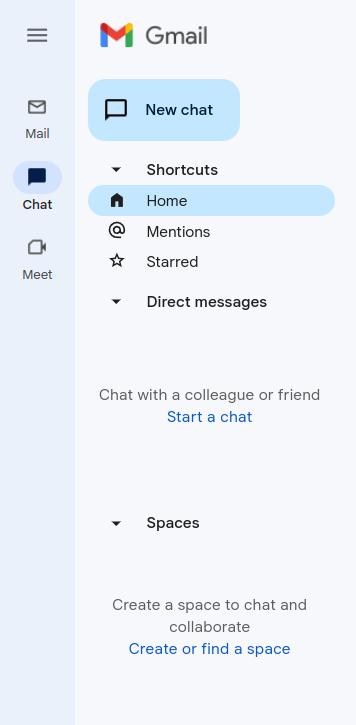
- Go to your gmail admin panel and click on chat icon and after that you need to click on “Create of find a space” – screenshot-2
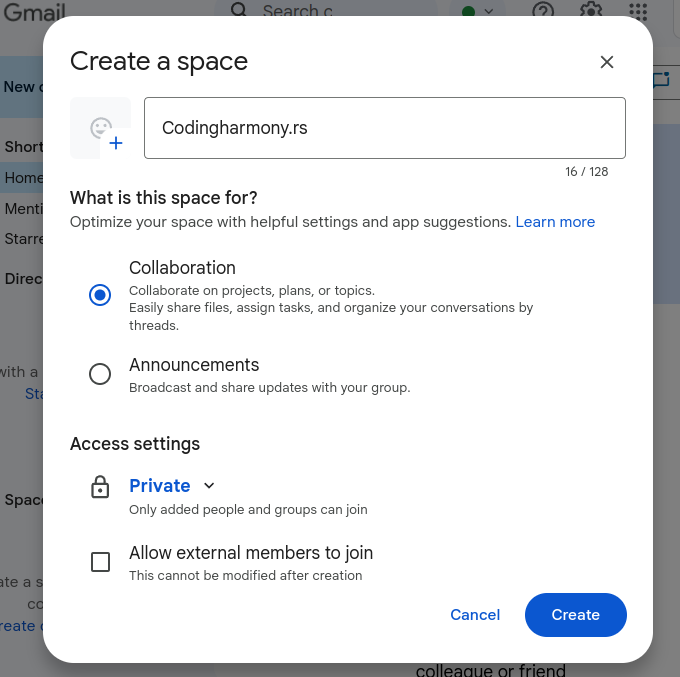
- Name your space and click on create – screenshot-3
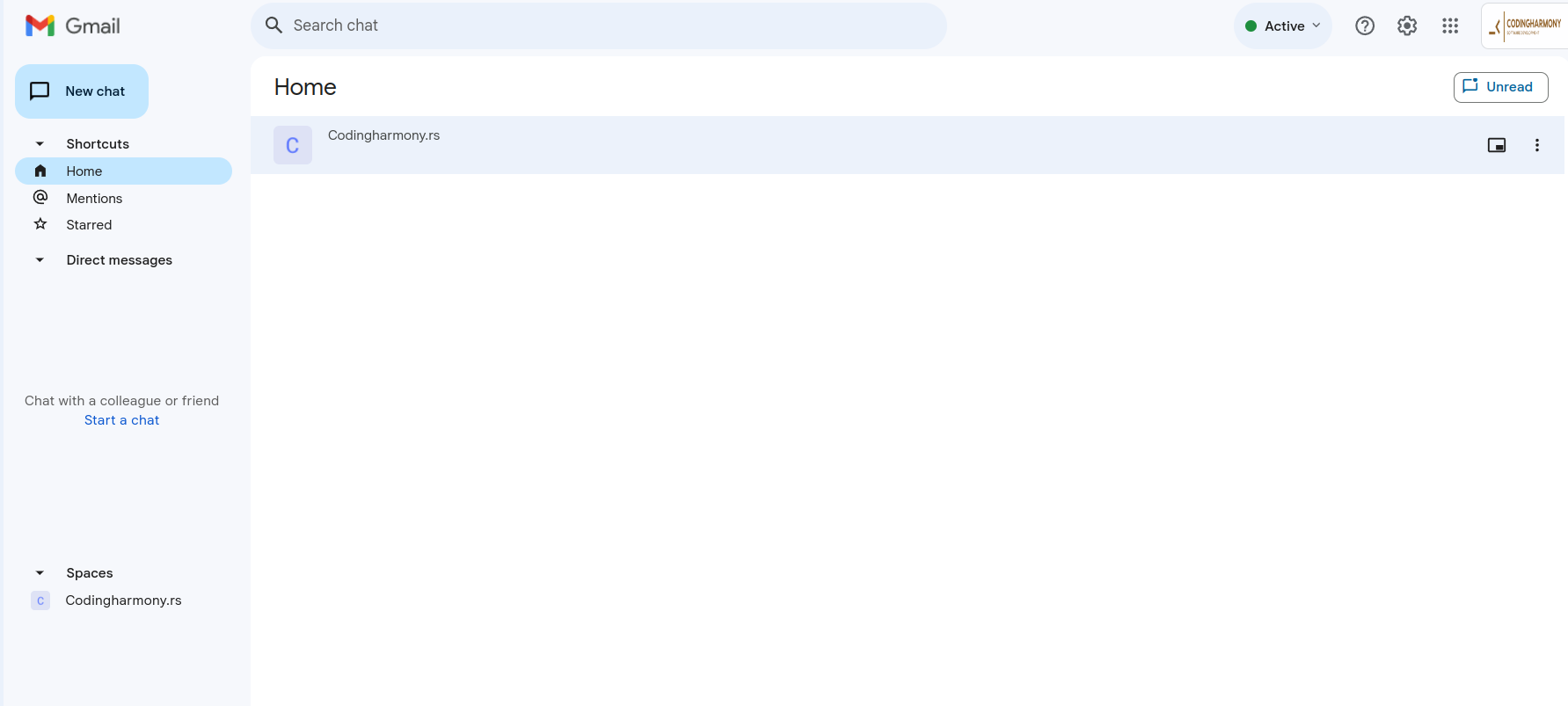
- Click on your space – screenshot-4
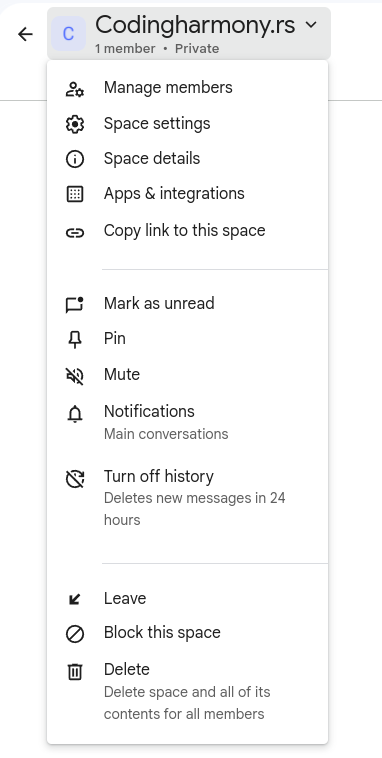
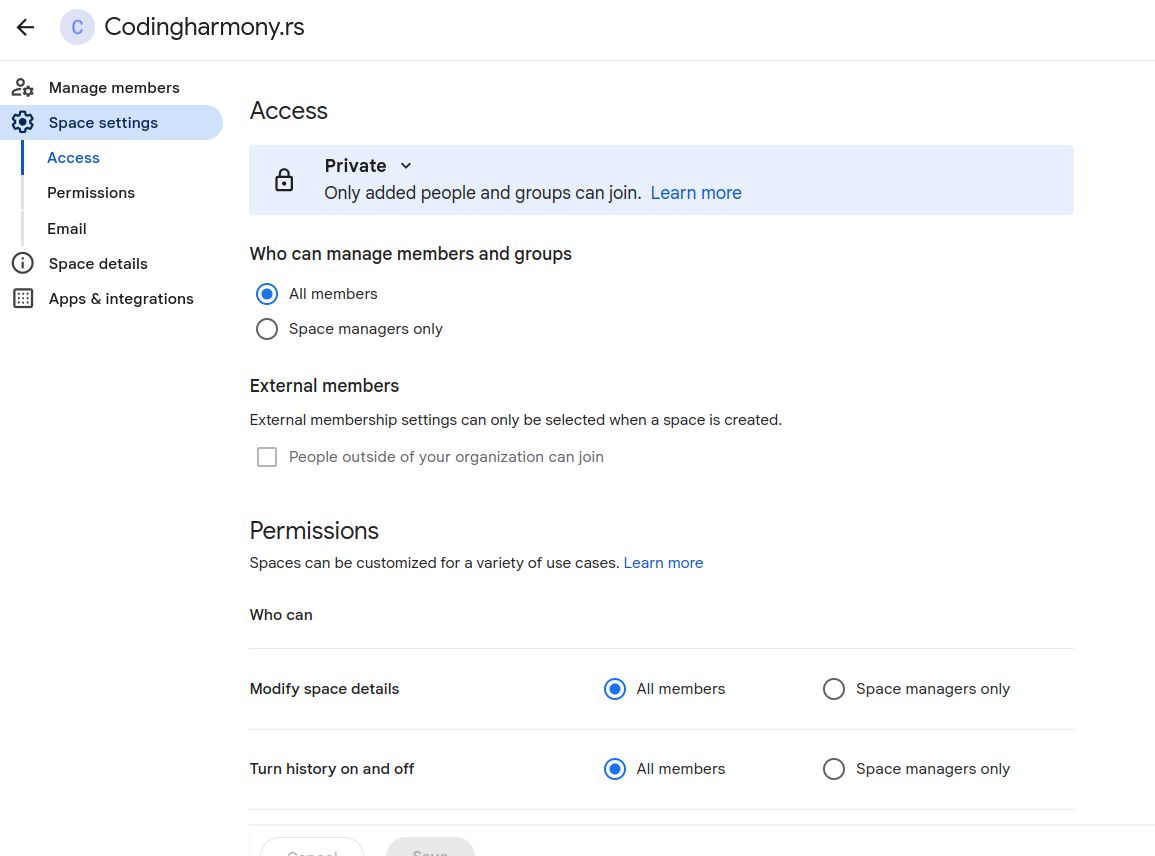
- Click on this dropdown and after that on “space settings” – screenshot-5
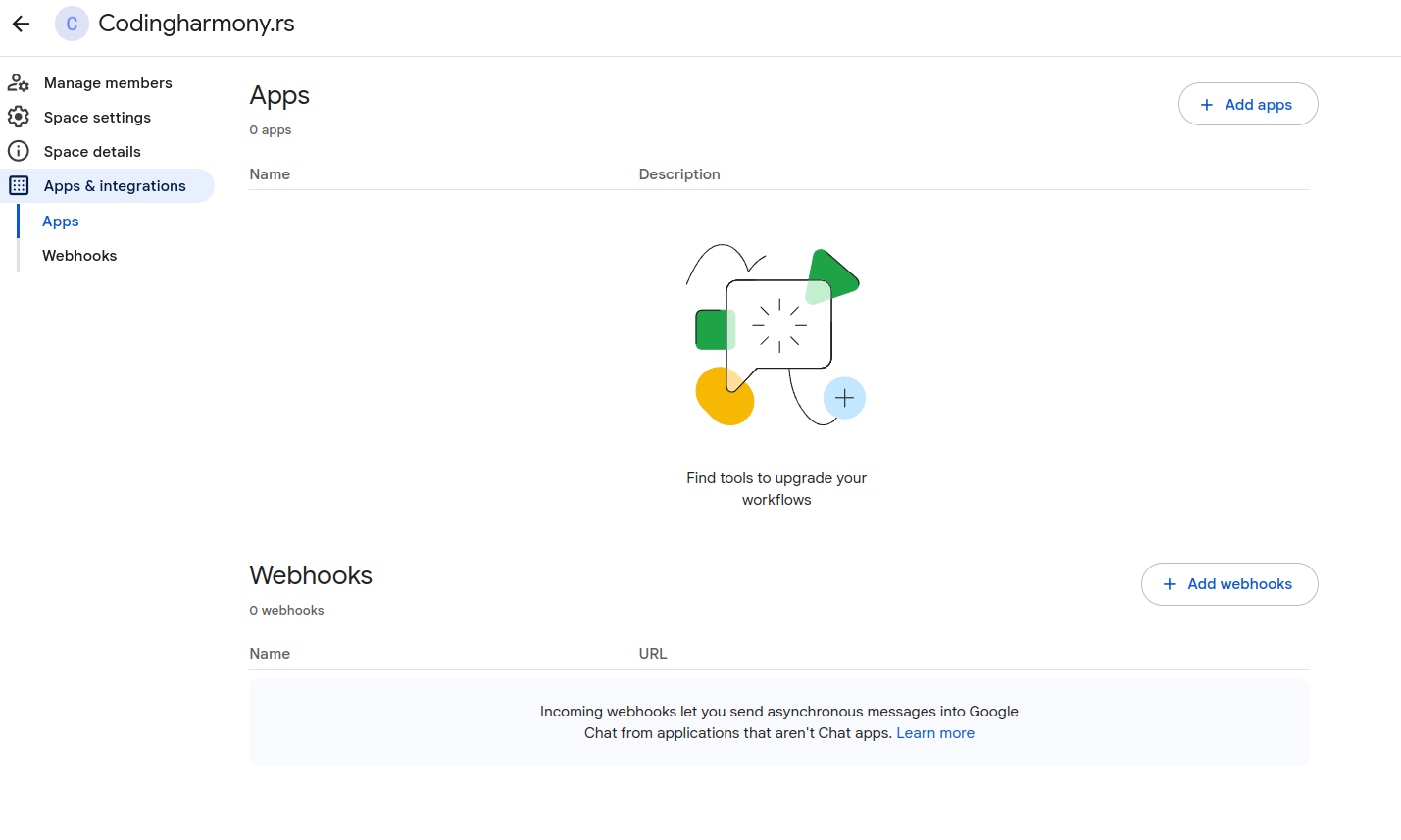
- Click on apps and integrations – screenshot-6
- Click on “add webhooks” – screenshot-7
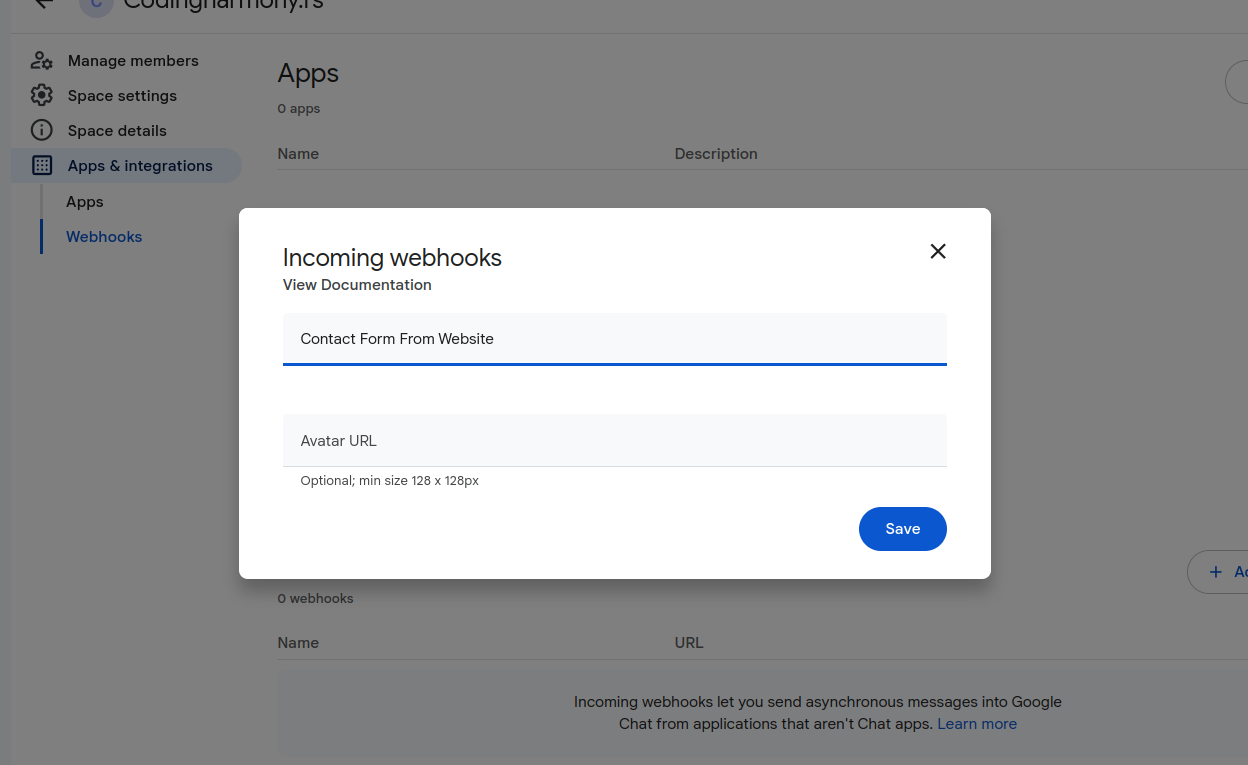
- Name your webhook and click save – screenshot-8
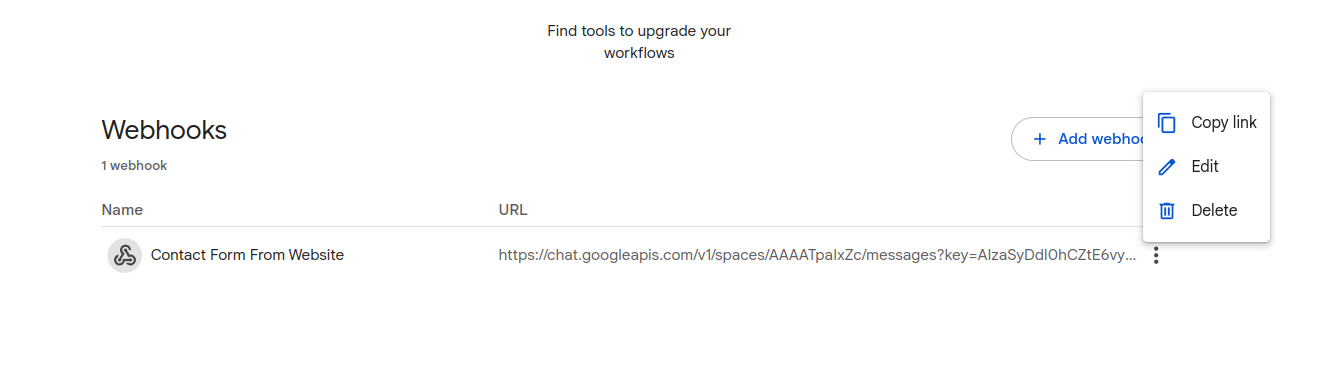
- Click on webhook settings and copy link – screenshot-9
- Paste that link to your contact form settings – screenshot-1
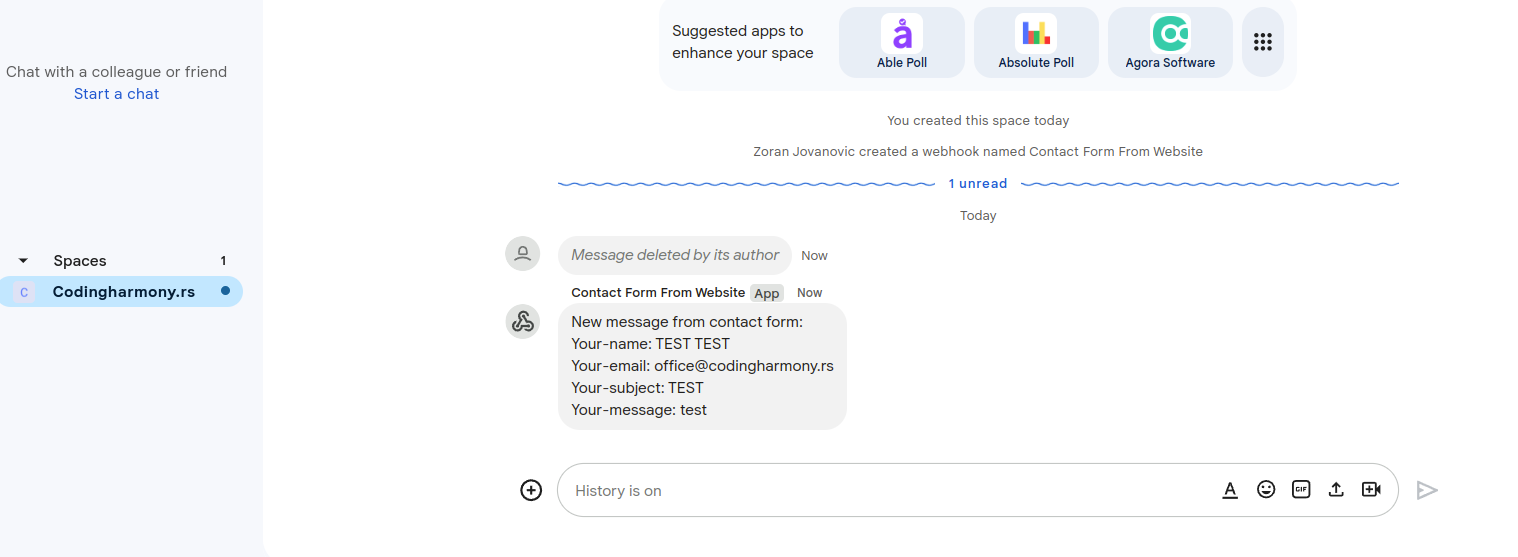
- After form is submitted on the website you will receive message to your google chat space – screenshot-10
Details
Plugin code:
send-message-google-chat-cf7
Plugin version:
1.0.0
Author:
Outdated:
Yes
WP version:
4.0 or higher
PHP version:
or higher
Test up to WP version:
6.5.5
Total installations:
0
Last updated:
2024-07-14
Rating:
Times rated:
0
contact-form-7
google-chat
integration

Related plugins
Plugins that also contain the tag contact-form-7
ReCaptcha v2 for Contact Form 7

Contact Form 7 Captcha

Contact Form 7 – Dynamic Text Extension

Conditional Fields for Contact Form 7

Image CAPTCHA for Contact Form 7 and WPForms by HookAndHook (DSGVO/GDPR)
Database for Contact Form 7, WPforms, Elementor forms


About
Plugin for that tries to help you find the WordPress plugin you are looking for.
| Please enjoy an image of Crush (this awesome turtle) and have a lovely day! |  |
We do not own any plugin listed on this site and do not work for or work with WordPress.com or it's associated companies. We simply provide a searchable list of the available WordPress plugins.