



Senzastile AutoPost for Telegram
Tagline: WordPress Telegram
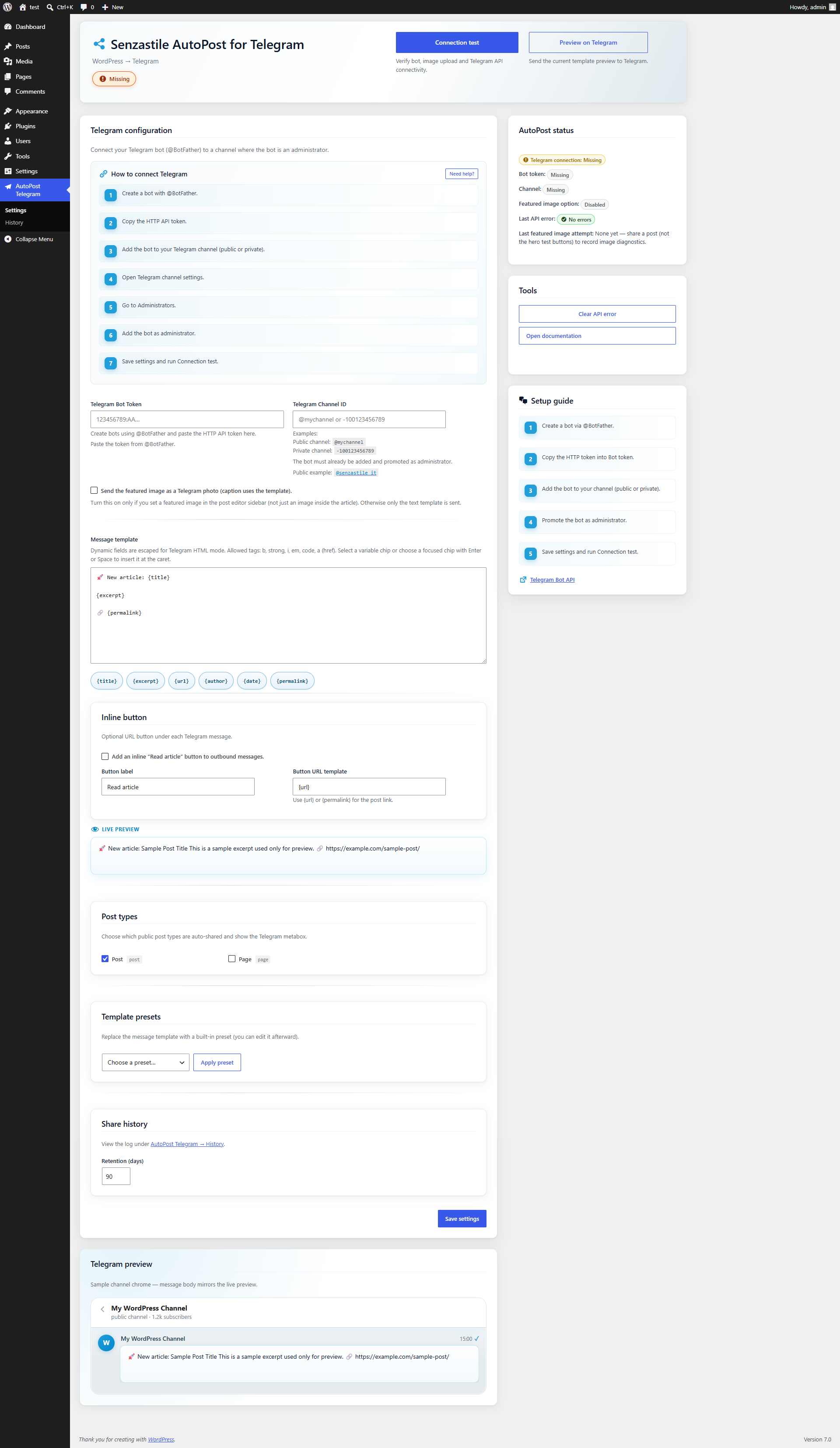
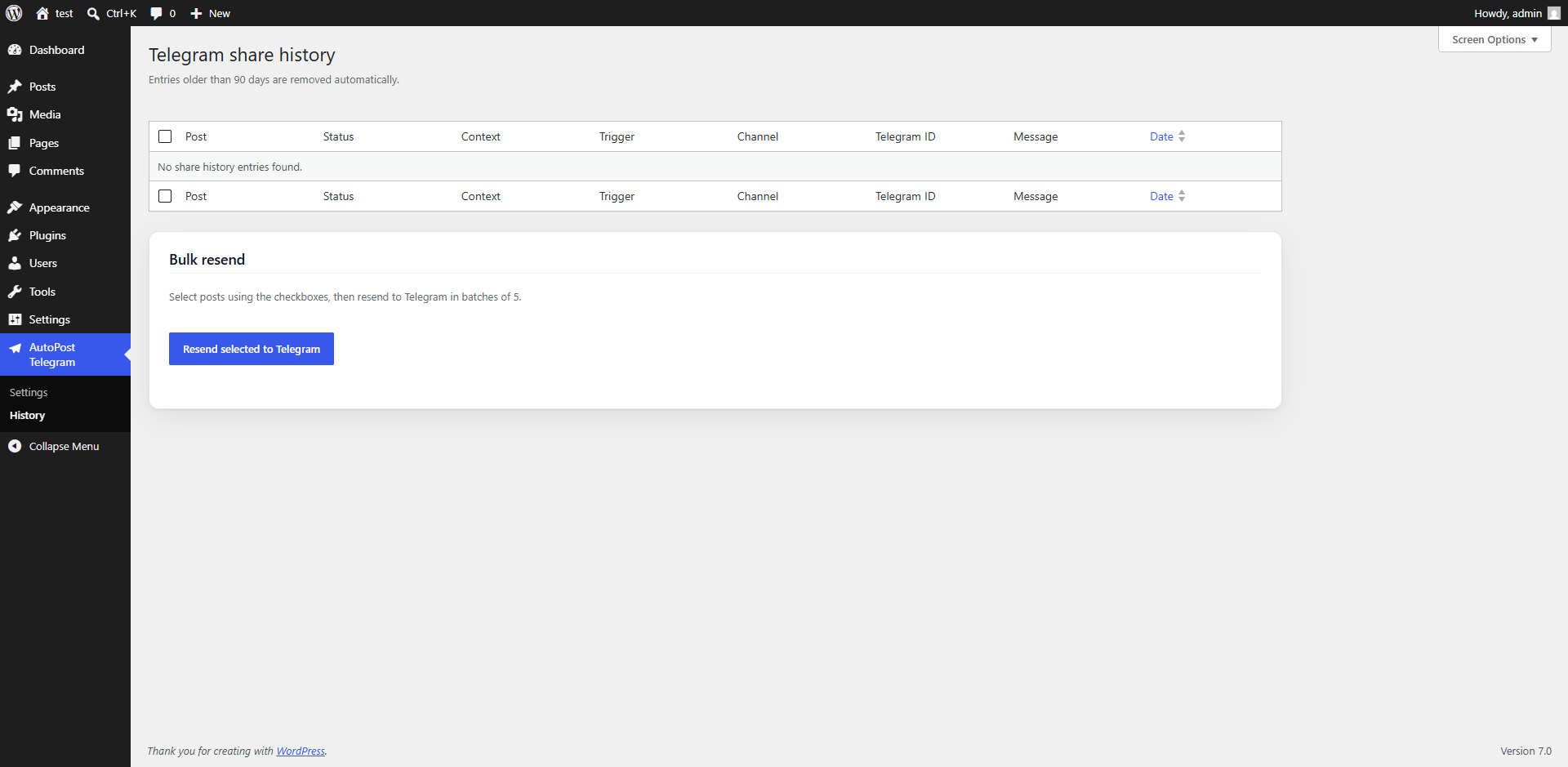
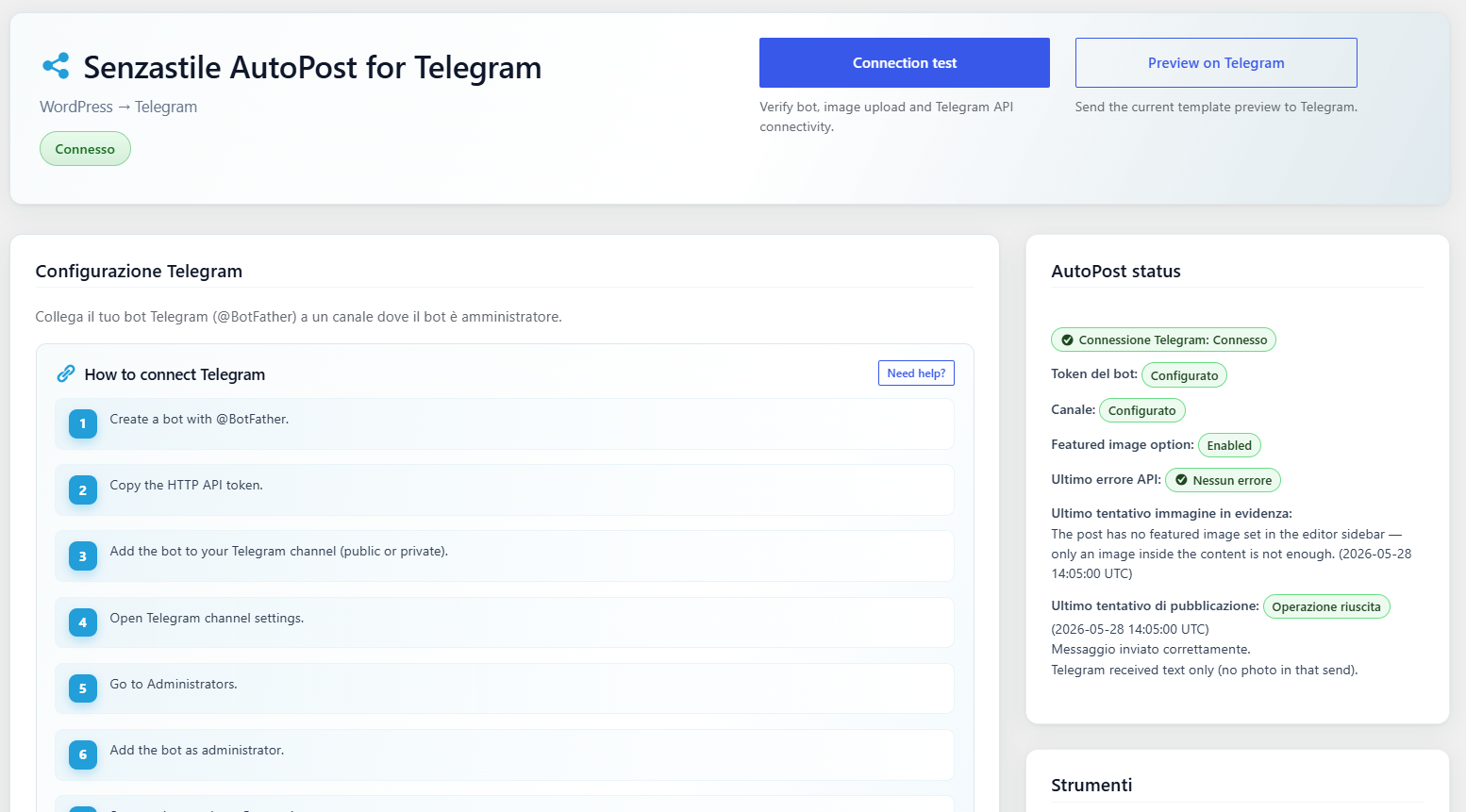
Senzastile AutoPost for Telegram sends newly published posts to a Telegram channel using the Bot API. Settings, previews, and diagnostics live under the top-level AutoPost Telegram menu in your WordPress admin.
Features
- Automatic sharing when a post is published (duplicate sends avoided with post meta).
- Top-level admin menu: AutoPost Telegram Settings (bot token, channel, HTML template, featured image option).
- Telegram
parse_modeHTML with dynamic fields escaped and markup filtered throughwp_kses(). - Card-based settings UI with hero, status, setup guide, and tools.
- Live template preview on the settings screen (sample data via AJAX).
- Optional dashboard widget with a connection snapshot.
- Manual share on the post editor for published posts.
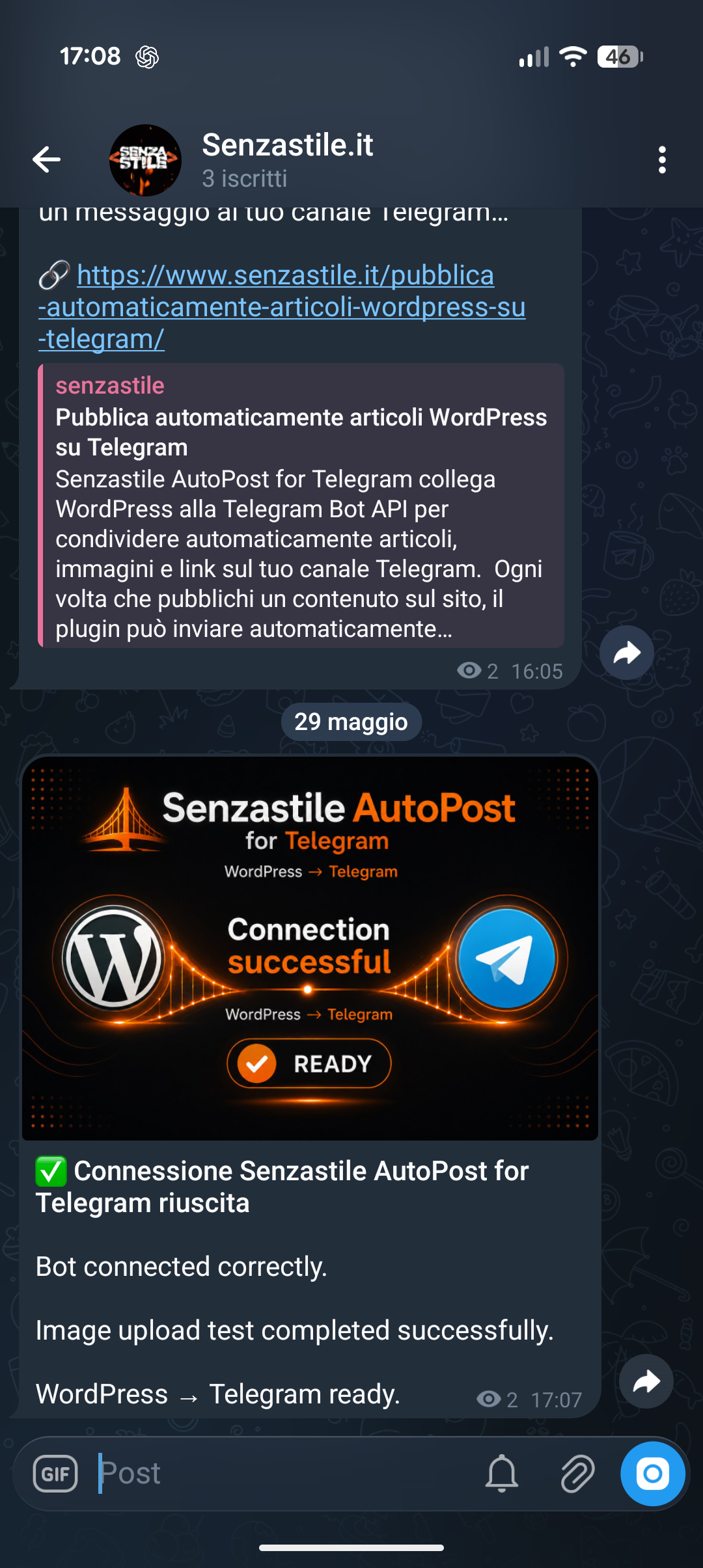
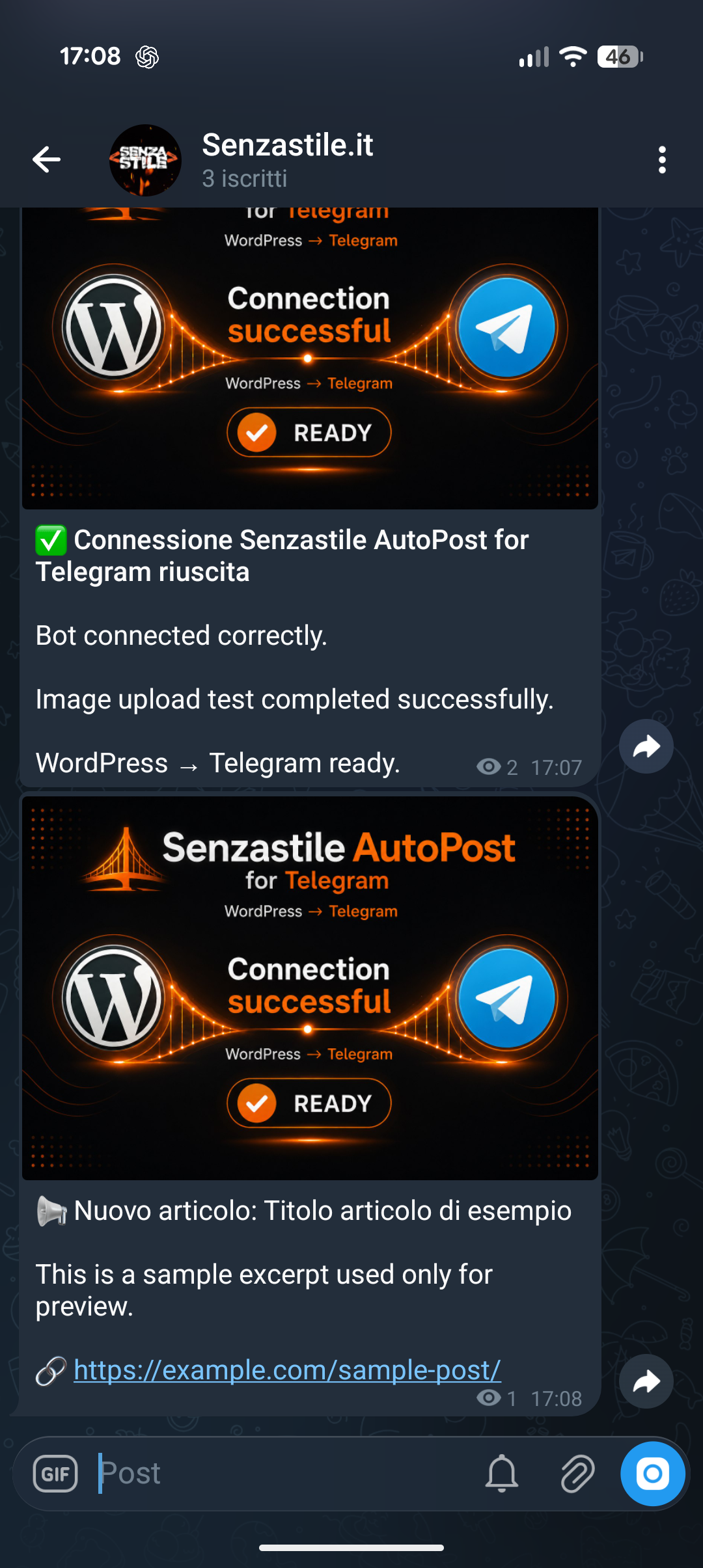
- AJAX connection test with branded test image and HTML status message.
- Masked bot token in settings (reveal on demand; tests use saved credentials).
- Last API/HTTP error surfaced for administrators (optional).
Placeholders: {title}, {excerpt}, {url}. Legacy: {permalink} (same as {url}), {author}, {date}.
Allowed HTML in templates: b, strong, i, em, code, a (href).
External services
This plugin connects to the Telegram Bot API to publish WordPress posts to Telegram channels.
Service used:
Telegram Bot API
https://core.telegram.org/bots/api
Data sent:
– Telegram Bot Token
– Channel ID / Username
– Post title
– Post excerpt/content
– Featured image (optional)
Data is sent only when:
– a post is published
– manual connection tests are executed
– preview actions are used
Terms of Service:
https://telegram.org/tos
Privacy Policy:
https://telegram.org/privacy
Troubleshooting
- Nothing posted: Check token and channel, bot permissions in the channel, and that the post isn’t already marked as shared.
- HTML looks wrong: Stick to allowed tags; avoid raw HTML from untrusted sources in templates.
- Timeouts: Server firewalls or Telegram rate limits can block
wp_remote_post; check the last error message in settings. - Test connection fails after update: Delete
wp-content/plugins/senzastile-autopost-for-telegram(and any duplicate folder such assenzastile-autopost-for-telegram-1), then install a fresh copy of the plugin ZIP.
Translations
Translate at translate.wordpress.org when the project is available. A bundled it_IT pack may ship in /languages for reference.
Details
Related plugins
Plugins that also contain the tag automation
OttoKit: All-in-One Automation Platform

Zapier for WordPress

Uncanny Automator – Easy Automation, Integration, Webhooks & Workflow Builder Plugin

MailerLite – WooCommerce integration

WP Webhooks – Automate repetitive tasks by creating powerful automation workflows directly within WordPress

Thrive Automator


About
Plugin for that tries to help you find the WordPress plugin you are looking for.
| Please enjoy an image of Crush (this awesome turtle) and have a lovely day! |  |
We do not own any plugin listed on this site and do not work for or work with WordPress.com or it's associated companies. We simply provide a searchable list of the available WordPress plugins.