

Seriema – Site Speed Breakdown
Your site is slow. But WHICH plugin is the problem?
You have several plugins installed. One of them is costing you visitors, rankings and sales – but WordPress won’t tell you which one. This is the plugin that will.
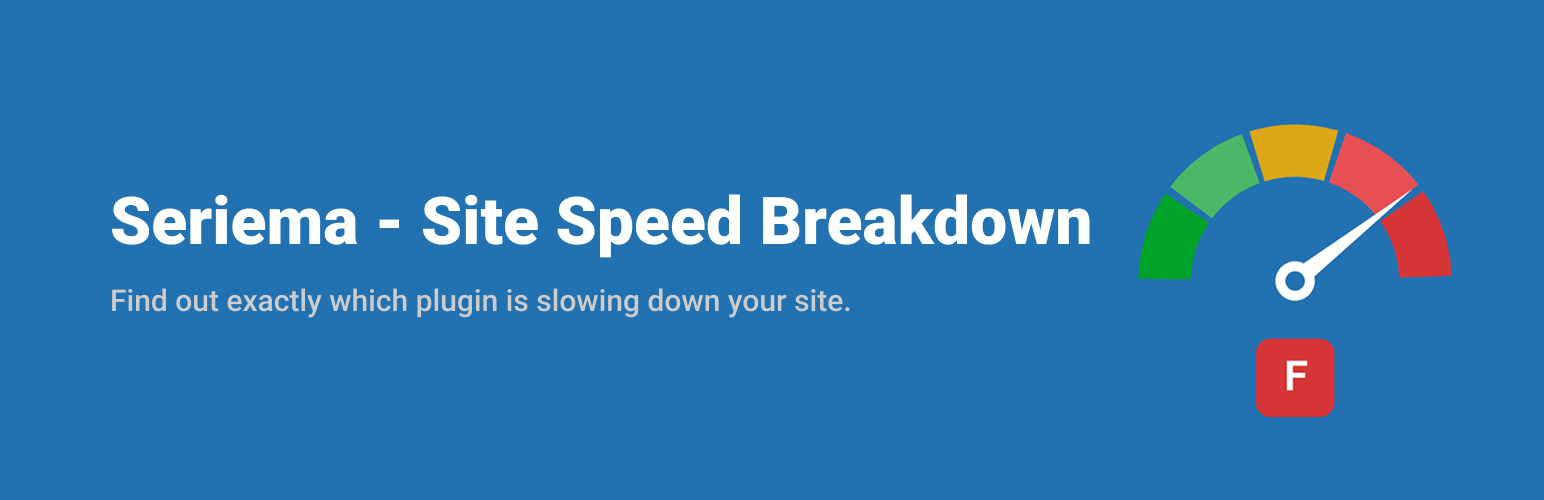
Click Run Scan and in under 30 seconds you get a ranked list of every active plugin with a speed grade from A to F and a plain-language verdict like:
“Your gallery plugin is the main cause of your slowdown, adding approximately 812 ms to every page load.”
No waterfall charts, no stack traces, no developer jargon – just a clear, actionable answer for site owners.
Unlike tools that score a plugin based on how recently it was updated or how popular it is, this one measures your site directly, in a real request, so the breakdown reflects what your specific combination of plugins is actually doing, not a general reputation score.
What it measures, per plugin
- Load time – how long the plugin takes to boot on every single request
- Hook time – how much work it does while your page is being built (self-time, so nested work is never double counted)
- Database time – how many queries it runs and how long they take
- Asset weight – how many KB of scripts and styles it adds to your pages
- Memory – how much RAM it consumes
How it works
The scan loads your homepage exactly the way a logged-out visitor would, with a secure single-use token. During that one request, every plugin’s activity is measured and attributed. Your visitors are never affected – profiling only ever runs on the scan request itself.
So that every plugin can be measured from the start of that request, the plugin temporarily moves itself to the first position in your active plugins list while a scan you started is running, then restores your original order right after. Nothing is reordered automatically or at any other time.
Your last grade also follows you around the dashboard: a small badge in the admin bar always shows the current score, with a shortcut to re-scan or open Settings.
Perfect before and after
- Installing a new plugin – check what it really costs
- A plugin update – did it make things worse?
- Buying faster hosting – maybe you just have one bad plugin
- Installing a caching plugin – caching hides slowness; this finds it
Details


Related plugins
Plugins that also contain the tag diagnostics
Performance Lab

Multisite Usage Scanner
Print Basic Facts

CC-Sentry

atec 404 Tracker

Health Radar


About
Plugin for that tries to help you find the WordPress plugin you are looking for.
| Please enjoy an image of Crush (this awesome turtle) and have a lovely day! |  |
We do not own any plugin listed on this site and do not work for or work with WordPress.com or it's associated companies. We simply provide a searchable list of the available WordPress plugins.