


Sezgi Astrology Calculators
Add astrology calculators to any WordPress page or post:
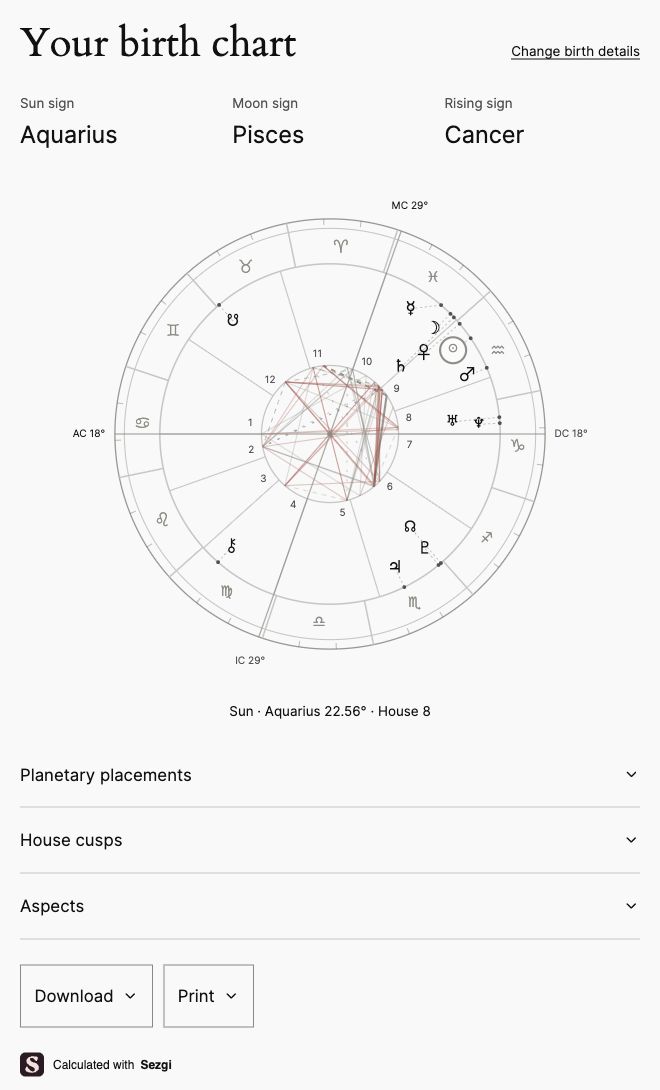
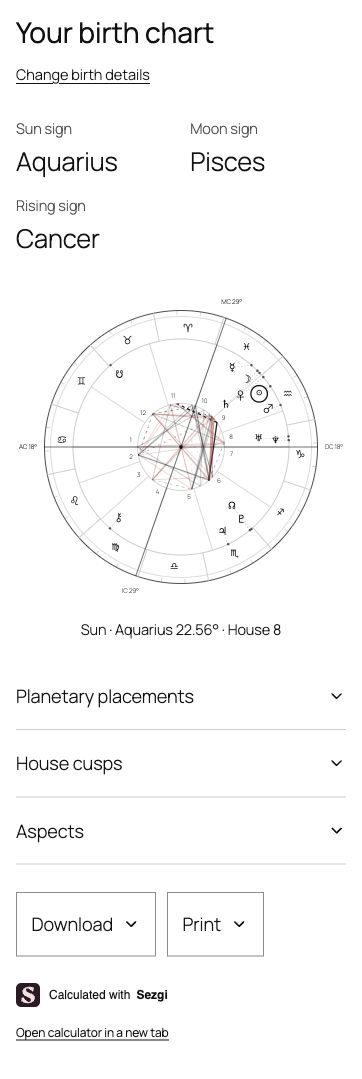
- Birth charts with an interactive wheel, planetary placements, houses and aspects.
- Moon sign and rising sign calculators.
- Unknown birth time support, with both possible Moon signs when the sign changes that day.
- Today’s planetary positions, Moon phase and illumination.
- PNG downloads and printable results, with optional birth details.
- A Gutenberg block and shortcodes for Classic Editor and page builders.
- English, Turkish and Spanish.
Use your WordPress theme’s appearance or choose the Sezgi style. Adjust colors, fonts, spacing and width for the whole site or individual blocks.
All calculators, appearance settings and exports are free. No Sezgi account is needed. An optional one-time purchase removes the Sezgi credit from the calculator and exports for one website and one test site. You can manage or transfer the license in your Sezgi account.
Calculations require a connection to Sezgi. Connect the service in Settings Sezgi Astrology before adding a calculator.
External services and privacy
The calculators use Sezgi for calculations and place search. Connect Sezgi in the plugin settings before use. By default, the connection starts when a visitor searches or calculates; you can also choose to load it when the page opens.
Sezgi receives connection details when the calculator loads, search queries during place search, and birth details and language when calculating. License checks send the license key and website address to Sezgi.
Sezgi uses Cloudflare for hosting and security, and Apple Maps for place search. Cloudflare receives IP addresses and request data; Apple Maps receives place queries.
Read the service terms and privacy policy.
Details



Related plugins
Plugins that also contain the tag astrology
Astrology

Moon Phases

The Daily Horoscope

EZ Horoscope Professional

WP Moon Phase Widget

Ephemeris


About
Plugin for that tries to help you find the WordPress plugin you are looking for.
| Please enjoy an image of Crush (this awesome turtle) and have a lovely day! |  |
We do not own any plugin listed on this site and do not work for or work with WordPress.com or it's associated companies. We simply provide a searchable list of the available WordPress plugins.