

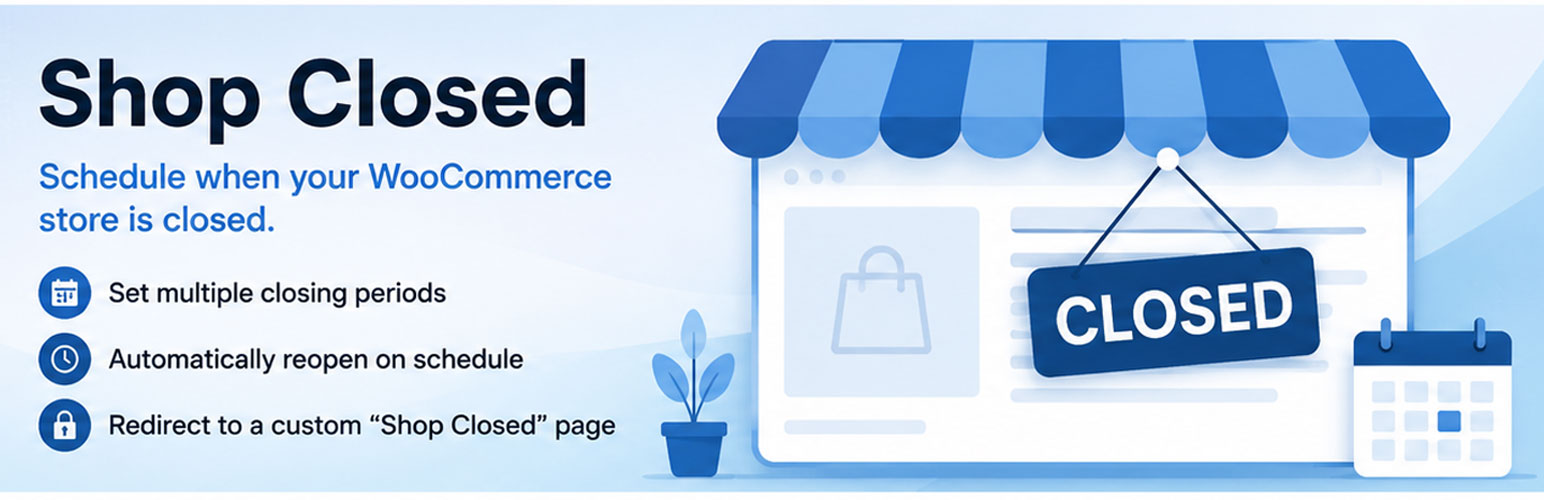

Close Up Shop
The “Close Up Shop” plugin lets store owners define multiple closure periods for their WooCommerce shop. When the shop is closed, visitors are redirected to a “Shop Closed” page displaying a custom message along with the dynamic reopening time from the active closure period (or, if none is active, the upcoming period with the earliest start time or the one with the latest future end time). The plugin “bakes in” the reopening time into the Shop Closed page’s content upon saving settings, ensuring that the reopening time reflects the current schedule at the moment of save. It respects WordPress’s time zone settings and flushes caches to ensure immediate updates.
Key Features:
- Automatically creates a “Shop Closed” page upon activation.
- Admin interface to configure multiple shop closure periods.
- Bakes in the active (or upcoming) reopening time into the Shop Closed page when settings are saved.
- Redirects visitors from WooCommerce pages (cart, checkout, product, account, and shop) when the shop is closed.
- Flushes caches to ensure immediate updates.
- Uses WordPress time zone settings for accurate scheduling.
Short Description
Automatically redirects visitors to a “Shop Closed” page during closure periods and dynamically displays the reopening time based on multiple defined schedules.
Support
For any issues or feature requests, please visit the plugin’s support forum or contact the plugin author.
Acknowledgments
Special thanks to the WordPress and WooCommerce communities for their contributions to the open-source ecosystem.
Details
Related plugins
Plugins that also contain the tag closed
Website Open/Closed Toggle

VS Website Closed

Hide "Comments are closed" Text

Private WP 2

Closed Blog Helper


About
Plugin for that tries to help you find the WordPress plugin you are looking for.
| Please enjoy an image of Crush (this awesome turtle) and have a lovely day! |  |
We do not own any plugin listed on this site and do not work for or work with WordPress.com or it's associated companies. We simply provide a searchable list of the available WordPress plugins.