

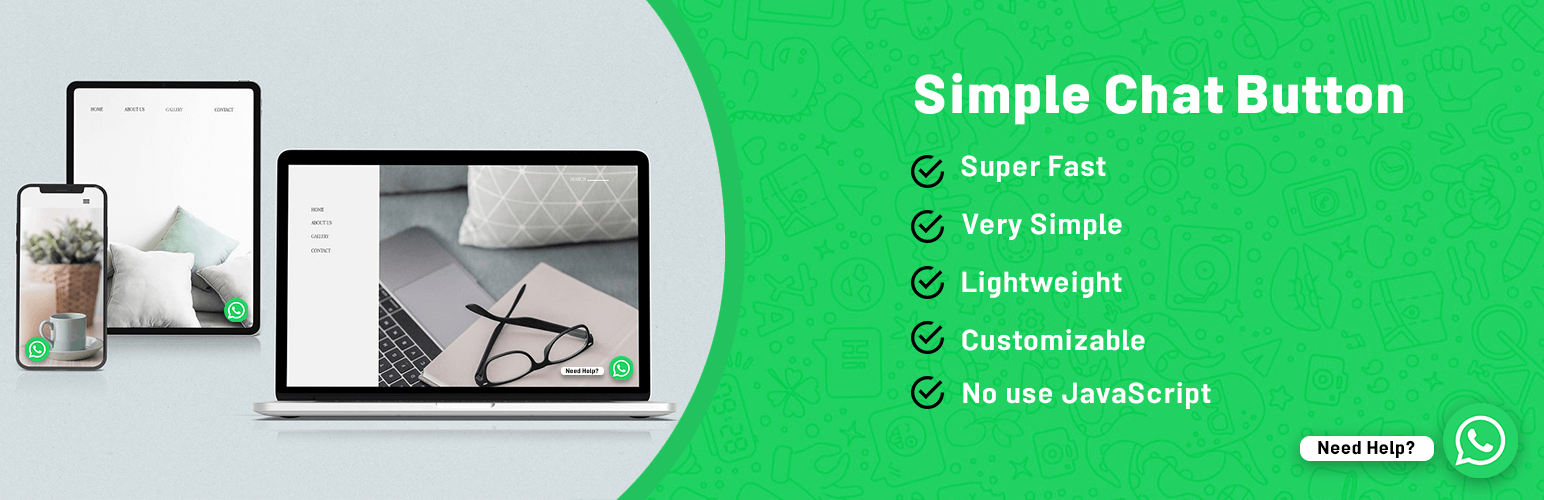

Simple Chat Button
WhatsApp Chat Button (Simple Chat Button) is the Fastest (No use JavaScript), Lightweight and Very Simple WordPress plugin that displays the beautiful WhatsApp Sticky Button on the WordPress frontend.
After clicking on the WhatsApp Sticky Button, It will bring you to the WhatsApp application.
WhatsApp Chat
Add your ‘WhatsApp’ or ‘WhatsApp Business’ Number. And let your website visitors contact you with a single click.
Mobile: Navigates to WhatsApp Mobile App.
Desktop: Navigates to WhatsApp Web.
Prefilled Message
Text that appears at the WhatsApp chat window when the user clicks on the WhatsApp Button.
Users can start the conversation easily.
Position
Different positions for Mobile, Tablet and Desktop Devices.
Chat Button Settings
- Enable Chat Button Show Status
- Add WhatsApp Number
- Add WhatsApp Default Message
- Change the Position of WhatsApp Button to ‘Bottom Left’ or ‘Bottom Right’
- Customize Icon Margin for the Mobile, Tablet & Desktop Devices
- Save Changes & Enjoy!
Translations
Available languages:
- English (Default)
- Persian (Iran)
Performance
Clean and very Lightweight. We love simplicity and efficiency.
This plugin no affect your Site Speed or Google Page Speed result.
Details


Related plugins
Plugins that also contain the tag chat
Joinchat

Floating Chat Widget: Contact Chat Icons, Telegram Chat, Line Messenger, WeChat, Email, SMS, Call Button – Chaty

Facebook Chat Plugin – Live Chat Plugin for WordPress

Buttonizer – Live Chat, AI Chatbot, & Chat Widgets

Chatway Live Chat – AI Chatbot, Customer Support, FAQ & Helpdesk Customer Service & Chat Buttons

Better Messages – Live Chat, Chat Rooms, Real-Time Messaging & Private Messages


About
Plugin for that tries to help you find the WordPress plugin you are looking for.
| Please enjoy an image of Crush (this awesome turtle) and have a lovely day! |  |
We do not own any plugin listed on this site and do not work for or work with WordPress.com or it's associated companies. We simply provide a searchable list of the available WordPress plugins.