



Simple URLs – Link Cloaking, Product Displays, and Affiliate Link Management
Simple URLs helps you manage and organize links directly inside WordPress. It’s useful for affiliate marketers, bloggers, and anyone who wants more control over outbound links.
What you can do with Simple URLs
- Create short, clean URLs with custom slugs
- Cloak affiliate links with optional attributes (new window, nofollow, sponsored)
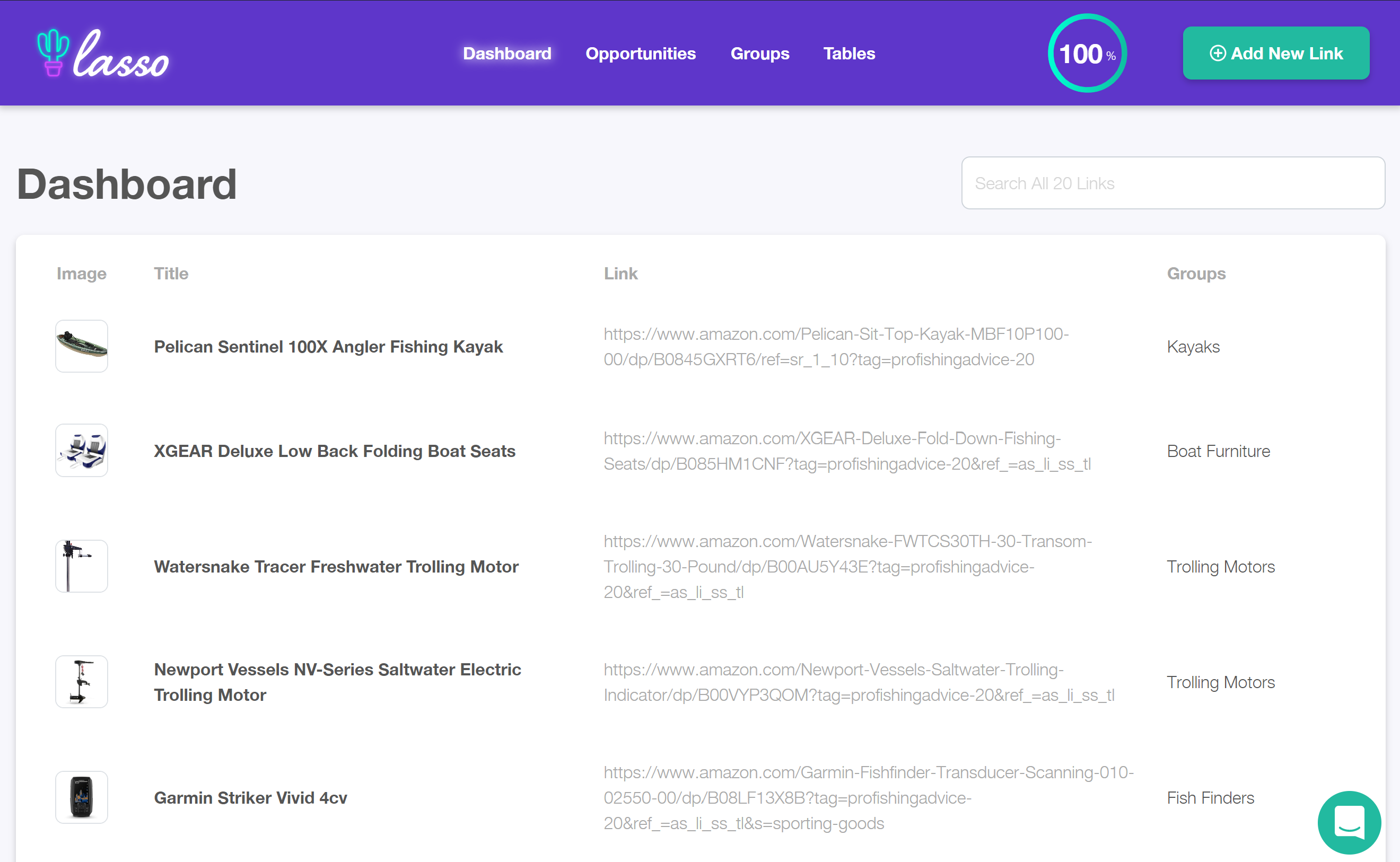
- Organize and edit links from a central dashboard
- Insert links from the editor while writing posts
- Track basic click counts on your links
- Works with both the Block Editor and Classic Editor
Why it’s helpful
With Simple URLs, you don’t need spreadsheets to keep track of affiliate links. Update a link once in your dashboard, and it’s automatically updated everywhere it’s used on your site.
When writing new content, you can quickly search for a link in the editor and insert it without leaving the page. This helps keep your workflow smooth and lets you stay focused on creating content.
Getting started
- Install and activate Simple URLs.
- Go to Simple URLs Add New.
- Enter the destination URL, slug, and any attributes.
- Save your link and insert it into posts or pages.
That’s all there is to it — manage as many links as you need, all in one place.
Looking for advanced features?
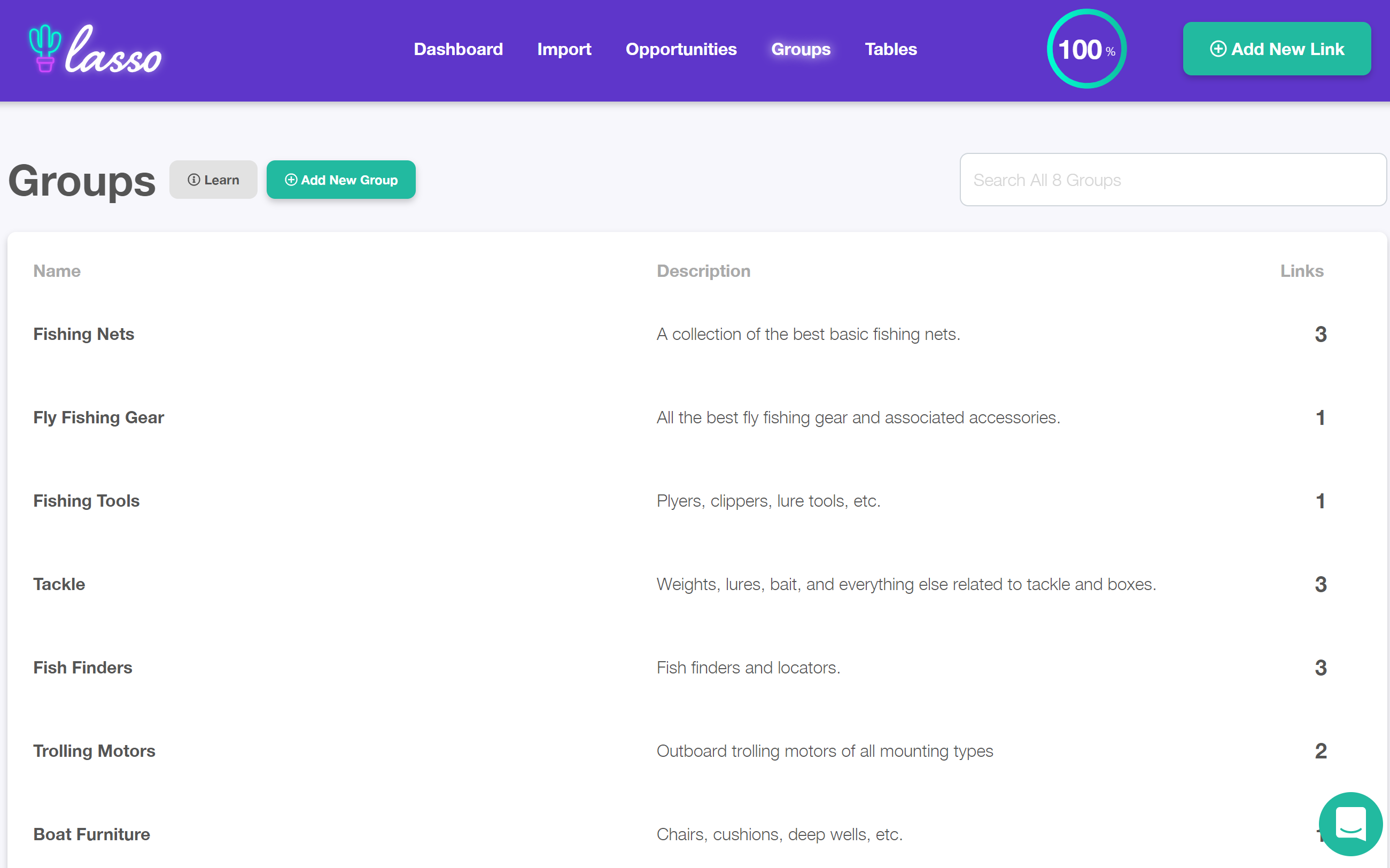
For comparison tables, product grids, or performance reports, see our separate plugin Lasso Documentation.
Details

Related plugins
Plugins that also contain the tag affiliate
Advanced Ads – Ad Manager & AdSense

AdRotate Banner Manager

Pochipp

Affiliate Program Suite — SliceWP Affiliates

Meks Easy Ads Widget

AffiliateX – Amazon Affiliate Plugin


About
Plugin for that tries to help you find the WordPress plugin you are looking for.
| Please enjoy an image of Crush (this awesome turtle) and have a lovely day! |  |
We do not own any plugin listed on this site and do not work for or work with WordPress.com or it's associated companies. We simply provide a searchable list of the available WordPress plugins.