



Skittybop
Skittybop is a WordPress plugin that enables users of a WordPress site to communicate with a pool of operators via video calls using the Skittybop Video Call service. You can install and use the plugin by following these steps:
- Download and install Skittybop using the built-in WordPress plugin installer.
- Log in as an administrator and create one or more WordPress accounts with the Operator role.
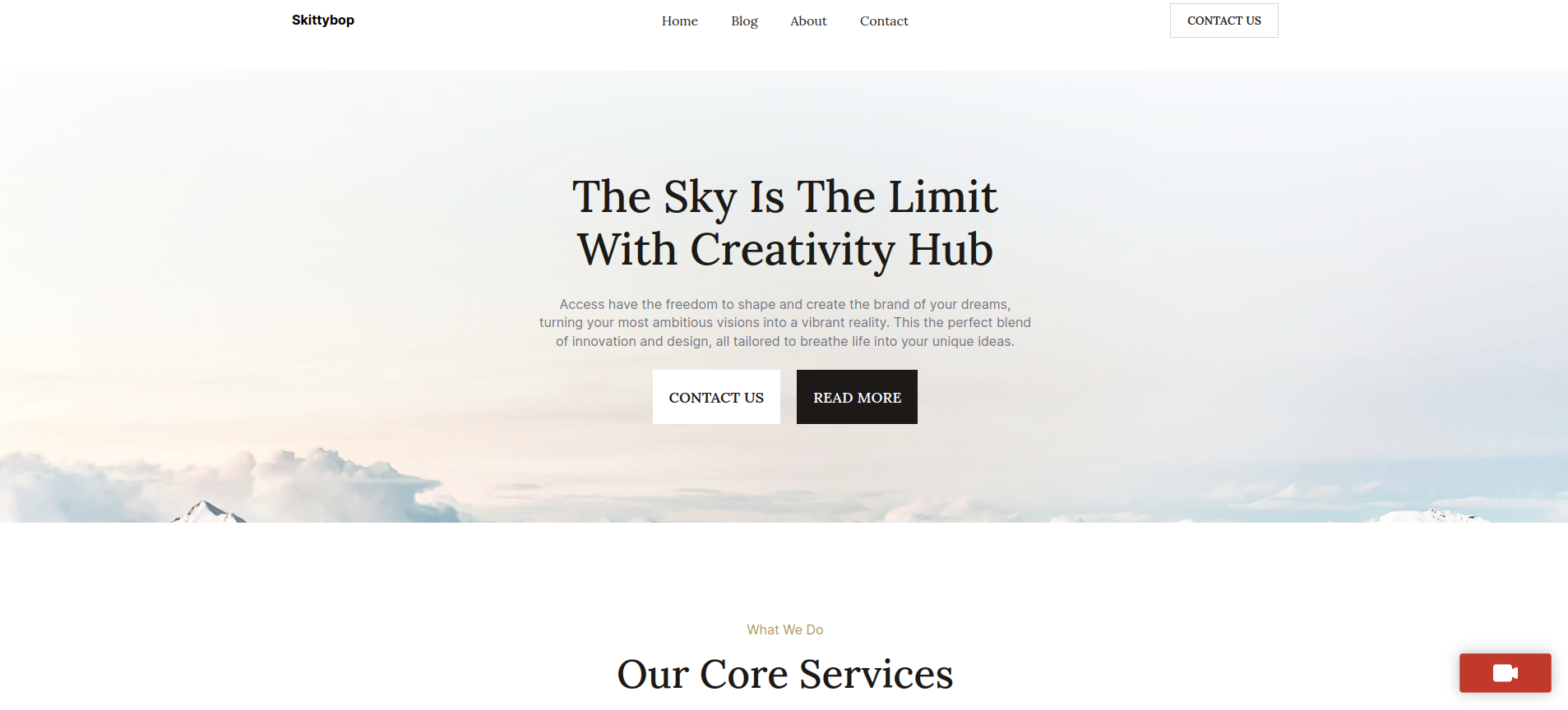
- Log in as any WordPress user and click the red button in the bottom right corner to start a video call with one of the available operators.
- Log in as an operator to accept incoming video calls 1.
- Visit the Skittybop page in the administration panel to view and manage the video call history.
To unlock the full potential of the Skittybop plugin, you need to create an account and have an active subscription by visiting the Skittybop API Management Platform. For more information about Skittybop video Call service please follow the links below:
-
Operators who need to stop receiving incoming video calls should log out from WordPress. This action will put them offline and stop notifications. ↩︎
Details


About
Plugin for that tries to help you find the WordPress plugin you are looking for.
| Please enjoy an image of Crush (this awesome turtle) and have a lovely day! |  |
We do not own any plugin listed on this site and do not work for or work with WordPress.com or it's associated companies. We simply provide a searchable list of the available WordPress plugins.