


SMTPing Email Suite: SMTP, Newsletter & Email Verification
WordPress sends email with PHP mail() by default. Most hosts are not set up for it, so password resets, WooCommerce orders and form notifications land in spam or never arrive. SMTPing Email Suite sends every WordPress email through a real SMTP server or an email API, and checks each recipient before the email leaves your site.
Send through a real provider
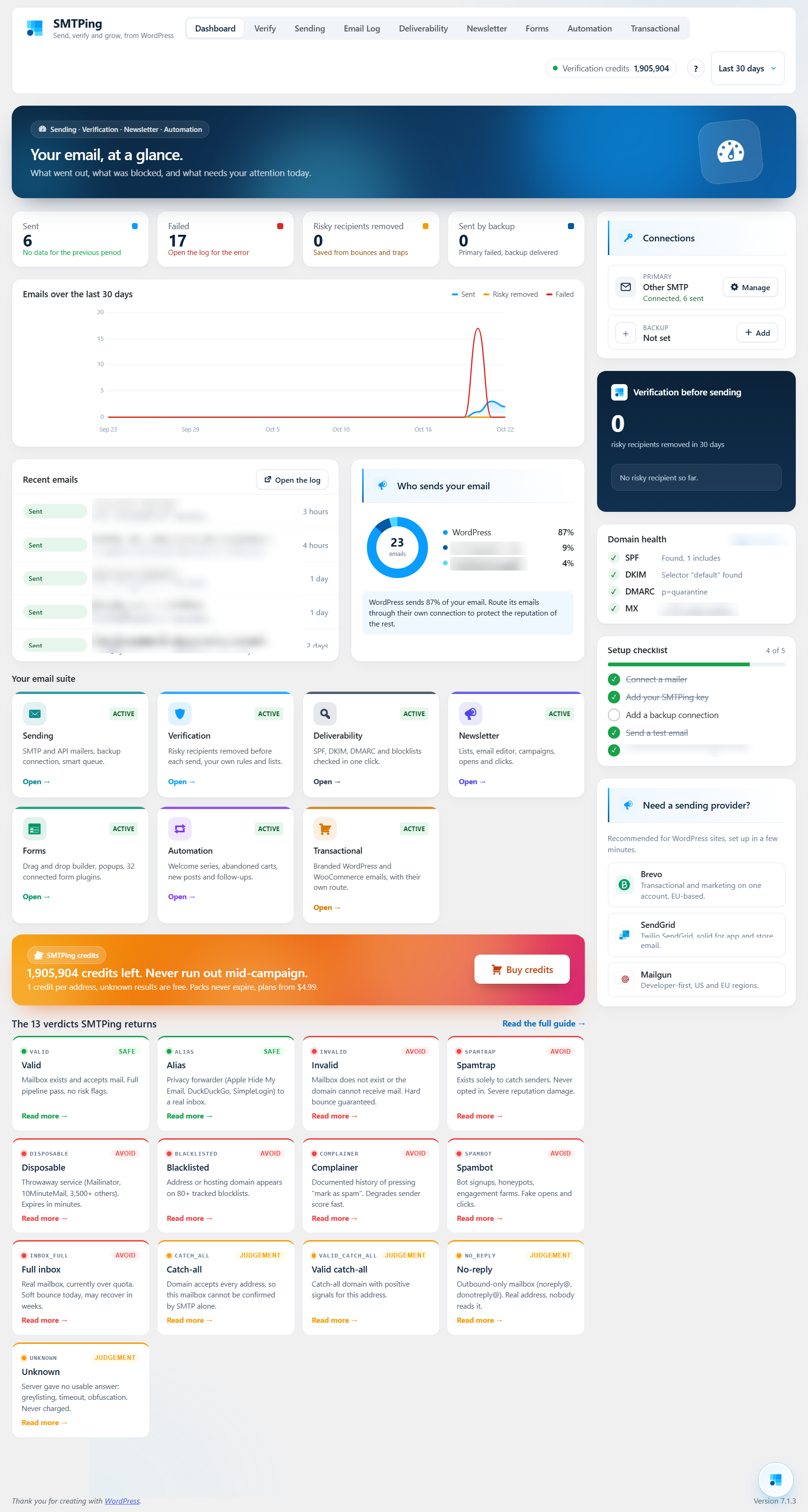
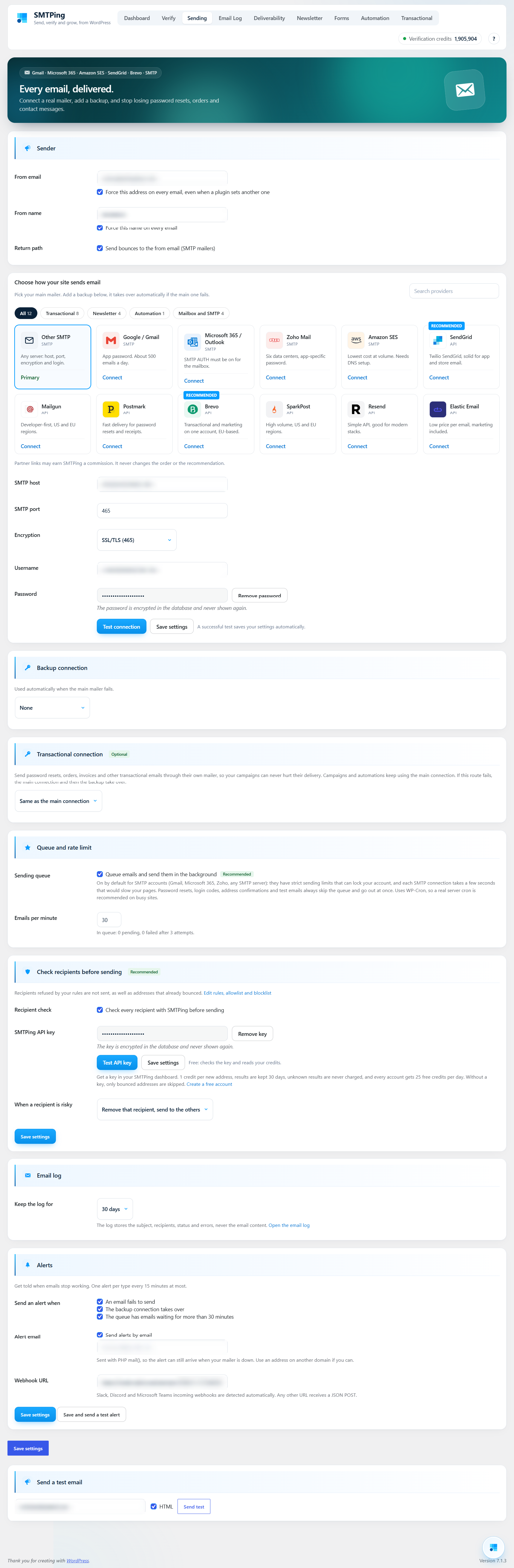
- 12 mailers: Other SMTP (any server), Google / Gmail, Microsoft 365 / Outlook, Zoho Mail, Amazon SES, SendGrid, Mailgun, Postmark, Brevo, SparkPost, Resend and Elastic Email.
- Test connection: logs in to your SMTP server without sending an email and tells you exactly what is wrong: unknown host, blocked port, wrong encryption for the port, refused login or a temporary block after too many attempts.
- Backup connection: if the main mailer fails, a second one sends the email automatically.
- Sending queue and rate limit: emails are sent in the background, so pages load faster and you stay under your provider limits. Each email is retried up to 3 times.
- Sender control: force the from email and from name on every email, and send bounces back to your address.
- Passwords and API keys are encrypted in the database and never shown again.
Check recipients before sending
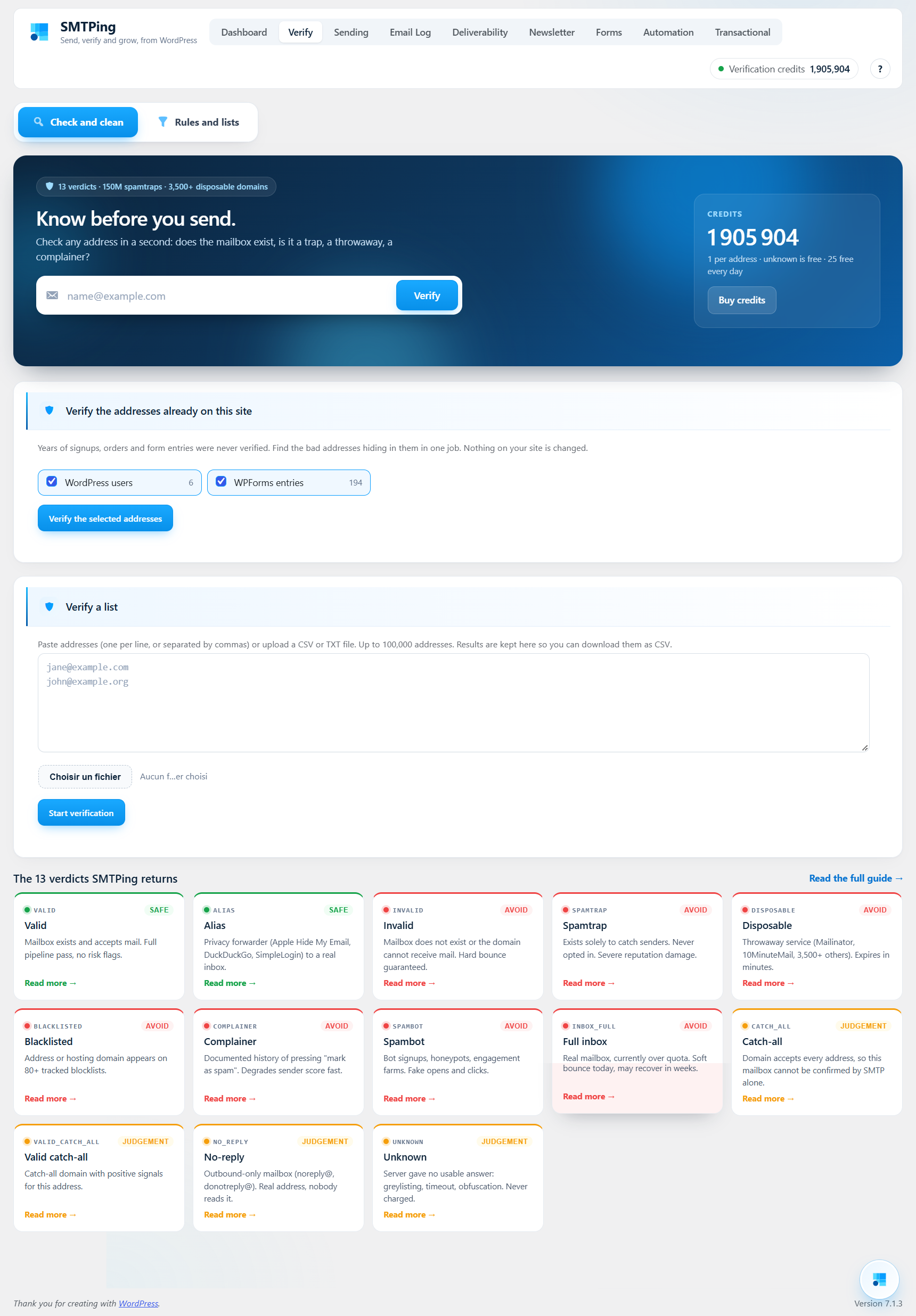
Every recipient is checked with the SMTPing verification API before the email is sent. Invalid, spamtrap, disposable, blacklisted, complainer, spambot and full-inbox addresses are not sent, and neither are addresses that already bounced. You choose what happens: remove the risky recipient and send to the others, or do not send the email at all.
- 1 credit per new address, results are kept 30 days, so the same address is never paid twice in a month.
- Unknown results are never charged.
- Every SMTPing account gets 25 free credits per day.
- Without an API key, only addresses that already bounced are skipped.
See what happened to every email
- Dashboard: emails sent and failed, risky recipients removed, emails delivered by the backup, a chart over 7, 30 or 90 days, and which plugins send your email.
- Email log: subject, recipients, status, mailer and error for every email, with search, filters and CSV export. The email content is never stored. You choose how long the log is kept.
- Bounced addresses: the list of addresses rejected permanently by the receiving server.
- Domain health: SPF, DKIM, DMARC and MX checked live in your DNS.
Alerts
Get an email, a Slack, Discord or Microsoft Teams message, or a JSON webhook when an email fails, when the backup connection takes over, or when the queue is stuck for more than 30 minutes. One alert per type every 15 minutes at most. Alert emails are sent with PHP mail(), so they can still arrive when your mailer is down.
WP-CLI
wp smtping status: mailer, queue, log and credits.wp smtping test you@example.com: send a test email.wp smtping queue runandwp smtping queue retry: process the queue now, or send failed emails again.wp smtping log --status=failed --format=csv: read the email log.wp smtping alert-test: send a test alert.
Deliverability check
One click checks SPF, DKIM, DMARC, MX and blocklists for your sending domain, with a score and the exact fix for each issue.
Forms
Drag and drop builder with 25 field types, conditional logic, multi-step forms, entry preview and a math captcha. 17 ready-made templates, embedded forms and popups (delay, scroll, exit intent). Also connects to 31 form plugins, so signups from Contact Form 7, WPForms, Gravity Forms, Elementor and others join your lists.
Newsletter and campaigns
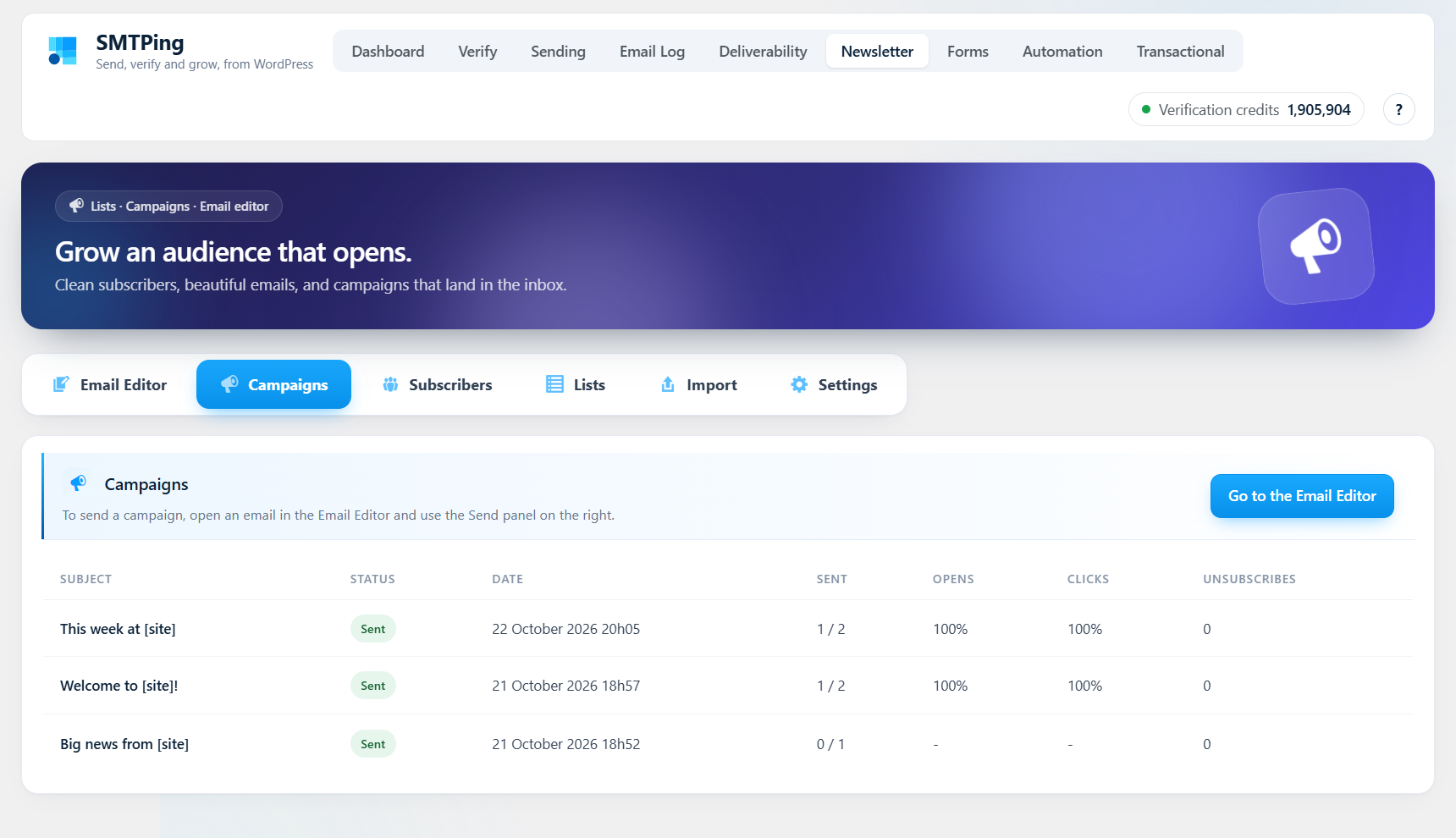
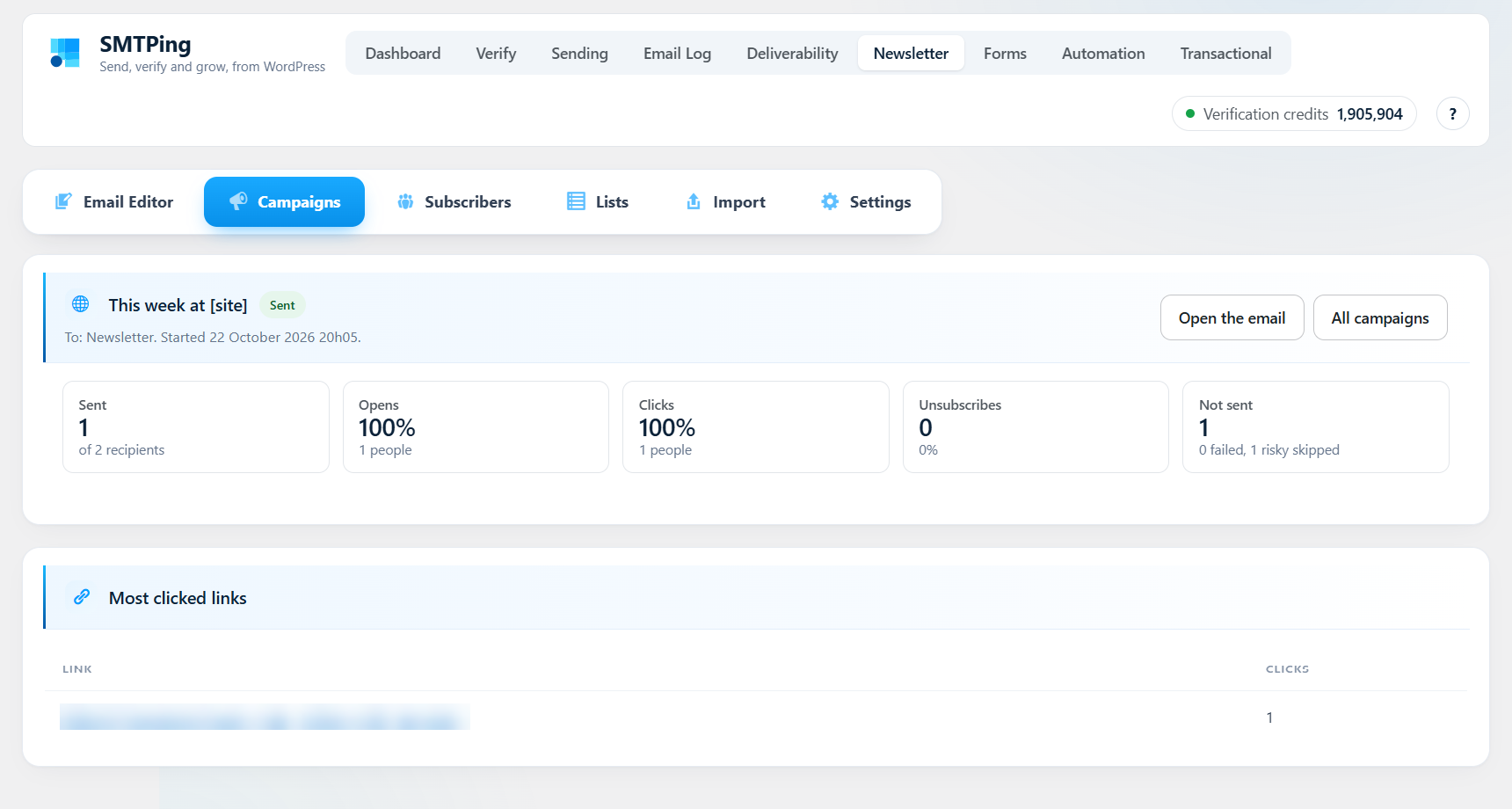
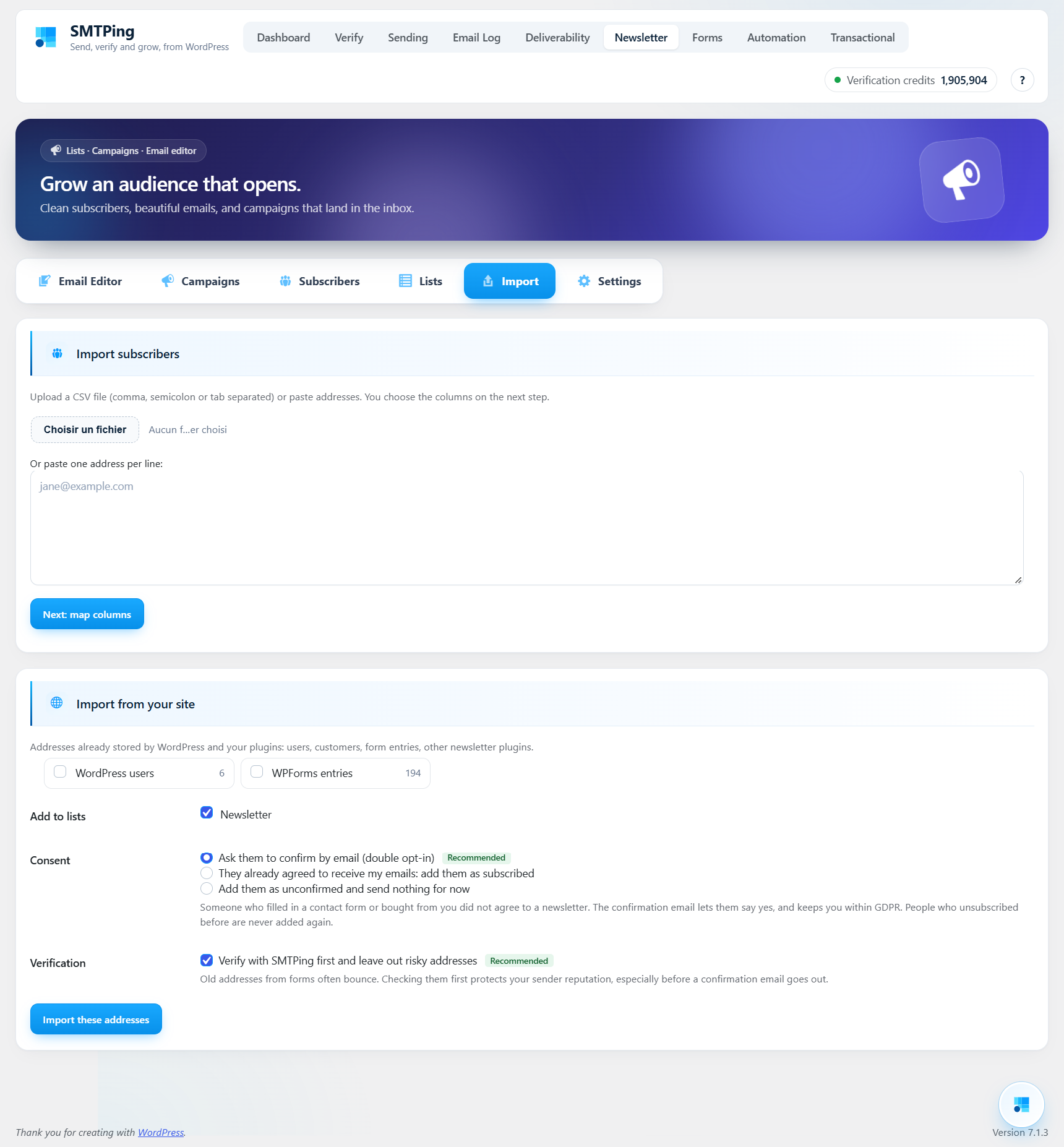
Lists, tags, double opt-in, a preference page and one-click unsubscribe. Emails are designed in the WordPress block editor, pasted as HTML or imported from a zip. Campaigns can be scheduled and report opens, clicks and unsubscribes. Newsletter features need WordPress 7.0 or later.
Automation
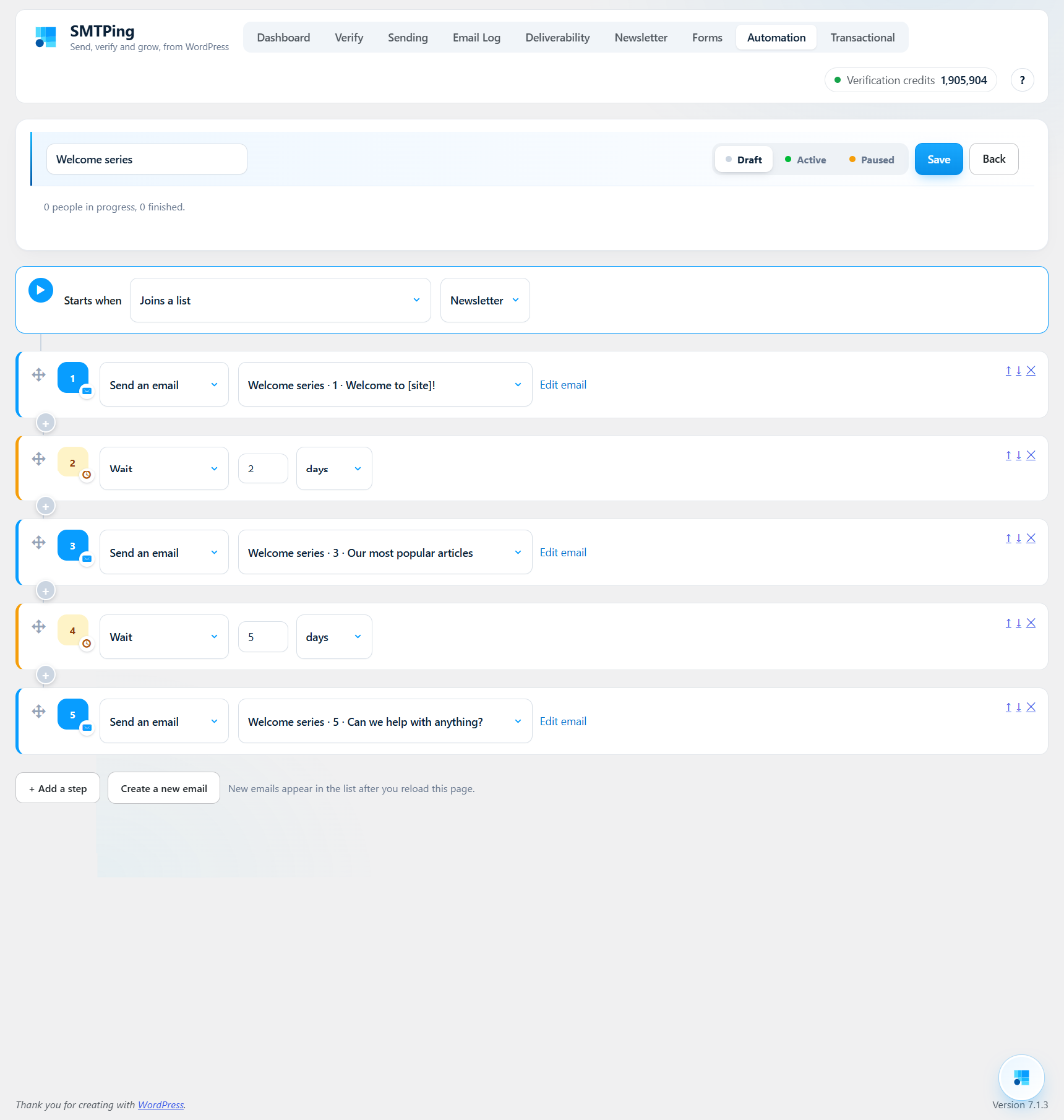
Welcome series, abandoned cart, new post and new product announcements, weekly digest, win-back, first order follow-up and review requests, built step by step with waits, conditions, tags and lists.
Transactional emails
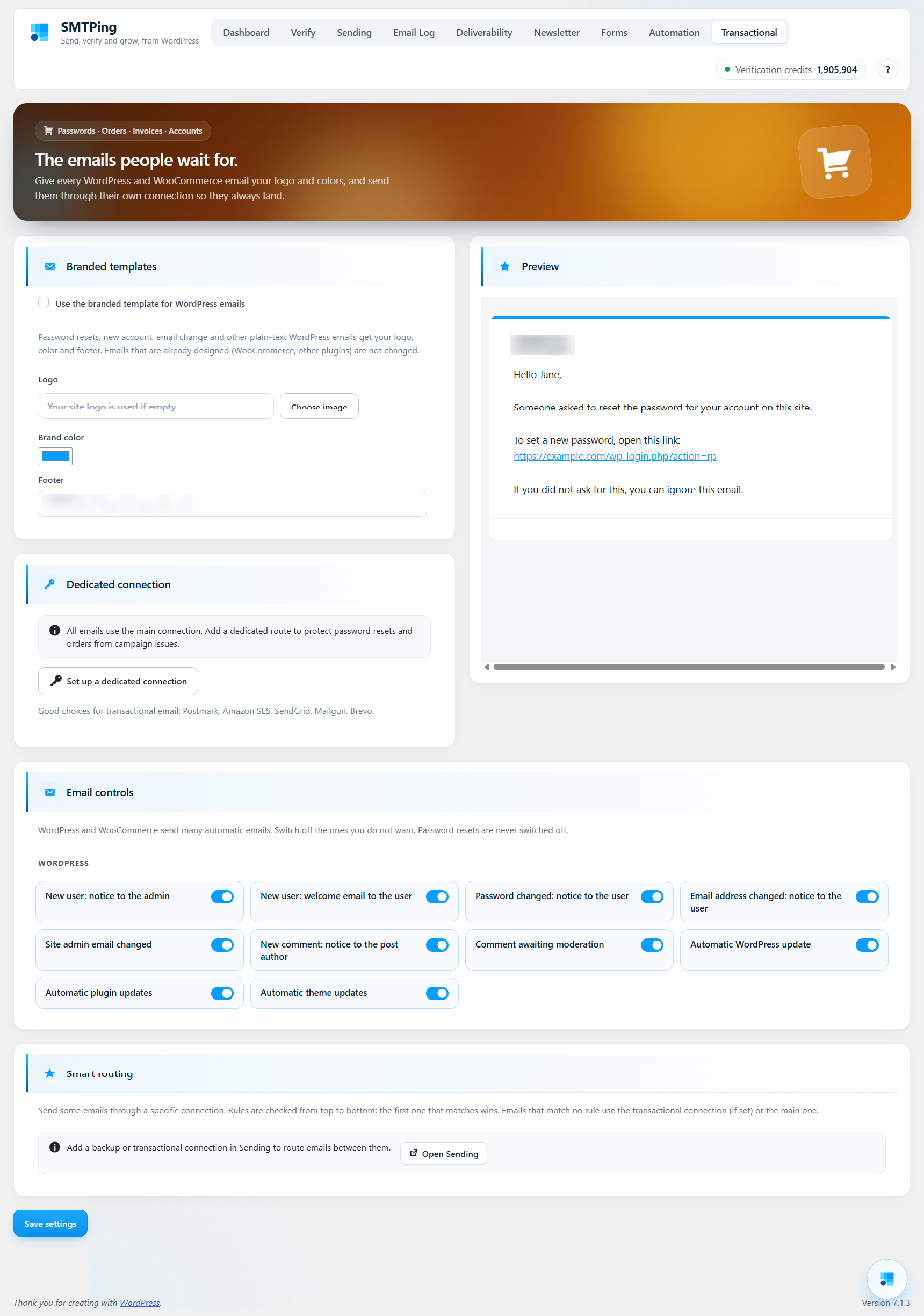
A branded template for WordPress emails, your logo and color on WooCommerce emails, a dedicated connection for transactional email, smart routing rules, and a switch for every WordPress and WooCommerce notification.
AI and MCP
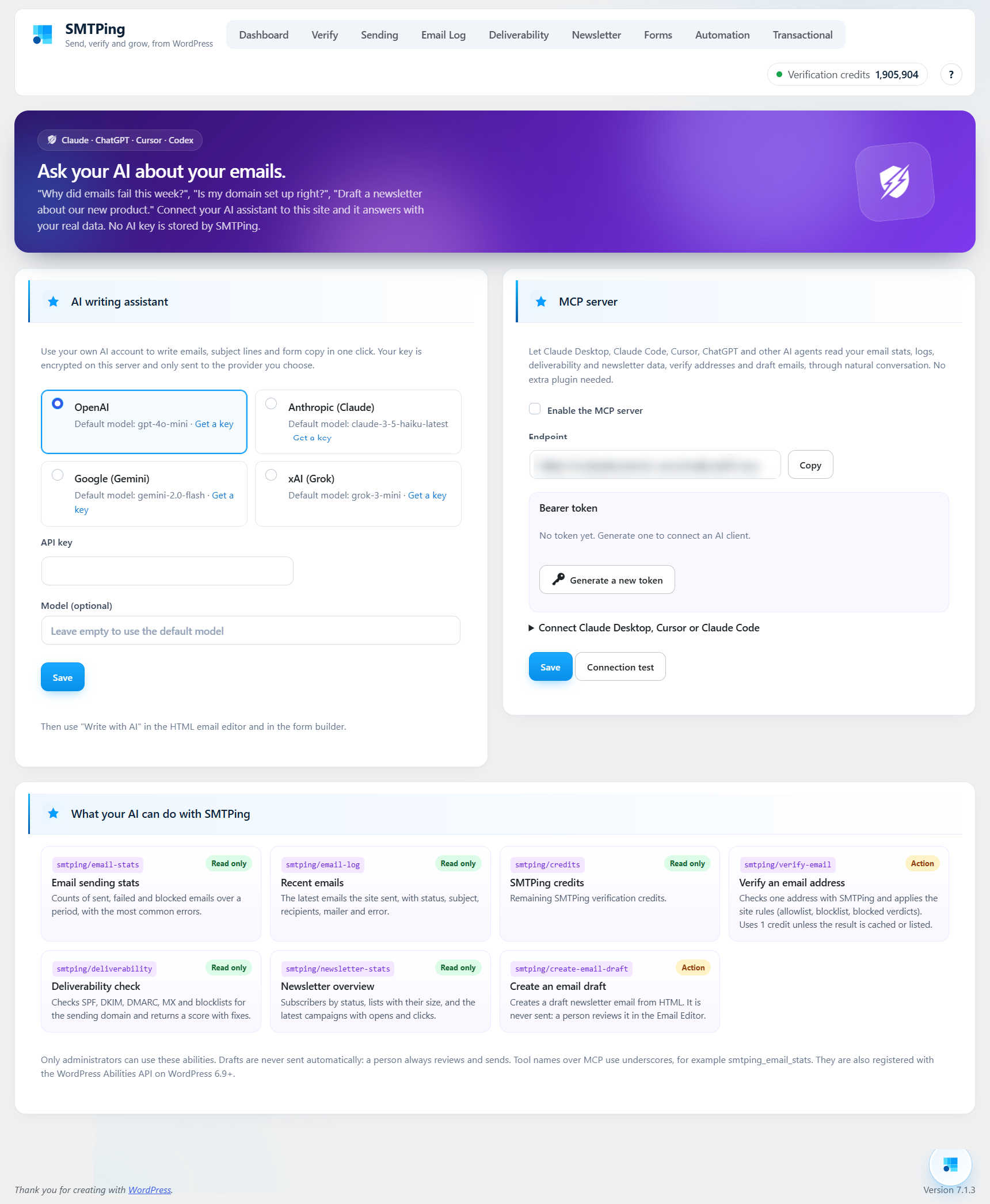
Write emails, subject lines and form copy with the AI provider connected to WordPress (WordPress 7.0+, Settings > Connectors). SMTPing registers its abilities with the WordPress Abilities API, so the official MCP Adapter plugin can let Claude, ChatGPT, Cursor or Codex read your email stats, logs, deliverability and newsletter data. SMTPing stores no AI key and runs no server of its own.
External services
This plugin connects to external services to send your emails and, if you enable it, to check recipients.
Your sending provider
Each email is sent to the provider you select, and only to that provider (and to your backup provider if the main one fails). The plugin sends the sender, recipients, subject, body, headers and attachments of the email, and your credentials for that provider. Nothing is sent until you configure a mailer.
- Other SMTP, Google / Gmail, Microsoft 365 / Outlook, Zoho Mail and Amazon SES: the SMTP server you configure (smtp.gmail.com, smtp.office365.com, smtp.zoho.com or another Zoho data center, email-smtp..amazonaws.com, or your own host).
- SendGrid: api.sendgrid.com. Terms, Privacy
- Mailgun: api.mailgun.net or api.eu.mailgun.net. Terms, Privacy
- Postmark: api.postmarkapp.com. Terms, Privacy
- Brevo: api.brevo.com. Terms, Privacy
- SparkPost: api.sparkpost.com or api.eu.sparkpost.com. Terms, Privacy
- Resend: api.resend.com. Terms, Privacy
- Elastic Email: api.elasticemail.com. Terms, Privacy
- Google: Terms, Privacy. Microsoft: Terms, Privacy. Zoho: Terms, Privacy. Amazon SES: Terms, Privacy
SMTPing verification API
Only when you save an SMTPing API key and keep “Check every recipient with SMTPing before sending” on, each new recipient address is sent to api.smtping.com before the email is sent. Only the address is sent, never the email content. The plugin also reads your remaining credits from the same API to show them in the admin. Terms, Privacy
DNS checks
The Domain health card reads public SPF, DKIM, DMARC and MX records of your from domain with your server’s DNS resolver. No data is sent to SMTPing for this.
Alerts
If you enter a webhook URL, failure alerts (site name, email subject, recipients and error message) are sent to that URL, for example hooks.slack.com, discord.com or your Microsoft Teams webhook.
AI writing assistant
The “Write with AI” buttons use the WordPress AI Client. The text you typed is sent to the AI provider the site owner connected in Settings > Connectors, under that provider’s terms. SMTPing does not call any AI provider itself and stores no AI key.
Blocklists
When you run the deliverability check, the sending domain and IP are looked up on public blocklists (Spamhaus, SpamCop, Barracuda, PSBL, Mailspike, SORBS) through DNS queries.
Details



Related plugins
Plugins that also contain the tag email-log
WP Mail Logging

Activity Log – Monitor & Record User Changes

Site Mailer – SMTP Replacement, Email API Deliverability & Email Log

Check & Log Email – Easy Email Testing & Mail logging

Email Log

Solid Mail – SMTP email and logging made by SolidWP


About
Plugin for that tries to help you find the WordPress plugin you are looking for.
| Please enjoy an image of Crush (this awesome turtle) and have a lovely day! |  |
We do not own any plugin listed on this site and do not work for or work with WordPress.com or it's associated companies. We simply provide a searchable list of the available WordPress plugins.