



Speedx – Disable Login Verification Required Emails for Wordfence
An extremely simple plugin that disables login verification emails sent by Wordfence when Google reCAPTCHA is enabled. No settings, no bloat — just activate and it works.
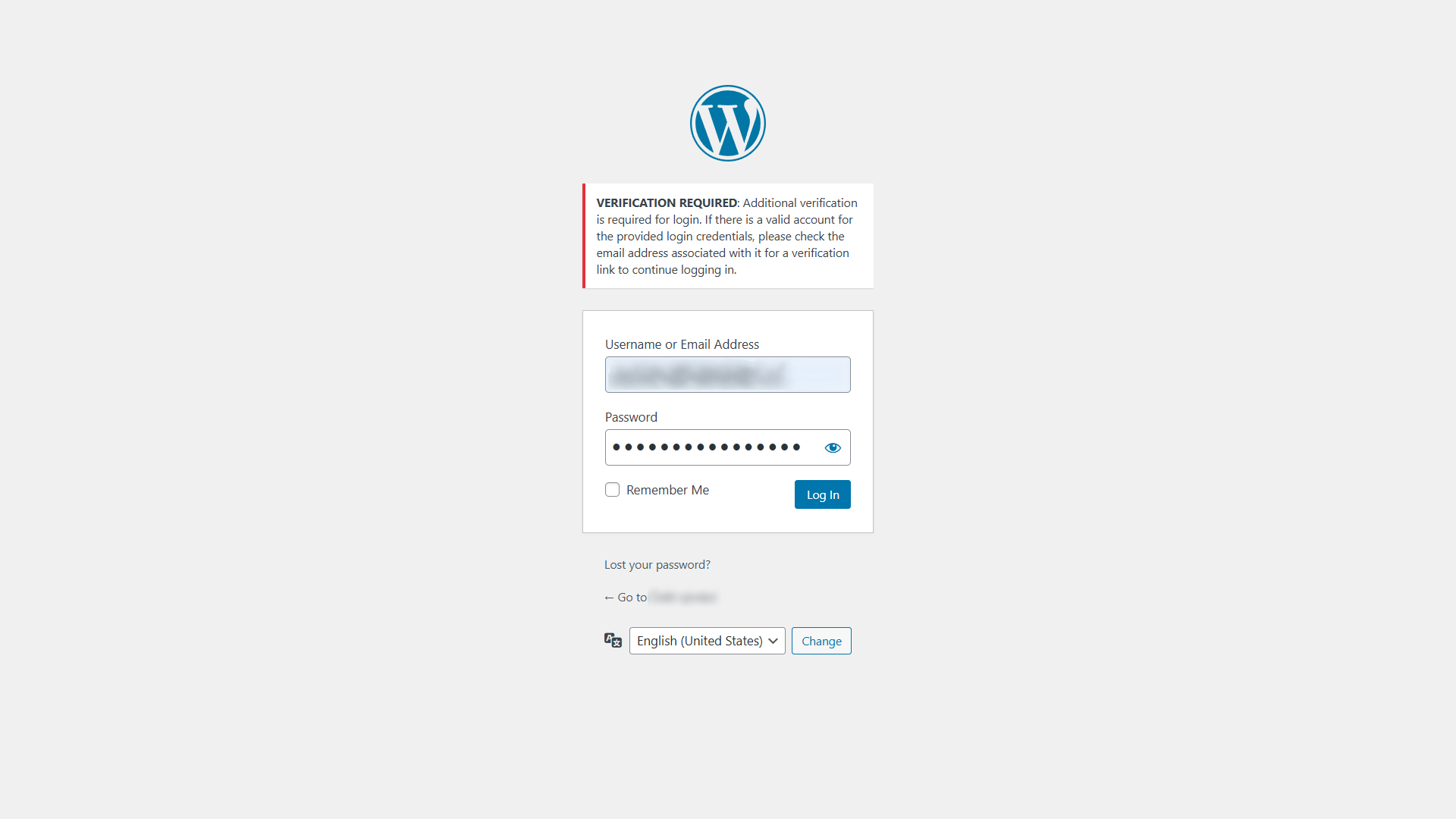
This plugin disables the “Login Verification Required” email notifications that Wordfence sends when using Google reCAPTCHA on the login page.
If you’re using Wordfence with reCAPTCHA (v2, v3, or Enterprise), Wordfence may still send verification emails that require manual approval for login — even if reCAPTCHA validation is passed. This plugin turns that off entirely.
There are no settings and no configuration needed. Just install, activate, and it works immediately.
Perfect for managed hosting environments where modifying the functions.php file is not feasible or safe.
Features
- Disables Wordfence’s login verification emails when using reCAPTCHA
- Works with all versions of Google reCAPTCHA (v2, v3, and Enterprise)
- Zero configuration — just install and activate
- Lightweight — one line of code
- No impact on other Wordfence features
Details

About
Plugin for that tries to help you find the WordPress plugin you are looking for.
| Please enjoy an image of Crush (this awesome turtle) and have a lovely day! |  |
We do not own any plugin listed on this site and do not work for or work with WordPress.com or it's associated companies. We simply provide a searchable list of the available WordPress plugins.