


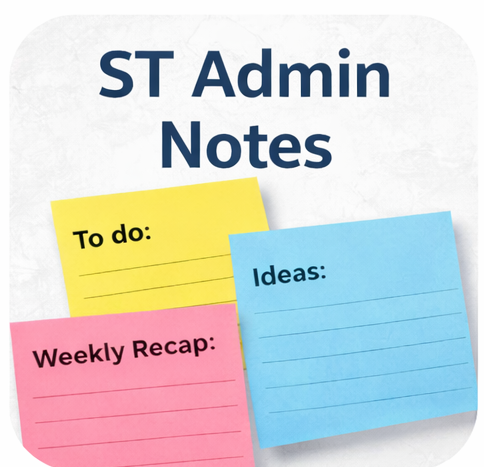
ST Admin Notes
ST Admin Notes adds a floating, draggable notes canvas to the WordPress admin area, allowing authorized users to create, edit, move, and manage sticky notes directly on admin screens.
Notes are stored securely as site options and persist across admin pages, making it easy to leave reminders, to-do items, or internal notes for yourself or your team.
Features include:
- Floating draggable notes overlay in the admin
- Create, edit, and delete notes easily
- Notes persist across admin screens
- Show or hide notes using the admin bar
- Notes saved per site (not per browser)
- jQuery UI powered drag & resize
- Lightweight and performance friendly
- WordPress.org review friendly
This plugin is ideal for site administrators, developers, and teams who want quick reminders or internal notes inside the WordPress dashboard.
A brief Markdown Example
Ordered list:
- Create a new note
- Drag it anywhere on the screen
- Edit or delete when no longer needed
Unordered list:
- Persistent notes
- Admin-only visibility
- Lightweight and fast
- Easy to use
Details


Related plugins
Plugins that also contain the tag admin
Redux Framework

Loginizer

LightStart – Maintenance Mode, Coming Soon and Landing Page Builder

Admin Menu Editor

White Label CMS

InfiniteWP Client


About
Plugin for that tries to help you find the WordPress plugin you are looking for.
| Please enjoy an image of Crush (this awesome turtle) and have a lovely day! |  |
We do not own any plugin listed on this site and do not work for or work with WordPress.com or it's associated companies. We simply provide a searchable list of the available WordPress plugins.