


Back

Stachethemes Seat Planner Lite
Details
View on WordPress
Back
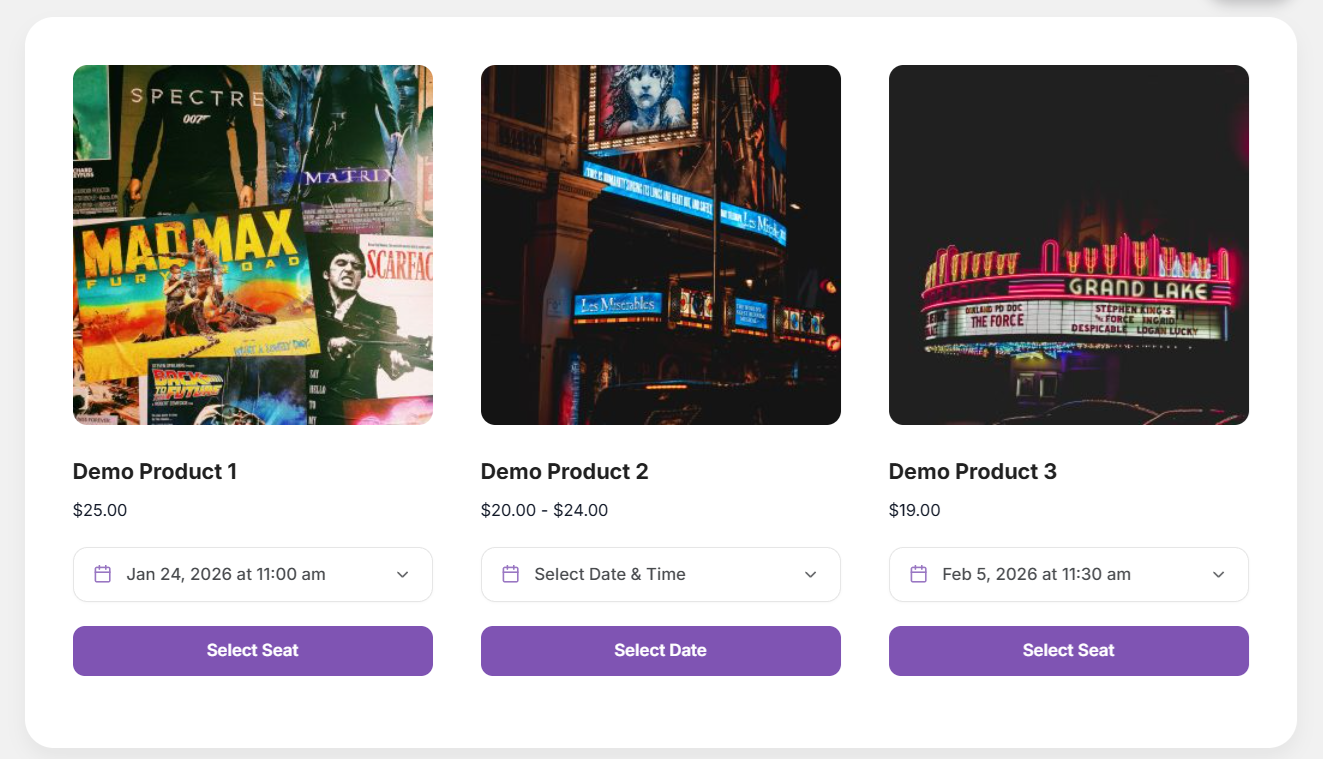
Stachethemes Seat Planner is a WooCommerce plugin that allows you to create and sell seat-based products for your customers to choose their seats easily.
Features
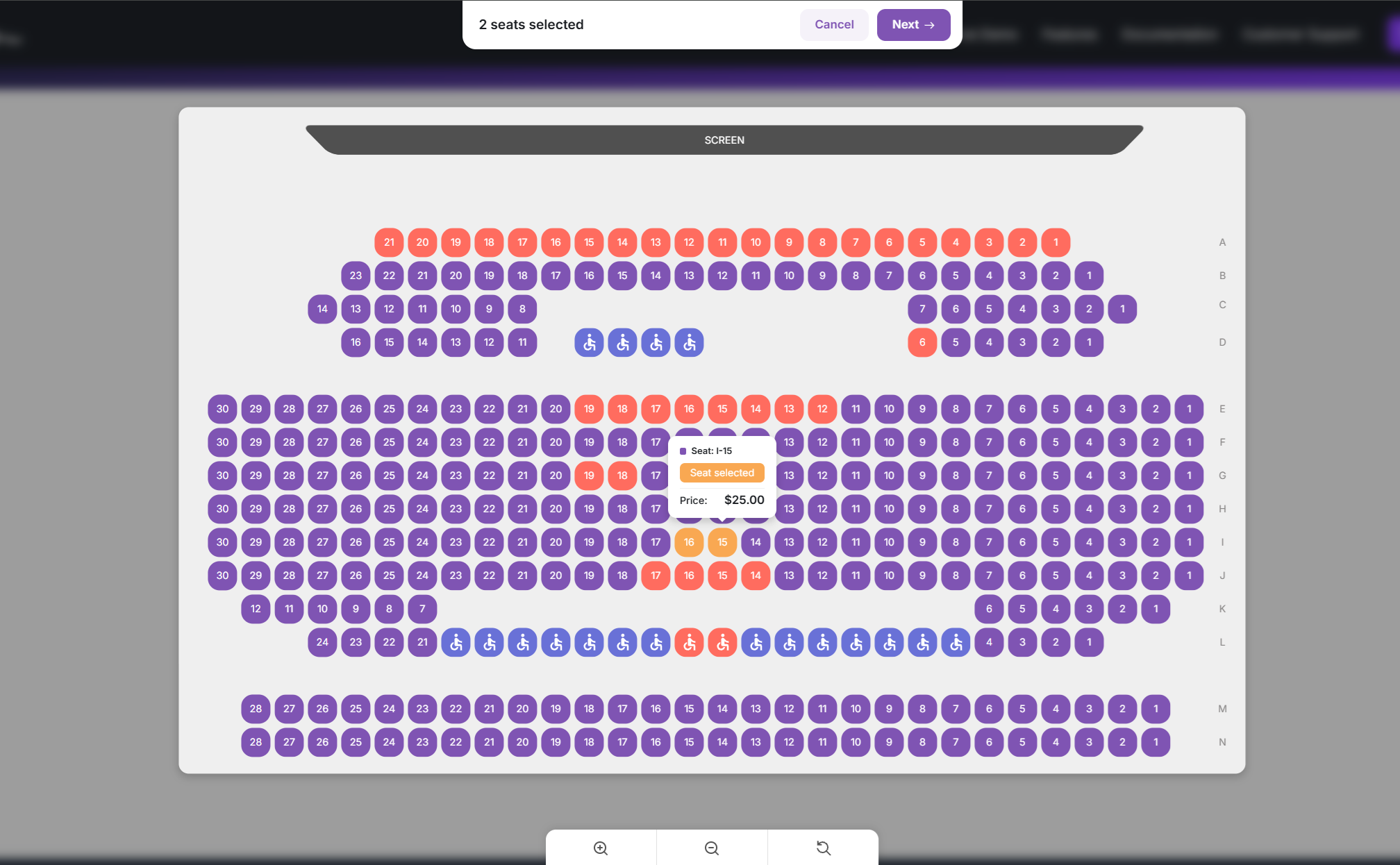
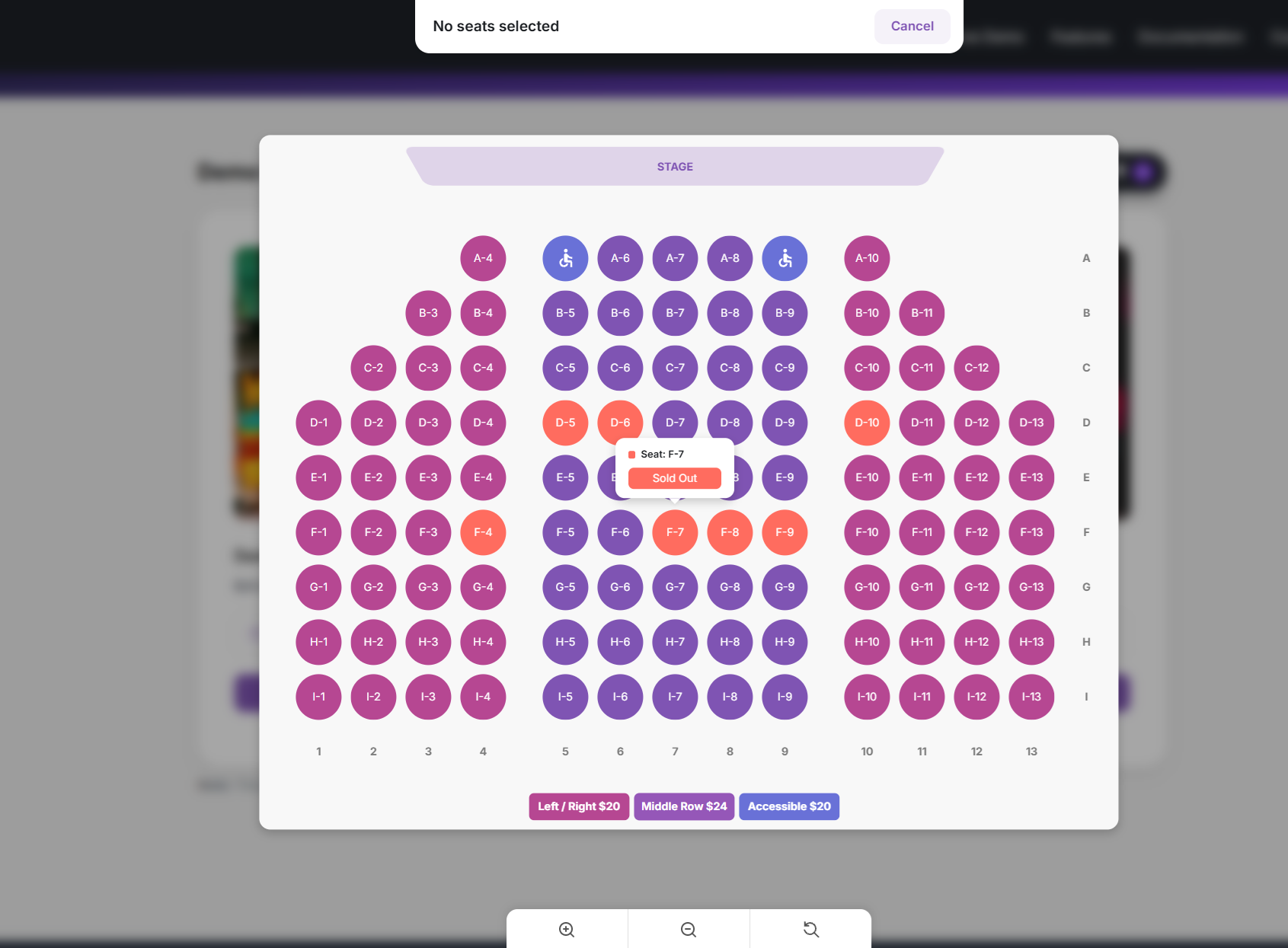
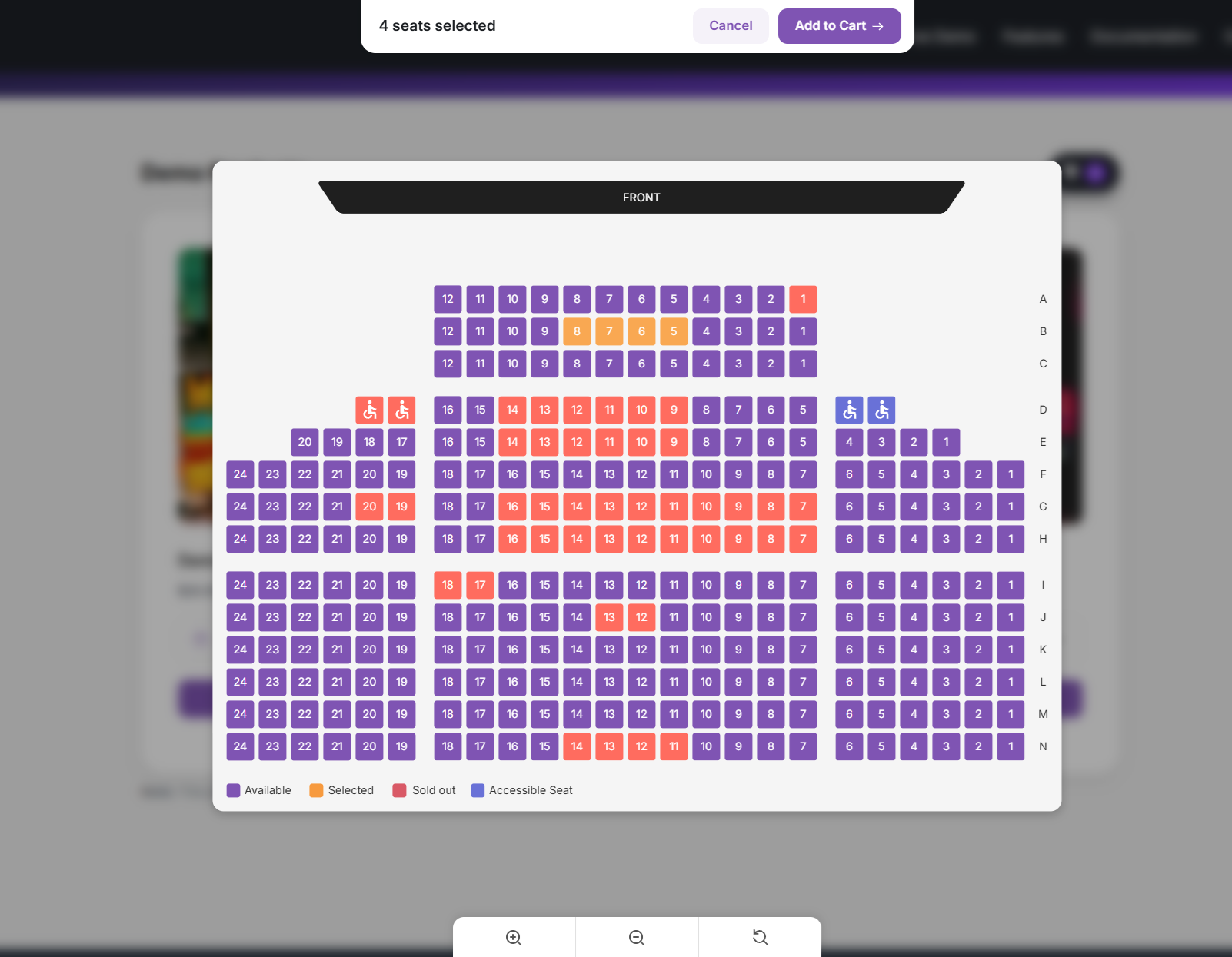
- Interactive Seat Selection: Customers can select seats in real-time using a dynamic seat map.
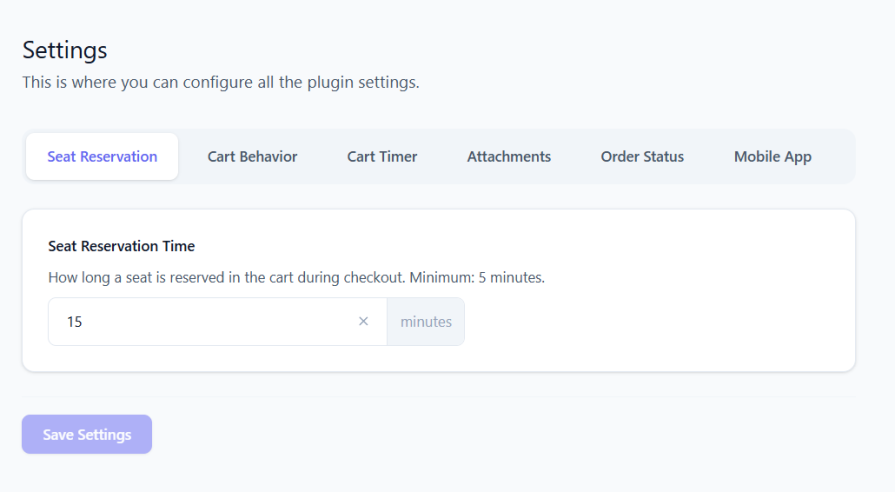
- Seat Reservation: Seats added to the cart are reserved for a configurable duration, preventing others from selecting them.
- Handicap Accessible Seating: Mark seats as “Handicap Seats” and use customizable background colors to highlight accessibility.
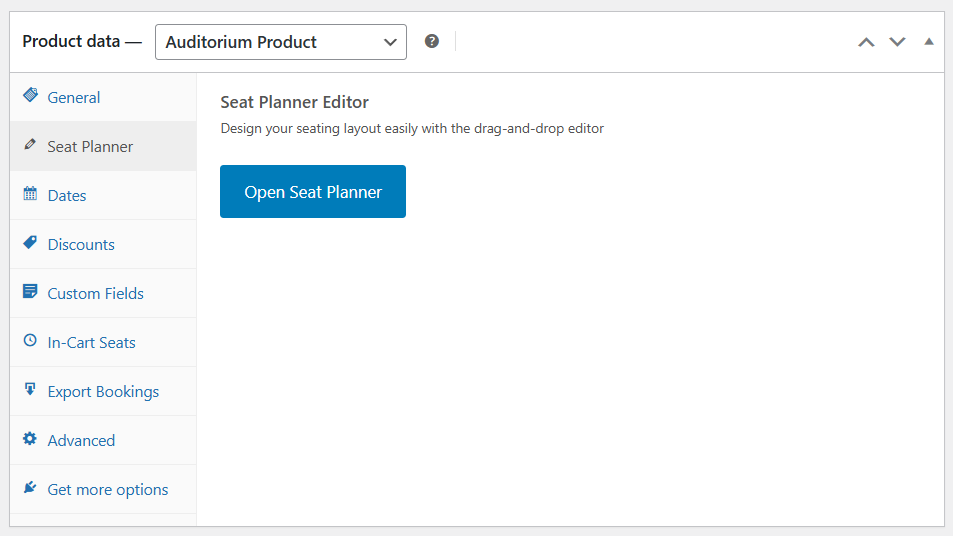
- Easy-to-Use Drag & Drop Editor: Manage seats effortlessly with a simple drag-and-drop interface. No technical skills required.
- QR Code Generator for Each Seat: Automatically generate a unique QR code for each seat purchased, allowing for easy digital validation.
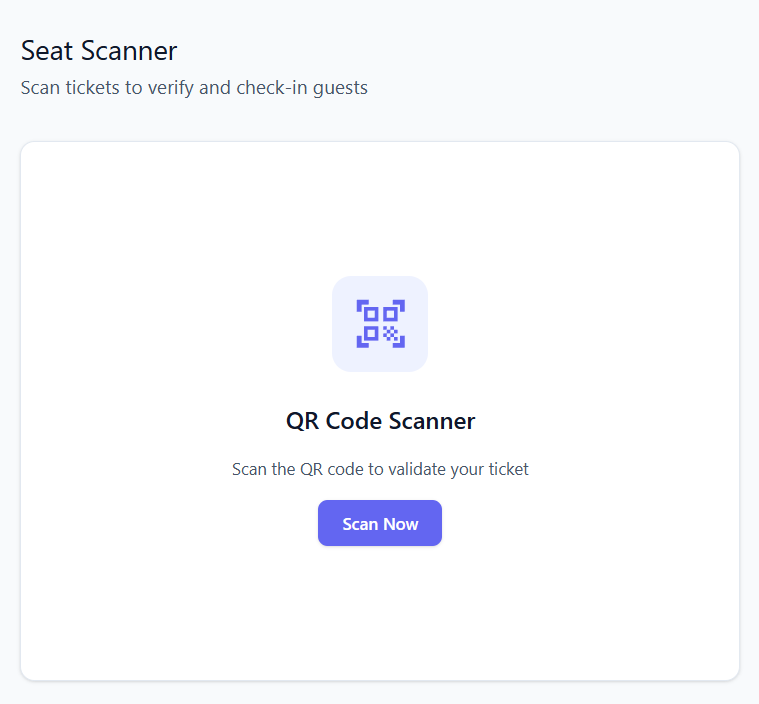
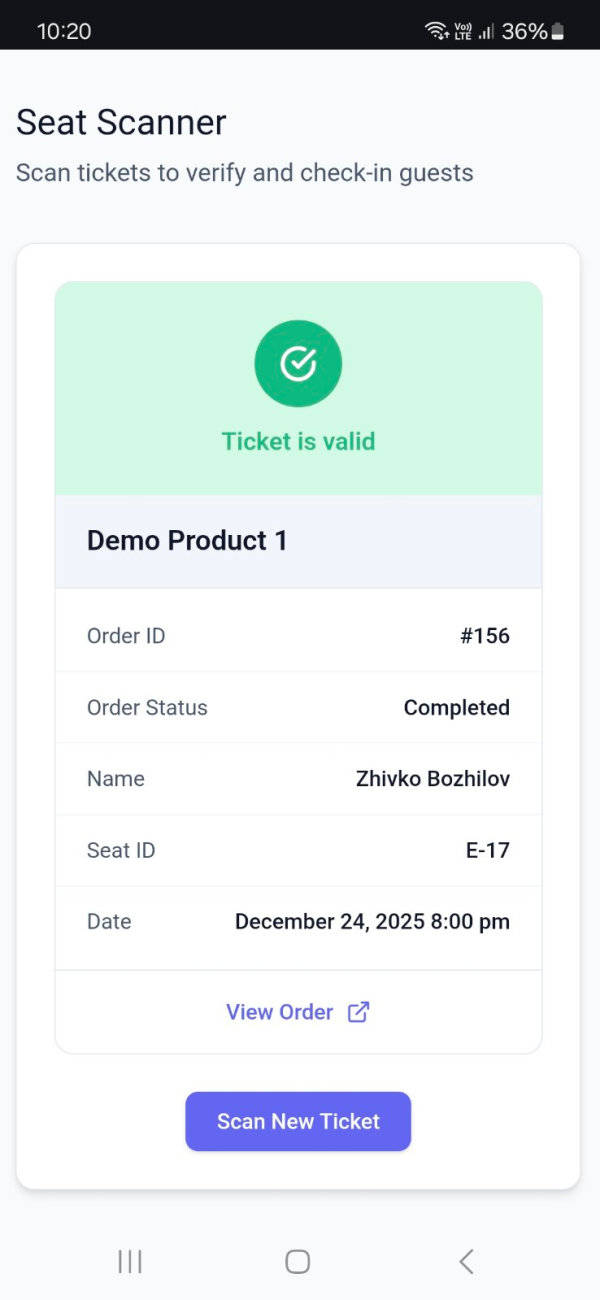
- QR Code Scanner for Ticket Validation: Enable quick entry and ensure smooth check-ins for event attendees.
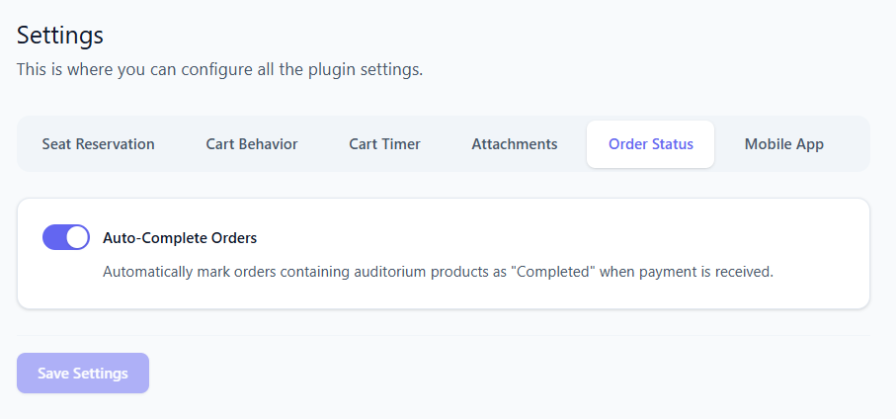
- Auto Complete Orders: Option to automatically update the order status to “Completed” when payment is received for orders containing Auditorium products.
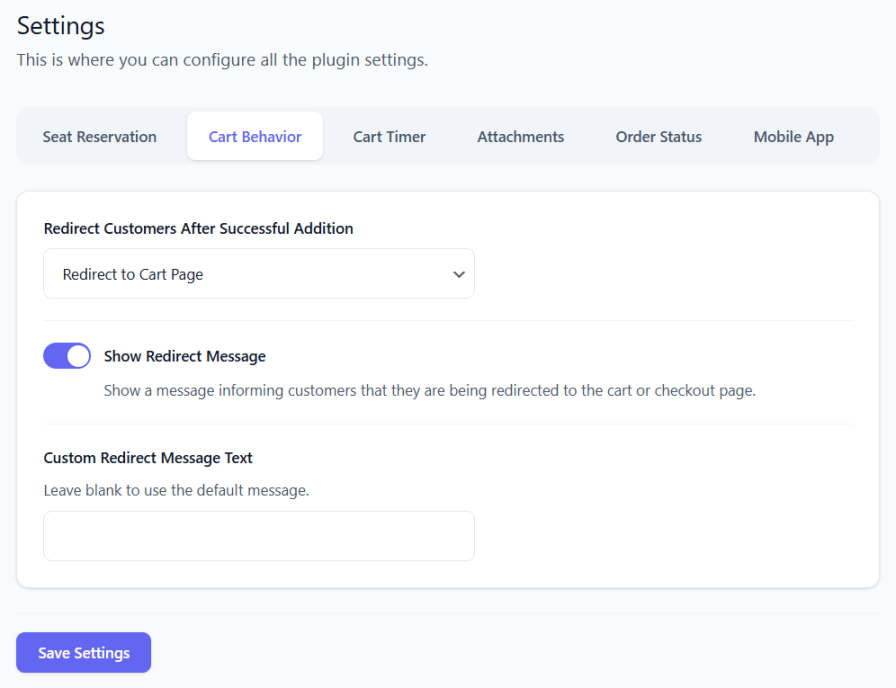
- Auto Redirect to Cart/Checkout Page: Set up automatic redirection to the cart or to the checkout page after a customer adds a seat to their cart.
- Cart Timer: Option to display a timer under each seat in the cart and checkout page.
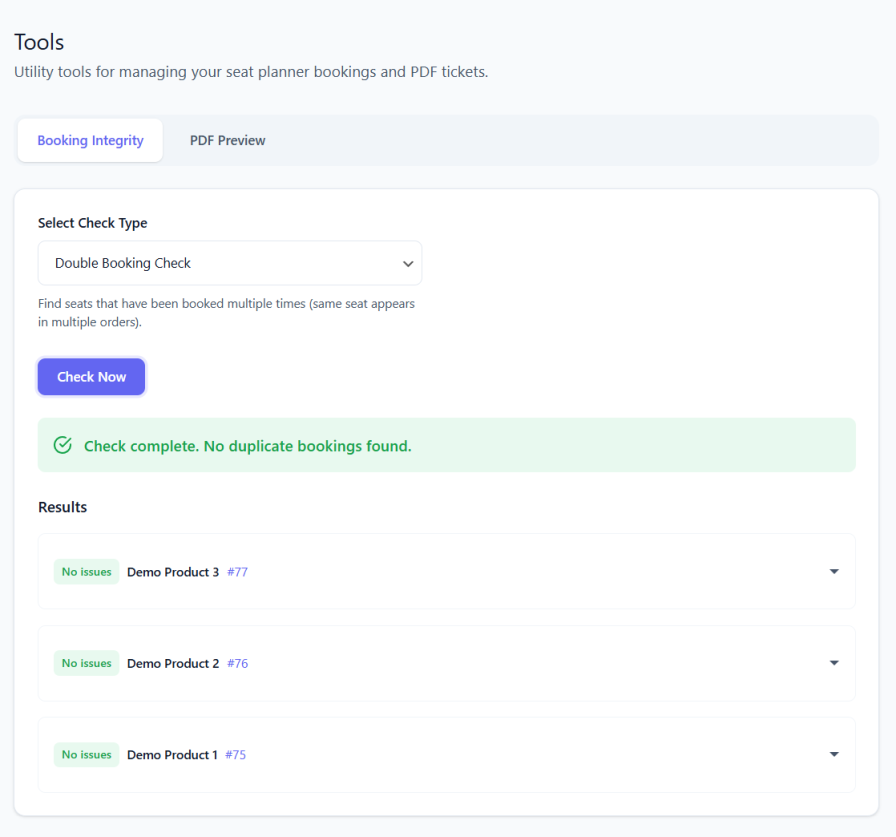
- Double Booking Checker: Detects and flags accidental duplicate seat reservations.
- Ghost Booking Checker: Detects and fixes seats that appear free on the front-end but have existing orders.
Premium Features
Upgrade to Stachethemes Seat Planner Premium for advanced features:
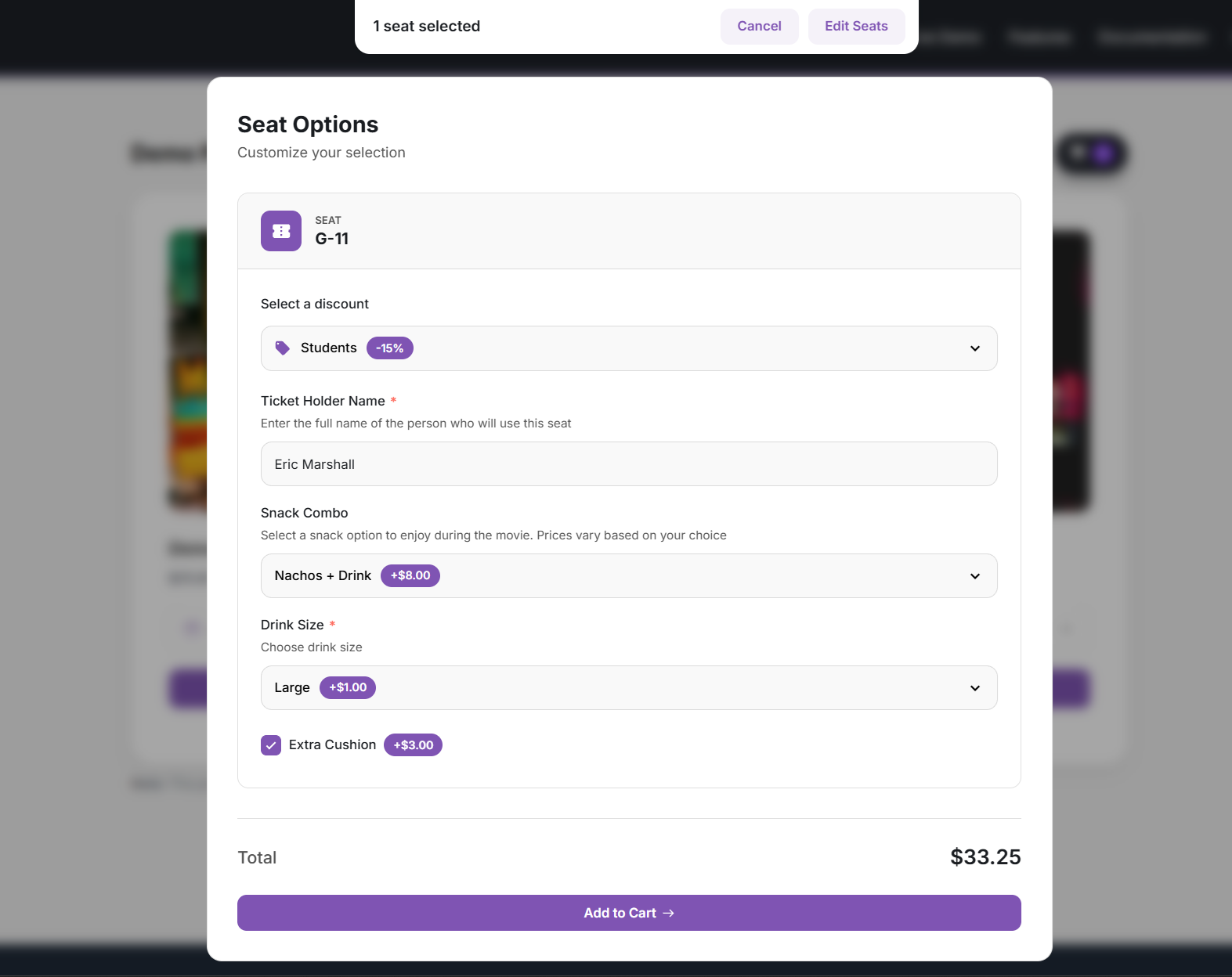
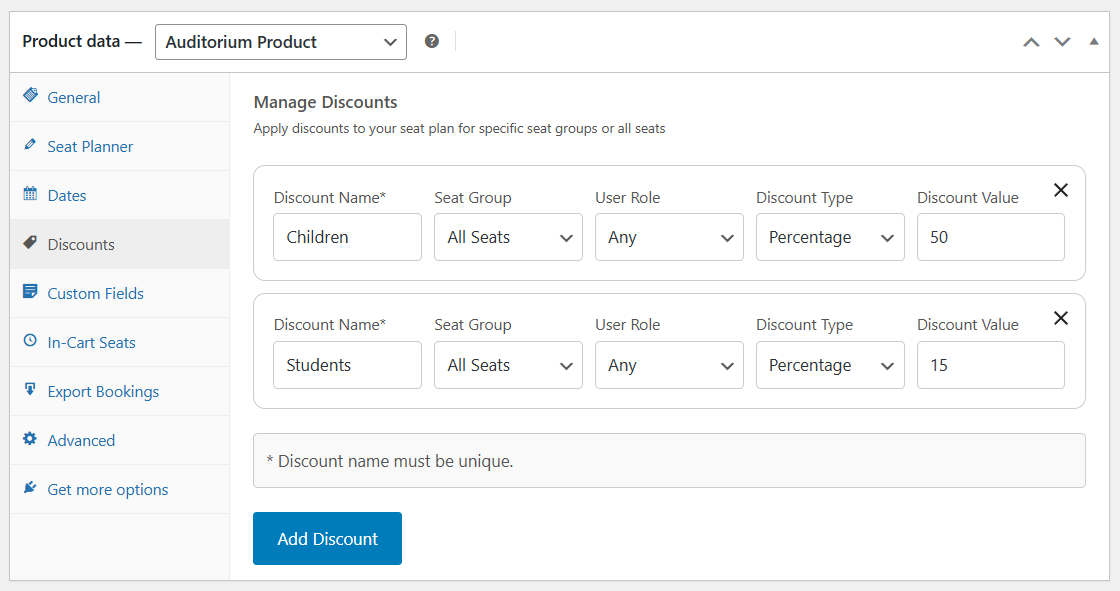
- Seat Discounts: Offer fixed or percentage-based discounts. Option to restrict specific discounts to selected user roles.
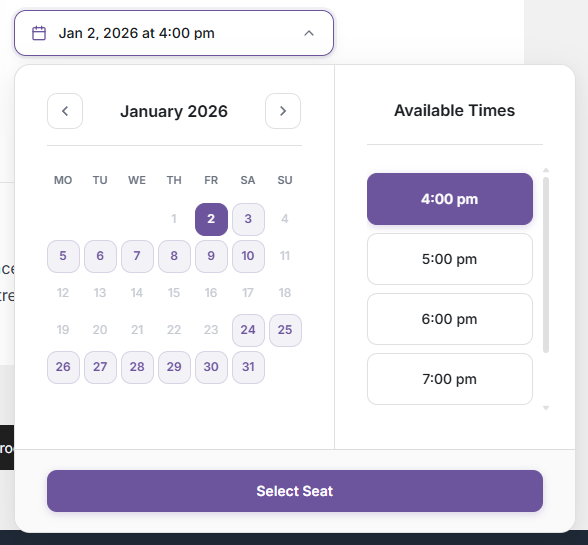
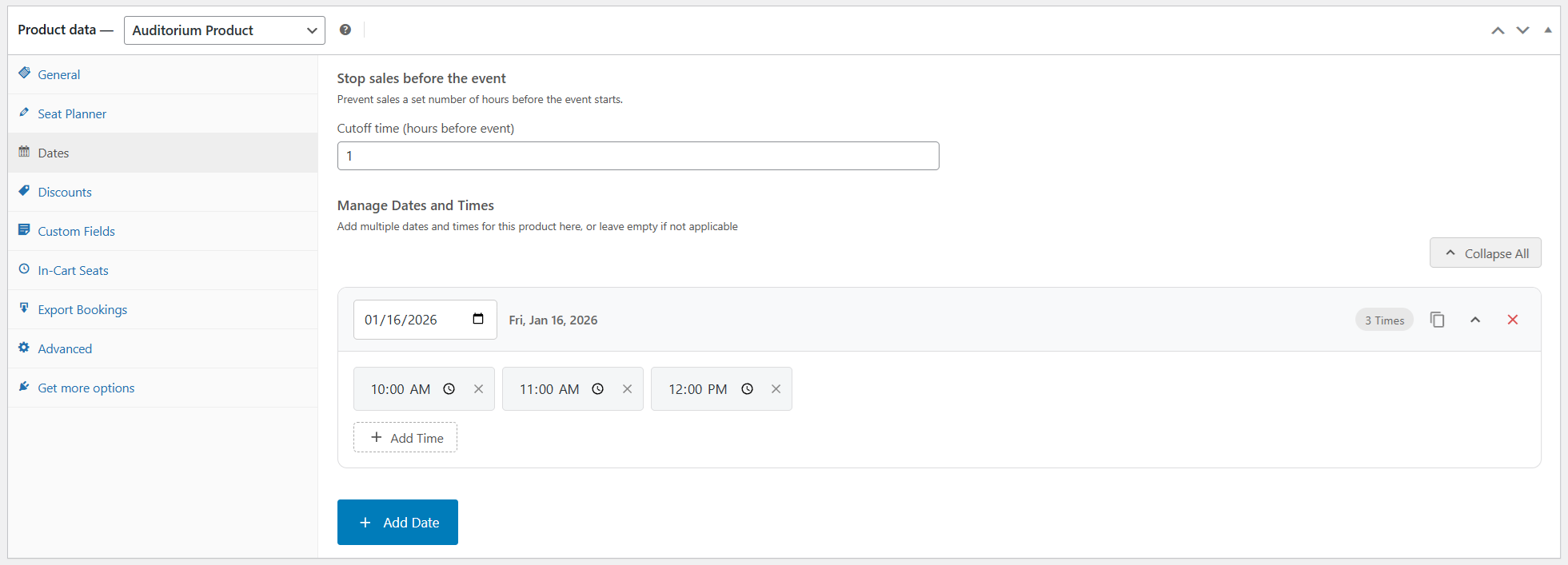
- Date Selection: Option to select date & time for each individual product.
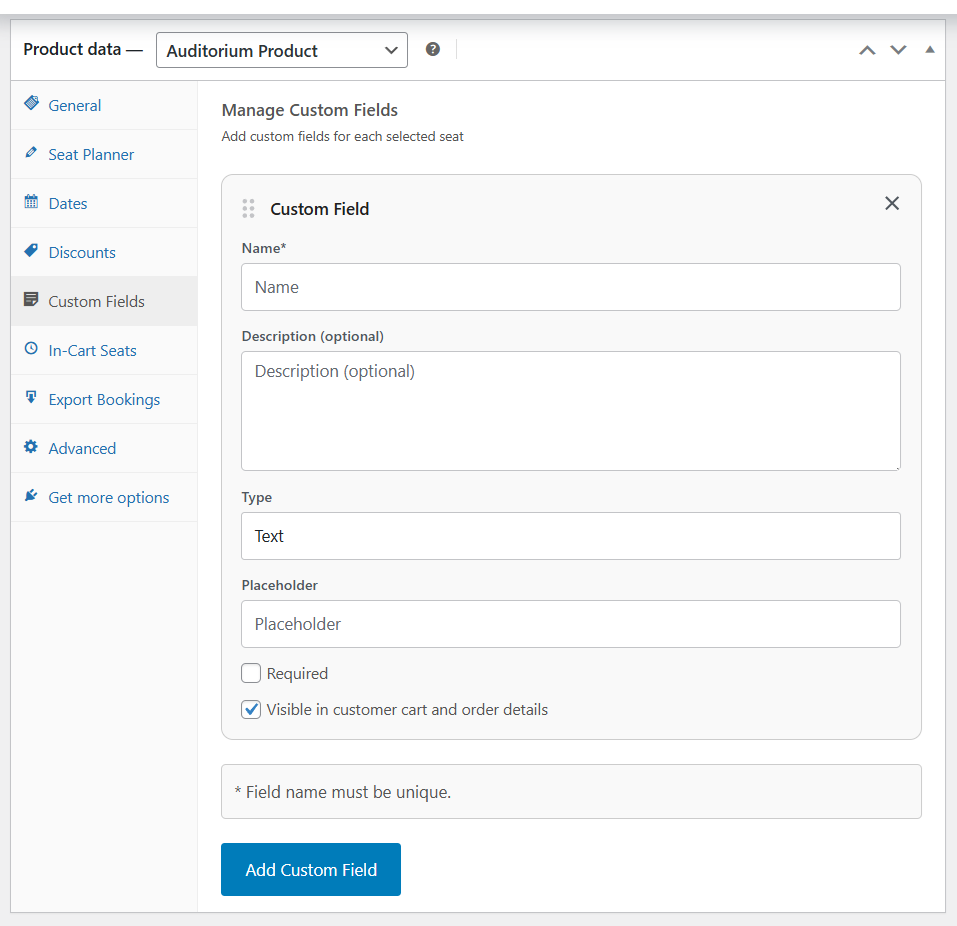
- Custom Fields: Assign additional free or paid features to individual seats via custom fields.
- Edit and create orders: Edit existing order items (seat ID, date, custom fields). Bulk actions: change status, move bookings to another date, and create orders for multiple seats at once.
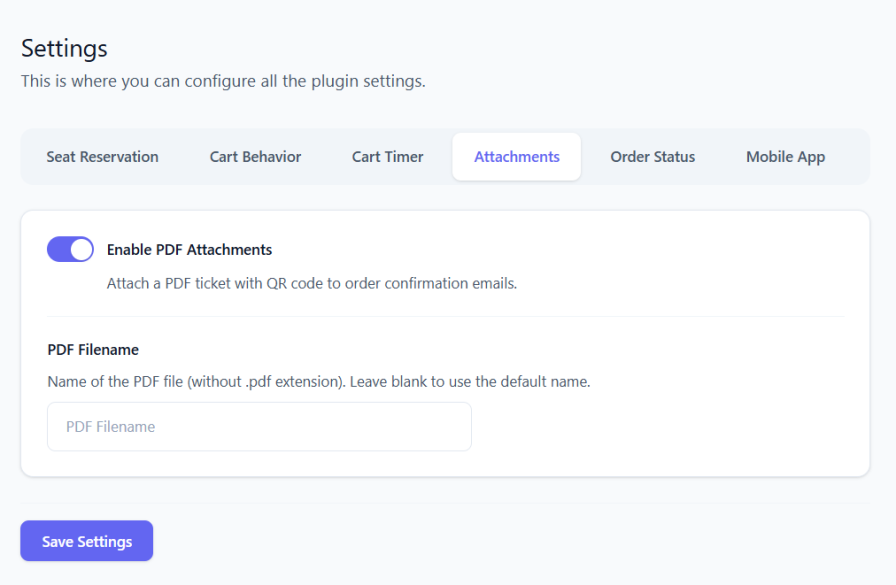
- PDF Ticket Attachments: Attach ticket details & QR Code as a PDF file to the “Order Completed” email.
- CSV Import & Export Layouts: Import and export seat layouts in CSV format.
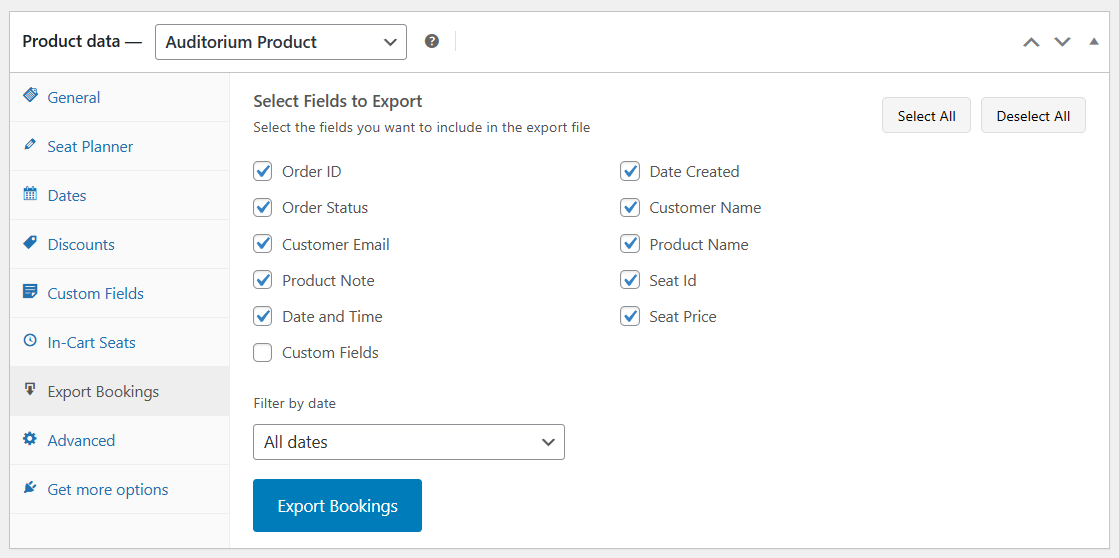
- CSV Booking Export: Exports booking data for each reserved seat in CSV format.
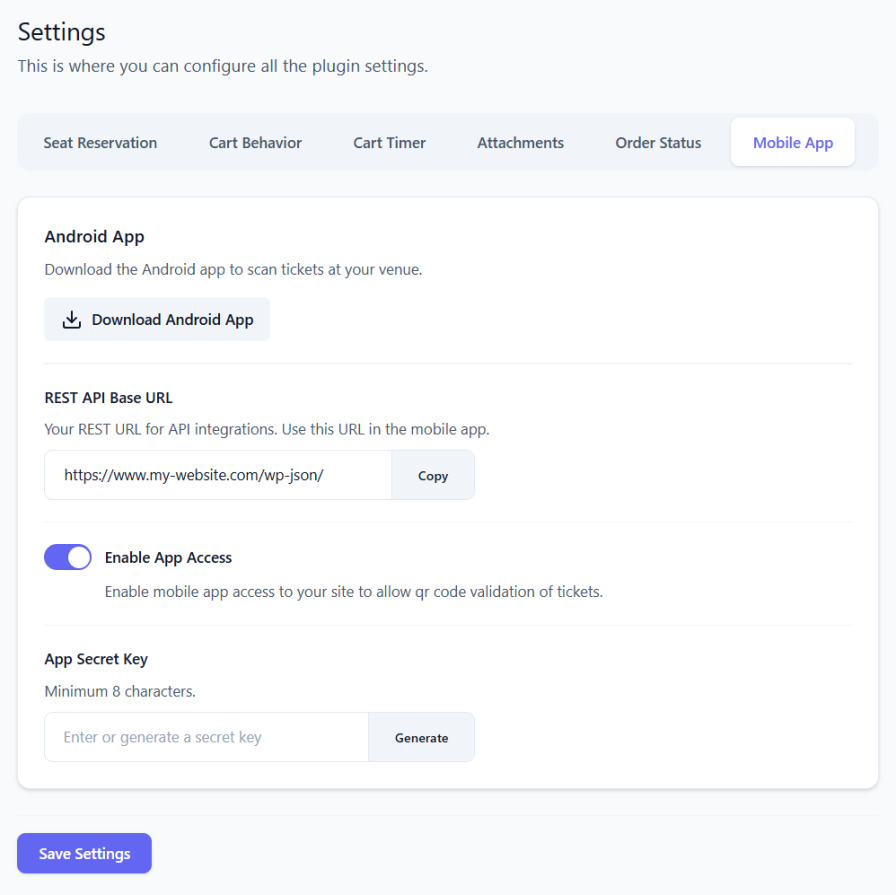
- Mobile App: Free standalone android app for scanning and validating tickets.
Demo
Source Repository
Credits
1.6.3
- Added: RTL Support (beta) for right-to-left languages
- Fixed: Orders with only seat tickets now automatically move to “Completed” after payment (e.g. Stripe) instead of staying at “Processing”
- Update: Clearer description for the “Force Auto-Complete Mixed Orders” setting
1.6.2
- Added: Option in Manager Availability to filter seats by scan status using the “Scanned” toggle, showing only seats that have been scanned (QR code checked in)
- Added: Option in the Manager Edit Seat page to unscan a ticket, view scan details, and clear scan status when needed
1.6.1
- Fixed: Closing the color picker without choosing a new color no longer clears the color from your selected items
1.6.0
- Price input now allows decimal values
- Added auto-fill mode in the Seat Planner Editor for faster objects creation
- Added arc transform tool in the Seat Planner Editor
- Added flip transform tool in the Seat Planner Editor
1.5.6
- Added Statistics page in the Manager section with product analytics: summary cards (seats sold, occupancy, revenue, orders), revenue and sales over time (by event date or order date), sales-by-order and sales-by-date tables with CSV export, and velocity projection.
1.5.4
- QR code styling updated to use accent color
- Added rotation feature in the Seat Planner Editor for rotating elements
1.5.1
- Added option to create Order from the Manager section
- Added new shortcode [stachesepl_count] for displaying the total seat count for auditorium product(s).
1.4.1
- Added seat details tooltip on mobile devices
- Added new option in general settings to show or hide the seat details tooltip
- Other minor bug fixes
1.4.0
- Added Manager section in the Admin Panel
- Added option to hide the QR Code
1.3.0
- New tool “Edit Order”, enabling admins to modify existing orders data, such as changing seat ID.
1.1.0
- New general option “Enforce WooCommerce Cart Calculation”. This option helps fix the issue with missing cart price on certain themes.
- Fixed issue where the cart timer may not work properly on certain carts
1.0.42
- Fixed a bug where setting a non-existent or invalid product ID in the shortcode caused a crash.
1.0.40
- Option to disable the “Select Seat” button on product listings (product loops) such as the Shop page and category pages.
- New Accent Color option for simpler front-end UI color customization. Legacy color customization options have been removed.
- Merged Cart Timer and Add to Cart settings into a new Cart Behaviour tab in the plugin settings.
- Front-end UI now displays the Close button at all times.
- Front-end UI buttons and elements now follow the Accent Color setting.
- Converted the Round Corners option to a slider for better control over element border radius.
- Minor fixes and improvements.
1.0.38
- The Plugin now uses it’s own “Select Seat”, “View Cart” buttons.
- Added option to change colors for “Select Seat”, “View Cart”, “Add to Cart” buttons.
- Added Front-end seat tooltip
- Added Compatibility mode for cache plugins (e.g. WP Rocket, LiteSpeed) when lazy loading breaks due to JS optimization.
- Added New editor option “Additional Class Name” allowing custom CSS classes to be attached to objects.
- Improved UI for adding dates to the product.
- “Seat Reservation Time” and “Auto-Complete Orders” options moved to the new General tab in plugin settings.
1.0.36
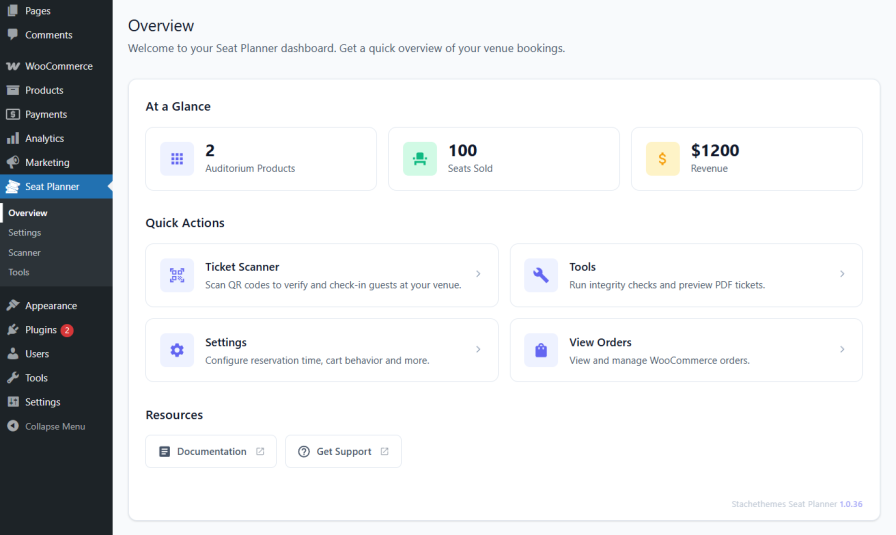
- Added new plugin dashboard centralizing settings and features.
- Added new option “Auto-Complete Orders”: automatically marks orders as Completed when payment is received for auditorium products.
- Added new option to control whether users are redirected after adding seats to the cart.
- Added new option to choose whether users are redirected to the cart or checkout page.
- Added new option to control whether customers are shown a message during redirection.
1.0.35
- Added Dashboard Widget showing Seats Sold & Revenue for the last 30 days
- Added Option to Lock objects in the Drag & Drop Editor
- Added Visual UI for turning grid-snap on/off, grid color, grid size
- Added message when user is redirected to cart/checkout page on the front-end
1.0.34
- Bug fix where product can be incorrectly flagged as Unavailable
1.0.33
- Bug fix where deleting a draft order can accidentally release slot reservation
- Other minor bug fixes
1.0.32
- UI/UX improvements
- Added UI for Auto Incremental Patterns
- Added Booking Integrity Checker Tools
- Added option to check Reservation Details from the front-end if the user has Shop Manager role
1.0.28
- Minor fixes & improvements
- Enabled option to Scan QR Codes from the Dashboard
1.0.5
- Add to cart seat validation improvements
1.0.4
- Initial public release with core seat selection features.
Details
Plugin code:
stachethemes-seat-planner-lite
Plugin version:
1.6.3
Author:
Outdated:
No
WP version:
6.7 or higher
PHP version:
8.2 or higher
Test up to WP version:
6.9.4
Total installations:
40
Last updated:
2026-03-12
Rating:
Times rated:
2
booking
event
seat
venue
woocommerce


Related plugins
Plugins that also contain the tag booking
LatePoint – Calendar Booking Plugin for Appointments and Events

Booking for Appointments and Events Calendar – Amelia

Online Scheduling and Appointment Booking System – Bookly

Appointment Booking Calendar — Simply Schedule Appointments Booking Plugin

Fluent Booking – The Ultimate Appointments Scheduling, Events Booking, Events Calendar Solution

SimplyBook.me – Booking and reservations calendar


About
Plugin for that tries to help you find the WordPress plugin you are looking for.
| Please enjoy an image of Crush (this awesome turtle) and have a lovely day! |  |
We do not own any plugin listed on this site and do not work for or work with WordPress.com or it's associated companies. We simply provide a searchable list of the available WordPress plugins.