


Stillframe – Screenshot Capture & Markup
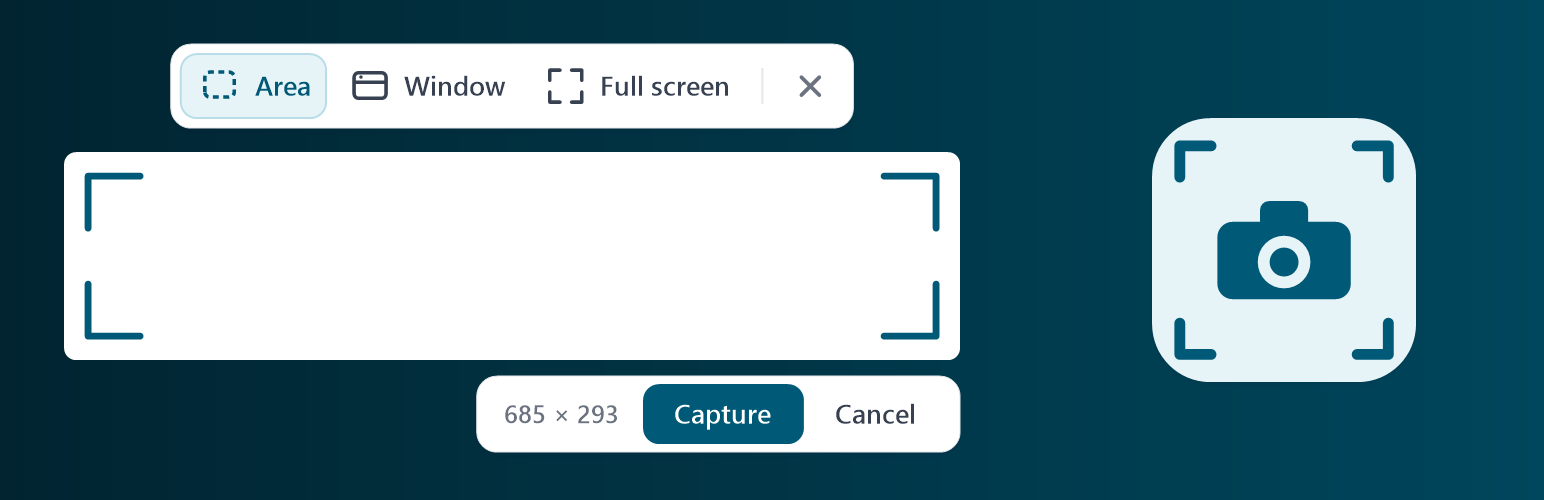
Stillframe lets you take screenshots of your WordPress admin area or front-end pages directly inside the browser. It adds a camera icon to the top admin bar and a page under Tools.
You can select a specific region of the screen, adjust the selection with handles, capture the full page, or capture the active window. You can also preview the page at standard screen widths (mobile, tablet, desktop) and hide admin menus or other plugins to get a clean shot.
After taking a screenshot, draw on it using the pen, circle, or arrow tools, choose colors and line weights, and export at 1x, 2x, or 3x scale. Images can be downloaded to your computer or saved straight into your WordPress Media Library.
Stillframe runs entirely in your browser. It does not send any data to external servers, adds no settings pages to your database, and only loads for logged-in administrators.
Development
Stillframe is open-source software. You can view the source code, contribute, or submit feedback on GitHub.
Third-party code
Stillframe bundles modern-screenshot 4.7.0 (MIT license) as assets/js/vendor/modern-screenshot.js. Source: https://github.com/qq15725/modern-screenshot. The license text is in assets/js/vendor/LICENSE-modern-screenshot.txt.
Details


Related plugins
Plugins that also contain the tag annotate
Side Matter

ScreenGlow Image Editor – Beautify, Mockup, Annotate, and Edit Images and Screenshots

Diigo Bookmarks Widget

Annotation Plugin

Annotated Trash

Annotation


About
Plugin for that tries to help you find the WordPress plugin you are looking for.
| Please enjoy an image of Crush (this awesome turtle) and have a lovely day! |  |
We do not own any plugin listed on this site and do not work for or work with WordPress.com or it's associated companies. We simply provide a searchable list of the available WordPress plugins.