


StoreToNative
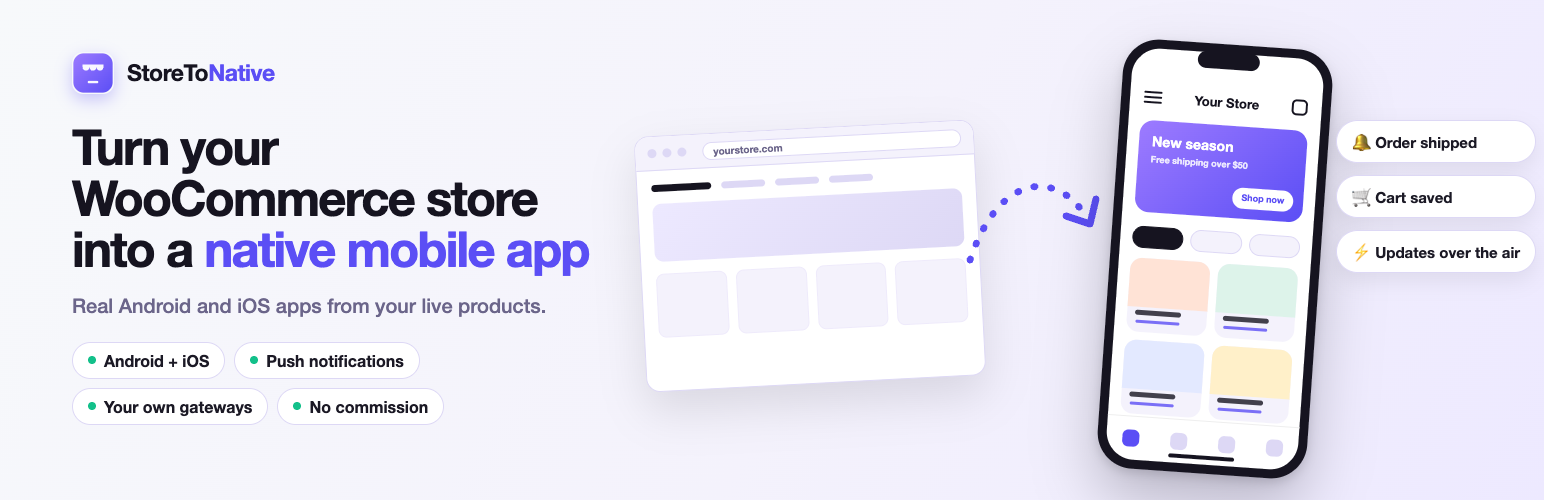
StoreToNative connects your WooCommerce store to the StoreToNative platform so it can power a native iOS and Android app built from your catalog. This companion plugin runs entirely on your own site and only does five things:
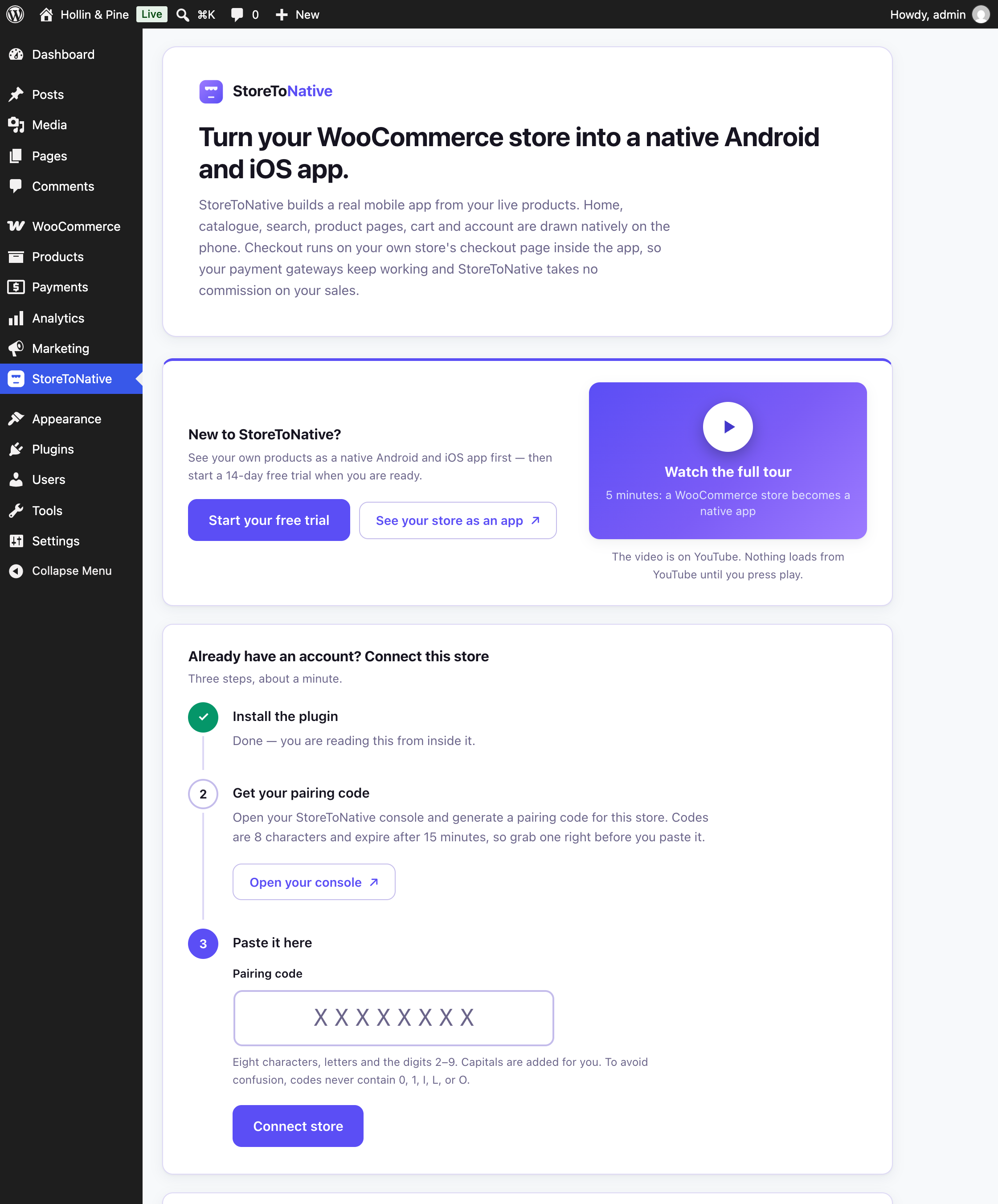
- 1-click connect. Paste a short pairing code from your StoreToNative console into this plugin. No OAuth redirect, no “approve this application” screen to trip over on security-hardened sites.
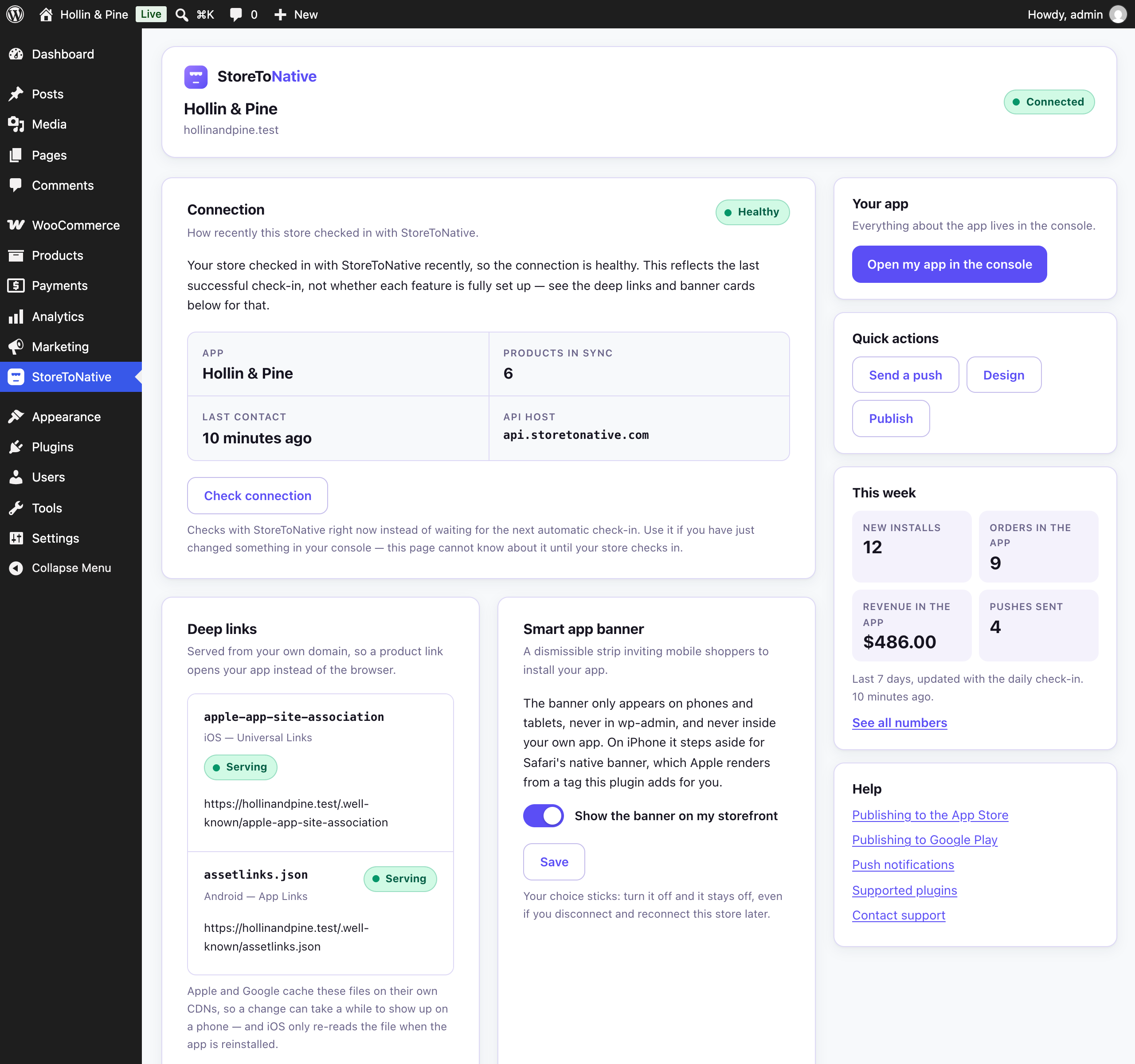
- Deep-link hosting. Serves
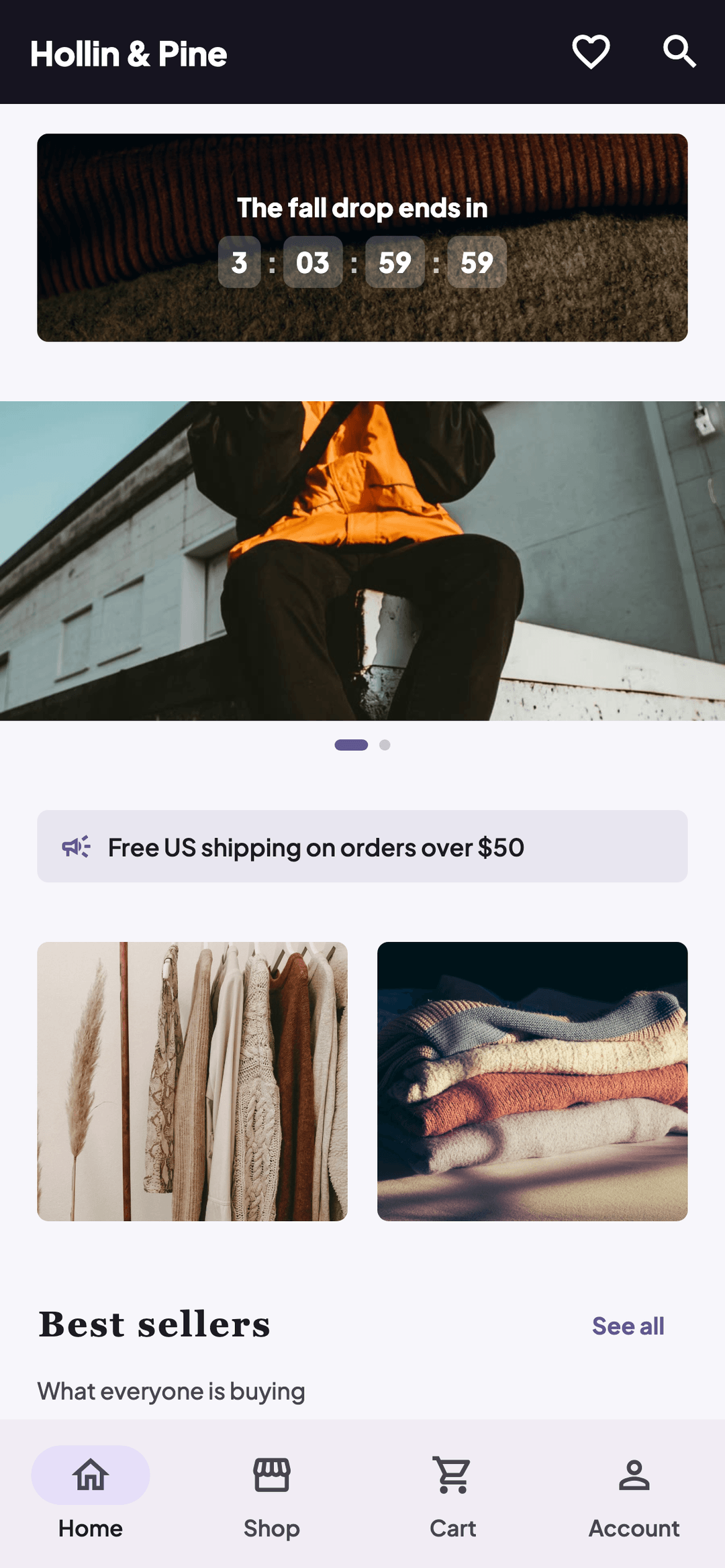
.well-known/apple-app-site-associationand.well-known/assetlinks.jsonfrom your store’s own domain, which is what iOS Universal Links and Android App Links require. These files must be served from your domain — a plugin is the only way to do that without touching your host’s file system by hand. - Smart app-install banner. Once your app exists, shows a lightweight, bundled-JS install banner to shoppers browsing your storefront in a mobile browser, plus an
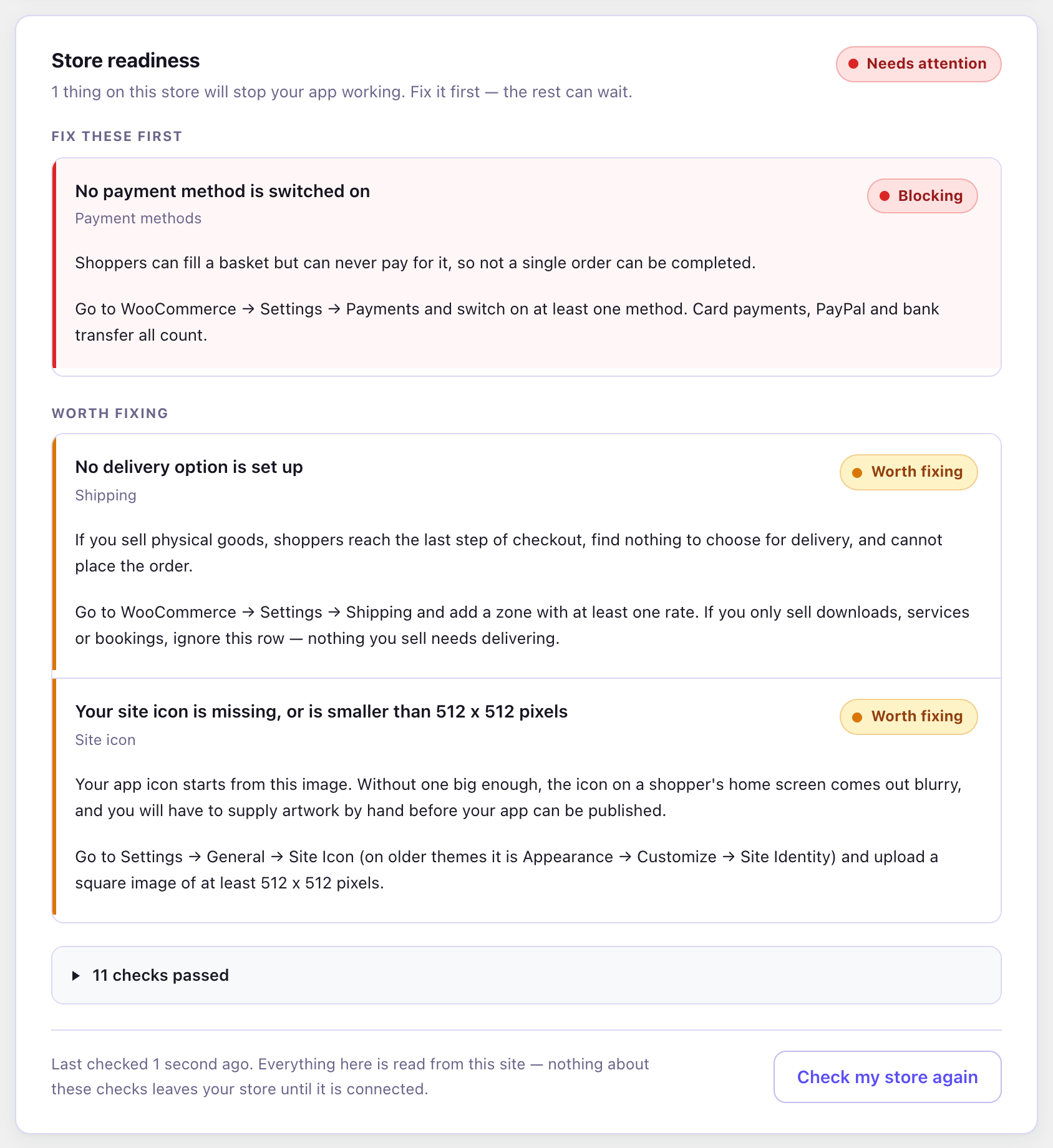
apple-itunes-appmeta tag so Safari’s own native banner takes over on iOS. - Store readiness checks. Looks over your own WooCommerce settings for the dozen things that quietly break a mobile app — “Coming soon” mode still switched on, no payment method enabled, Plain permalinks, no shipping zone, a stale product price index — and tells you what each one costs you and exactly which screen to fix it on. The checks read only your own site and run entirely inside WordPress.
- Shopper sign-in. Lets a shopper sign in to your native app with their existing WooCommerce account (email + password). This runs entirely between your site and its own app over REST routes this plugin registers — it never involves the StoreToNative platform at all, and your shoppers’ passwords are checked by WordPress itself, exactly as they are on your website’s own login form.
No network requests of any kind are made until you explicitly pair your store — see “External services” below for exactly what is sent, and when.
Requirements
- WooCommerce must be installed and active. This plugin does nothing without it.
- A StoreToNative account with a store already set up in the console (to generate a pairing code).
WooCommerce HPOS
This plugin declares compatibility with WooCommerce’s High-Performance Order Storage (HPOS / “Custom Order Tables”) feature. It does not read or write order data itself.
External services
This plugin connects to the StoreToNative platform (api.storetonative.com) to power your store’s native app. There is zero network activity before you explicitly pair your store — installing or activating this plugin alone sends nothing anywhere.
Pairing requires https. This plugin refuses to pair (and refuses to talk to the StoreToNative API at all) unless your store is served over https — see the FAQ below.
When you pair (entering a pairing code from your StoreToNative console into this plugin’s connect screen), the plugin sends, once:
- Your store’s URL.
- A WooCommerce REST API key/secret pair that this plugin generates for itself at that moment. It is a read/write key (a standard WooCommerce REST API key): the app needs to read your product catalog and to create and read orders that shoppers place through the app, on your behalf. You can revoke it at any time from the plugin’s Disconnect button or under WooCommerce Settings Advanced REST API.
- This plugin’s version number and a short list of its own feature names (currently
status,deep-links,smart-banner,readiness,shopper-auth,checkout-fields,pair-challenge— which parts of the plugin are active, not any data those features touch).
While that pairing request is in flight, the StoreToNative platform makes one request BACK to your site to confirm the pairing really came from it and not from someone who merely learned your code: it asks a public read-only route this plugin registers (storetonative/v1/pair-challenge) to sign a random value with the pairing code you just typed. The answer is a single one-way HMAC digest — the pair-challenge feature sends nothing anywhere itself (the code is sent to StoreToNative only inside your own pairing request above, never in this answer), and the route answers “nothing in progress” at every other moment. This is what stops a stranger with a StoreToNative account from attaching their own app to your store’s address.
After pairing, the plugin sends a small heartbeat so your StoreToNative console can show the connection is healthy — roughly once a day, once immediately after pairing, at most once every 12 hours while you work in wp-admin, at most once a minute while you have this plugin’s own screen open, and once each time you press Check connection on it. Every one of those carries the same thing:
- This plugin’s version, its feature-name list (the same seven names above), your WordPress version, and your WooCommerce version.
- Whether your store’s WooCommerce customer account registration setting is switched on (true/false only) — this is what lets the app decide whether to offer shoppers a sign-up option alongside sign-in.
- The result of the store readiness checks, as a short list of check names paired with a one-word verdict — for example
payment_gateway: fail,guest_checkout: warn,permalinks: pass. Names and verdicts only: no counts, no product names, no URLs, no settings values, and no text of any kind that you or anyone else typed into this site. The wording you read on the readiness card is stored in the plugin and in the console, never sent between them. This is what lets your console show you the same warnings without anyone having to log in to your store. It is only ever sent after you have paired, and only the thirteen fixed check names this plugin ships with can appear.
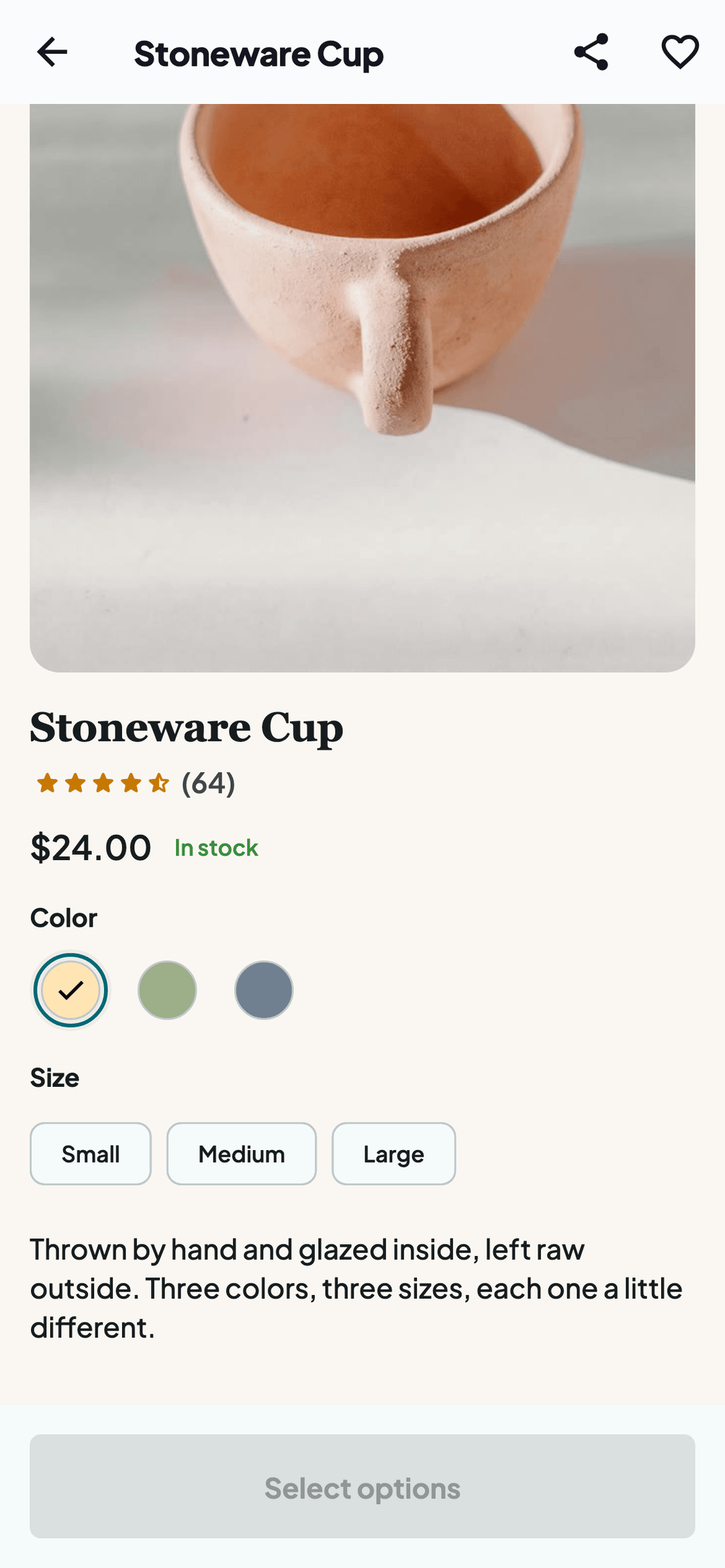
The checkout-fields feature sends nothing anywhere. Like the shopper-auth name above, it is only ever REPORTED to the console so it knows this plugin build supports it. What it does is serve a read-only route on your own site that describes the shape of your checkout form — your field labels, which fields you have marked required, which countries you sell to, and the state/governorate lists WooCommerce already has for them. The app reads it so its native checkout screen asks for exactly what your own checkout page asks for. It contains no orders, no customers, no prices, no settings values and no secrets; every value in it is already visible to any visitor who opens your checkout page. It is a read-only route: nothing about it writes to your store, and it never sends anything to api.storetonative.com.
Shopper sign-in never reaches the StoreToNative platform. The shopper-auth feature name above is only ever REPORTED to the console (so it knows this plugin build supports sign-in); the sign-in requests themselves — a shopper’s email and password — go directly from the app to your own site’s REST API and nowhere else. This plugin checks them the same way your website’s own login form does (WordPress’s own wp_authenticate()), and issues the app a signed token it can use to prove who’s asking on later requests. A shopper’s password and that token never leave your site — neither is ever sent to api.storetonative.com. Signing in, signing out and resetting a password send nothing about the shopper there at all; there is exactly one moment when anything identifying a shopper is sent, and it is the next paragraph.
When a shopper deletes their own account — the “Delete account” option in the app, which asks for their password again before it will proceed — this plugin erases that account here on your site: it runs WooCommerce’s own personal-data erasers (honouring the retention settings you’ve configured), then deletes the WordPress user. It then sends one signed notification to api.storetonative.com so StoreToNative can delete its own copy of that shopper’s sign-in record, which it keeps to know which app installs belong to which account. That notification carries exactly three things:
- A one-time id for the notification itself (so a repeat of the same notice can be recognised and ignored).
- The numeric WordPress user id of the account that was just deleted.
- A one-way SHA-256 hash of that account’s email address — not the address itself.
No password and no token are included, and nothing else about the shopper is. It is sent only after the shopper themselves asks for the deletion, and it is the only notification this plugin ever sends that refers to an individual shopper.
Disconnecting from the StoreToNative menu (without uninstalling) sends one more signed notification so the console can mark the store as disconnected — it carries no data beyond that notice. Separately, the plugin periodically fetches (never sends) a small public configuration document — your app’s name, theme color and icon, install-banner text — used to keep the deep-link files and install banner up to date; that request carries no store or site data at all.
Apart from the account-deletion notification described above, no other data — no order data, no content, and nothing else about any customer — is ever sent by this plugin. This use of an external service is governed by StoreToNative’s Terms of Service and Privacy Policy.
Details

Related plugins
Plugins that also contain the tag app-banner
Application Banner (Google PlayStore / AppleStore)

Application download banner


About
Plugin for that tries to help you find the WordPress plugin you are looking for.
| Please enjoy an image of Crush (this awesome turtle) and have a lovely day! |  |
We do not own any plugin listed on this site and do not work for or work with WordPress.com or it's associated companies. We simply provide a searchable list of the available WordPress plugins.