

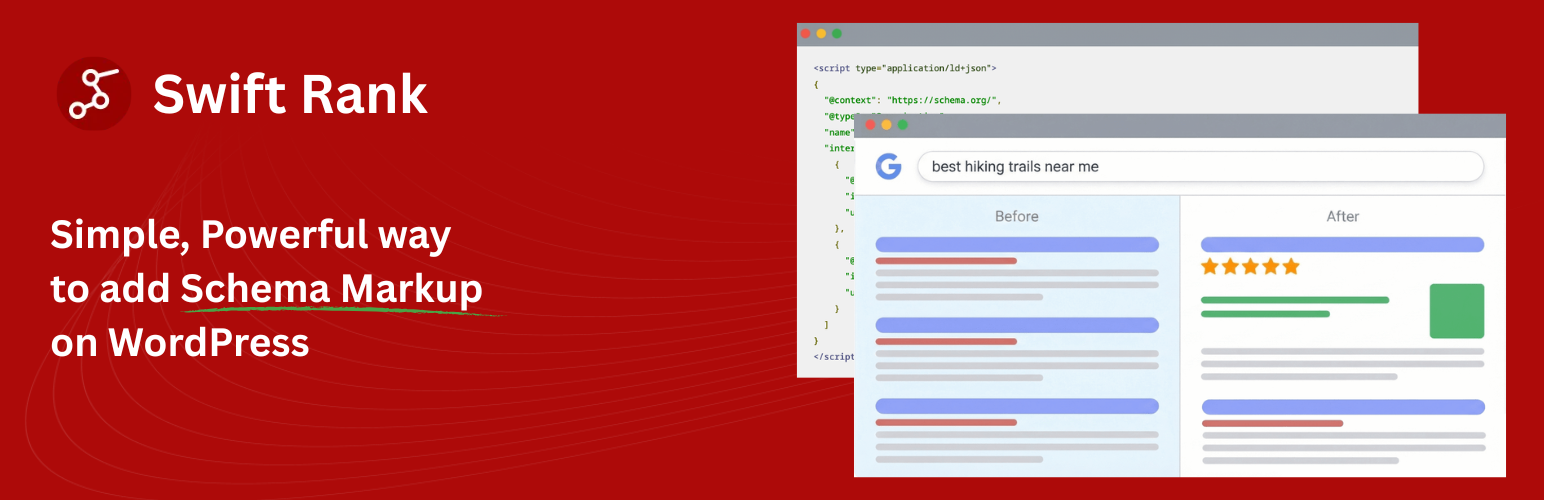

Swift Rank
Swift Rank helps you add professional Schema.org structured data to your WordPress website using the recommended JSON-LD format. Improve your search engine visibility and enable rich snippets in Google search results with powerful schema templates.
Why Schema Markup Matters for Your WordPress Site
Schema markup helps search engines understand your content better, leading to:
- Rich Snippets: Stand out in search results with star ratings, images, and more.
- Higher Click-Through Rates: Rich results get 30% more clicks on average.
- Better Rankings: Help Google understand your content context.
- Knowledge Graph Visibility: Establish your brand’s identity in Google’s Knowledge Graph.
Key Features
- Quick & Easy Setup: No coding required. Get started in minutes with our visual template builder and setup wizard.
- Schema Templates: Set it once, apply it everywhere. Auto Schema for posts, pages, and products without creating templates.
- Dynamic Variables: Use
{post_title},{featured_image},{post_date}, and 50+ variables to automatically populate schema fields from your WordPress content. - Condition-Based Display: Apply templates to specific post types, categories, or individual posts.
- Knowledge Graph Integration: Add Organization, Person, or LocalBusiness schema to establish your site’s identity.
- Real-Time Validation: Built-in links to Google Rich Results Test and Schema.org Validator.
- Import/Export Templates: Backup, migrate, or share your schema templates between sites.
- Clean Output: Automatically removes empty values from schema output to ensure valid JSON-LD.
Supported Schema Types
We support 18+ schema types for every use case:
- Article Types: Article, BlogPosting, NewsArticle
- E-commerce: Product (WooCommerce integration), Review, AggregateRating
- Local Business: LocalBusiness, Organization, Person
- Creative Works: VideoObject, Recipe (Pro), HowTo (Pro)
- Events: Event
- FAQ: FAQPage
- Service: Service
- Job Posting: JobPosting
- And more…
Swift Rank Pro Features
Unlock the full potential of your SEO with Swift Rank Pro:
- Recipe Schema: Perfect for food bloggers to display cooking times, calories, and ratings.
- HowTo Schema: Step-by-step guides with tools and supplies.
- Advanced Local Business: Opening hours, departments, and more detailed location data.
- Priority Support: Get faster help from our expert team.
Frequently Asked Questions
Do I need coding skills to use Swift Rank?
Absolutely not! Swift Rank is designed for non-technical users. The visual interface and setup wizard make it easy for anyone to add schema markup. If you can use WordPress, you can use Swift Rank.
How is Swift Rank different from other schema plugins?
Swift Rank offers unique features like Auto Schema (automatic schema generation), template-based automation, import/export functionality, and a setup wizard. It’s designed to be both powerful for developers and easy for beginners.
Will Swift Rank work with my theme and plugins?
Yes! Swift Rank is compatible with all WordPress themes and works seamlessly with popular plugins like Yoast SEO, WooCommerce, and page builders.
How soon will I see rich snippets in search results?
After implementing schema markup, Google needs to recrawl your pages. This can take anywhere from a few days to a few weeks. Swift Rank ensures your markup is correct, but Google decides when and if to show rich snippets.
What’s the difference between Auto Schema and Templates?
Auto Schema automatically generates basic schema for all posts/pages without any setup. Templates give you full control over schema fields and display conditions. You can use both together for maximum coverage.
Can I export my schema templates?
Yes! The import/export feature lets you backup templates, migrate between sites, or share configurations with team members.
Details


Related plugins
Plugins that also contain the tag json-ld
Schema

FAQ Schema For Pages And Posts

Local Business Schema (JSON-LD) Lite

JSON-LD Breadcrumbs

FAQ Schema for Elementor

Schema Default Image


About
Plugin for that tries to help you find the WordPress plugin you are looking for.
| Please enjoy an image of Crush (this awesome turtle) and have a lovely day! |  |
We do not own any plugin listed on this site and do not work for or work with WordPress.com or it's associated companies. We simply provide a searchable list of the available WordPress plugins.