


Swish Migrate and Backup
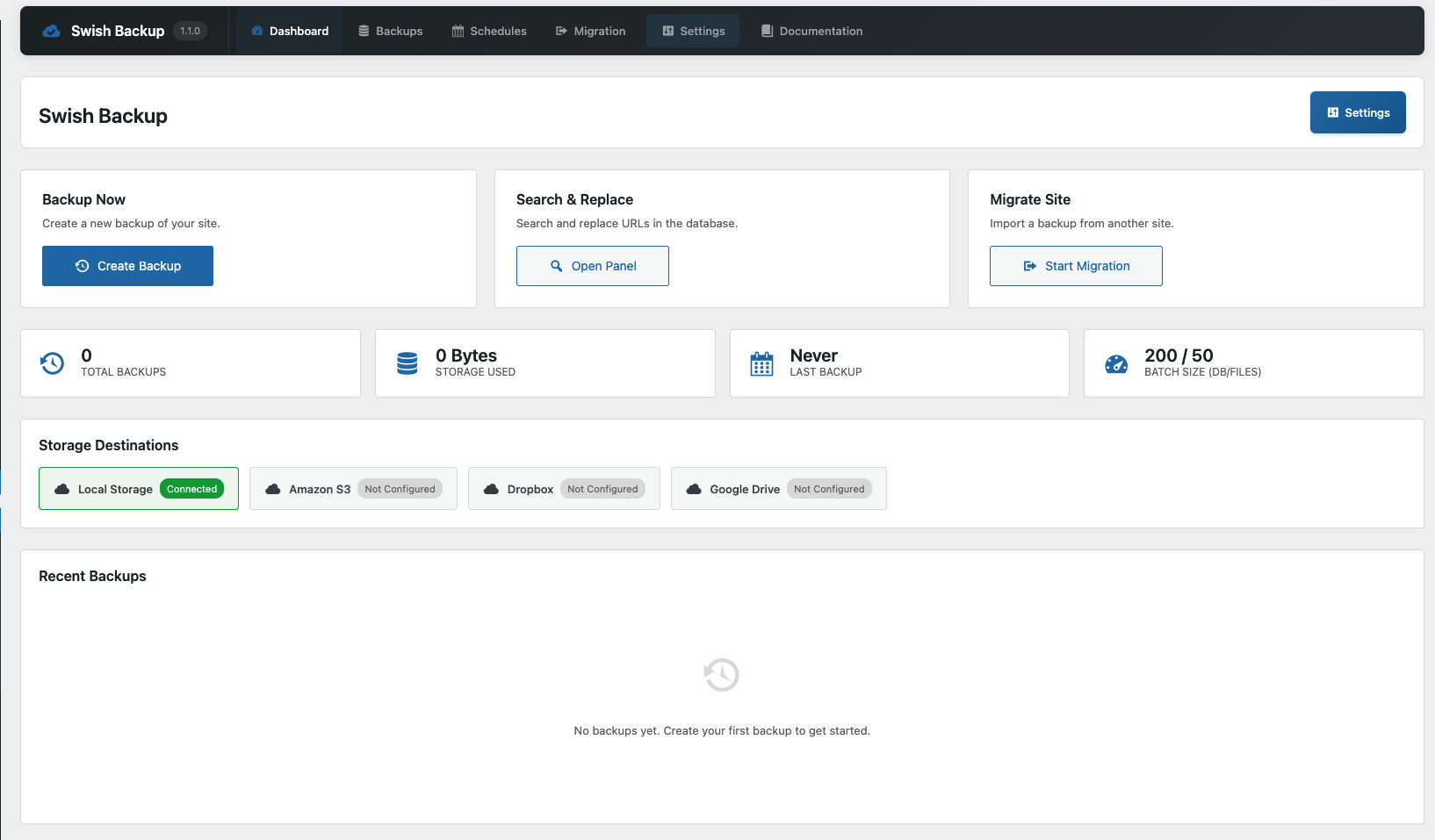
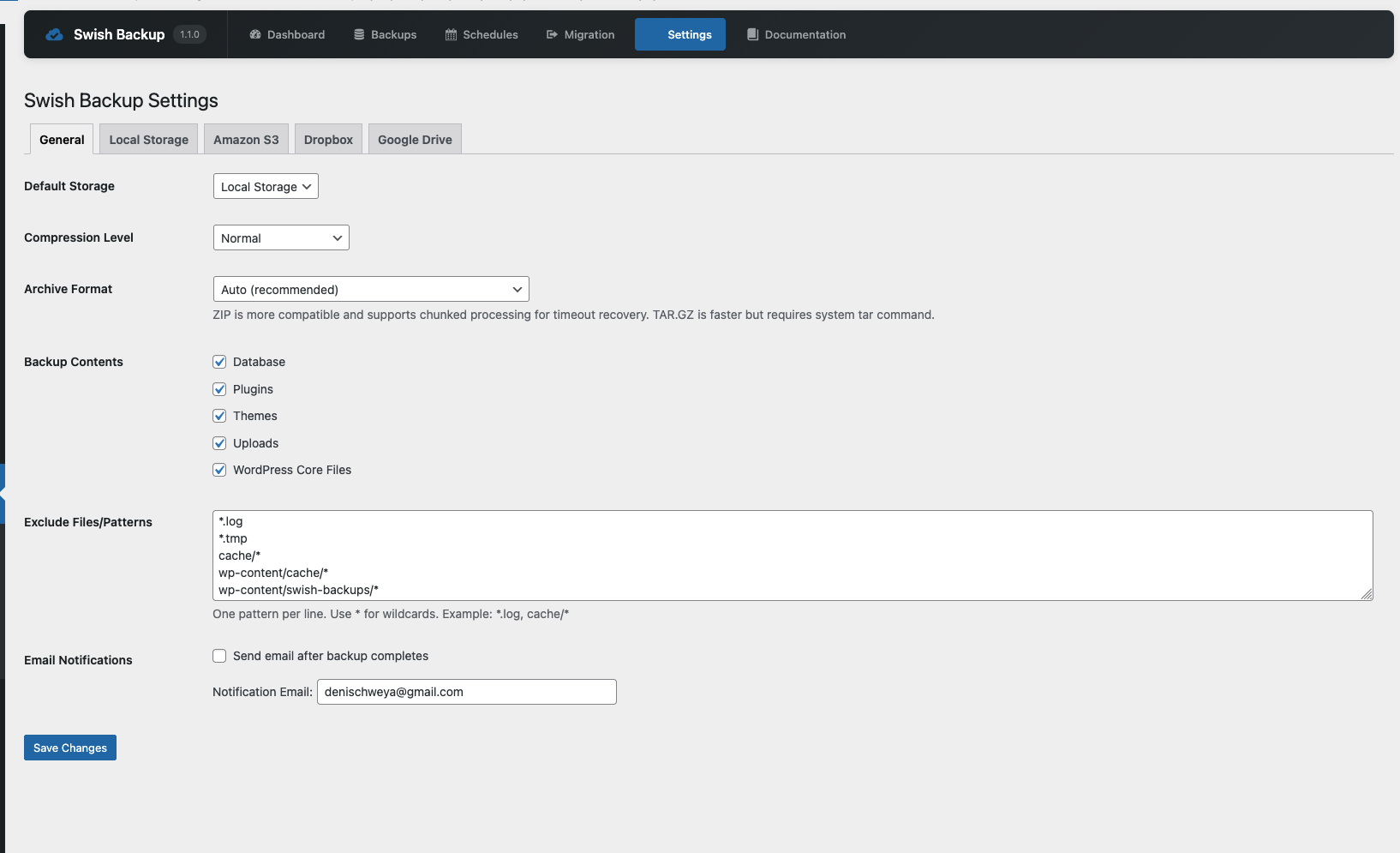
Swish Migrate and Backup is a powerful WordPress plugin that allows you to create full backups of your website, including the database, plugins, themes, uploads, and core files. It supports multiple cloud storage providers and makes site migration seamless.
Features
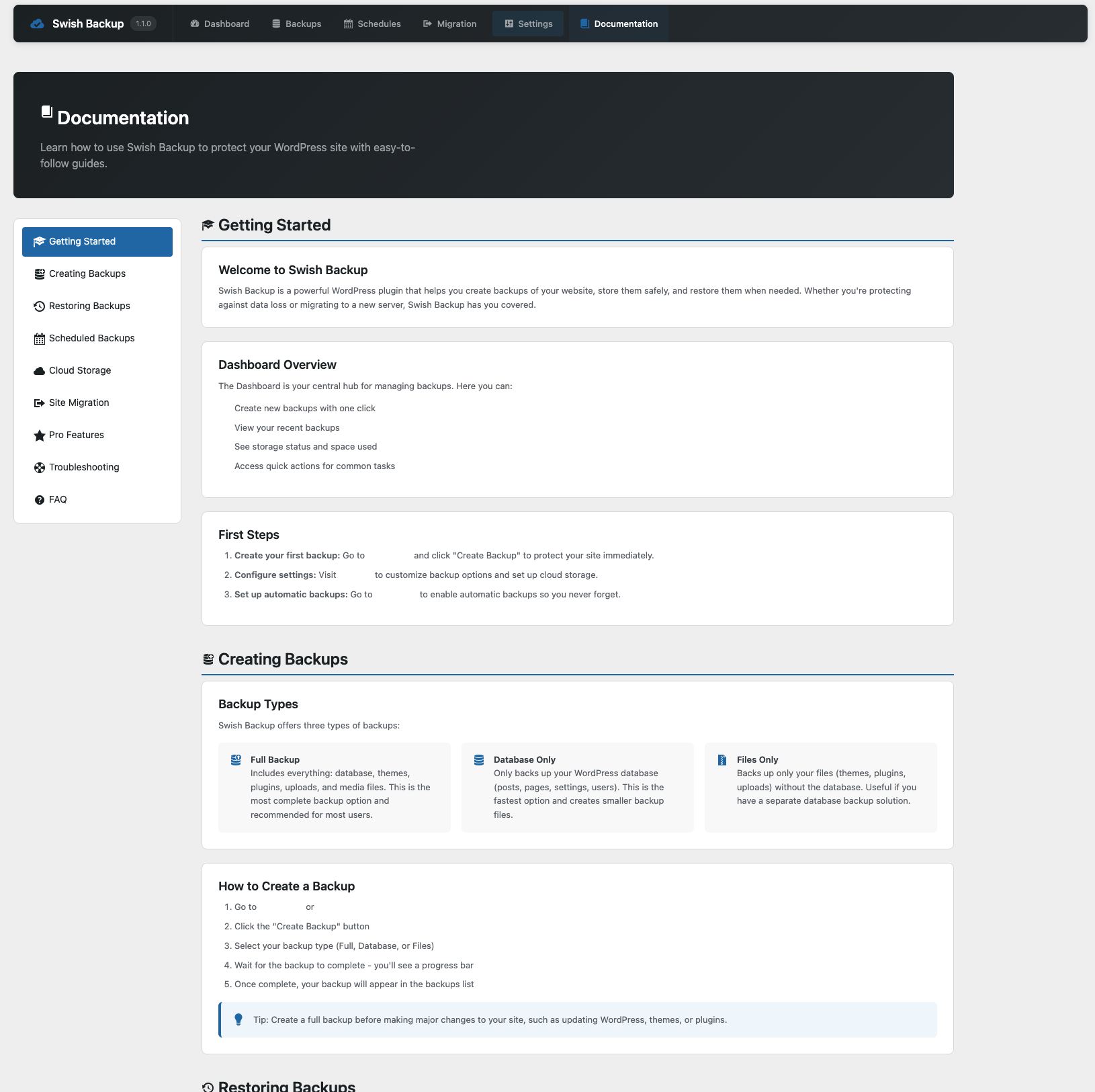
- Full Site Backups – Backup your entire WordPress site including database, plugins, themes, and uploads
- Database-Only Backups – Create lightweight backups of just your database
- Files-Only Backups – Backup only your WordPress files without the database
- Cloud Storage Support – Store backups on Amazon S3, Dropbox, or Google Drive
- Local Storage – Keep backups on your server
- Site Migration – Easily migrate your site to a new domain with automatic URL replacement
- Search and Replace – Perform database search and replace operations with serialization support
- Scheduled Backups – Set up automatic backups on your preferred schedule
- Chunked Processing – Handle large sites without memory issues
- Encrypted Credentials – Cloud storage credentials are encrypted using AES-256-CBC
- REST API – Full REST API for integration with other tools
External Services
This plugin connects to the following external services when configured by the user. No data is sent to any external service unless you explicitly configure and enable cloud storage in the plugin settings.
Amazon S3
When you configure Amazon S3 storage, your backup files are uploaded to and stored on Amazon Web Services (AWS) S3 servers. The following data is sent:
- Your backup files (which may contain your WordPress database, themes, plugins, and uploads)
- AWS access credentials are used for authentication (stored encrypted in your WordPress database)
Data is transmitted whenever you create a backup with S3 storage enabled, or when you download/restore a backup from S3.
Dropbox
When you configure Dropbox storage, your backup files are uploaded to and stored on Dropbox servers. The following data is sent:
- Your backup files (which may contain your WordPress database, themes, plugins, and uploads)
- Dropbox API credentials are used for authentication (stored encrypted in your WordPress database)
Data is transmitted whenever you create a backup with Dropbox storage enabled, or when you download/restore a backup from Dropbox.
Google Drive
When you configure Google Drive storage, your backup files are uploaded to and stored on Google servers. The following data is sent:
- Your backup files (which may contain your WordPress database, themes, plugins, and uploads)
- Google API credentials are used for authentication (stored encrypted in your WordPress database)
Data is transmitted whenever you create a backup with Google Drive storage enabled, or when you download/restore a backup from Google Drive.
Requirements
- WordPress 6.0 or higher
- PHP 8.1 or higher
- Write access to wp-content/uploads directory
Privacy Policy
This plugin stores backup files that may contain personal data from your WordPress database (such as user emails, names, and content). Backups are stored either locally on your server or on third-party cloud storage services that you configure.
When using cloud storage providers (Amazon S3, Dropbox, Google Drive), your backup data is transmitted to and stored on their servers according to their respective privacy policies.
The plugin does not collect or transmit any data to the plugin author or any other third party beyond the cloud storage services you explicitly configure.
Details
Related plugins
Plugins that also contain the tag backup
All-in-One WP Migration and Backup

UpdraftPlus: WP Backup & Migration Plugin

Jetpack – WP Security, Backup, Speed, & Growth

ManageWP Worker

WPvivid — Backup, Migration & Staging

Backuply – Backup, Restore, Migrate and Clone


About
Plugin for that tries to help you find the WordPress plugin you are looking for.
| Please enjoy an image of Crush (this awesome turtle) and have a lovely day! |  |
We do not own any plugin listed on this site and do not work for or work with WordPress.com or it's associated companies. We simply provide a searchable list of the available WordPress plugins.