


Syncific Vault — API Key Protection & Security
WordPress stores API keys in your database in plain text by default. If your database is compromised through SQL injection, a backup leak, or a vulnerable plugin, every API key is exposed. WordPress 7.0’s new Connectors API stores AI provider keys the same way (core ticket #64789).
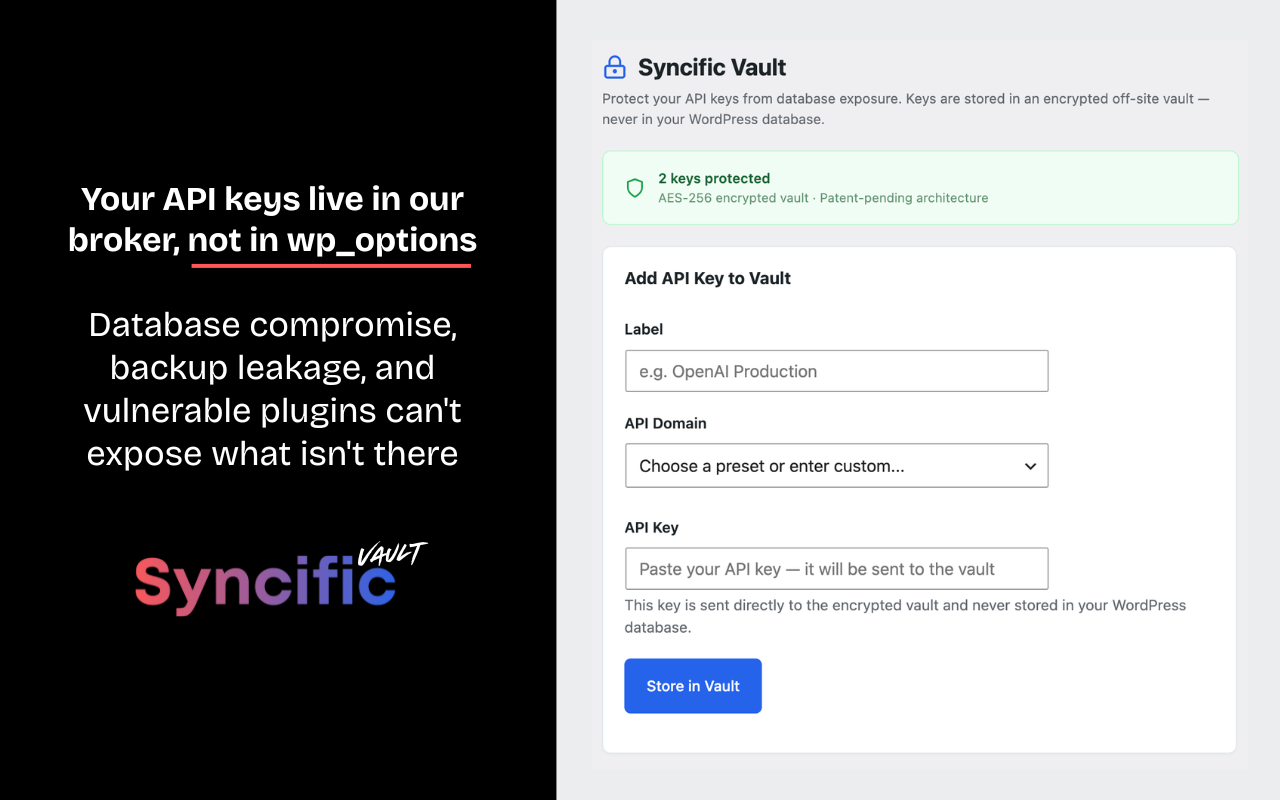
Syncific Vault fixes this. Your API keys are moved to an encrypted vault hosted off-site. Your WordPress database stores only a reference — the real key is injected at request time and never persists locally.
One vault for all your AI plugins. Store your API keys in Syncific Vault — not in your database. Paste the secure placeholder into AI Engine, ClassifAI, Elementor AI, or any plugin that needs it. When you rotate a key with your provider, update it once in Syncific Vault — every plugin gets the new key instantly.
How it works
- Paste your API key in the Syncific Vault settings page
- The key is encrypted and sent to the Syncific Vault (AES-256, never in your database)
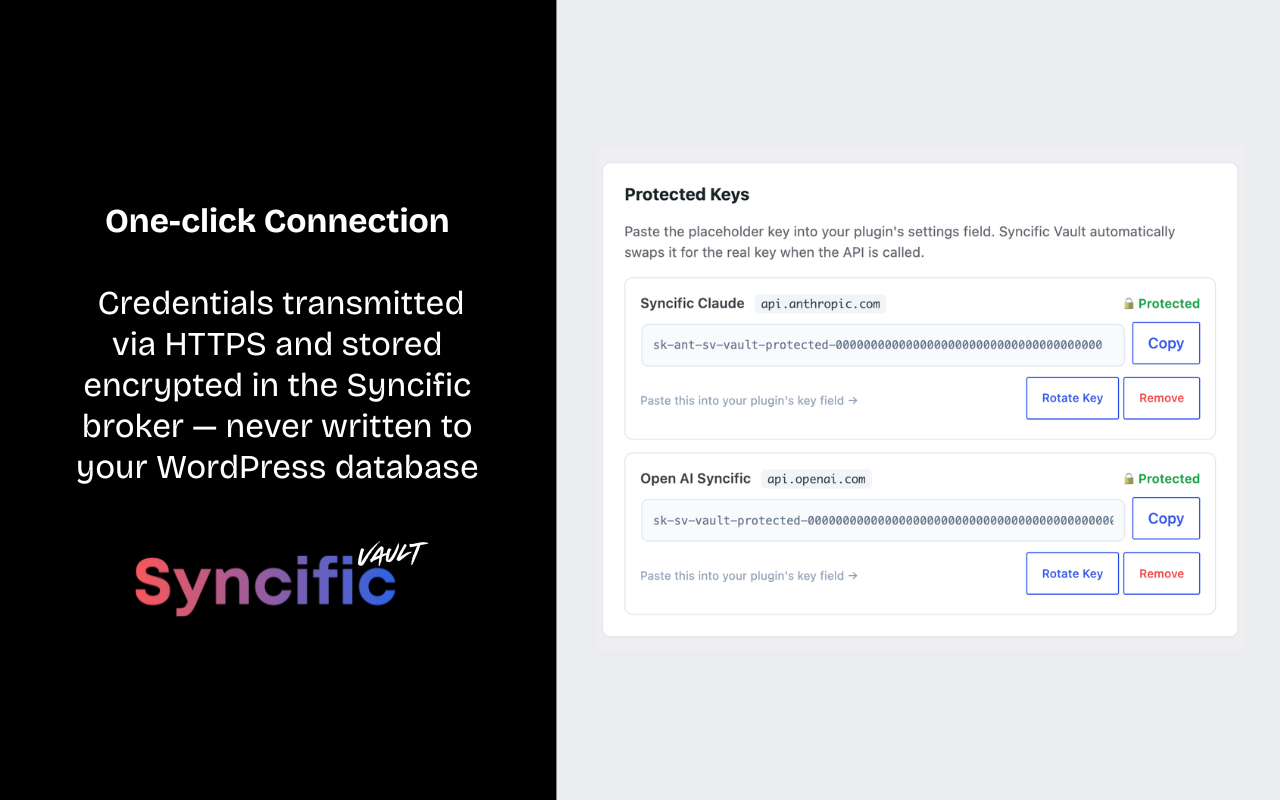
- A secure placeholder key is generated — paste it into your other plugins’ settings
- When any plugin makes an API call, Syncific Vault intercepts it and injects the real key
- Other plugins work normally — they don’t know the key was swapped
- If your database is dumped or compromised, no API keys are exposed
Supports any AI API key
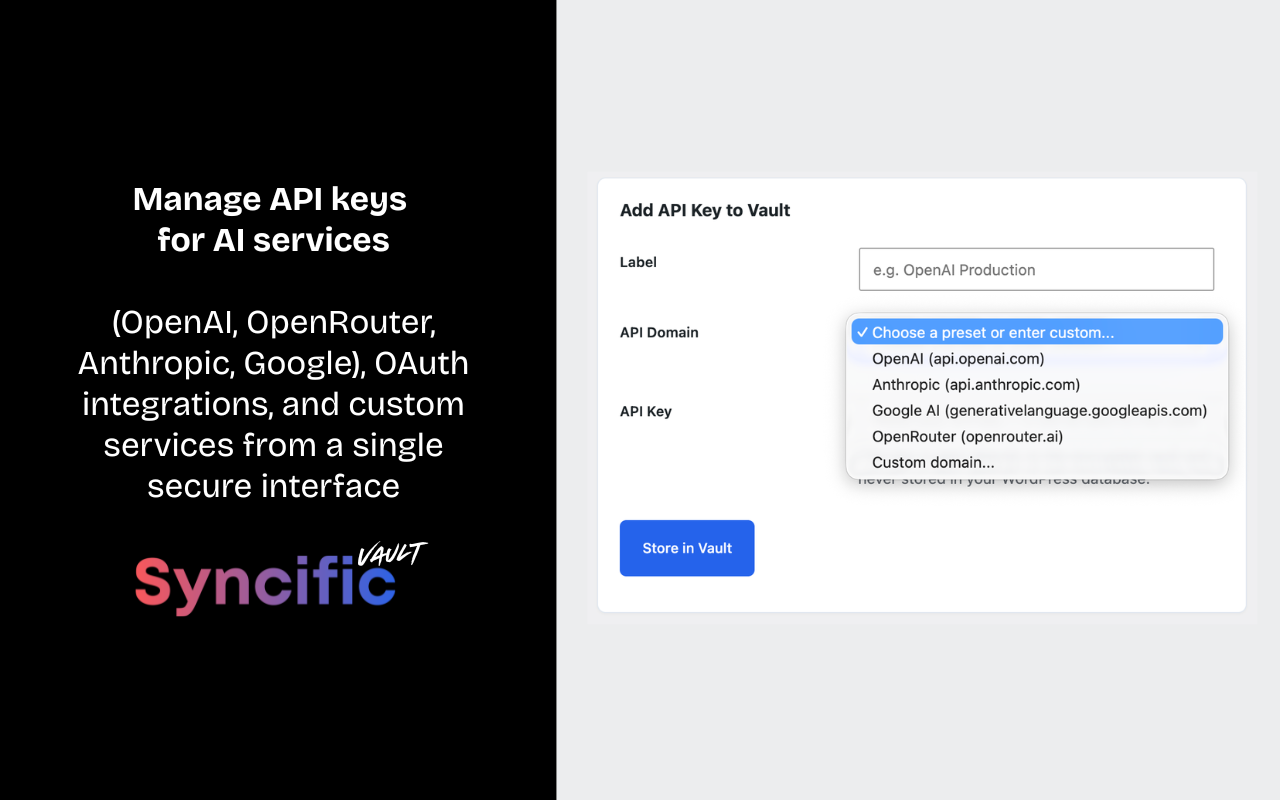
- AI providers: OpenAI, Anthropic, Google AI, OpenRouter
- Any API that uses header-based authentication (custom domain support included)
Security
- Keys encrypted with AES-256 in an isolated vault file — not a database
- Vault file stored outside the web root with strict file permissions
- Patent-pending broker architecture (US App. No. 19/440,404)
- Keys never stored in wp_options, wp_postmeta, or any WordPress table
- In-memory key retrieval only — credentials are not persisted in any WordPress storage layer (database, transients, or options)
- One-click key rotation — update a key once, every plugin gets the new key instantly
- Rate-limited vault access (60 requests/minute per site)
- Fails open by design — vault outages never break your WordPress site, though AI features dependent on protected keys will fail authentication until the vault is reachable again
Protects against
- Database dumps and backup file exposure
- SQL injection attacks
- Compromised plugins that read wp_options
- Unauthorized phpMyAdmin or database client access
- Hosting provider data breaches
External Service
This plugin relies on the Syncific Vault API, an external broker service operated by Syncific, to store and retrieve encrypted API keys. All requests are sent to the broker endpoint at https://lightsyncpro.com/wp-json/lsp-broker/v1/ — the broker host that Syncific operates for this service.
What the service does: Syncific Vault provides encrypted off-site storage for API keys. Keys are encrypted with AES-256 and stored in an isolated vault file on the Syncific broker server (lightsyncpro.com) — not in your WordPress database.
What data is sent and when:
- When you store a key: Your site URL, a hash of your site URL, a per-site authentication token, a single-use verification nonce, the API domain, the API key, a label, and the authentication header name are sent to the broker (
lightsyncpro.com) via HTTPS. The broker then calls your site back once at/wp-json/svault/v1/verifyto confirm site ownership before binding the key. - When a plugin makes an API call to a protected domain: Your site URL hash, per-site token, and the API domain are sent to the broker (
lightsyncpro.com) to retrieve the real key. The key is held in PHP memory only for the duration of the request and is never written to your database. - When you remove a key (or uninstall the plugin): Your site URL hash, per-site token, and the API domain are sent to the broker (
lightsyncpro.com) to remove the key from the vault.
No other user data, site content, or visitor information is ever transmitted.
Service links:
Supported AI Providers
Syncific Vault includes preset support for the following AI provider APIs. This plugin does not connect to these services directly. They are the destination domains whose API keys are protected by Vault. When another plugin on your site makes a request to one of these domains, Syncific Vault intercepts the request and injects the protected key. The traffic to these providers originates from your other plugins (such as AI Engine, ClassifAI, or any plugin you’ve configured), not from Syncific Vault itself.
- OpenAI (api.openai.com) — Terms of Use | Privacy Policy
- Anthropic (api.anthropic.com) — Consumer Terms | Privacy Policy
- Google AI / Gemini (generativelanguage.googleapis.com) — API Terms | Privacy Policy
- OpenRouter (openrouter.ai) — Terms | Privacy
You may also add any other domain through the “Add Custom Domain” option in the plugin settings. Whatever domain you add becomes a protected destination — your other plugins continue to send requests to that domain as they normally would, and Syncific Vault transparently provides the credentials.
Free and open source
Syncific Vault is completely free. No limits on the number of keys you can protect.
Made by Syncific
Syncific Vault is built by the team behind Syncific — the creative asset sync platform. The same patent-pending broker architecture that protects OAuth credentials for Lightroom, Figma, Canva, and Dropbox now protects your API keys.
Details
Related plugins
Plugins that also contain the tag ai
SEOPress – On-site SEO & Analytics

AI Engine – The Chatbot, AI Framework & MCP for WordPress

GetGenie – AI Content Writer with Keyword Research & SEO Tracking Tools

SEO Plugin by Squirrly SEO

Website LLMs.txt

Smartsupp – live chat, AI shopping assistant and chatbots


About
Plugin for that tries to help you find the WordPress plugin you are looking for.
| Please enjoy an image of Crush (this awesome turtle) and have a lovely day! |  |
We do not own any plugin listed on this site and do not work for or work with WordPress.com or it's associated companies. We simply provide a searchable list of the available WordPress plugins.