



Tabs Block Lite
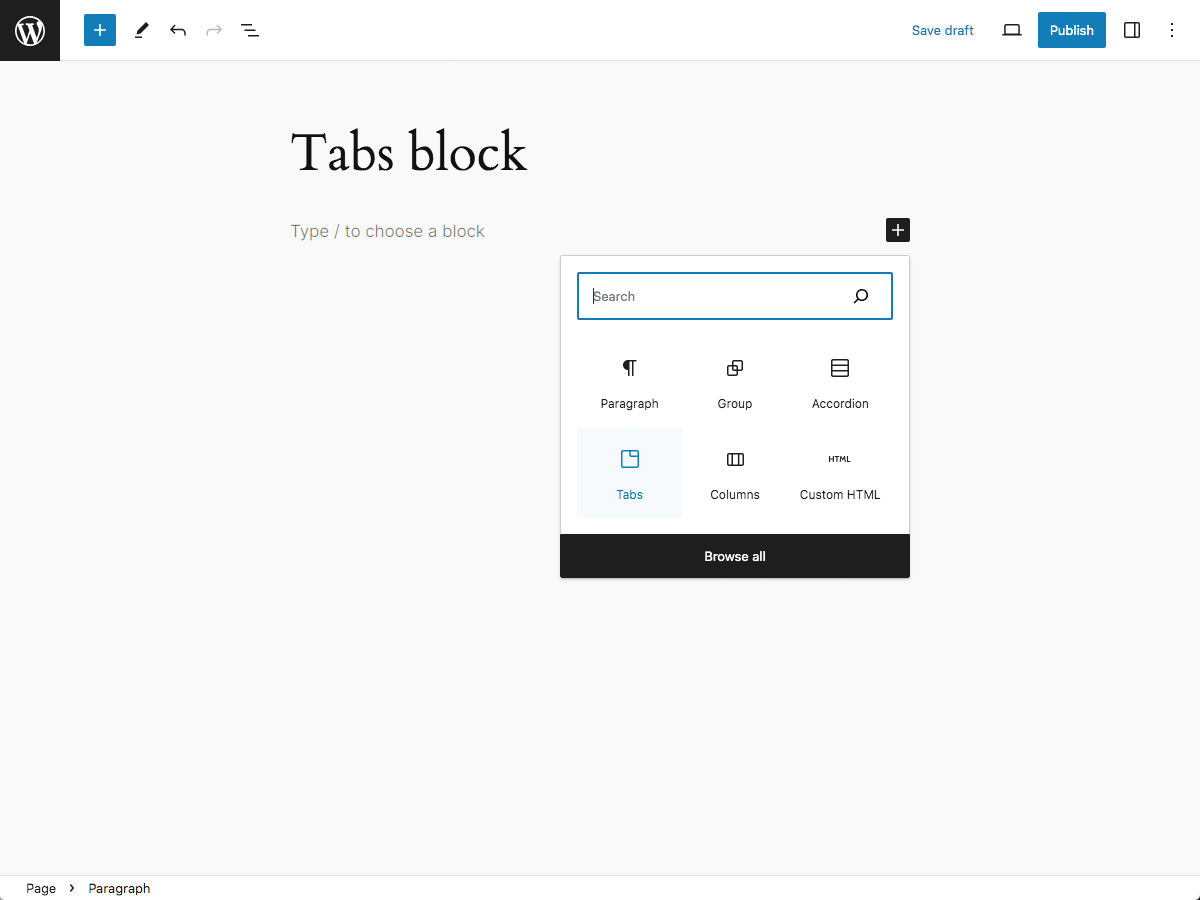
Tabs Block Lite adds an accessible and responsive Tabs block to the block editor inserter that can be added to display horizontal list items that can be selected to show their associated sections of content.
Ideal for condensing longform or complex content. Also useful for reducing page scrolling.
Features
- Accessible
- Responsive
- Inserter button for adding tabs
- Settings
- Block alignment
- Text alignment
- Item justification
- Styles
- Color
- Text
- Background
- Link
- Button text [Pro]
- Button text hover [Pro]
- Button text active [Pro]
- Button background [Pro]
- Button background hover [Pro]
- Header background active [Pro]
- Panel text [Pro]
- Panel background [Pro]
- Typography
- Font family
- Font size
- Appearance
- Line height
- Letter spacing
- Text decoration
- Letter case
- Dimensions
- Padding
- Margin
- Header padding [Pro]
- Header margin [Pro]
- Button padding [Pro]
- Button margin [Pro]
- Panel padding [Pro]
- Panel margin [Pro]
- Border [Pro]
- Button border [Pro]
- Button border hover [Pro]
- Button border active [Pro]
- Button border radius [Pro]
- Panel border [Pro]
- Panel border radius [Pro]
- Color
- Variations [Pro]
- Folder [Pro]
- Pills [Pro]
- Underline [Pro]
Demo
https://troytempleman.com/wordpress/blocks/tabs-block/
HTML
Tabs Block Lite will output a Tabs block with the following HTML structure:
<div class="wp-block-tt-tabs wp-block-tt-tabs-1 wp-block-tt-tabs-folder">
    <ul class="wp-block-tt-tabs-header" role="tablist">
        <li class="wp-block-tt-tab-header" role="presentation">
            <button class="wp-block-tt-tab-header-button" id="wp-block-tt-tab-header-button-df856e31-e01a-46c3-bca3-be8041d3c416" aria-controls="wp-block-tt-tab-panel-df856e31-e01a-46c3-bca3-be8041d3c416" type="button" role="tab" aria-selected="true">
                <span class="wp-block-tt-tab-header-button-text">Tab</span>
            </button>
        </li>
    </ul>
    <div class="wp-block-tt-tab-panel wp-block-tt-tab-panel-1” id="wp-block-tt-tab-panel-df856e31-e01a-46c3-bca3-be8041d3c416" role="tabpanel" tabindex="0" aria-labelledby="wp-block-tt-tab-header-button-df856e31-e01a-46c3-bca3-be8041d3c416">
        <p>Panel</p>
    </div>
</div>
Support
If you need help with Tabs Block Lite, please submit a ticket on the [Support]https://wordpress.org/support/plugin/tabs-block-lite) forum.
Donate
If you like Tabs Block Lite and would like to support it’s future development, how about buying me a coffee?
Contribute
If you would like to contribute to the development of Tabs Block Lite, the repository is located on GitHub.
License
Tabs Block Lite is released under the GNU General Public License, version 2 (GPLv2).
Requirements
- WordPress 6.0 or greater
- PHP version 7.4 or greater
- MySQL version 5.7 or greater or MariaDB version 10.3 or greater.
Credits
Details


Related plugins
Plugins that also contain the tag block
Spectra Gutenberg Blocks – Website Builder for the Block Editor

Breadcrumb NavXT

WP Go Maps (formerly WP Google Maps)

Otter Blocks – Gutenberg Blocks, Page Builder for Gutenberg Editor & FSE

PDF Embedder

Layout Grid Block


About
Plugin for that tries to help you find the WordPress plugin you are looking for.
| Please enjoy an image of Crush (this awesome turtle) and have a lovely day! |  |
We do not own any plugin listed on this site and do not work for or work with WordPress.com or it's associated companies. We simply provide a searchable list of the available WordPress plugins.