

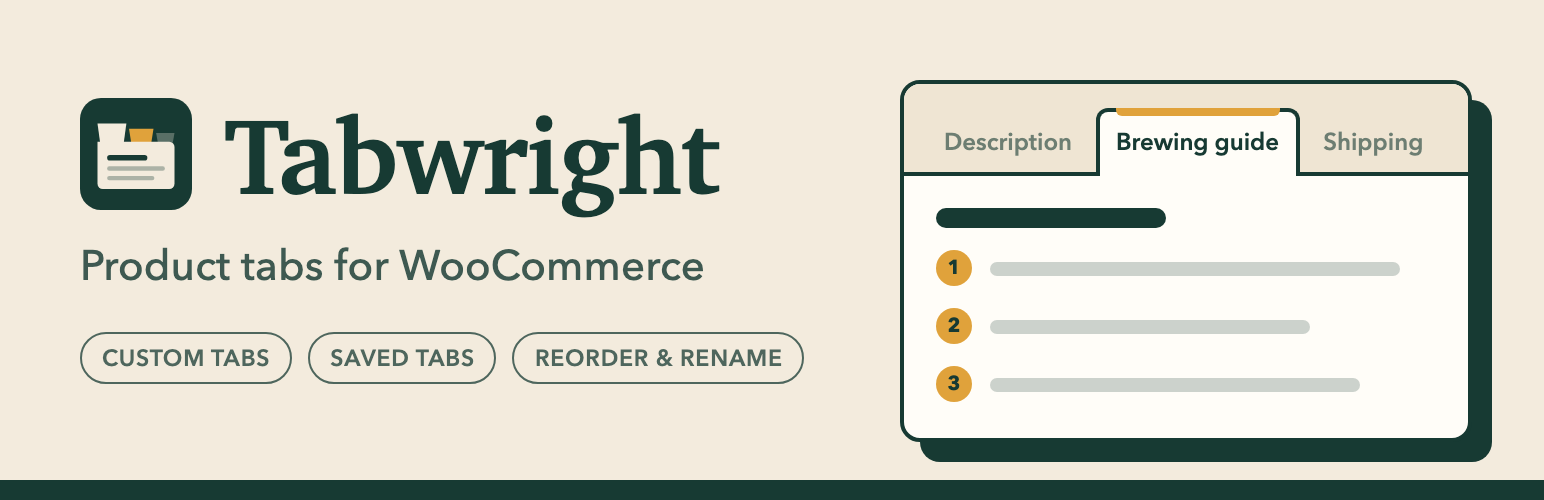

Tabwright – Product Tabs for WooCommerce
Tabwright adds the tabs your product pages need: size guides, shipping, care instructions, warranties, ingredients, anything. It works with classic themes (like Storefront) and block themes (like Twenty Twenty-Five).
Everything below is free, with no limits:
- Unlimited custom tabs per product. Add, edit, remove and reorder tabs right in the product editor (Product data Product tabs), with the familiar WordPress editor: formatting, media, links, shortcodes and embeds.
- Saved (reusable) tabs. Write a tab once under WooCommerce Product Tabs and add it to any number of products. Edit it once and it updates everywhere.
- Default tabs, your way. Rename, hide or reorder the Description, Additional information and Reviews tabs for the whole store, and choose where your custom tabs appear. Use
{count}in the Reviews title to show the number of reviews. - One-click import from YIKES Custom Product Tabs. Brings over every product tab and saved tab, and keeps saved tabs linked. It shows a dry run first, runs in batches for big catalogs, never changes your YIKES data and can be run again safely.
- Built for today’s WooCommerce. Compatible with High-Performance Order Storage (HPOS) and block themes.
- Private and light. No tracking, no external requests, no ads in your dashboard. Tab content is stored in your own database.
Migrating from YIKES Custom Product Tabs
- Install and activate Tabwright (keep YIKES active for now).
- Go to WooCommerce Product Tabs Import from YIKES.
- Check the dry-run numbers and click Import now.
- Check a few product pages, then deactivate YIKES Custom Product Tabs.
Until you deactivate YIKES, Tabwright hides the YIKES copies of imported tabs so nothing shows twice. You can also run the import from the command line: wp tabwright import-yikes --dry-run, then wp tabwright import-yikes.
For developers
tabwright_product_tabsfilters the final tab list of a product.tabwright_resolved_product_tabsfilters a product’s Tabwright tabs before display.tabwright_tab_contentfilters the formatted HTML of a tab.tabwright_show_panel_heading(bool) turns the heading inside a tab panel on or off.tabwright_product_tabs_savedruns after a product’s tabs are saved.
Details


Related plugins
Plugins that also contain the tag custom-tabs
AffiliateWP – Affiliate Area Tabs

WPC Product Tabs for WooCommerce
Custom Tabs & Fields for Woocommerce
Product Tabs for WooCommerce

Product Tabs Manager – Custom WooCommerce Product Tabs, Extra Tabs, Tab Editor & Tab Customizer

Custom Tabs for BuddyPress


About
Plugin for that tries to help you find the WordPress plugin you are looking for.
| Please enjoy an image of Crush (this awesome turtle) and have a lovely day! |  |
We do not own any plugin listed on this site and do not work for or work with WordPress.com or it's associated companies. We simply provide a searchable list of the available WordPress plugins.