



TinySharp Image Optimizer Connector
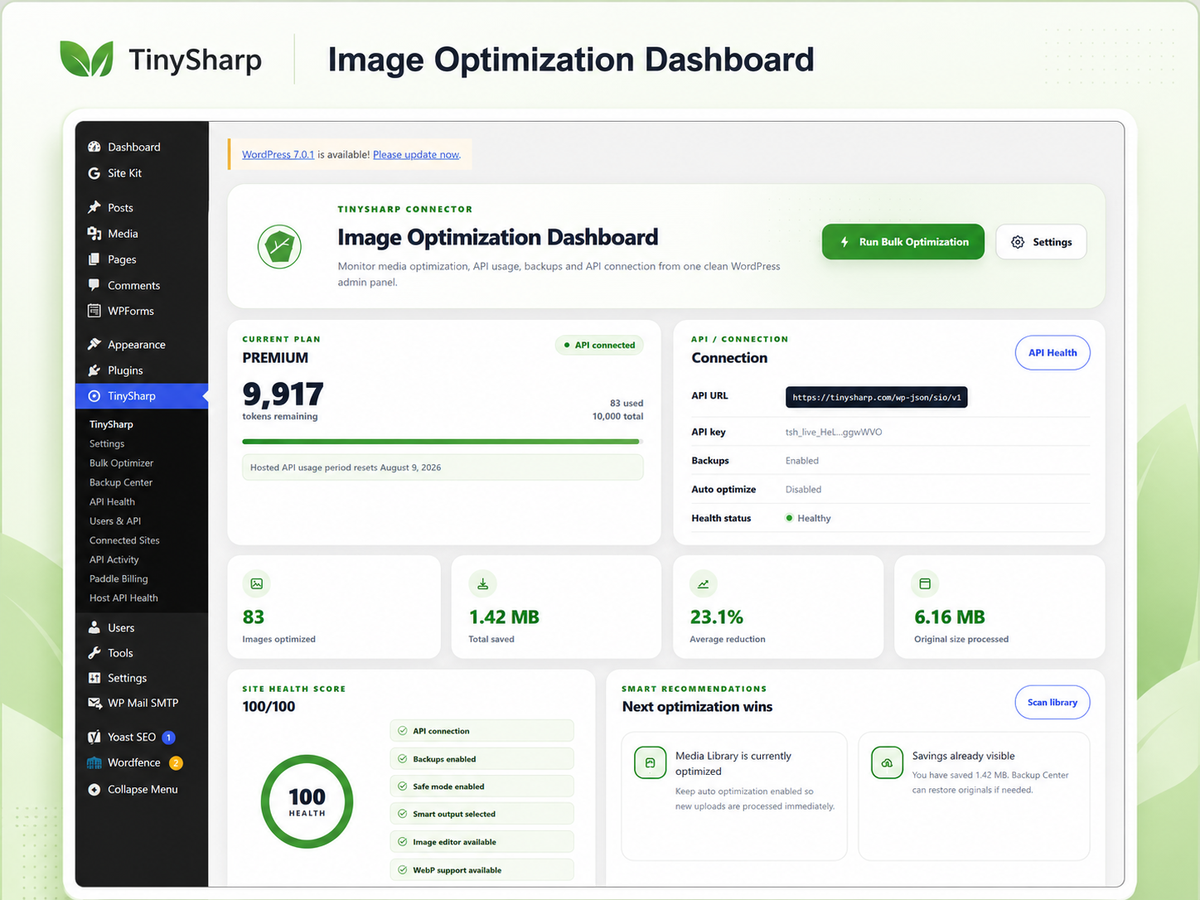
TinySharp Image Optimizer Connector helps site owners compress images, convert supported formats where the server supports them, keep backups of originals, and run safe bulk optimization workflows from the WordPress admin. Built-in local optimization, bulk tools, backups and restore controls are available without a license key. Connecting the TinySharp API is optional and adds hosted processing plus account usage reporting from the TinySharp service.
Main features
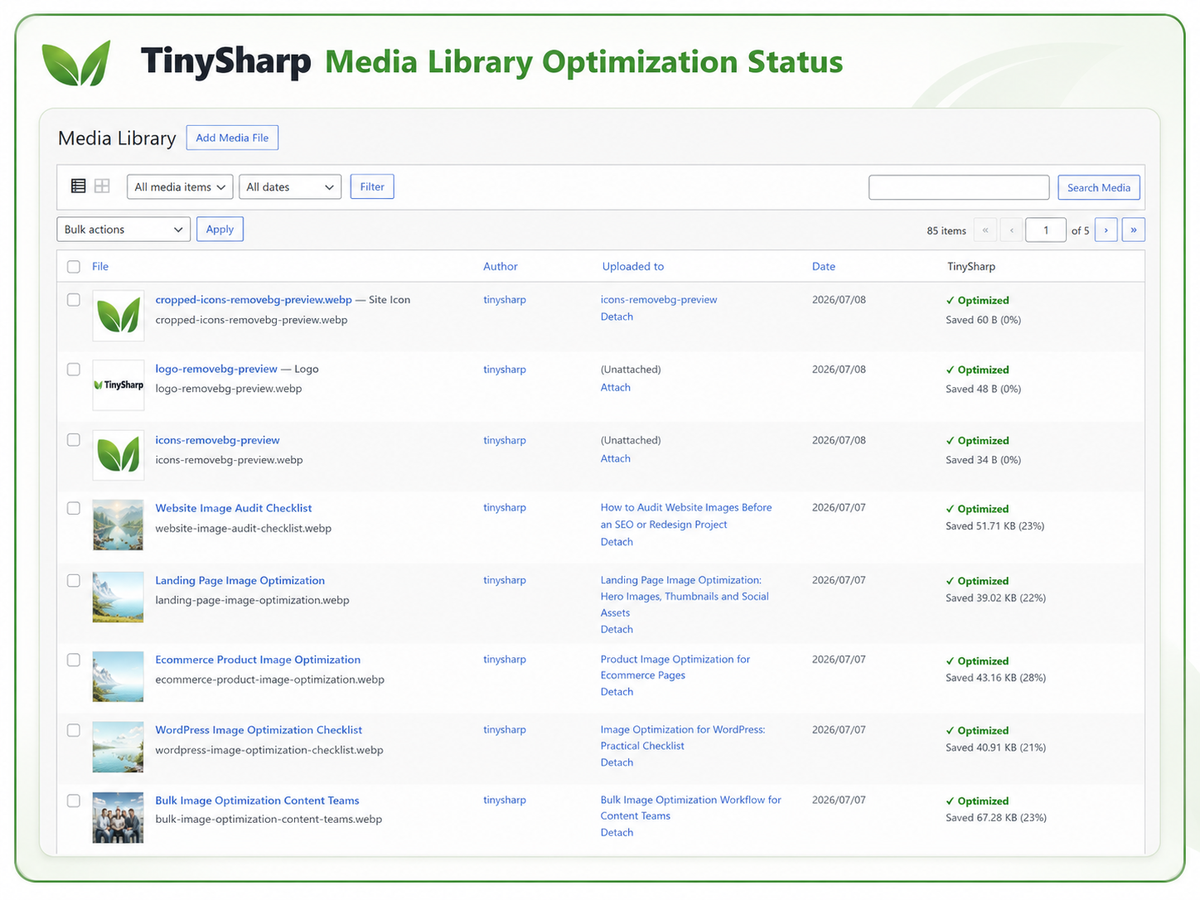
- Media Library optimization controls
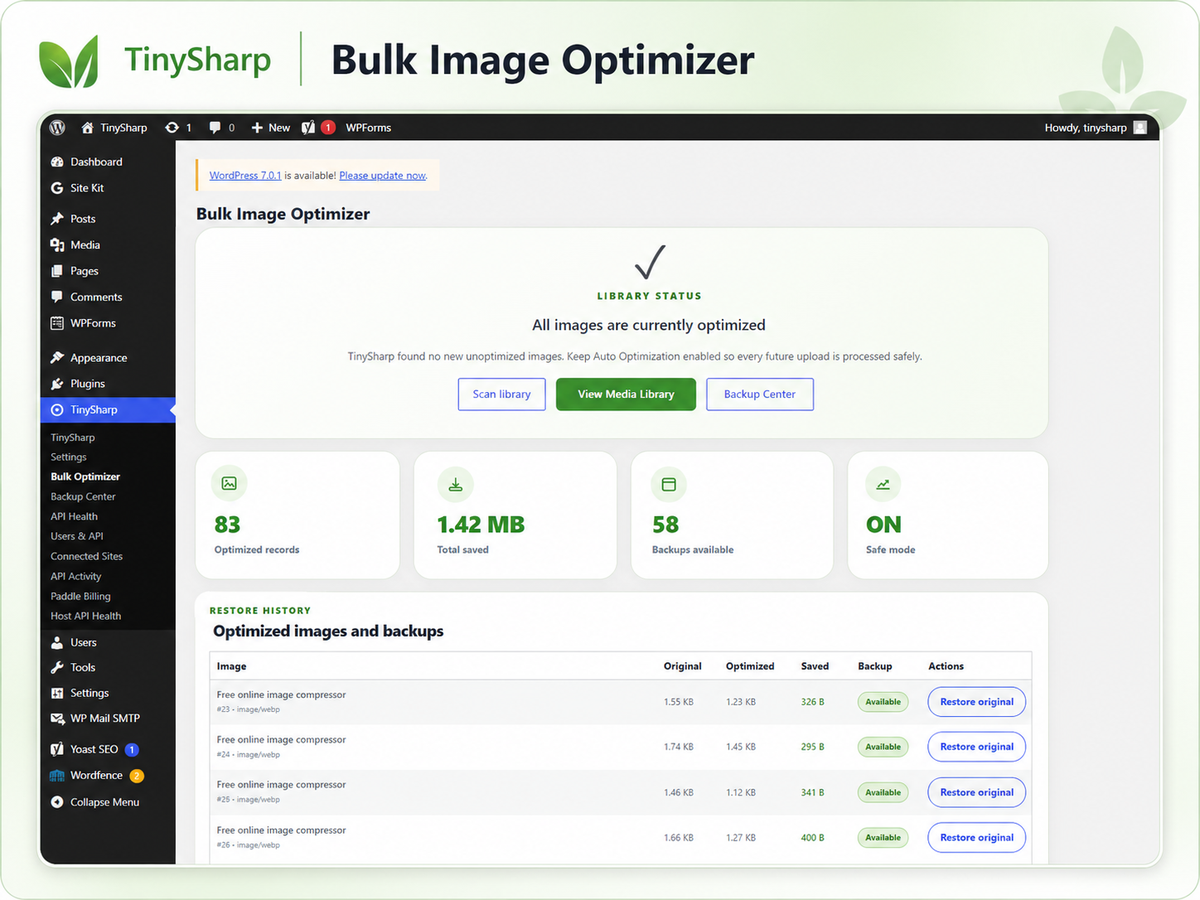
- Bulk image optimization screen
- Automatic optimization on upload when enabled
- WebP conversion support
- AVIF support when available in the server/API image environment
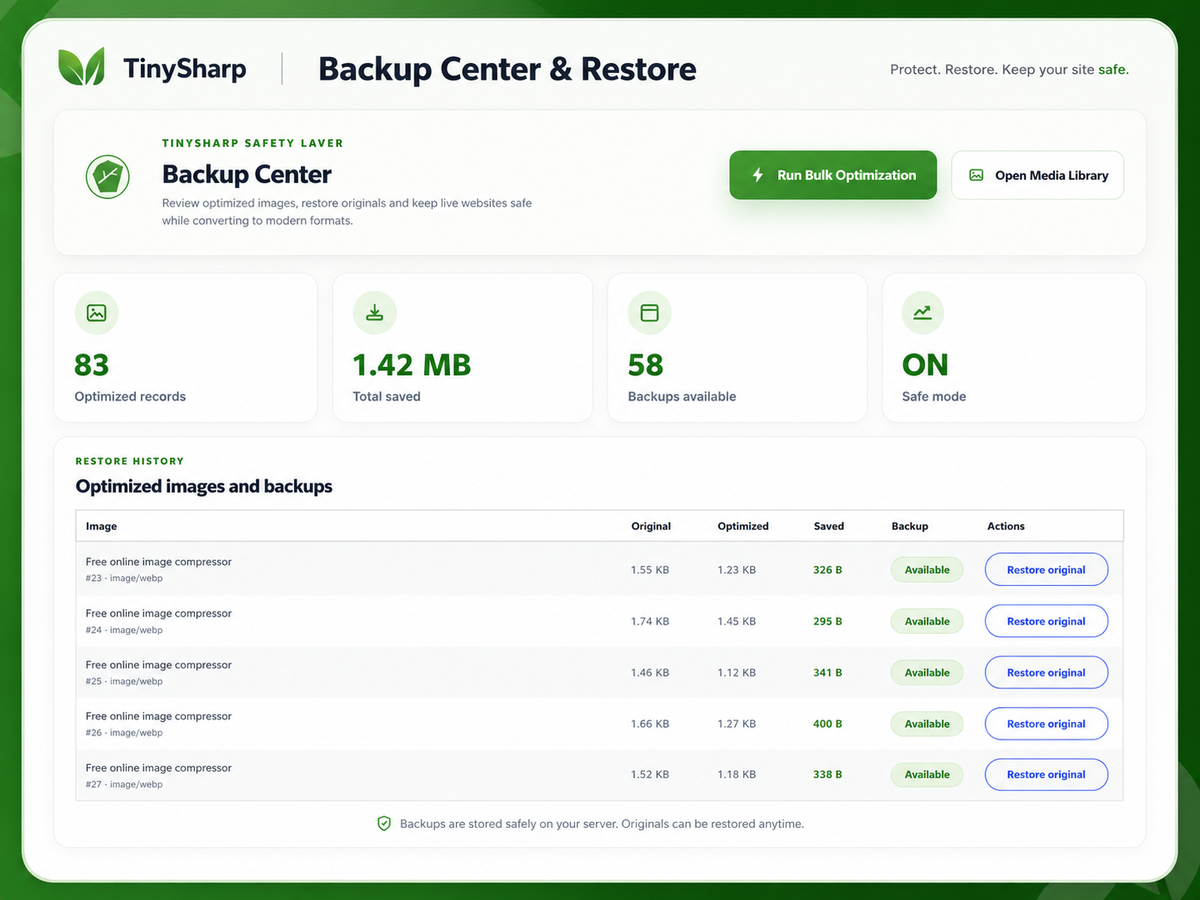
- Backup Center with restore controls
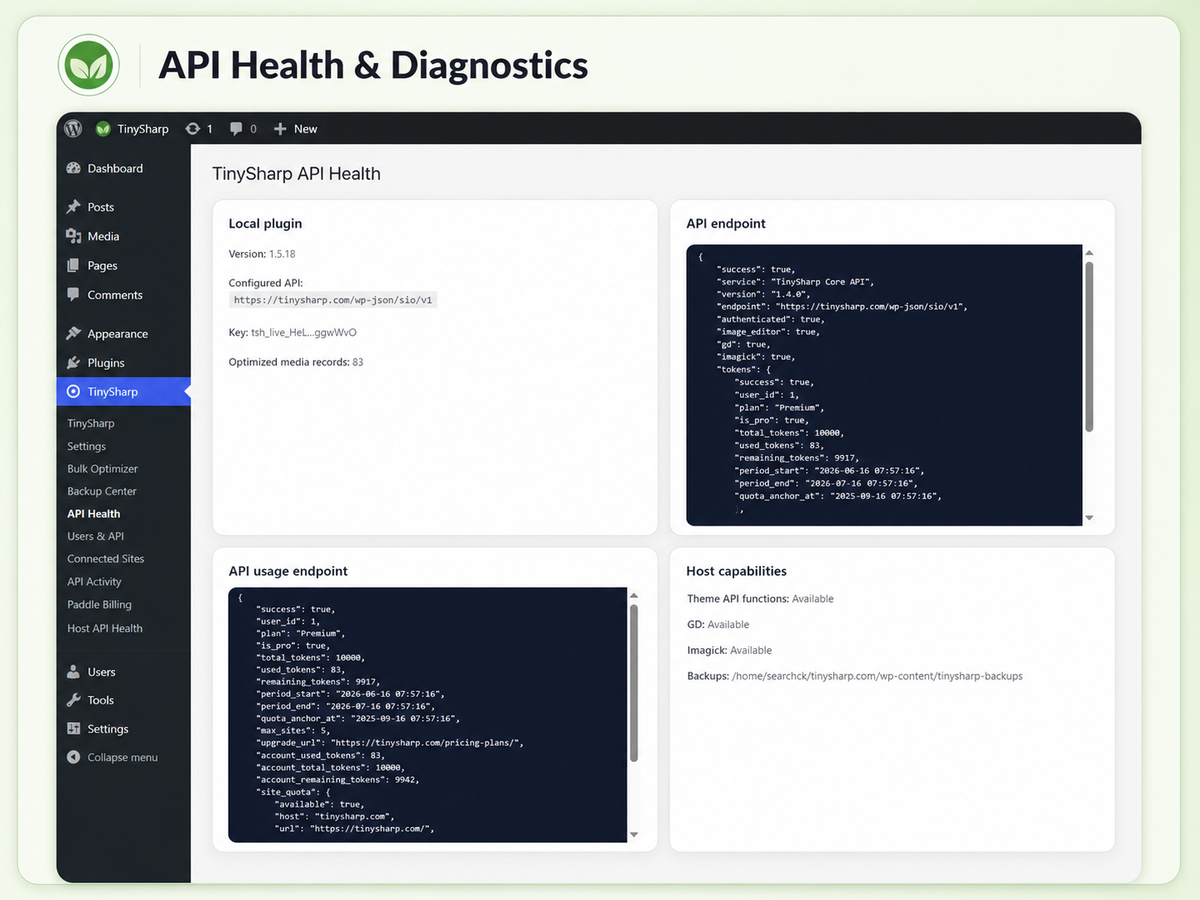
- Hosted API usage status when a TinySharp API key is connected
- API Health screen for troubleshooting
- Safe mode to avoid replacing files when the optimized version is larger
Local tools and optional API access
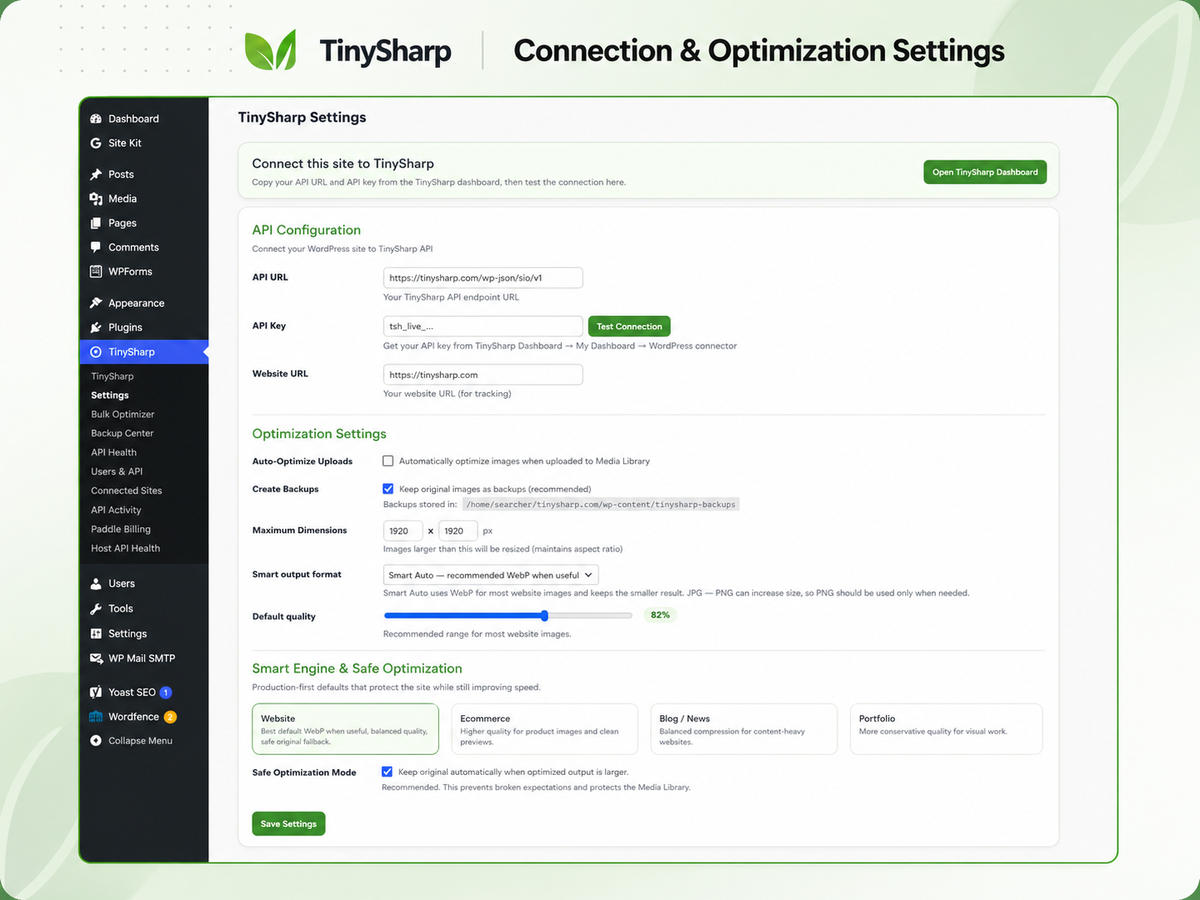
The WordPress.org plugin includes local optimization, bulk optimization, backups, restore controls and safe-mode settings without a license key. A TinySharp account and API key from https://tinysharp.com/ are optional and are used only when you choose to connect to the hosted TinySharp API service for server-side processing and account usage reporting.
External service disclosure
This plugin connects to the TinySharp API service at:
https://tinysharp.com/wp-json/sio/v1
The plugin connects to this service when you configure an API key and then test the API connection, check API usage status, or choose hosted API processing for optimization.
Data that may be sent to TinySharp:
- Image files selected for optimization
- Your configured TinySharp API key
- Site URL
- Plugin version
- Requested output format and quality settings
- Basic optimization metadata such as file size and savings
Purpose of the connection:
- Authenticate the WordPress site with the TinySharp account
- Process selected images for compression or conversion
- Return optimized image data
- Track hosted API usage and connected site activity
- Show API health information inside WordPress
TinySharp service terms: https://tinysharp.com/terms-of-service/
TinySharp privacy policy: https://tinysharp.com/privacy-policy/
No image is sent to the TinySharp API until the site administrator configures an API key and explicitly starts an optimization action or enables automatic optimization.
Privacy
TinySharp Image Optimizer sends selected images and optimization metadata to the TinySharp API only when the API key is configured and API processing is requested. See the External service disclosure section for details. Review the TinySharp privacy policy at https://tinysharp.com/privacy-policy/.
Support
For support, visit https://tinysharp.com/support/ or email support@tinysharp.com.
Details
Related plugins
Plugins that also contain the tag avif
Modern Image Formats

Perfect Images: Regenerate Thumbnails, Image Sizes, WebP & AVIF

CompressX — AVIF & WebP Converter, Media Replacement

Plus WebP or AVIF

AVIF Uploader

Modern Images WP


About
Plugin for that tries to help you find the WordPress plugin you are looking for.
| Please enjoy an image of Crush (this awesome turtle) and have a lovely day! |  |
We do not own any plugin listed on this site and do not work for or work with WordPress.com or it's associated companies. We simply provide a searchable list of the available WordPress plugins.