


TrainedPixels FAQ Builder
THE FAST, VISUAL FAQ BUILDER FOR WORDPRESS
TrainedPixels FAQ Builder helps you create polished, conversion-friendly FAQ sections in minutes. Build and organize content in one place, style everything visually, and publish anywhere with a shortcode.
Whether you run a support center, business website, or online store, the plugin gives you precise control over design, accessibility, and SEO without writing code.
Create professional FAQ sections with confidence:
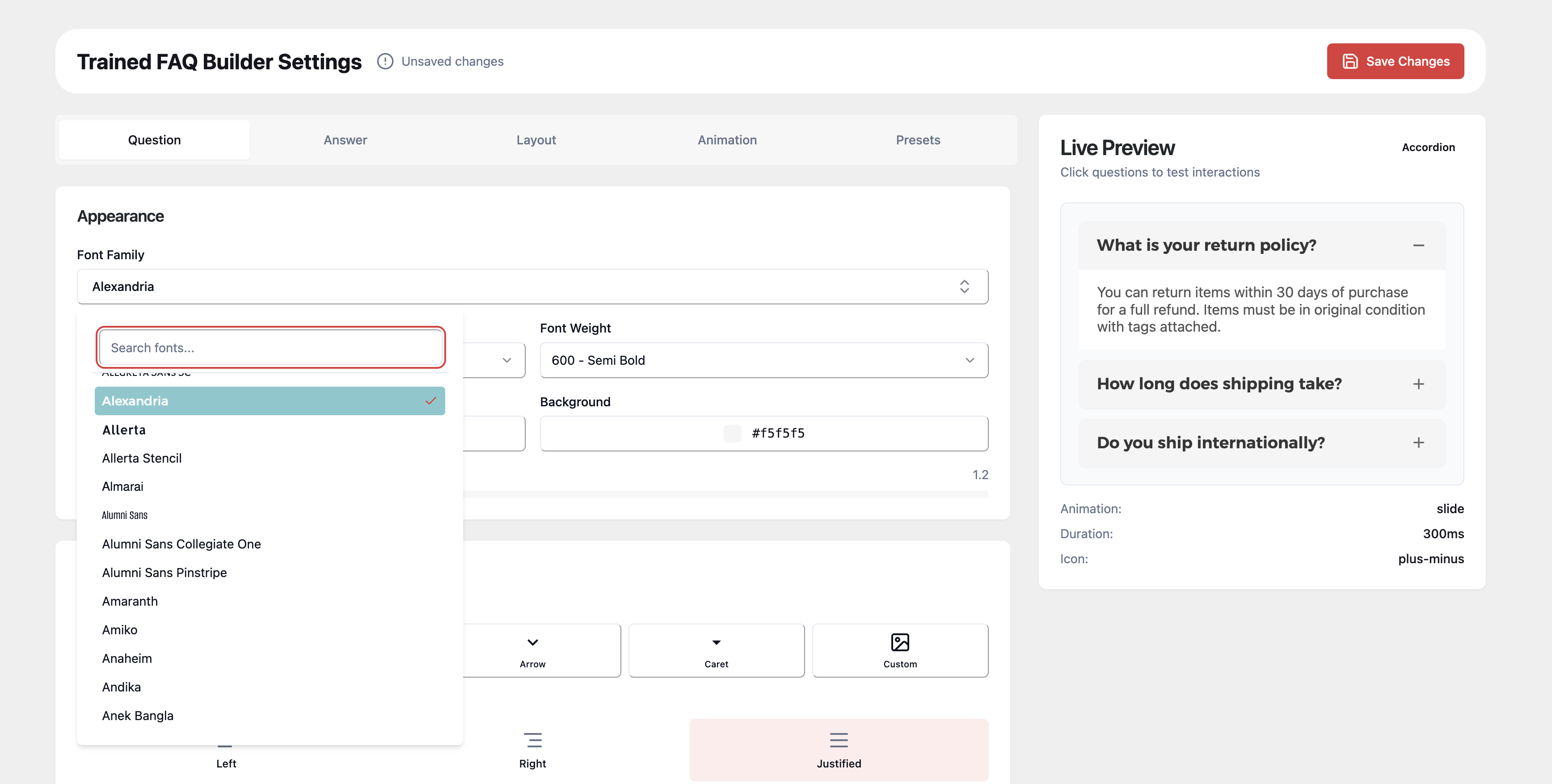
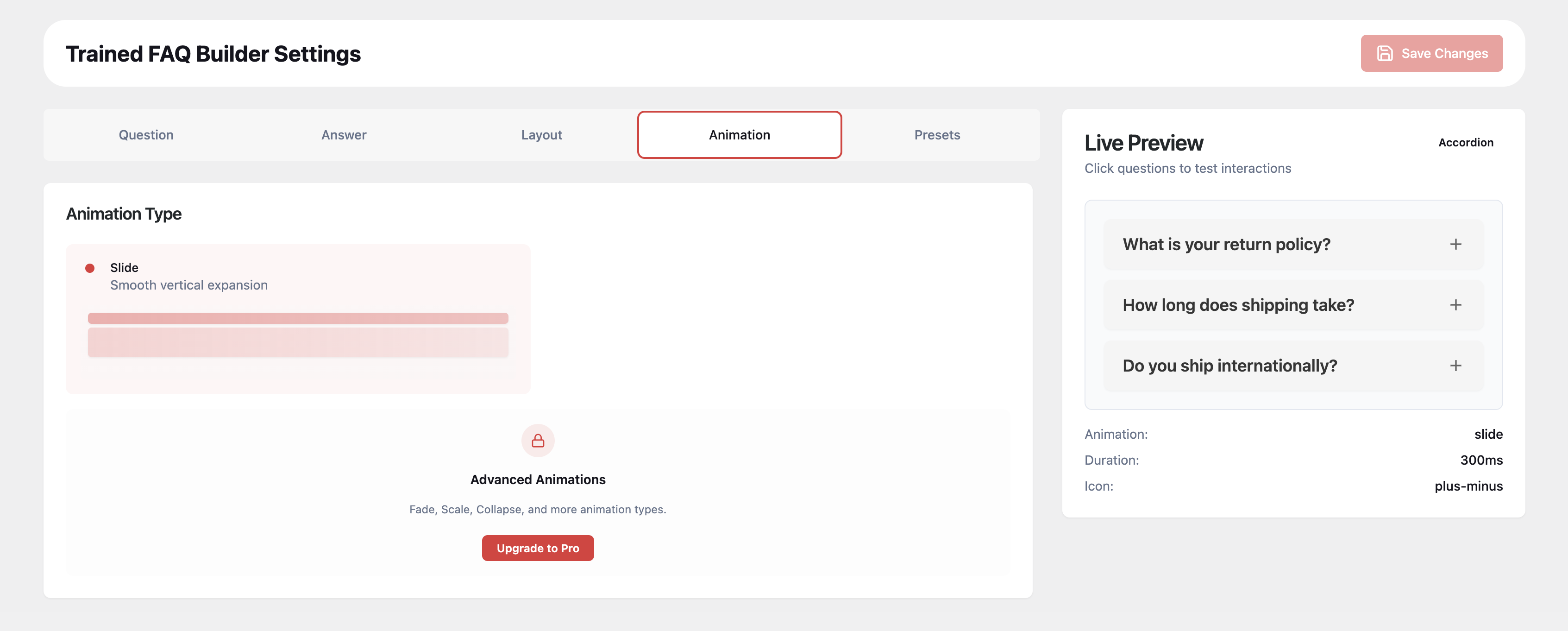
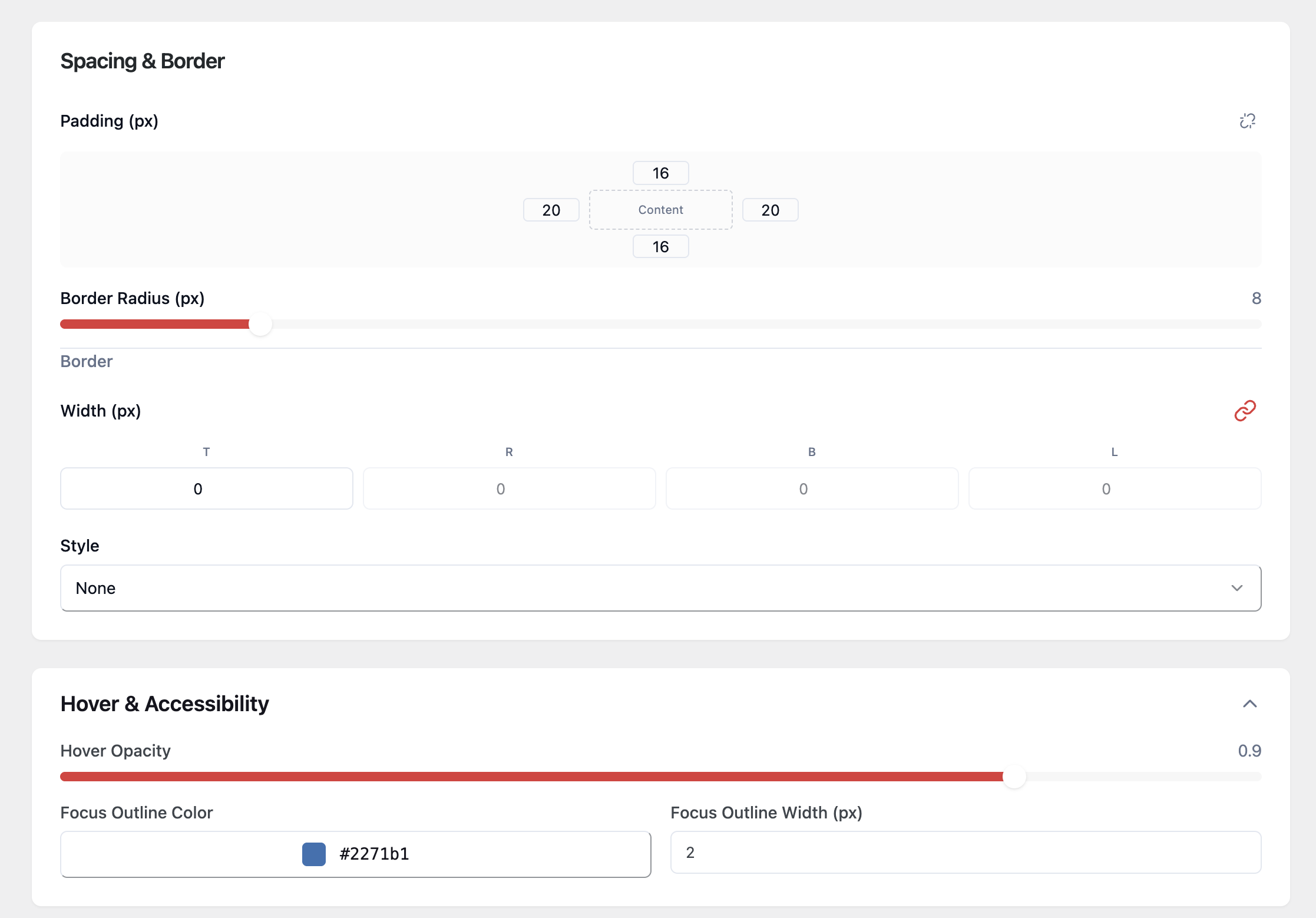
- Visual Settings Panel + Live Preview — Style typography, colors, spacing, borders, and icons while previewing real FAQ interactions.
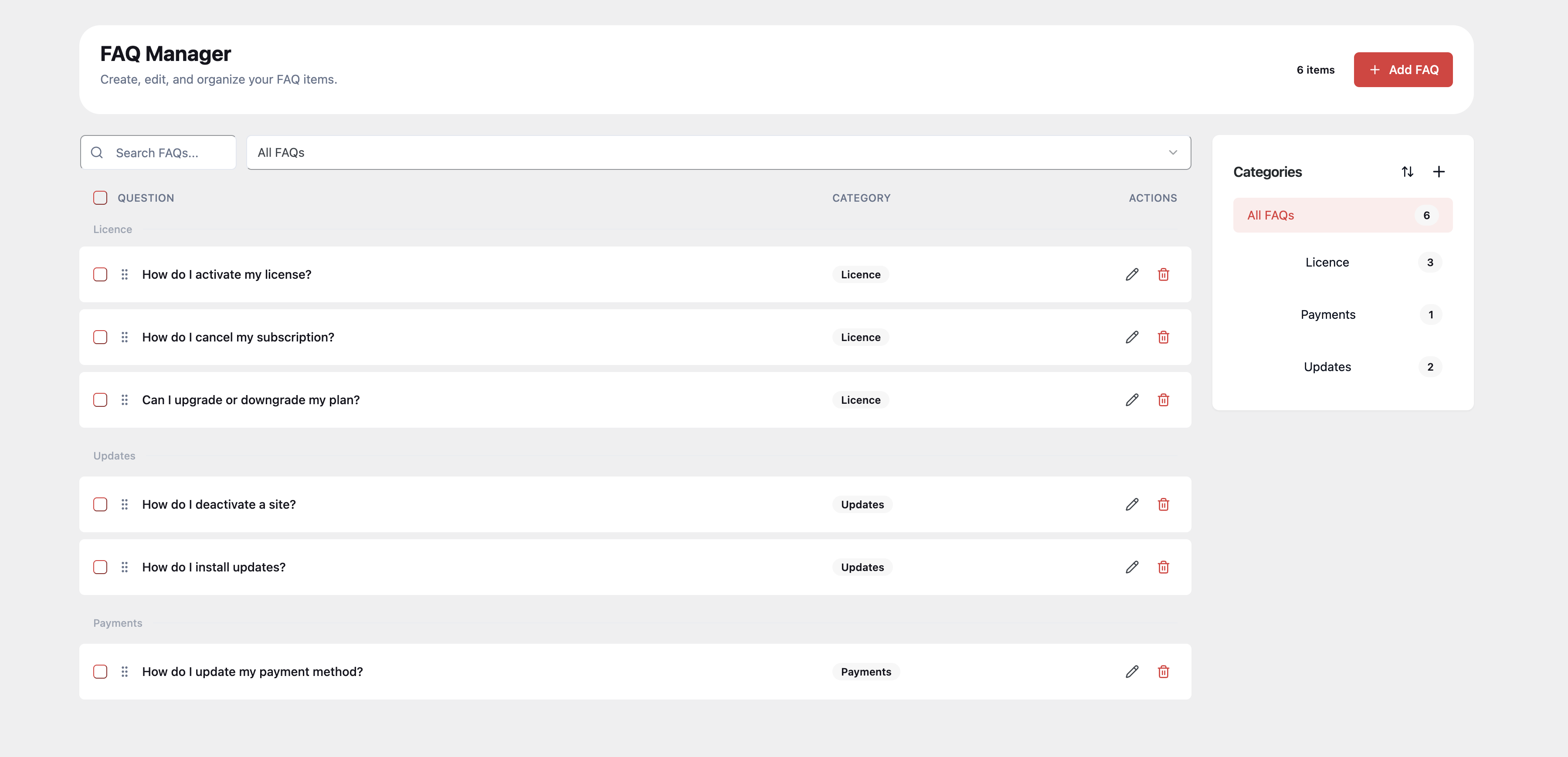
- FAQ Manager — Create, edit, categorize, and reorder FAQs from a clean drag-and-drop admin interface.
- Flexible Shortcode Engine — Use
[trained_faq]with category, ID, limit, order, and schema controls. - Beautiful Defaults — Accordion behavior, smooth slide animation, and 4 icon presets out of the box.
- Custom Icon Uploads (PNG/JPG/GIF) — Upload closed/open icons for branded FAQ toggles.
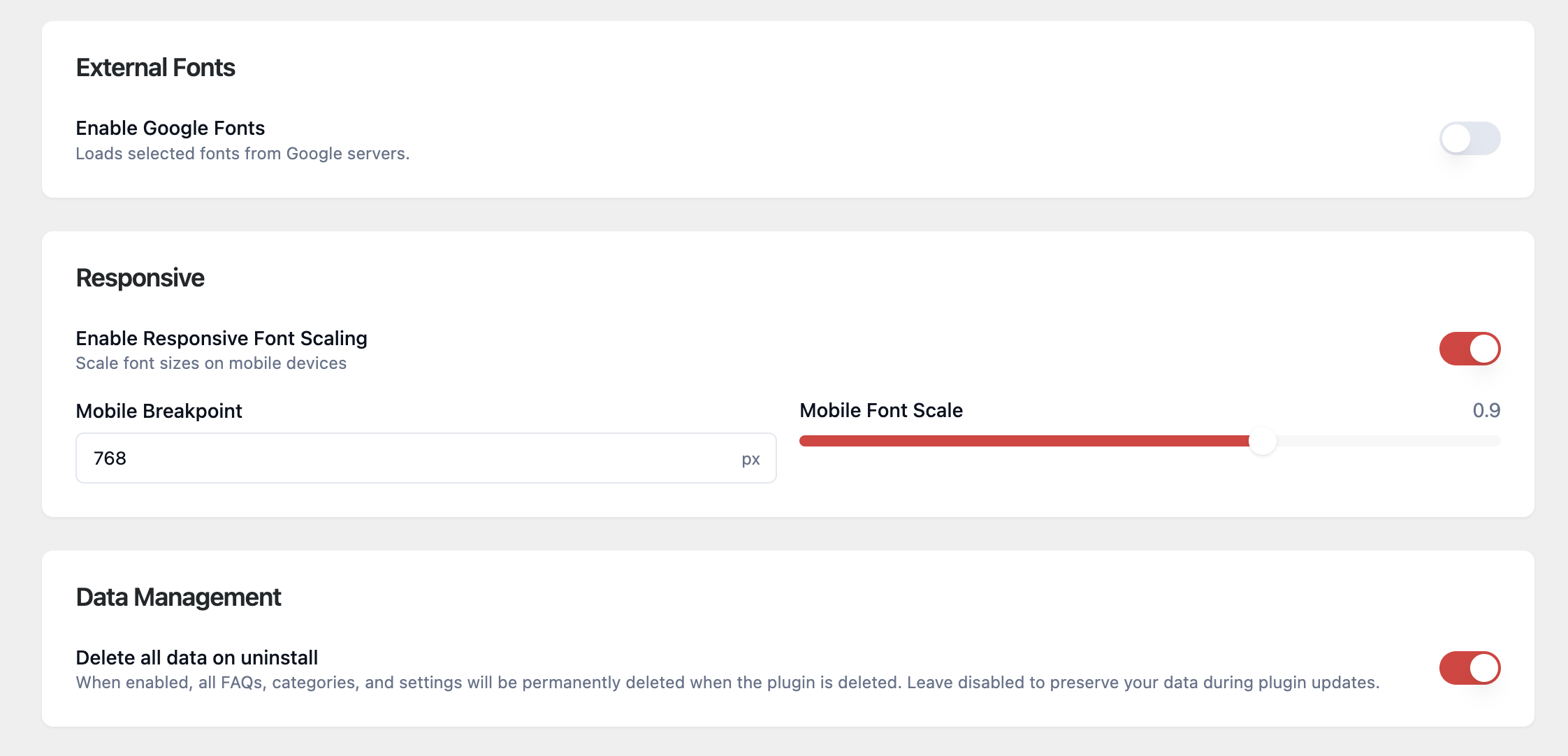
- Responsive Typography Controls — Keep FAQ readability strong across mobile and desktop.
- SEO Schema Built In — Automatically outputs FAQPage JSON-LD for search visibility.
- Accessibility Focused — Keyboard navigation, ARIA attributes, and focus styles are built in.
- Translation Ready — Full i18n support with
.potincluded.
Unlock more with PRO (premium add-on):
- Gutenberg Block — Insert FAQs directly in the block editor with visual controls.
- Elementor Widget — Add and configure FAQs natively inside Elementor.
- Toggle / Multi-open Mode — Allow multiple questions to stay open.
- Advanced Animation Types — Fade, scale, collapse, and more.
- Rotate Icon Animation — Add 180-degree rotate transitions for custom icons.
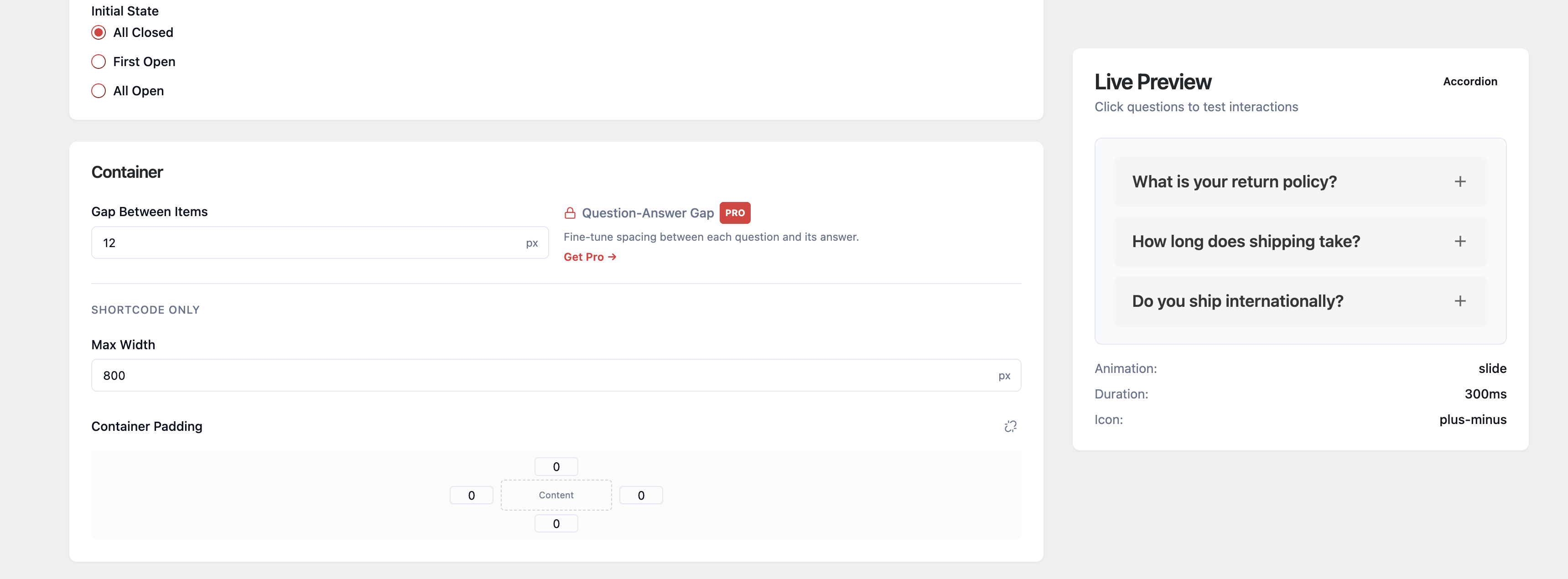
- Question-Answer Gap Control — Fine-tune spacing between each question and answer.
- Analytics Dashboard — Track views, clicks, read duration, and engagement.
- WooCommerce Integration — Show mapped FAQs directly on product pages.
- Preset Library (Coming Soon) — Save and reuse full design presets.
Learn more about PRO at trainedpixels.com.
Development
Source code for all compiled JavaScript and CSS is available at:
https://github.com/TrainedPixels/trainedpixels-faq-builder-lite
To build from source:
- Clone the repository
- Run
npm install - Run
npm run build
Build tools used: webpack (via @wordpress/scripts), PostCSS, Tailwind CSS.
Details
Related plugins
Plugins that also contain the tag accordion
Easy Accordion – Responsive Accordion FAQ Builder and Product FAQ
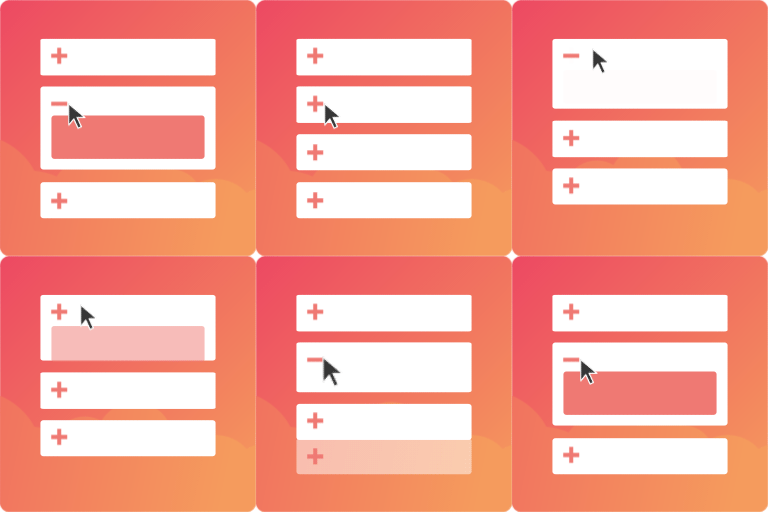
Accordion FAQ – Compatible With All Page Builder (Elementor, Gutenberg)
Tabby Responsive Tabs

Bellows Accordion Menu

Lightweight Accordion
Accordion Blocks


About
Plugin for that tries to help you find the WordPress plugin you are looking for.
| Please enjoy an image of Crush (this awesome turtle) and have a lovely day! |  |
We do not own any plugin listed on this site and do not work for or work with WordPress.com or it's associated companies. We simply provide a searchable list of the available WordPress plugins.