


Tryowbot
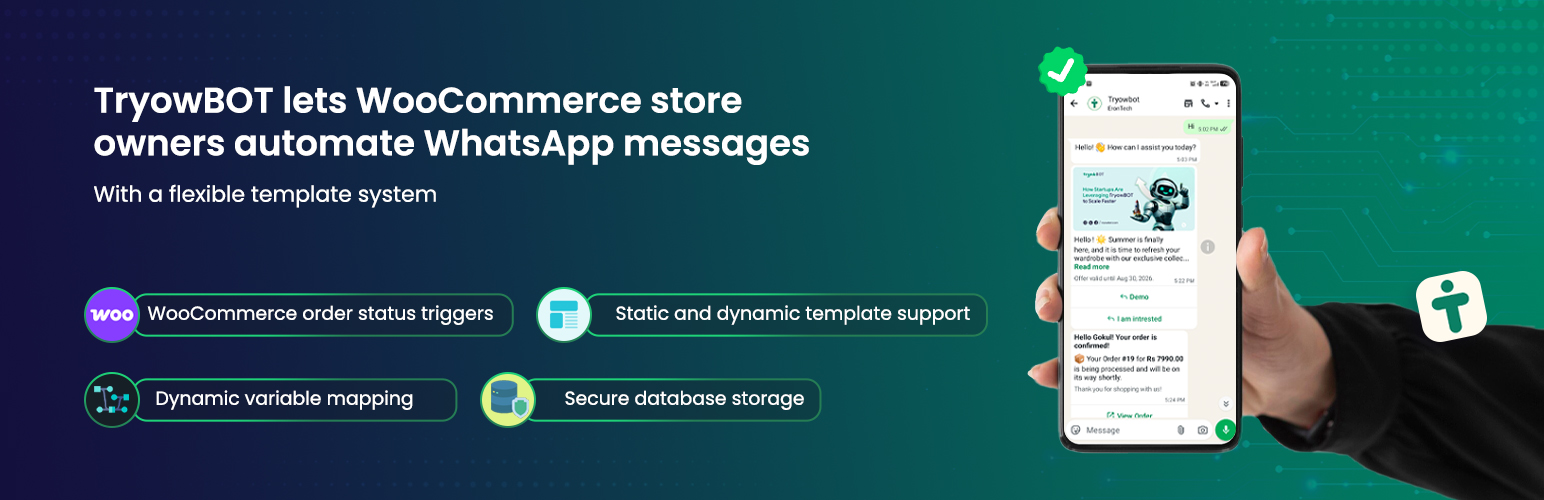
Tryowbot allows WooCommerce store owners to send automated WhatsApp messages based on order status triggers.
With a flexible template system, you can:
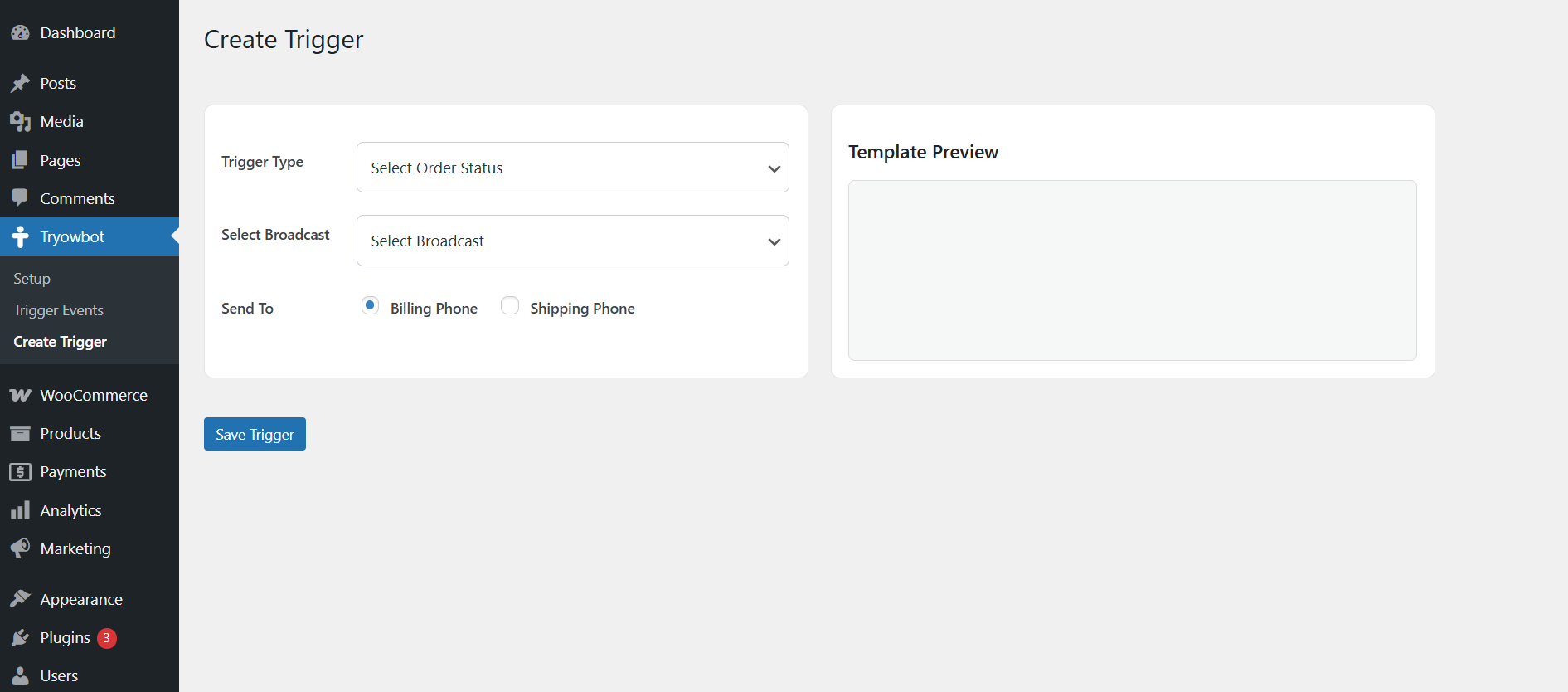
• Create order-based WhatsApp triggers
• Map dynamic WooCommerce variables
• Use image-based templates
• Add dynamic or static buttons
• Preview templates before saving
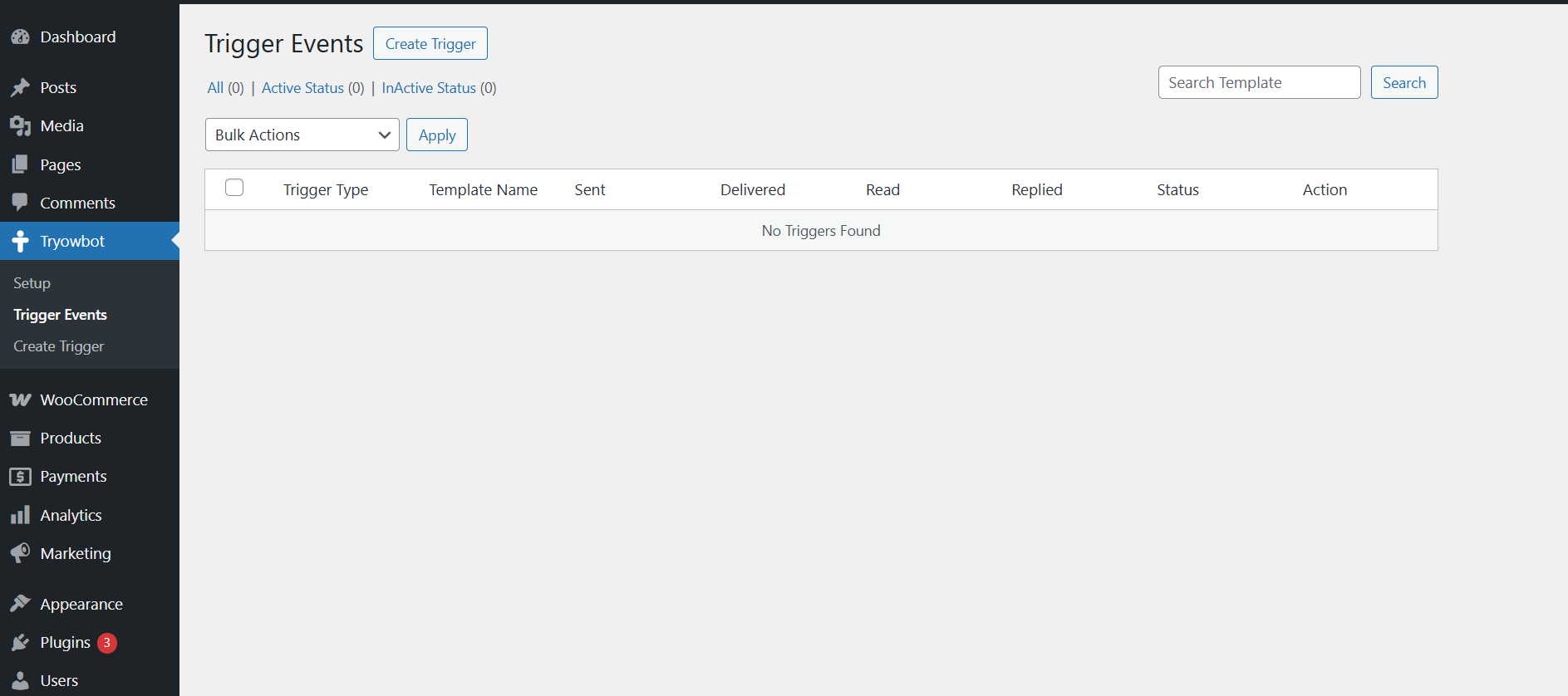
• Manage triggers from admin dashboard
This plugin is built for performance, security, and easy integration with WhatsApp automation systems.
Features
- WooCommerce order status triggers
- Dynamic variable mapping ({{1}}, {{2}}, etc.)
- Static and dynamic template support
- Image upload support (static & dynamic)
- Button text and URL mapping
- Live template preview
- Secure database storage
- Clean uninstall support
External Services
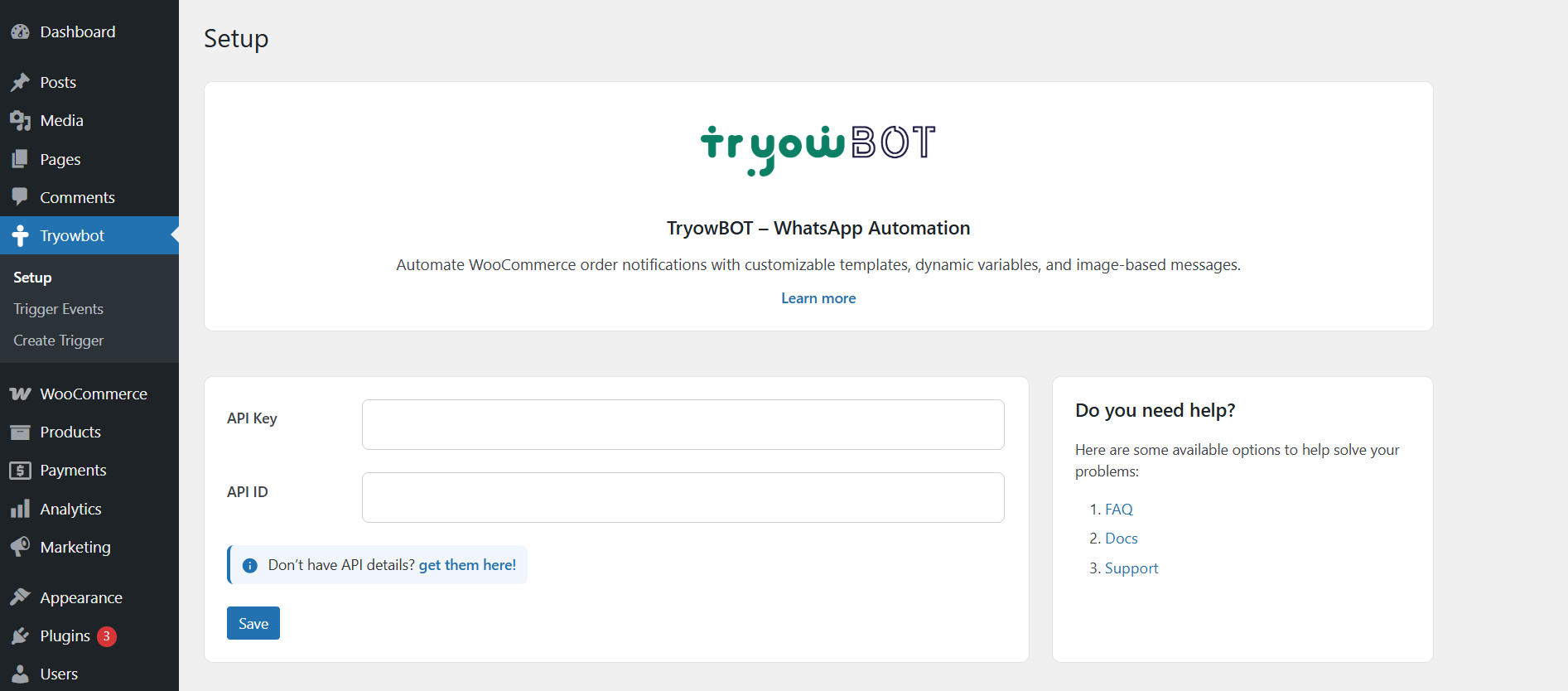
This plugin connects to the Tryowbot API, a service provided by Tryowbot, to send WhatsApp notifications and retrieve broadcast data.
Service Name: Tryowbot API
Service URL: https://tryowbot.com
API Endpoints used:
– https://webapi.tryowbot.com/v1/send
– https://webapi.tryowbot.com/v1/getapiboradcast
– https://prodapi.tryowbot.com/tryowbotapi/customerweb/v1/api/getapibroadcast
What data is sent:
– Customer phone number
– Order details (order ID, products, totals)
– Message template data
When data is sent:
– When WooCommerce order status changes
– When admin triggers broadcast or message
– Only after the site administrator configures the API and enables the functionality
Why data is sent:
– To deliver WhatsApp notifications to customers and admins
Terms of Service:
https://tryowbot.com/terms-conditions/
Privacy Policy:
https://tryowbot.com/privacy-policy/
Privacy
This plugin processes WooCommerce order data and sends it to an external API service to deliver WhatsApp notifications.
The data sent may include:
– Customer phone number
– Order details (order ID, products, total)
– Message content configured by the admin
This data is sent only when:
– An order status trigger is executed
– An admin manually triggers a message
The plugin does not store personal data on external servers except as required for message delivery via the configured API.
Support
For support or feature requests, please contact:
tryowbot@gmail.com
License
This plugin is licensed under the GPLv2 or later.
Details
Related plugins
Plugins that also contain the tag automation
OttoKit: All-in-One Automation Platform

Zapier for WordPress

Uncanny Automator – Easy Automation, Integration, Webhooks & Workflow Builder Plugin

MailerLite – WooCommerce integration

WP Webhooks – Automate repetitive tasks by creating powerful automation workflows directly within WordPress

Thrive Automator


About
Plugin for that tries to help you find the WordPress plugin you are looking for.
| Please enjoy an image of Crush (this awesome turtle) and have a lovely day! |  |
We do not own any plugin listed on this site and do not work for or work with WordPress.com or it's associated companies. We simply provide a searchable list of the available WordPress plugins.