

Back

Unplug
Details
View on WordPress
Back
Unplug – Plugin Usage & Performance Insights
Cut the plugin bloat.
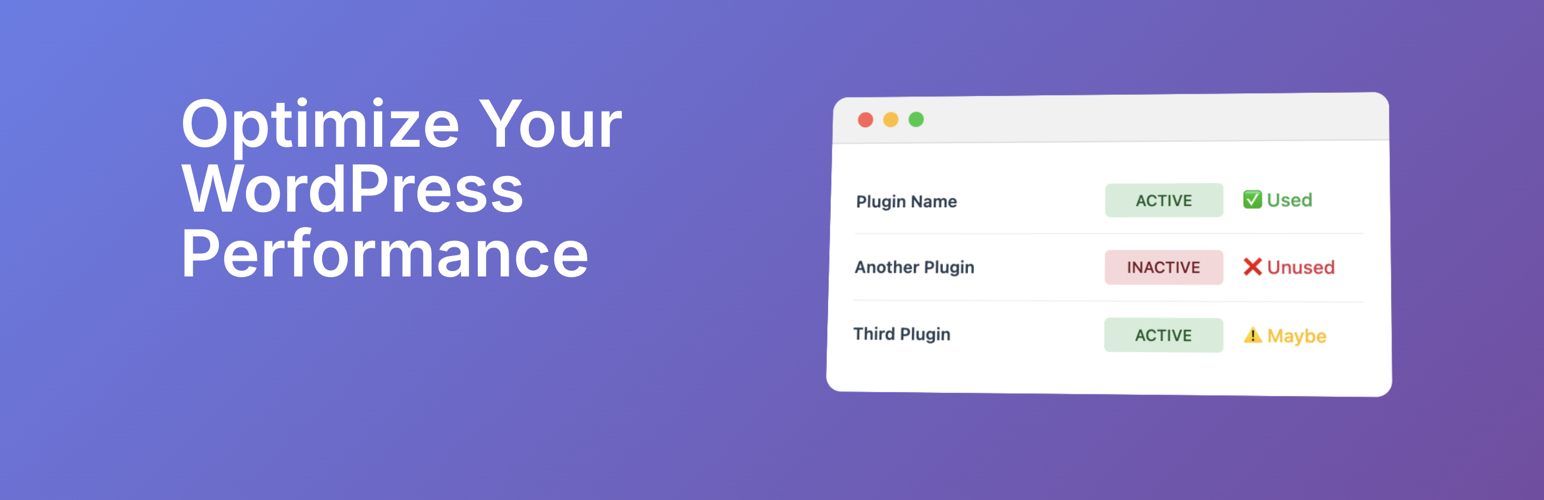
Unplug helps you see which plugins are actually being used on your client’s sites and which ones are just plugin bloat. With clear reports on plugin activity, performance impact, and where they are being used, you can make smarter decisions about what to keep, update, or remove.
🔑 Features
- Plugin Usage Detection: Instantly see which plugins are actively used across your site.
- Performance Insights: Identify plugins that may be slowing down your site.
- Security Awareness: Get visibility into plugins that might increase risk.
- Simple Recommendations: Understand at a glance which plugins to keep, replace, or unplug.
🚀 Why Use Unplug?
- Improve site speed by removing unused plugins.
- Reduce security risks by minimizing unnecessary code.
- Keep your WordPress installation clean and efficient.
- Save time by cutting through plugin overload.
Perfect For
- Agencies managing multiple client sites.
- Site owners who want faster, safer WordPress installs.
- Developers looking for a quick audit of plugin usage.
⸻
Take control of your WordPress site today: it’s time to Unplug.
Details
Plugin code:
unplug
Plugin version:
1.3.0
Author:
Outdated:
No
WP version:
5.0 or higher
PHP version:
7.4 or higher
Test up to WP version:
6.8.2
Total installations:
0
Last updated:
2025-09-03
Rating:
Times rated:
0
performance
plugin-analysis
plugin-cleanup
plugin-optimization
speed-optimization


Related plugins
Plugins that also contain the tag performance
LiteSpeed Cache

Jetpack – WP Security, Backup, Speed, & Growth

WP Super Cache

Speed Optimizer – The All-In-One Performance-Boosting Plugin

ManageWP Worker

Autoptimize


About
Plugin for that tries to help you find the WordPress plugin you are looking for.
| Please enjoy an image of Crush (this awesome turtle) and have a lovely day! |  |
We do not own any plugin listed on this site and do not work for or work with WordPress.com or it's associated companies. We simply provide a searchable list of the available WordPress plugins.